Windows 8 Developer Preview screenshots
Installed the new Windows Developer Preview in VirtualBox. It started up on the third try, but it did. The new Metro interface gave the impression that it’s entirely aimed at tablets and finger control.
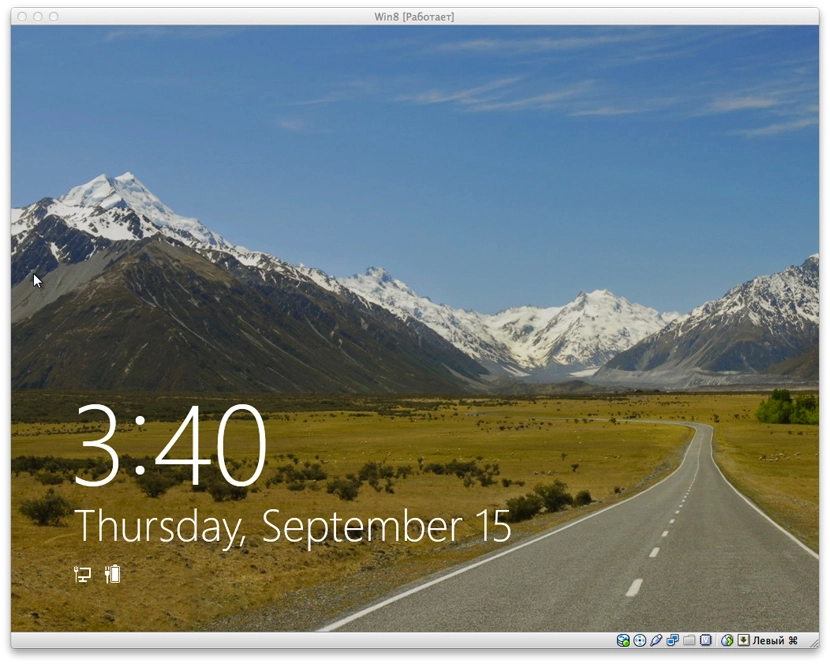
It’s wildly slow on the VM in places — though I only allocated it 1 GB of RAM.
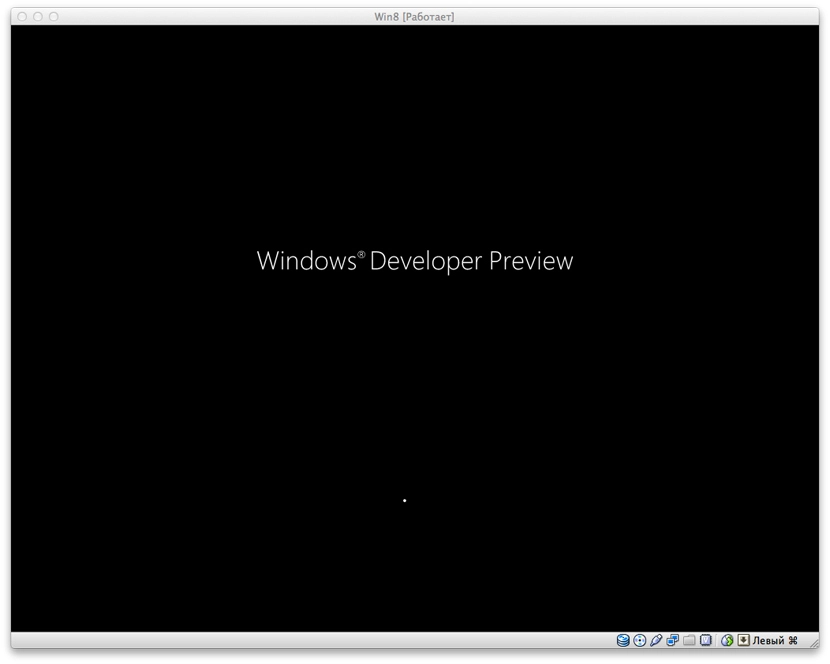
The boot screen is modest:
After loading you see this beauty:
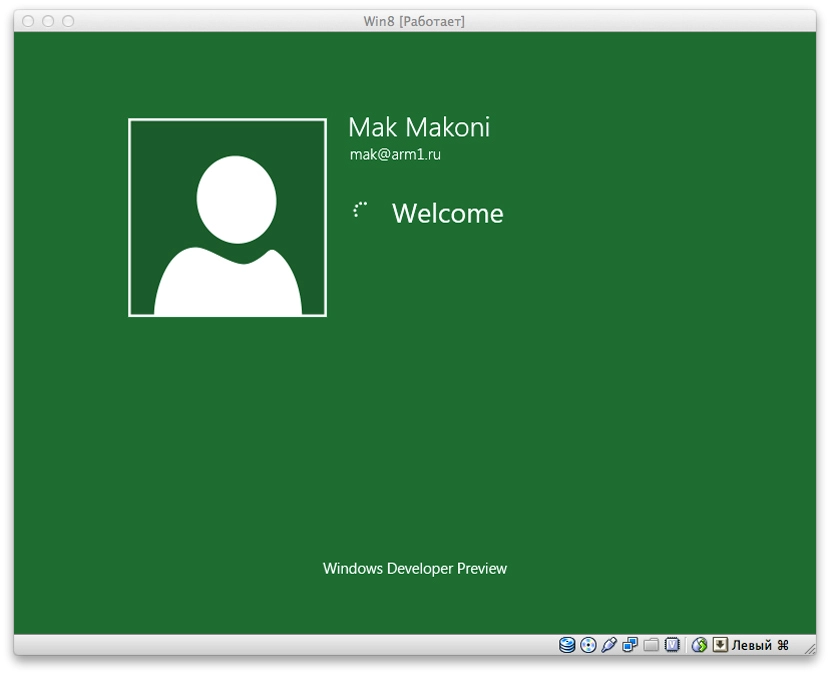
Drag this screen up with the mouse and log in on the green screen:
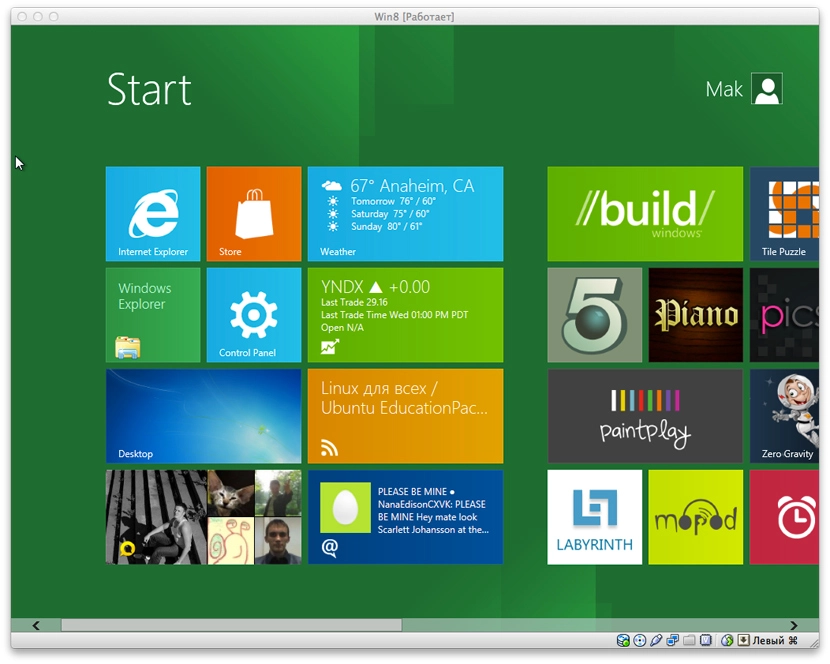
And here’s the Metro interface’s start screen. It’s made of widgets that surface information from their apps.
Tapping Desktop drops you into the familiar Windows 7 / earlier interface. The first thing you notice is a different Start button. Pressing it doesn’t open the usual menu — it takes you back to the Metro start screen.
The new Explorer with the ribbon interface is, to me, simply hideous. Microsoft argues that this interface is the result of some research, and that everything is more convenient and clearer for users this way. I have serious doubts. Although maybe I’m spoilt by the minimalism of Finder on Mac OS X.
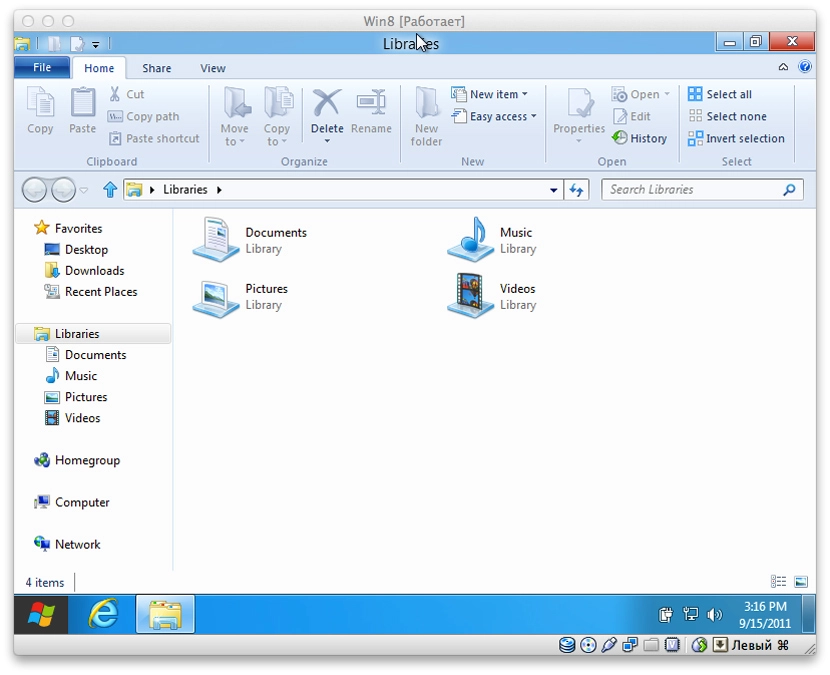
The system ships with Internet Explorer 10. In the familiar Desktop mode it looks familiar. I didn’t feel particularly motivated to dig into it.
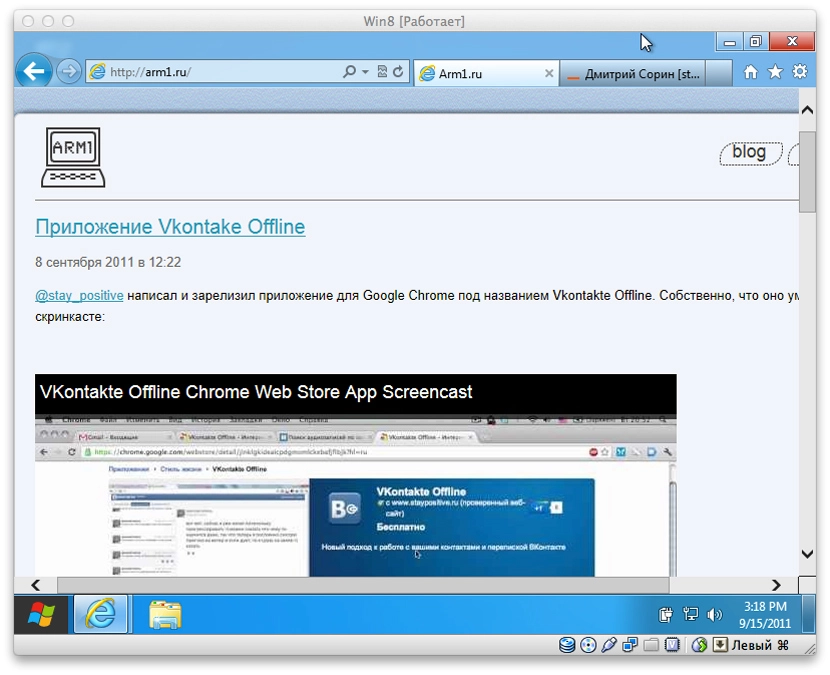
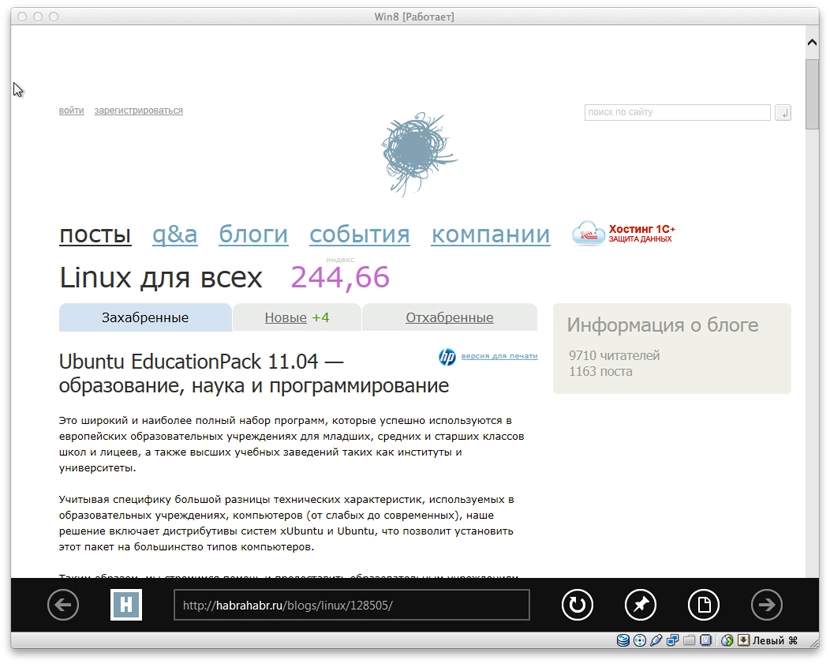
If you go back to the Metro interface and open Internet Explorer there — it looks more like a tablet-oriented app. And visually it fits the interface.
Back to the widgets. The first thing I launched was Tweet@rama. Logged in. For some reason the app didn’t load the timeline — only the list of my own tweets. Scrolling further right shows the list of followers and people I follow.
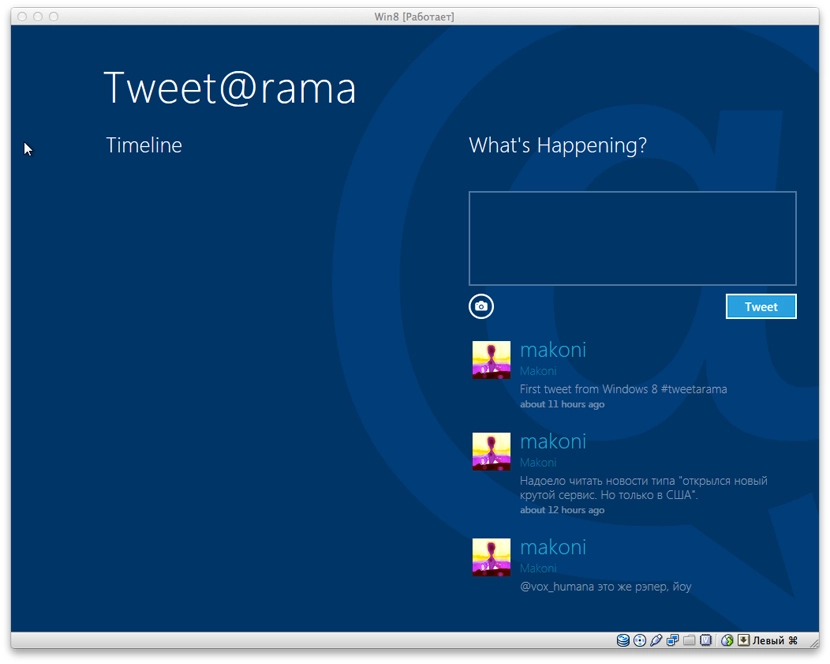
It’s only a list, though. Clicking a person’s username does nothing. Only clicking your own name in the list of your tweets opens up your account page on twitter.com inside the embedded Internet Explorer. Why like that — unclear. Clearly not finished.
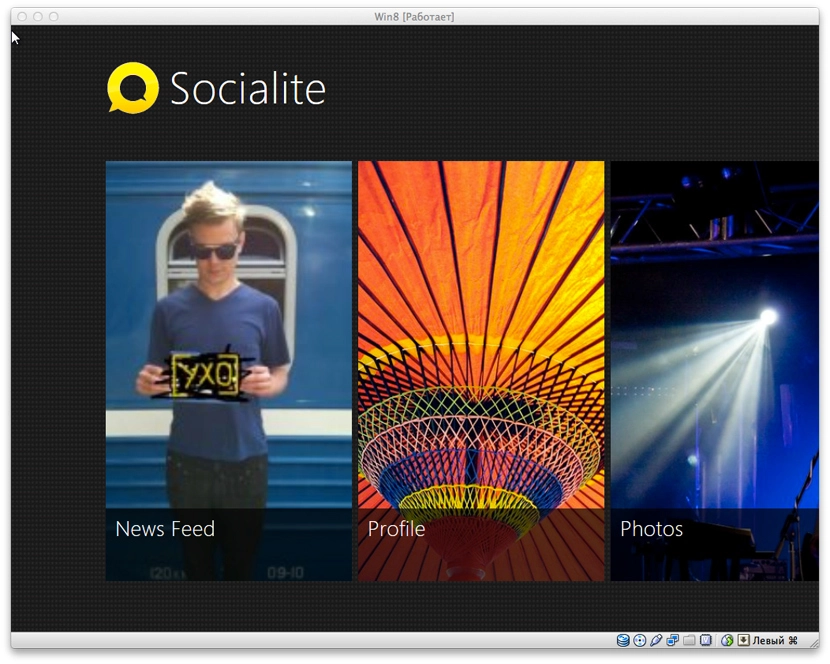
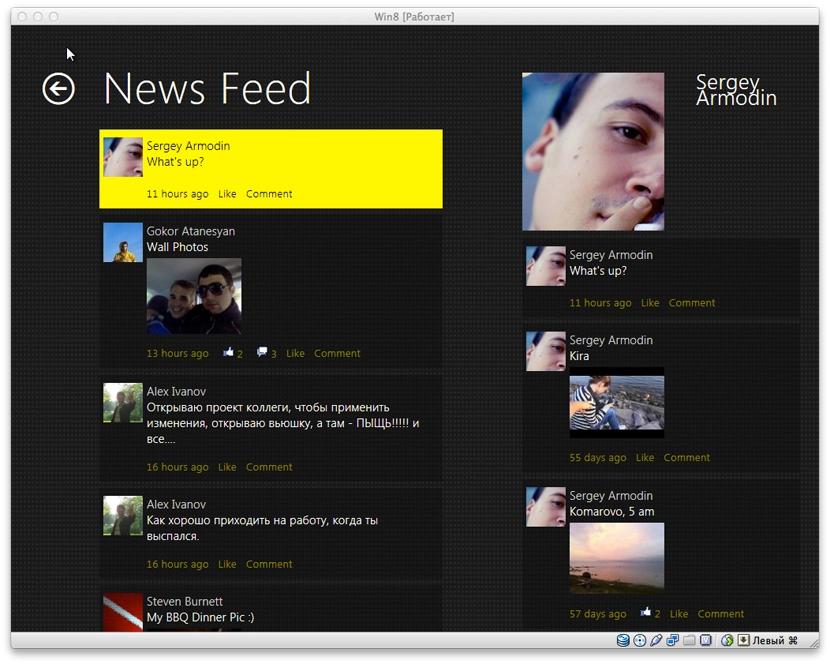
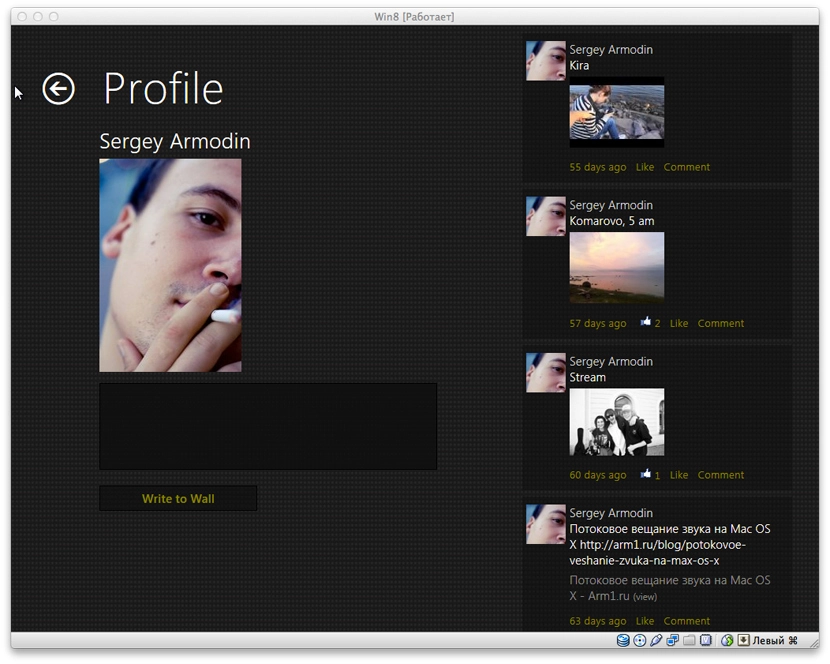
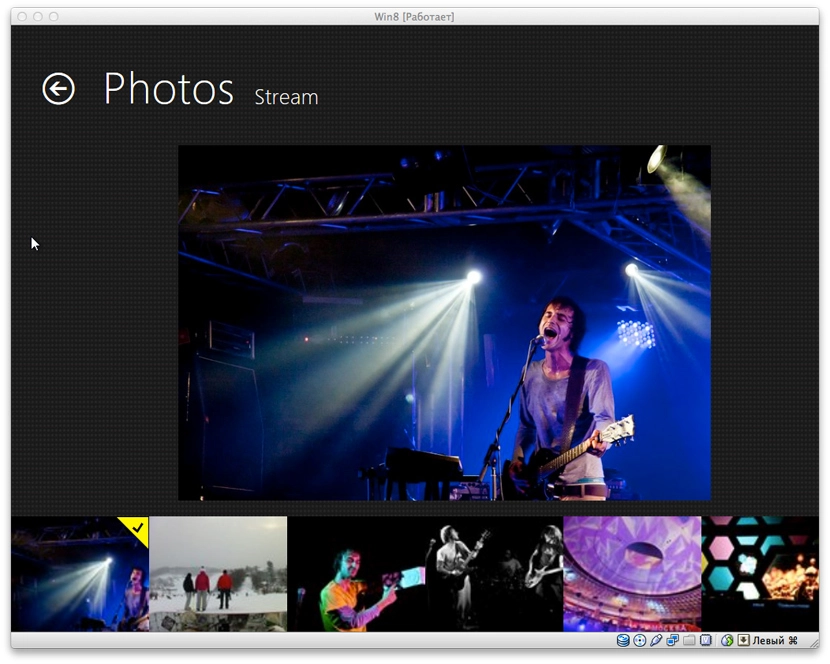
Next — Socialite. Social-network integration. So far it only integrates with Facebook. Maybe nothing else will be added. It looks pretty effective. The home screen lets you pick News Feed, Profile, Photos, Friends and Checkins. The names speak for themselves.
News Feed:
Profile. On the right — the user’s recent activity:
An album in the Photos section:
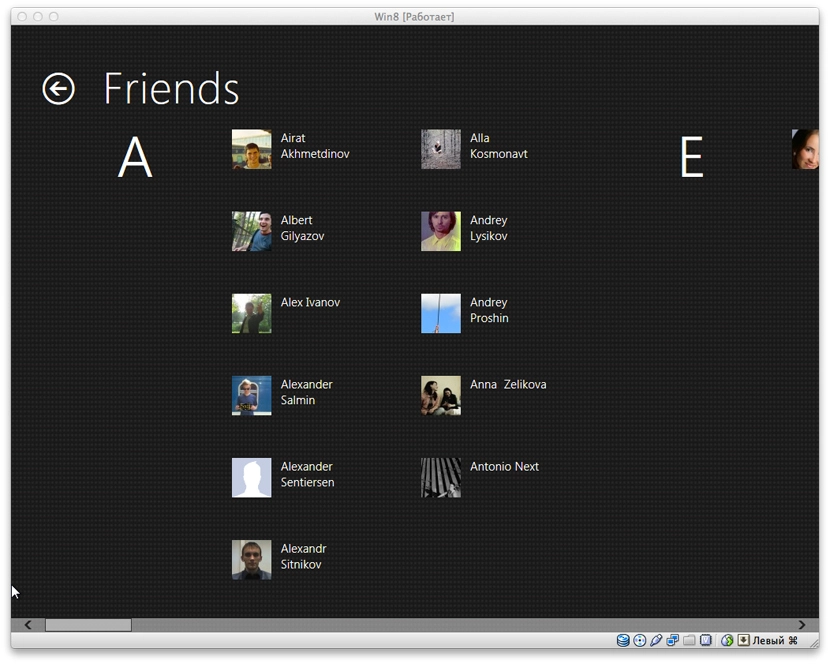
The Friends section is, I think, very well organised:
Next — the Headlines widget. The icon makes it clear it’s an RSS reader. Each subscription is on its own screen (again, like everywhere here, with horizontal scrolling). It shows the latest entries by default, but you can load more. Newly loaded entries extend the current screen further to the right.
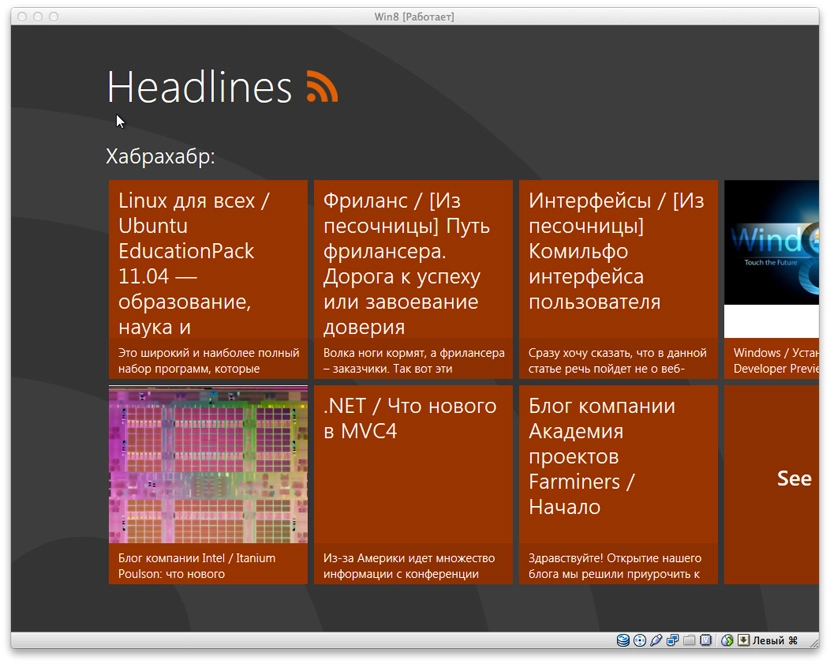
That interface is eerily reminiscent of the Pulse News app for iPad.
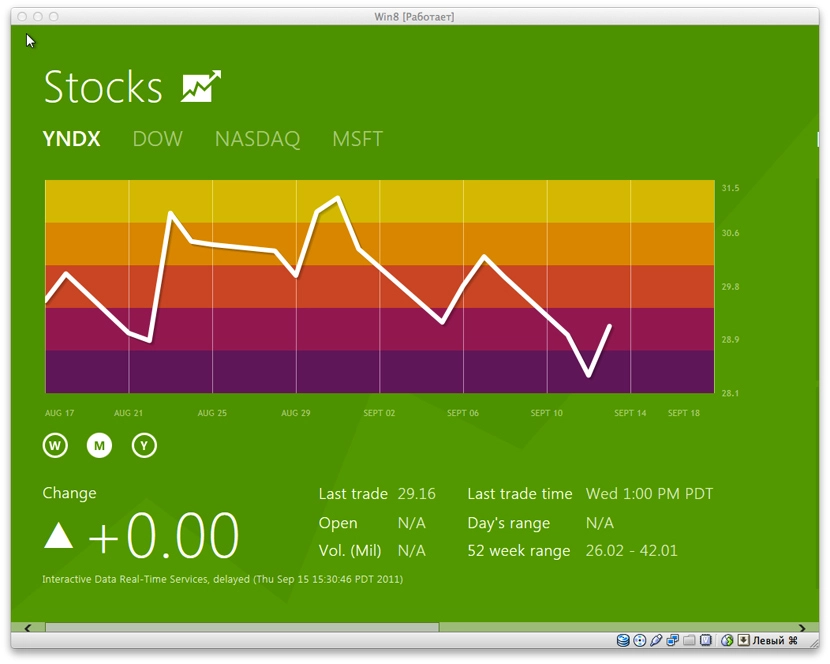
Another app — Stocks. Nothing extraordinary, all in the same pleasant style. Just charts and information.
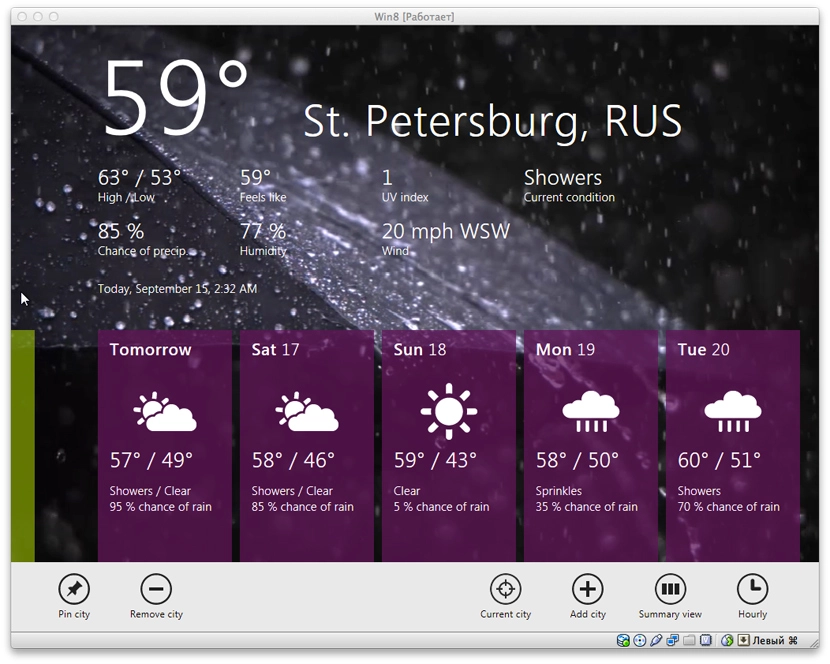
Weather is done very nicely — an animated background depending on the weather; if it’s raining in your city, you get a rain video as the background. iPad-app vibes again. Temperature defaults to Fahrenheit, by the looks of it. I couldn’t be bothered to find where to change it.
The Control Panel is also done in tablet-app style:
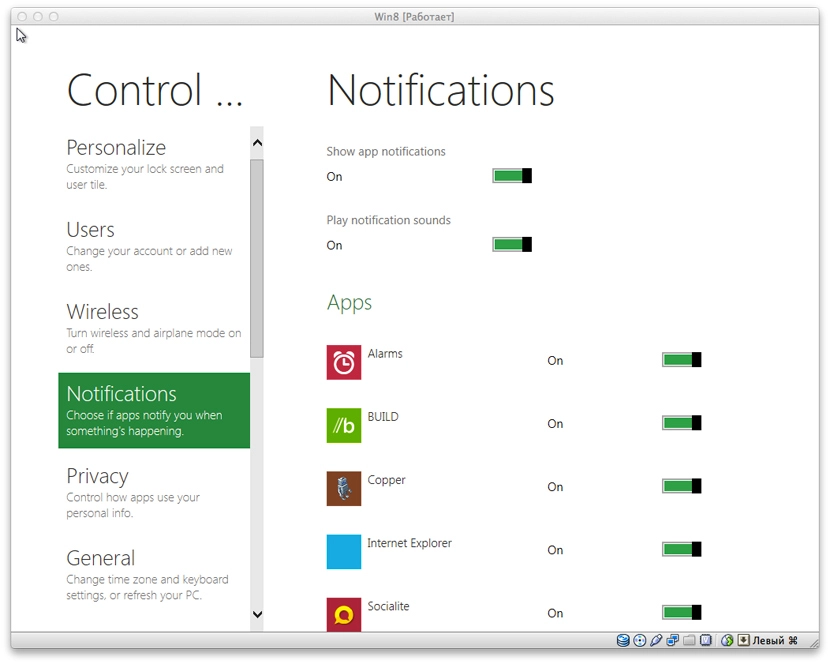
There’s a set of standard sample apps too — like a jigsaw puzzle game. Nothing particularly interesting though.
The Near Me app, judging by the name, is supposed to be tied to geolocation and find people or places nearby. It refused to launch on the VM, crashed and dumped me back on the start screen. The same happened with a couple of other apps.
There’s a mopod app — you can subscribe to and listen to podcasts in it. There’s a built-in subscription list. You can also add your own podcast by URL.
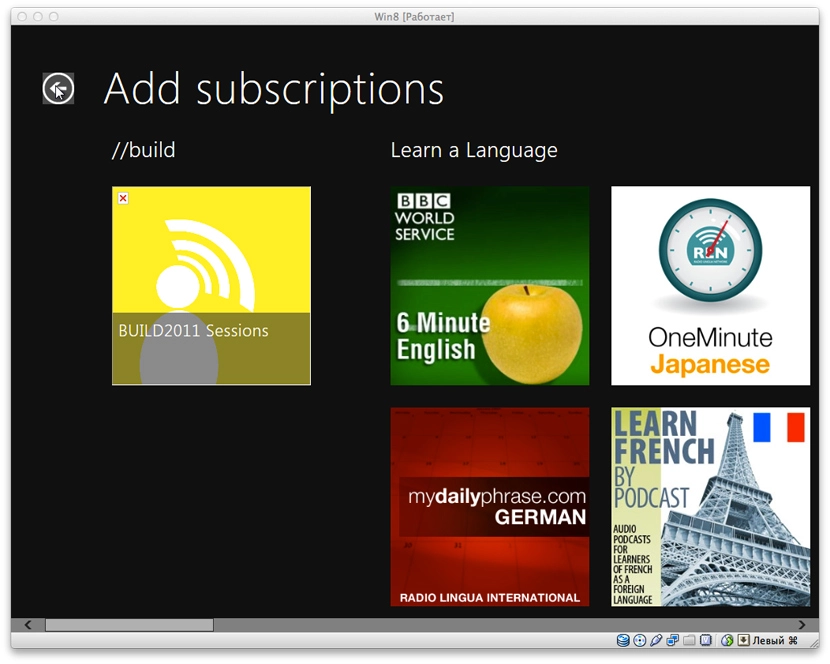
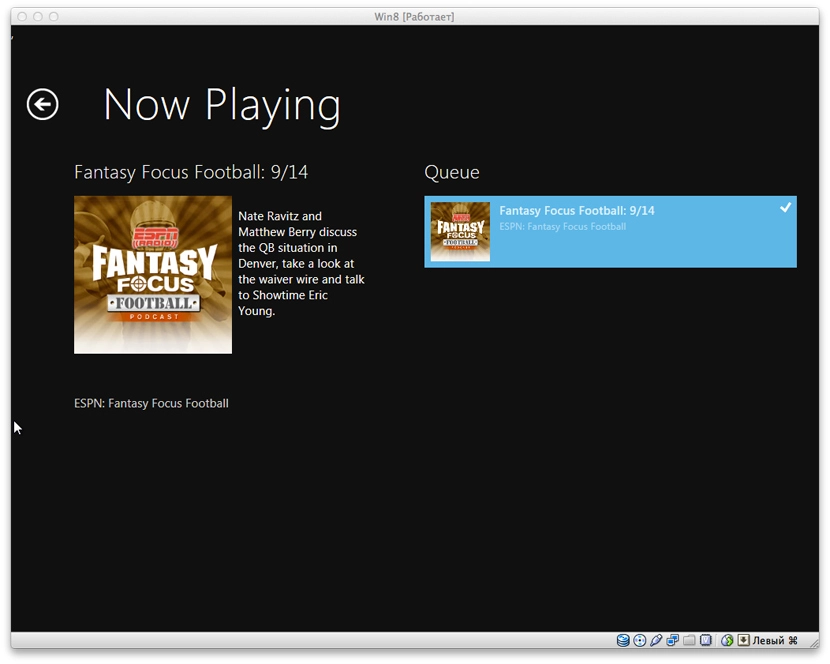
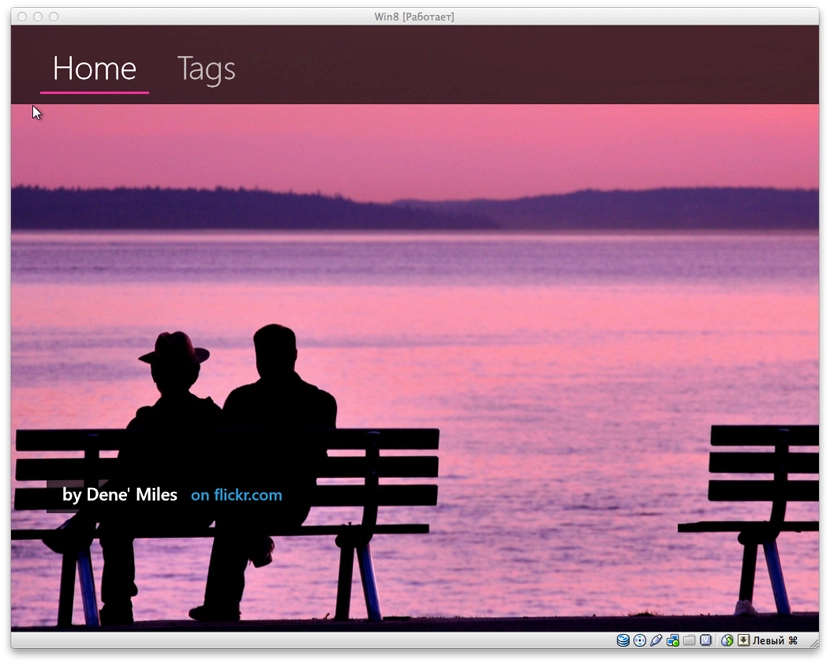
There’s also picstream — uses the Flickr API and, as the name suggests, displays photos from there as a slideshow. By default it shows what’s popular on Flickr. You can also pick tags, but that didn’t seem to work for me.
I expected to see apps for listening to music or watching video — strangely, I didn’t find any.
Overall the interface is cool. Switching between the classic and Metro UIs feels rather jarring. On tablets I think it’ll look great, especially since Microsoft has already road-tested a lot of this on Windows Phone 7. The main thing now is that there be software.