Claw Screenshot - консольная утилита для создания скриншотов в Linux
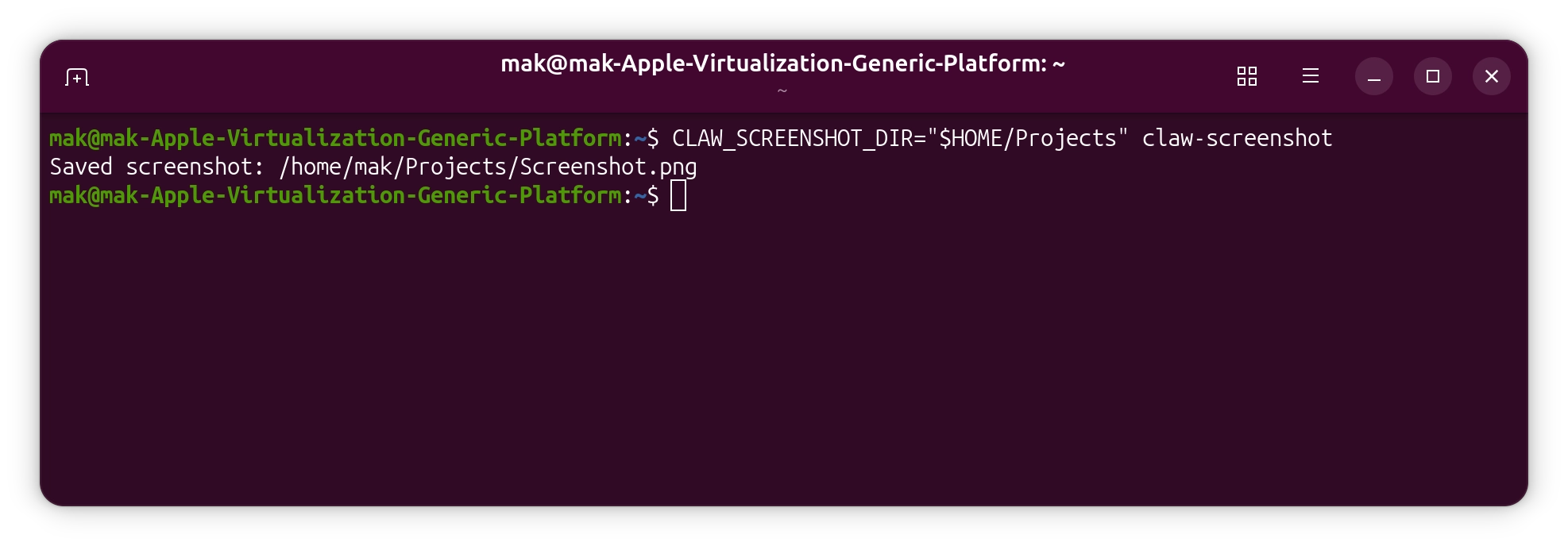
В последнее время я экспериментировал с Clawd / Moltbot / Openclaw ботом. Конечно, всё закончилось тем, что я попросил его написать какой-то код. Поскольку я запускаю его в виртуальной машине с Ubuntu Linux, я пробовал разрабатывать для него некоторые приложения. И в какой-то момент я осознал, что отправляю скриншоты приложения, но каждый раз мне приходится делать это вручную.
Поэтому я решил автоматизировать эту часть. Я пробовал некоторые консольные приложения для Linux, которые обещали, что умеют делать скриншоты, но по какой-то причине ни одно из них у меня не заработало.
В итоге я решил написать своё. Я выбрал Rust, а Openclaw провел для меня небольшое исследование того, как это должно быть реализовано. Результатом стало консольное приложение, использующее FreeDesktop Screenshot portal. Понадобилось создать .desktop файл, чтобы я мог увидеть запрос разрешений от Gnome и нажать «Разрешить». Это требуется всего один раз, так что теперь я всё автоматизировал.
Честно говоря, это довольно крутая штука, которую я уже пробовал с iOS-приложением, используя UI-тесты: ИИ-агент просто запускает UI-тесты, берет скриншоты из отчета, анализирует их и понимает, что не так с интерфейсом приложения.
Я выложил приложение на GitHub и опубликовал релиз с бинарными файлами, а также пакетами .deb и .rpm для архитектур arm64 и amd64. К нему прилагается отличный скрипт для автоматической установки. Поскольку я создал его с помощью Openclaw, я назвал его Claw Screenshot.
Попробуйте сами: https://github.com/makint/claw-screenshot