How to get selected text inside of TextEditor in SwiftUI on macOS
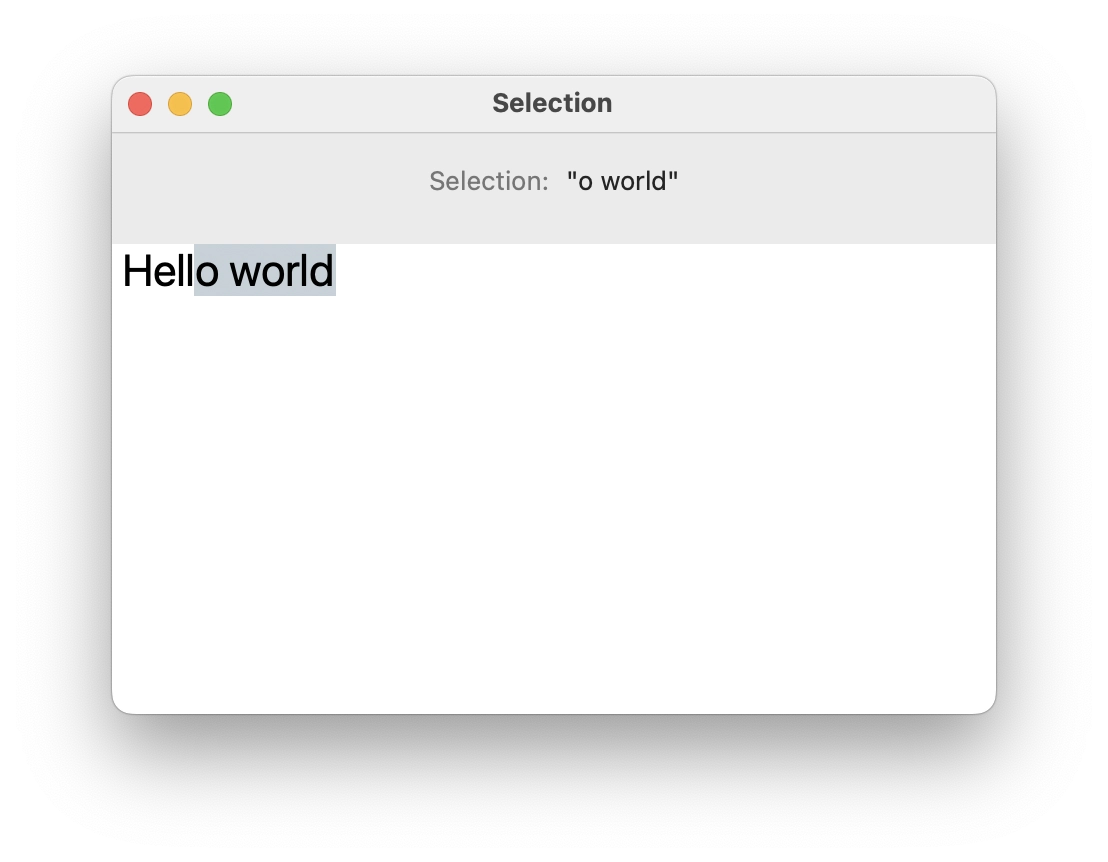
TextEditor in SwiftUI still doesn’t have any API to get user selection. But since it’s using NSTextView internally we can subscribe to its notifications.
Here’s an example of getting a substring from user selection:
Before macOS 15:
import SwiftUI

struct ContentView: View {
    @State var myString = "Hello world"
    @State var selectedString = ""

    var body: some View {
        HStack {
            Text("Selection:")
                .foregroundStyle(.secondary)
            Text("\"\(selectedString)\"")
        }.padding()

        TextEditor(text: $myString)
            .font(.title)
            .onReceive(NotificationCenter.default.publisher(
                for: NSTextView.didChangeSelectionNotification
            ), perform: { notification in
                guard let textView = notification.object as? NSTextView else { return }

                // check, if it's the one we need
                guard textView.string == myString else { return }

                let selectionRage = textView.selectedRange()

                let start = String.Index(
                    utf16Offset: selectionRage.lowerBound, in: myString
                )
                let end = String.Index(
                    utf16Offset: selectionRage.upperBound, in: myString
                )
                let subStringRange: Range<String.Index> = start..<end

                selectedString = String(myString[subStringRange])
        })
    }
}
On macOS 15+ there's a new TextSelection struct which can be used in .onChange subscriber:
import SwiftUI

struct ContentView: View {
    @State var myString = "Hello world"
    @State var selectedString = ""
    @State private var selection: TextSelection?

    var body: some View {
        HStack {
            Text("Selection:")
                .foregroundStyle(.secondary)
            Text("\"\(selectedString)\"")
        }.padding()

        TextEditor(text: $myString, selection: $selection)
            .font(.title)
            .onChange(of: selection) {
                if let selection = selection.take() {
                    if case let .selection(range) = selection.indices {
                        selectedString = String(myString[range])
                    }
                }
            }
    }
}
// ─── EOF ──────────────────────────────────────────────────