Ubuntu One cloud service

Today I installed the new Ubuntu 12.04. Before that I had been using 11.04, I think. Anyway, I definitely skipped one Ubuntu release, sparing myself from using the new Unity, whose first version was horrifying.
In the new version Unity has become much more convenient; many obvious things were improved, and it was the absence of those things in the first version that made it horrifying. A lot has clearly been copied from Mac OS, in my opinion, but that is even for the better. What is pleasing is that they take advantage of the fact that modern screens are stretched horizontally, so you need to save vertical space and use the often-unused space on the sides. But that is not what this is about.
Ubuntu ships with their Ubuntu One cloud service out of the box. I got curious about what it is like.
At first glance, it is an ordinary Dropbox :)
You get 5 gigabytes of space for free. There are a few more settings than the others offer.
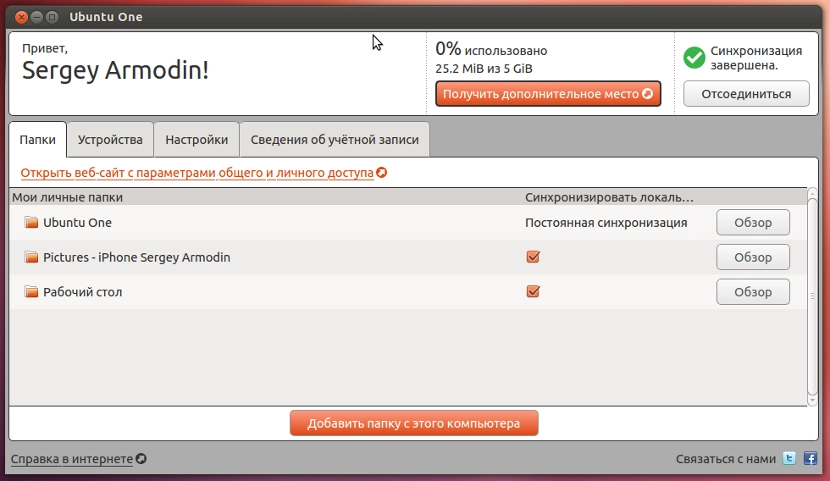
Right in the setup wizard it is very easy to choose which folders should be synchronized. Everything is like everyone else: your own folder, you drop files into it, and they are uploaded to the cloud. Files uploaded there are also pulled down right away. Unfortunately, I could not find an upload indicator anywhere showing how many files are being downloaded or uploaded right now and at what speed. Maybe I just did not look well enough. I think such an indicator is very useful. Dropbox and Yandex.Disk have it. You drop in a file and at least understand how much longer it will take to upload. On the other hand, Ubuntu One does report the start and end of file uploads with pop-up windows.
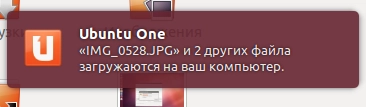
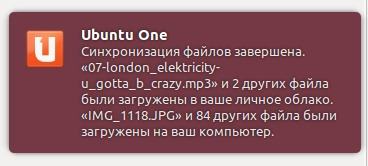
Naturally, I immediately wanted to see what the clients for different platforms looked like.
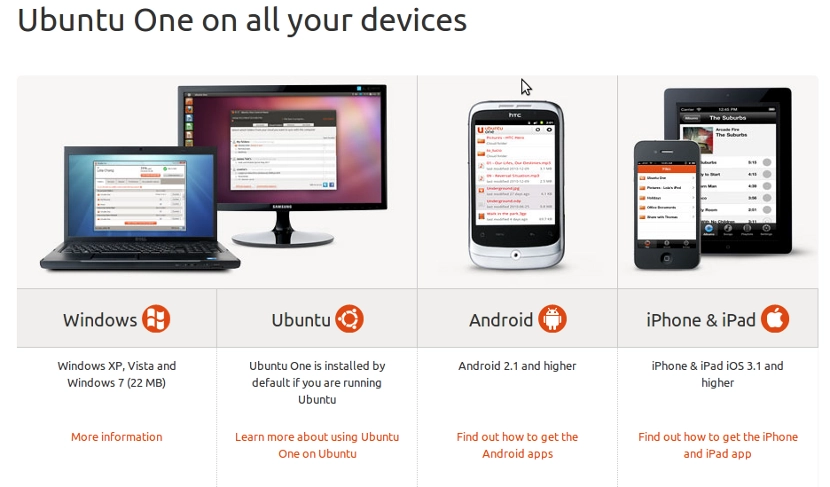
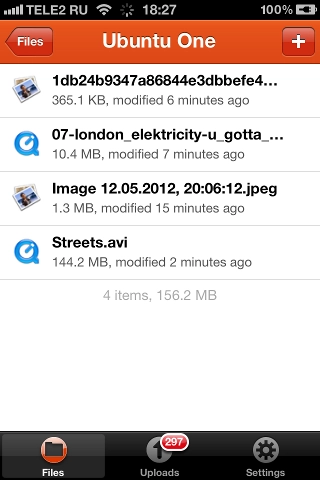
Surprisingly, for some reason they ignored a Mac OS client. As a Mac user, that even disappoints me. I went to look at the iPhone app. Their file app is fairly simple, decorated in Ubuntu orange colors.
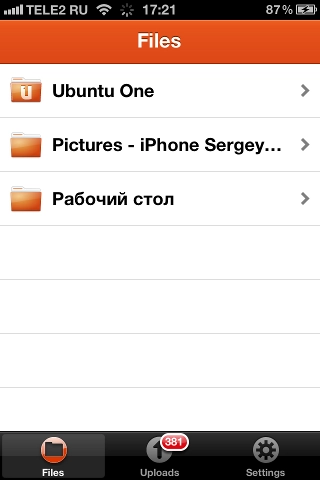
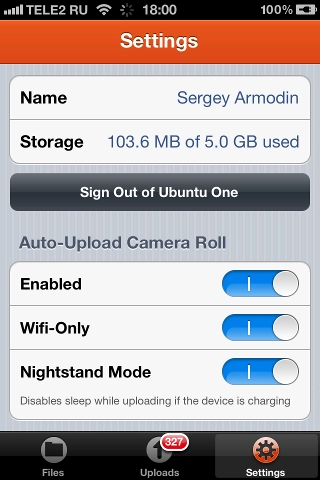
After authorizing in the service, the app asked whether I wanted to automatically upload all my photos from the phone to the cloud. Why not, I thought — it is a backup too. And the app started uploading my photos to its cloud. Slowly, but persistently. I do not know what that is related to; from the computer everything uploads quickly. As far as I understood, the app cannot upload in the background, but it can disable device locking if it is connected to a charger. Auto-upload is easy to disable in the settings.
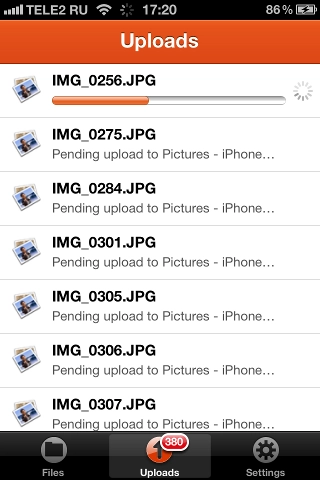
After uploading about 70 photos to the cloud, the app crashed cheerfully. After restarting, the photo upload continued. By the way, if you minimize the app and open it later, the current file continues uploading from the point where it stopped.
The app is essentially a file manager: it shows the contents of your personal cloud.
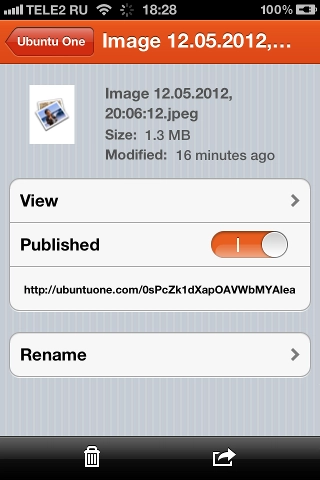
Besides that, it lets you perform operations on the files: rename a file, delete a file, share it and immediately get a link to the file, or send the file somewhere else.
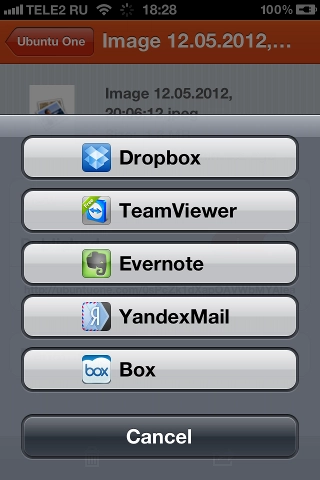
I do not know how TeamViewer ended up in that list, but the ability to upload a file to the same Dropbox or send it by email is nice. True, when I tapped Dropbox and Yandex.Mail, nothing happened :) . Either it does not work, or I need to try later, once it has dragged all my photos over to itself.
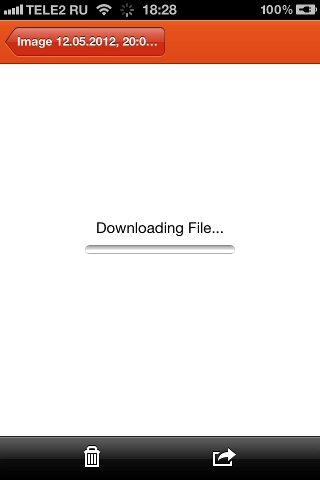
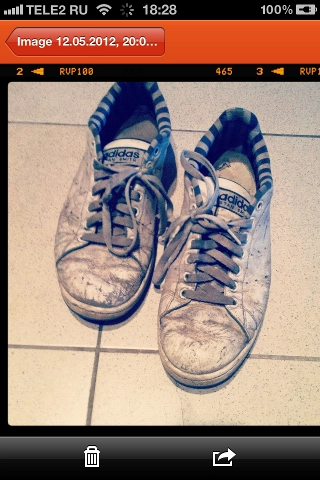
Most importantly, the files can be viewed. The images opened after downloading first. True, the animated gif did not display. More precisely, only the first frame showed; there was no animation.
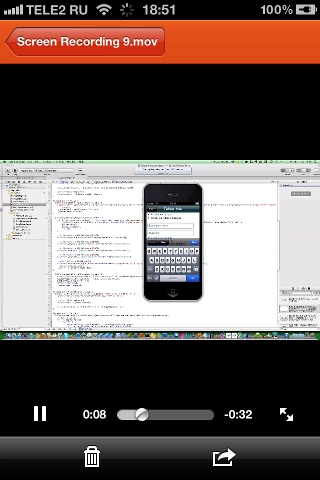
It also plays music and video. I tried mp3 and mov. I suspect other video formats will not play because iOS does not support them, and dragging codecs along would be silly — that is not what the app is for.
Overall, a pleasant impression. It lets you do everything you need: view files, share them, delete them, rename them, add them. Adding is of course limited by iOS — only pictures and videos from the gallery. And there is no way to send a file there from another program, although, for example, from Ubuntu One itself you can send a file elsewhere.
But what this app will definitely be indispensable for (once it finally uploads all my photos) is quickly sharing something. I often have to photograph something on the phone, then go to Dropbox and upload the file there so I can open it from the computer or send it to someone. Here it is simpler: take a photo, open the app, and off it goes. Fewer actions, more convenience.
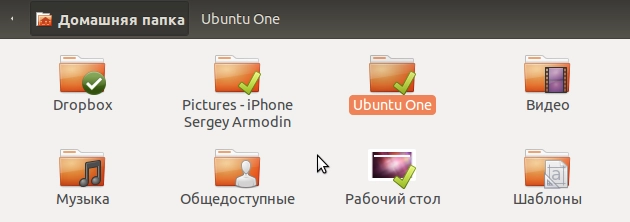
It is a pity, of course, that there is no Mac OS client. But the Ubuntu client is integrated with Nautilus in a civilized way: you can publish any file from the context menu and then copy its link. The link is direct to the file, without any preview pages, unlike Yandex.Disk or Box.net. You can also click any folder and choose «Synchronize This Folder» from the context menu, after which it becomes available on all your accounts. There is no need to move it into the Ubuntu One folder.
Photos uploaded automatically from the phone appear separately in the home folder rather than inside the Ubuntu One folder, which is also rather strange, since that is exactly where you expect to see them.
On top of that, there is access to the files through a web interface. And another big plus: just like in Dropbox, you can share folders between users and make shared folders that synchronize between different users. Moreover, you can share them both from the web interface and from the computer via the context menu.
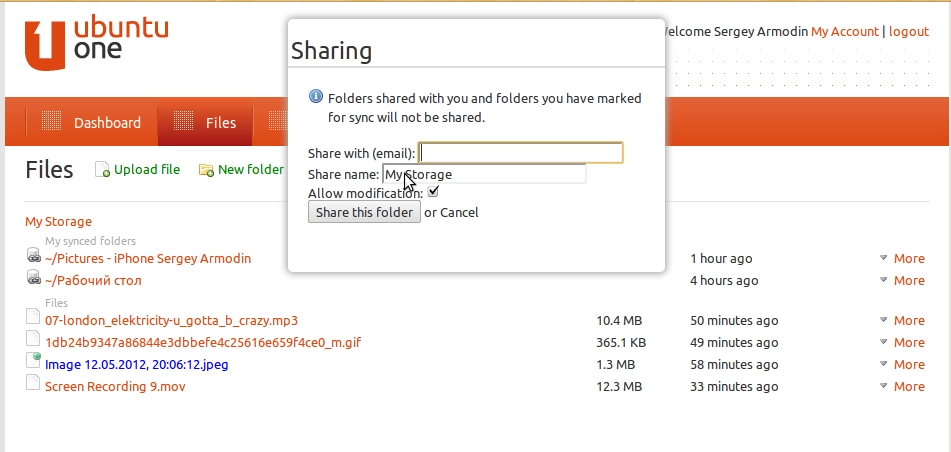
When sharing, you simply enter the other person's e-mail. If they do not have an Ubuntu One account, they will have to create one to get access to the files.
I hope the service will be polished further, although many of the implemented little things are pleasing. Even now it is generally pleasant to use, but the service also has plenty of drawbacks. In my opinion, for now only Dropbox has the ability to restore deleted files and file versioning, but I think the others will soon at least add recovery. In general, it made me want to use it, so I will give it a try. Although there are of course already more of these services than necessary — Dropbox, Yandex.Disk, Google Drive, Box.net, Skydrive, and a bunch of others whose names I did not remember. It is cool that Ubuntu ships with a service like this out of the box. They are keeping up with the times.
And now I am off to look at another part of Ubuntu One — apparently they have something with music there; I hope at least there you do not have to be a resident of the USA to use it.
Peace.