Website Tile on the Windows 8 Start Screen
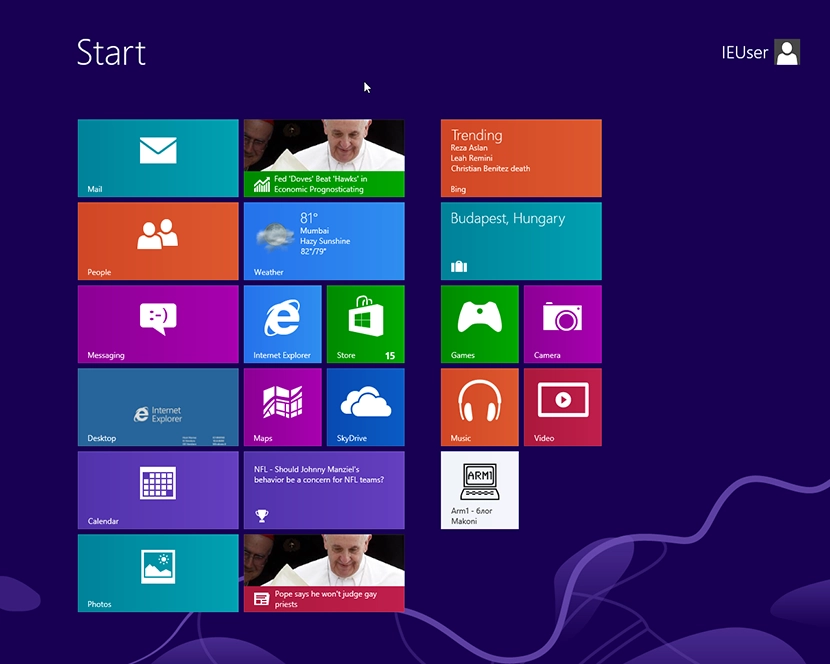
In Windows 8 there is an option in the tile interface to pin a shortcut to the Start screen as a tile.
To add a website tile to the Start screen, open Internet Explorer, click the Pin Site button and choose Pin to Start.
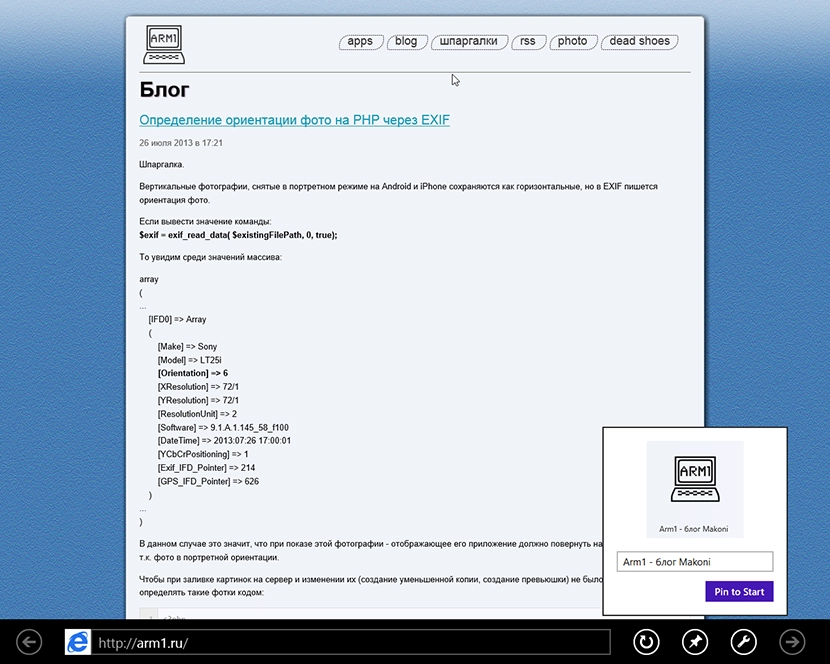
Add the following meta tags:
<!--заголовок, который будет показываться в плитке.-->
<meta name="application-name" content="Arm1 - блог Makoni">
<!--адрес картинки, которая будет в плитке. Размер должен быть 144x144 px.-->
<meta name="msapplication-TileImage" content="https://arm1.ru/img/windows-8-tiles/windows8.png">
<!--цвет фона в плитке-->
<meta name="msapplication-TileColor" content="#f1f4fa">
As a result, if the code above is present, a square tile with a 144x144 px site icon will appear on the Start screen:
In Windows 8.1 this was expanded a bit.
First, you can change the tile size there: small, medium, wide, large. Accordingly you need to prepare 4 different images sized 70x70, 150x150, 310x150 and 310x310.
Microsoft even made a separate site that helps slice the required images and generates the HTML code for the tile: buildmypinnedsite.com.
Besides that, you can add the RSS feed URL whose headlines will rotate in the tile, and set the feed refresh interval.
The code looks roughly like this:
<meta name="application-name" content="Arm1.ru - Блог Makoni"/>
<meta name="msapplication-TileColor" content="#f1f4fa"/>
<meta name="msapplication-square70x70logo" content="http://arm1.ru/img/windows-8-tiles/tiny.png"/>
<meta name="msapplication-square150x150logo" content="http://arm1.ru/img/windows-8-tiles/square.png"/>
<meta name="msapplication-wide310x150logo" content="http://arm1.ru/img/windows-8-tiles/wide.png"/>
<meta name="msapplication-square310x310logo" content="http://arm1.ru/img/windows-8-tiles/large.png"/>
<meta name="msapplication-notification" content="frequency=30;polling-uri=http://notifications.buildmypinnedsite.com/?feed=http://feeds.feedburner.com/Arm1ru&id=1;polling-uri2=http://notifications.buildmypinnedsite.com/?feed=http://feeds.feedburner.com/Arm1ru&id=2;polling-uri3=http://notifications.buildmypinnedsite.com/?feed=http://feeds.feedburner.com/Arm1ru&id=3;polling-uri4=http://notifications.buildmypinnedsite.com/?feed=http://feeds.feedburner.com/Arm1ru&id=4;polling-uri5=http://notifications.buildmypinnedsite.com/?feed=http://feeds.feedburner.com/Arm1ru&id=5; cycle=1"/>
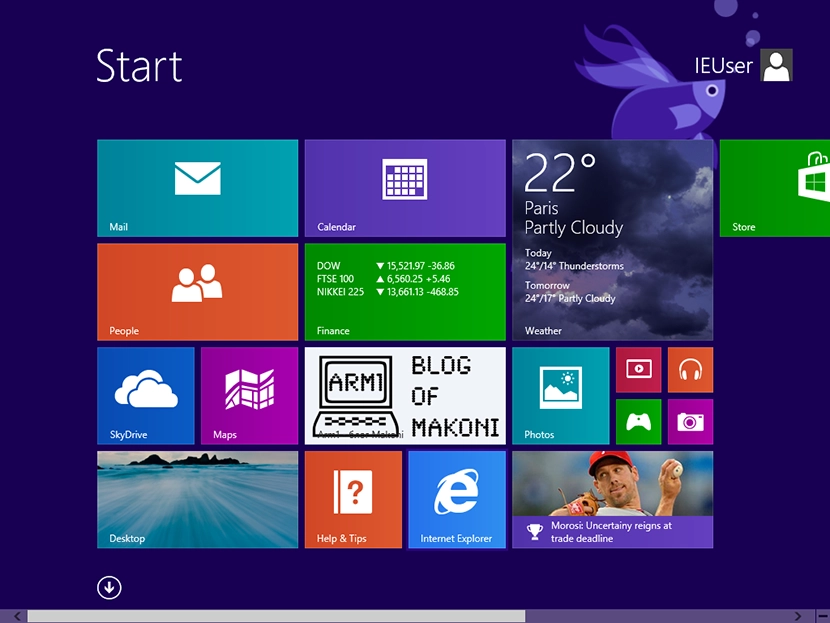
The frequency=30 parameter means the RSS feed will be requested every 30 minutes. The result looks like this:
With RSS feed headlines enabled it looks like this:
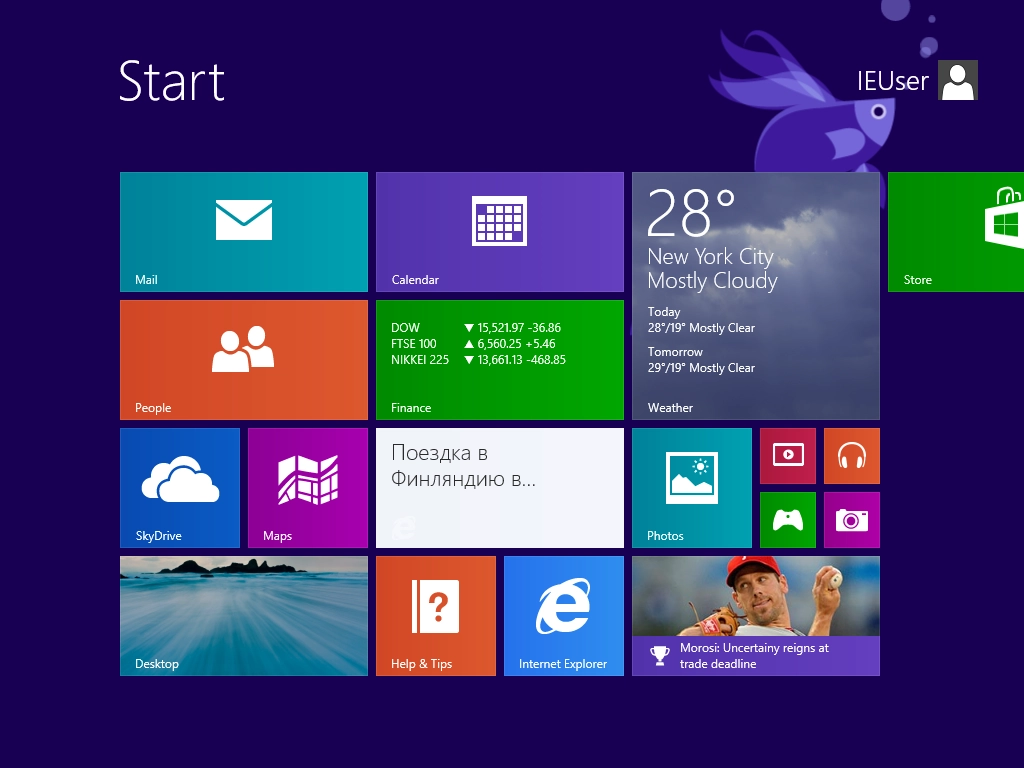
Pretty dull, of course. You cannot set either the image or the background for the tile. But at least it is something. Maybe they will add more later; these features are a result of IE11 development, and IE11 had not been released yet, so maybe they would add something else later.