Video encoding with AV1 codec
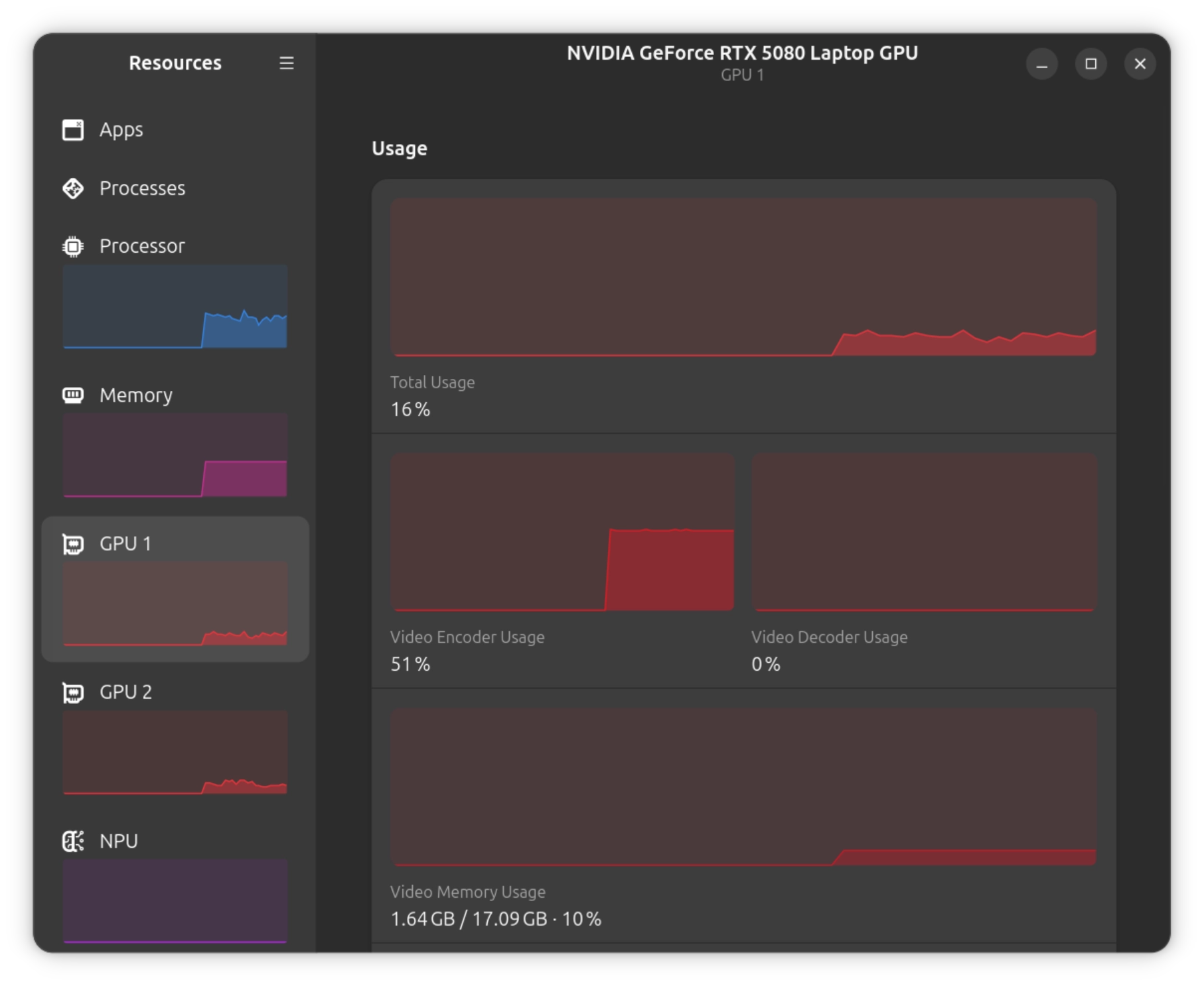
A few months ago @belbous was telling me about the AV1 video codec — how great it is. Recently I decided to experiment with it. Turns out my Ubuntu laptop has the right hardware — an NVIDIA GPU with support for hardware AV1 encoding via NVENC. This capability only arrived with the RTX 40 series: on the 30 series and older, NVENC can decode AV1 but not encode it — for that you're stuck with software on the CPU. Thankfully, it's all integrated into ffmpeg, ready to use.
With Claude Code's help, I dialed in the right settings using a handful of video files as test cases. The goal was to preserve quality while reducing file size. As a result, bitrate doesn't even appear in the configuration. What came out is a bash script that analyzes a video file with ffprobe and, depending on the resolution and color scheme, sets the CQ and other parameters.
Claude Code didn't just pick values at random: it ran several passes on a clip of video, compared the input and output files, pulled out frames, and evaluated the quality itself, even describing the scenes it was comparing — a footprint in the snow, a landscape with trees, Dexter's face 😁.
Initially, Claude Code based its approach on comparing three codecs — H.264, H.265 (aka HEVC), and AV1. The baseline assumption was: H.264 → H.265 yields about 50% compression, and H.265 → AV1 adds another ~30% at the same quality. That said, those 30% apply to software encoders (libaom, SVT-AV1) — hardware AV1 in NVENC runs many times faster, but at the same bitrate it loses to them in quality. I was mainly after disk space savings, so the tradeoff suited me.
On the side, I downmixed the audio to stereo with the Opus codec, since I'm going to be watching on a TV with regular (and pretty mediocre) stereo sound anyway, and I planned to play it from an iPad — which, historically, for some reason can't output 5.1 audio over HDMI (instead of sound, you get hissing).
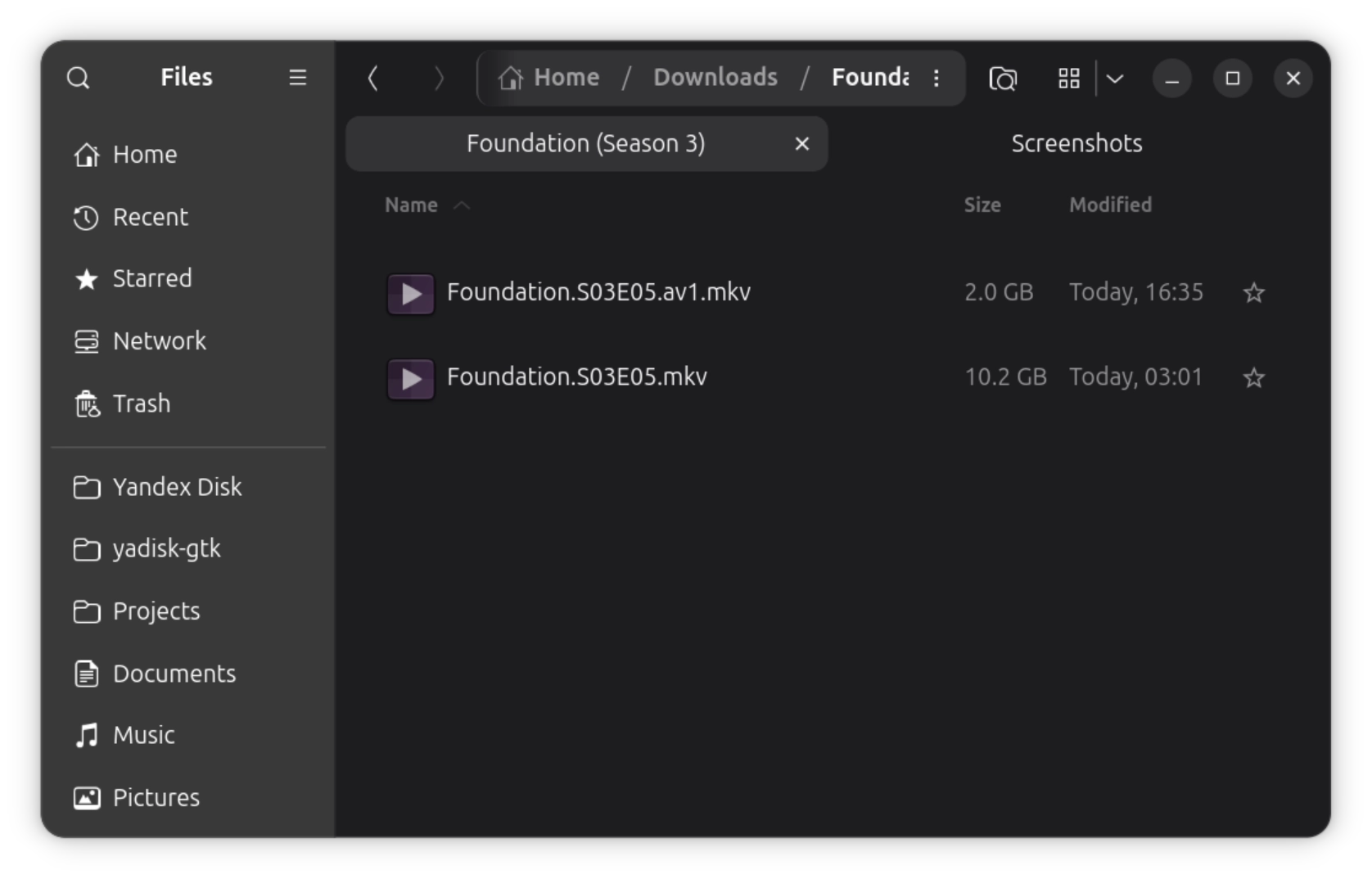
The results are impressive. An episode of Foundation — 4K, HEVC, HDR — shrank from 10.2 GB down to 2 GB. Five times smaller! At visually the same picture quality. To be fair, though: the 5x compression here isn't pure AV1 efficiency so much as a consequence of the source having a very high bitrate (rips usually leave a generous margin). On files that are already compressed more tightly, the gains will be more modest.
A 45-minute episode took about 15 minutes to re-encode. For 4K video, that's very fast. And a 50-minute episode of Dexter in 1080p SDR re-encodes in just 5 minutes. Beautiful.
But there are downsides — out of the box, NVENC doesn't support HDR10+ or Dolby Vision, so that dynamic metadata gets lost during re-encoding. Regular HDR10 with static metadata passes through fine, so basic HDR is intact — the problem is only with the extended formats. There's some workaround where you encode that part separately and splice it back in afterward, but I decided not to bother — my TV isn't all that fancy, it wouldn't have displayed HDR10+ or Dolby Vision anyway. You could also use a different codec that does everything on the CPU — better quality there, and metadata is preserved — but then this same 4K episode would take many hours instead of 15 minutes. So it looks like I've landed on the perfect quality/time balance.