How to remove DRM from Amazon Kindle e-books
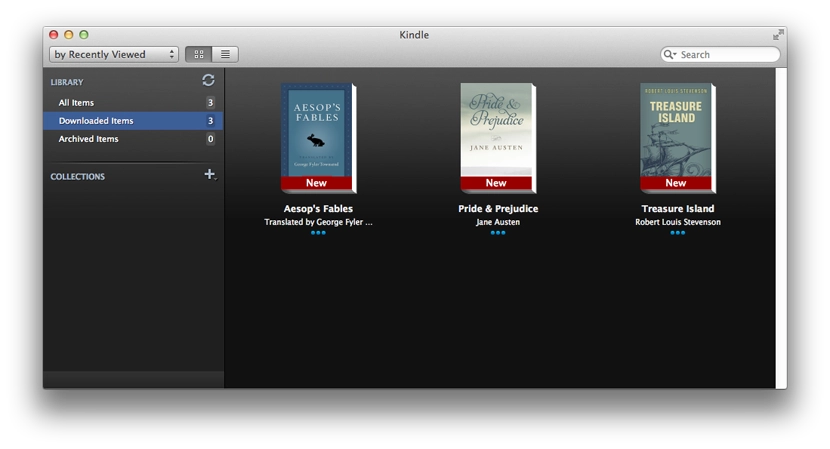
E-books bought from the Amazon store come with DRM, meaning the book can only be opened and read by whoever bought it, through a special app, after entering their Amazon login and password. But the protection can be stripped — and the book can even be converted to another format.
It’s simple. Download and install the official Amazon Kindle app. Sign in. Pull down your purchased books from the cloud.
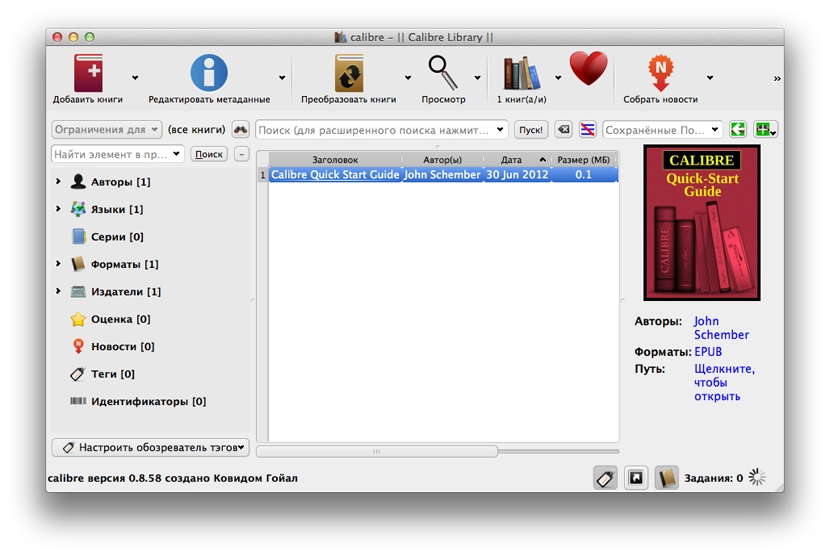
Next, download and install an e-book manager called Calibre (free, cross-platform).
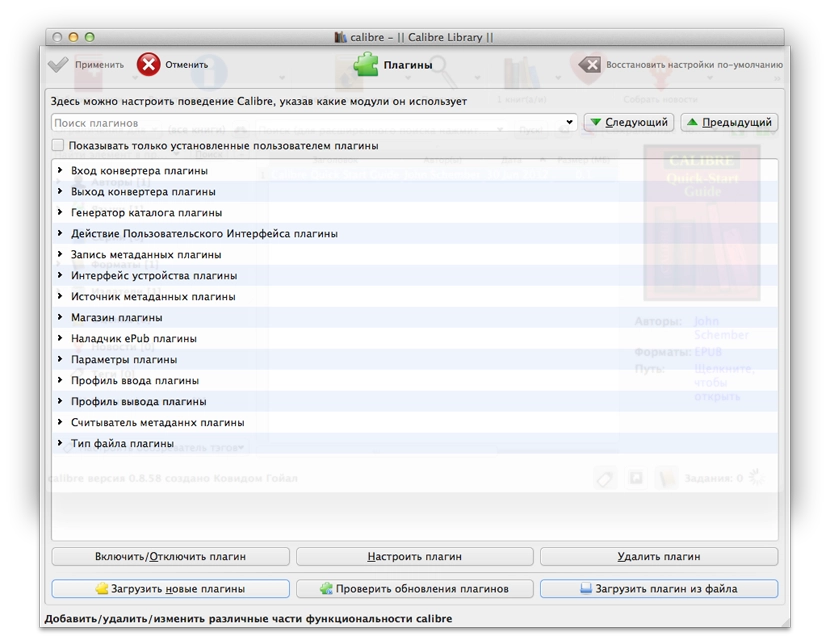
From here grab the archive — what you need from it is just the Calibre plugins. Each plugin is in its own archive. Go into Calibre Preferences → Plugins, click «Load plugin from file» and add all 5 plugins from the archive one by one.
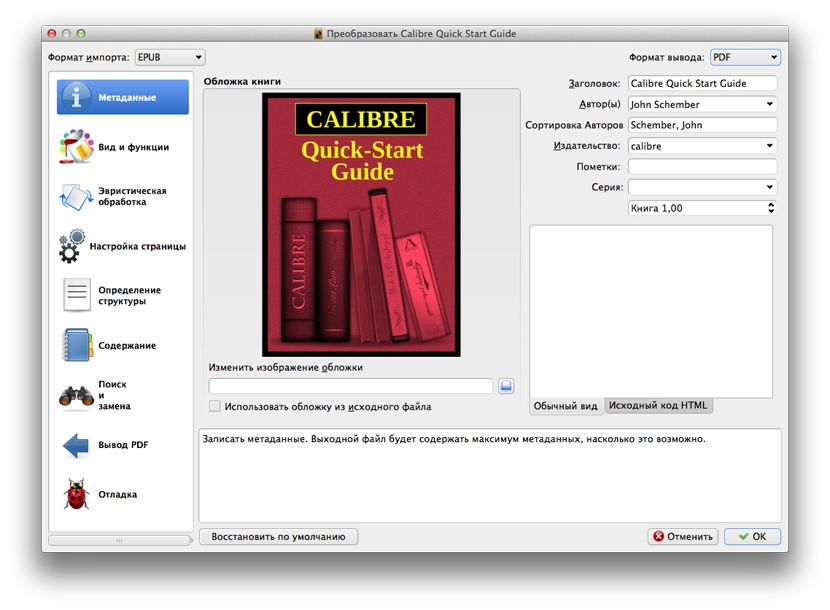
That’s it. Go back into Kindle, open the settings and check where the content is stored (Content Folder); on macOS that’s ~/Library/Application Support/Kindle/My Kindle Content. Find the right .azw file — the name is usually unfriendly, but more importantly, next to it sits a matching .mbp file that’s used to open the book (the key, presumably). Drag book.azw into Calibre and voilà — no more DRM. Now you can happily convert the book into any format you like — EPUB, FB2 or PDF. The converted book you can use however you want.
The English-speaking author who originally described this method asks people to use it only for personal use with books they own — so am I.