$ grep -r Tag: «compareshots»
CompareShots 1.6
A new version of CompareShots has been released. It's a simple app I wrote years ago to compare two images.
The new version 1.6 has been rewritten in SwiftUI. And I've implemented a couple of ideas from app reviews that a user suggested.
What's new:
- Choose your view: Easily switch between aspect fill and aspect fit with a new button.
- Move your images: In aspect fill mode, use two fingers to reposition images for the perfect comparison.
- Faster setup: Select up to two images at once for side-by-side comparison.
- Expanded language support and improved accessibility.
- Various bug fixes and performance enhancements for a faster, more reliable app.
- Various bug fixes and performance improvements.
CompareShots v1.2
CompareShots version 1.2 has been released.
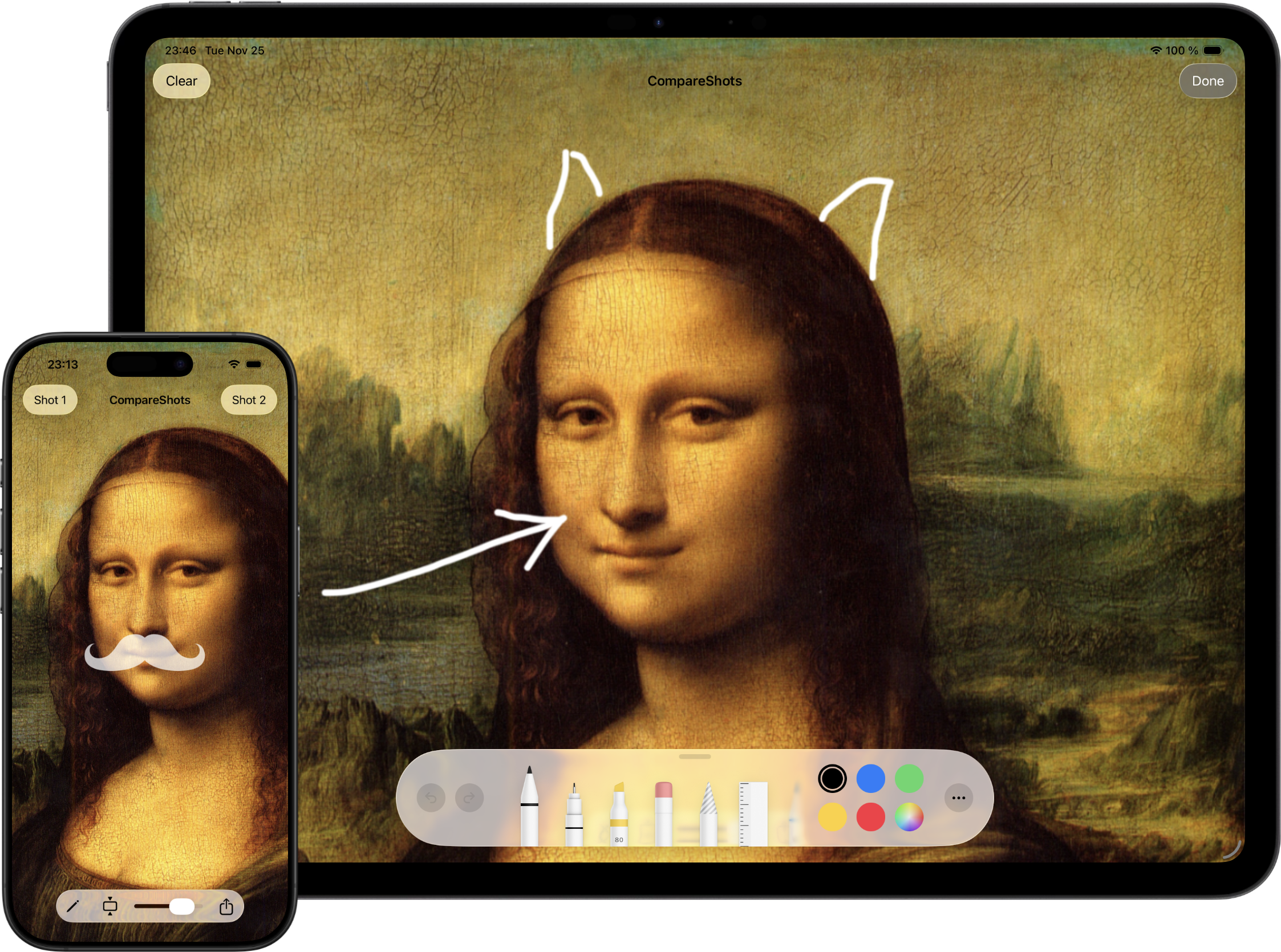
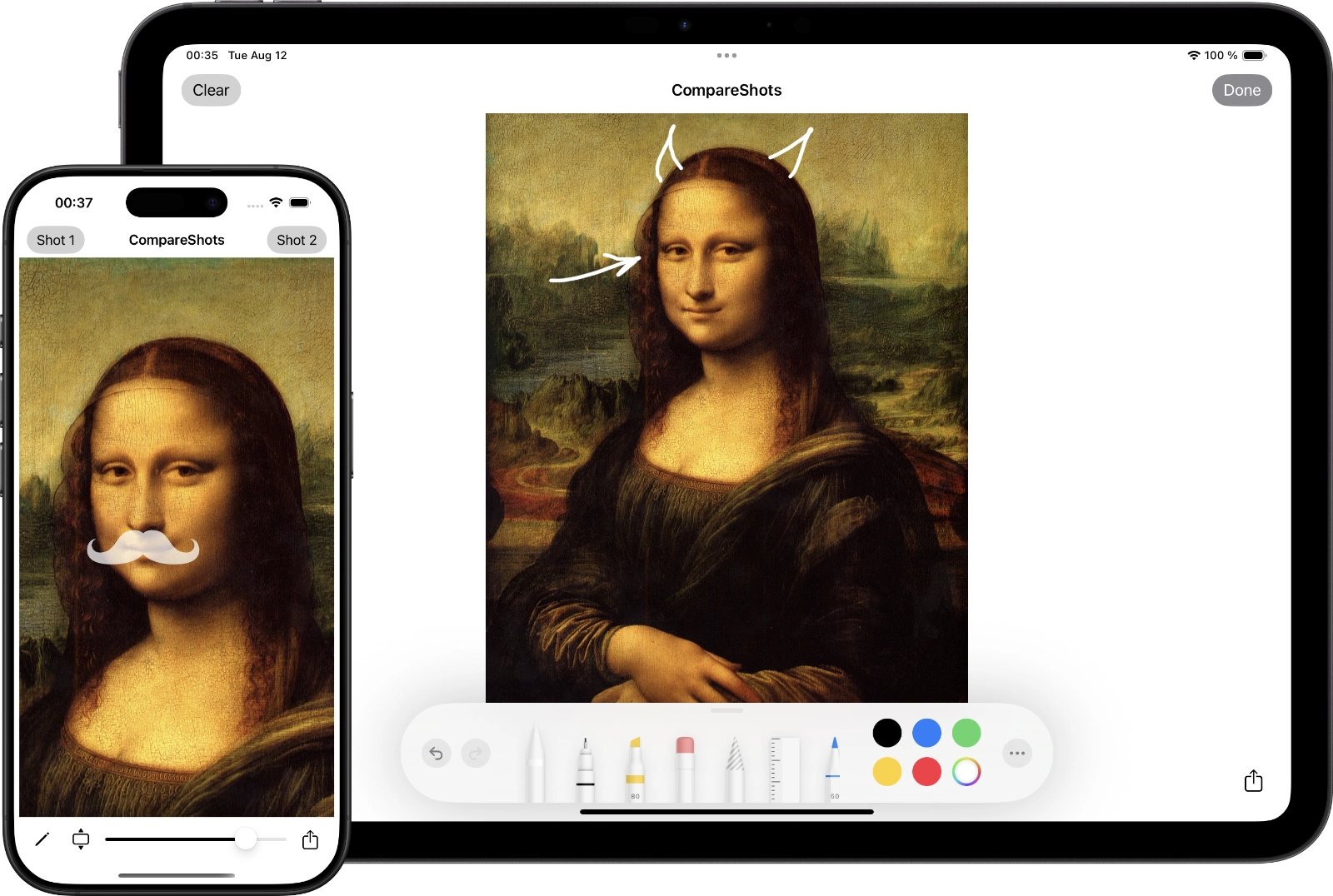
I released it because one of the users emailed me asking to hide the logo and text after an image is selected, because otherwise, if the image is not full-screen, they stick out from behind it or show through. While I was at it, I decided to level up the app a bit more. At last, my subscription to various new libraries came in handy. Now you can draw on top of images. With different colors and brushes of different sizes. One evening, and this beauty was ready :)
CompareShots v1.1
CompareShots version 1.1 has been released.
What is new: transparency now changes simply by dragging your finger horizontally. One of the users actually asked for this feature in an email. It also makes the transparency change more smoothly.
Besides that, I completely rewrote the app in Swift. So now I have as many as one released project written in it :) But this is only the beginning.
What is surprising is that I submitted the App Store update yesterday, and in less than a day it had already passed Review and been released. I do not remember Apple ever approving an app that fast.
CompareShots
Released a new app - CompareShots.
While working, I had the thought that it would be nice to have some kind of tool for comparing the mockup and the actual result. I wrote this little tool in one evening. Then I spent a few more evenings making screenshots. Yeah, the screenshots took more time :)
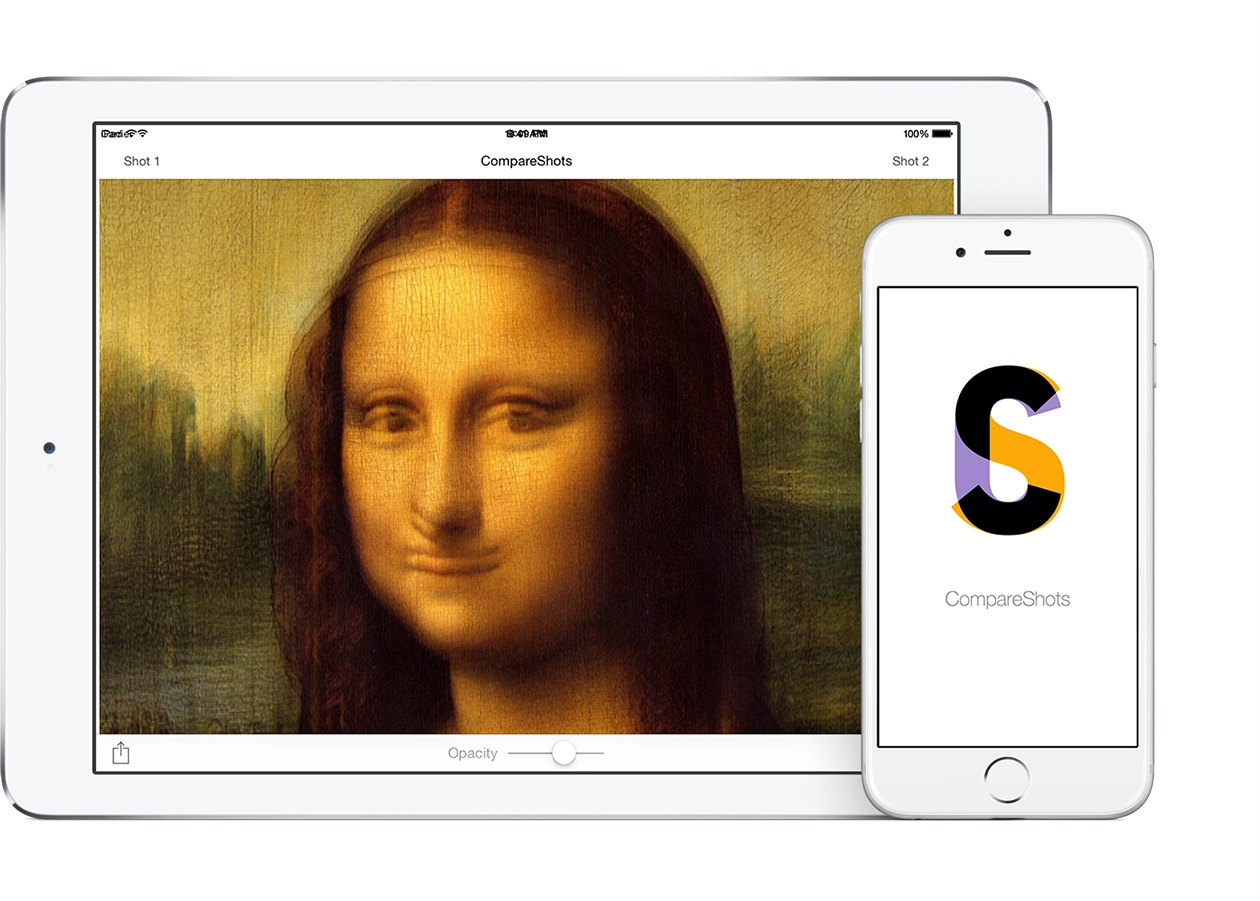
The app lets you choose 2 images from the device library. For example, a designer's app or website mockup and a screenshot of what the developer built, and check whether it really matches pixel for pixel. While you keep your finger on the screen, the first image is shown. Take it away, and the second one appears. There is a transparency slider, so you can clearly see where things do not match. The mismatch result as an image can be shared, emailed, or sent to any other app that accepts images.
App for iPhone and iPad.