Creating a DMG File from the Terminal
Have you ever needed to package your application for distribution on macOS? The solution is simpler than you might think, and it's right at your fingertips in the Terminal. I recently stumbled upon a handy bash function that streamlines the creation of a DMG (Disk Image) file. Here's how to set it up:
Step 1: Edit Your Profile
nano ~/.zprofileStep 2: Add the Bash Function
Next, insert the following function into your .zprofile. This script utilizes the hdiutil command, which is built into macOS, to create an HFS+ filesystem within a DMG file.
dmg(){
    hdiutil create -fs HFS+ -srcfolder "$1" -volname "$2" "$2.dmg"
}
Step 3: Save and Source Your Profile
After adding the code, save the changes and exit `nano`. To make the function available immediately without restarting your terminal, source your profile:
source ~/.zprofileStep 4: Use the Function
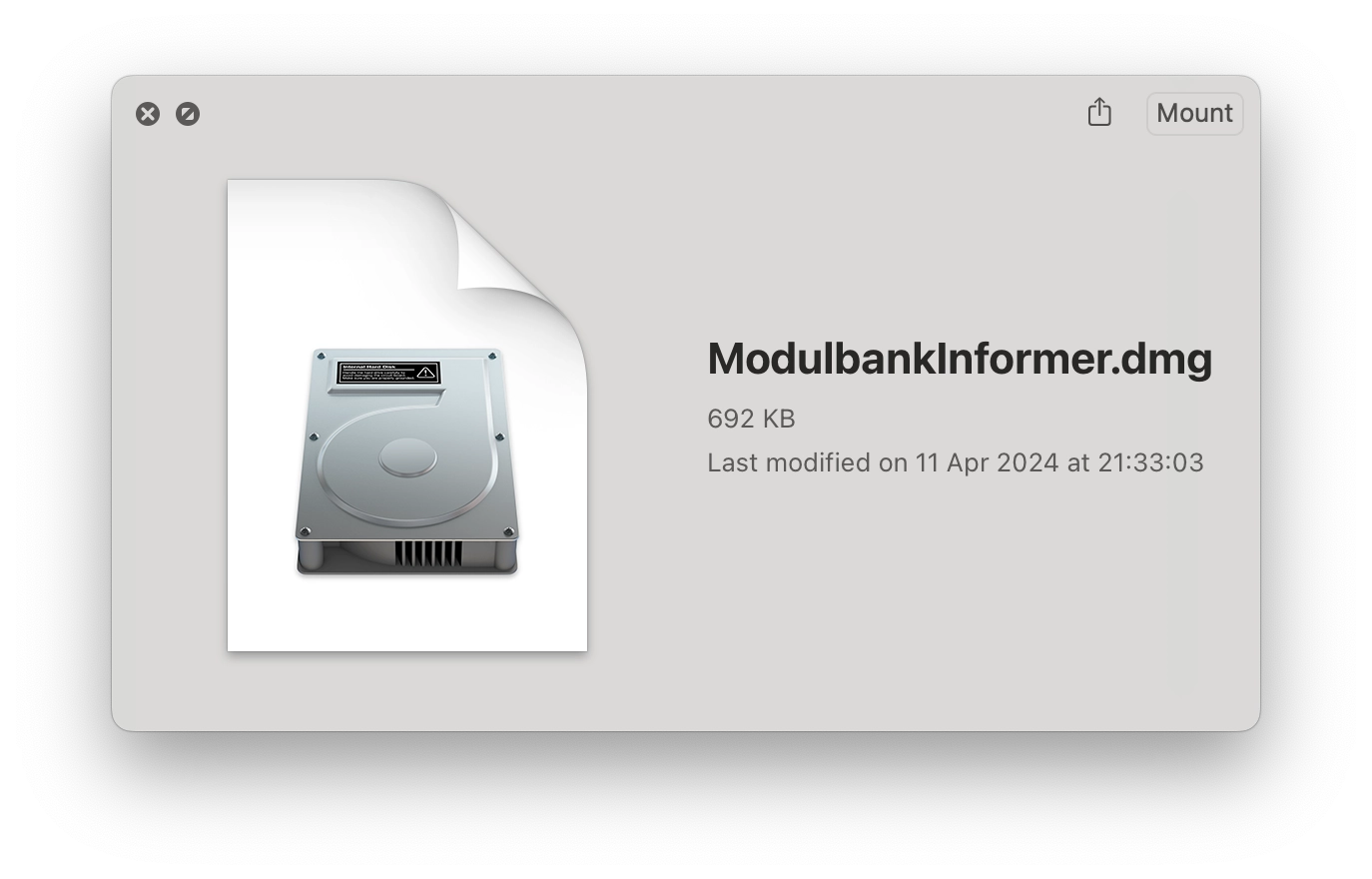
Now, you can easily create a DMG file for any folder or application. For example, to create a DMG for the 'ModulbankInformer.app', simply run:
dmg ModulbankInformer.app ModulbankInformerThis command will generate a ModulbankInformer.dmg file with the contents of the ModulbankInformer.app directory.
And there you have it - a quick and efficient way to create DMG files directly from your Terminal!