How to use «Back to My Mac» via iCloud
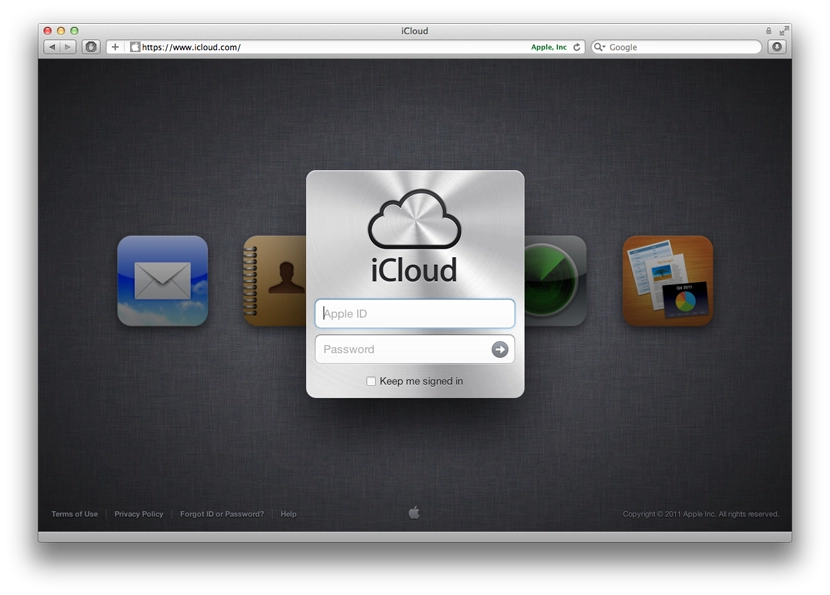
When I got the chance to play with the new iCloud features in OS X Lion, the only thing that left me puzzled was the feature called «Back to My Mac». Yesterday I finally figured out how it works, and today I gave it a proper try.
The whole thing works very simply, between two Macs. On both Macs you turn on «Back to My Mac» in iCloud preferences, and from then on they behave as if they’re on the same local network.
I tested it today by taking my MacBook to work and leaving the iMac switched on at home. Once the MacBook connected to wi-fi, it reached into iCloud, saw that my iMac was online, and showed it to me in Finder’s left sidebar under Shared.
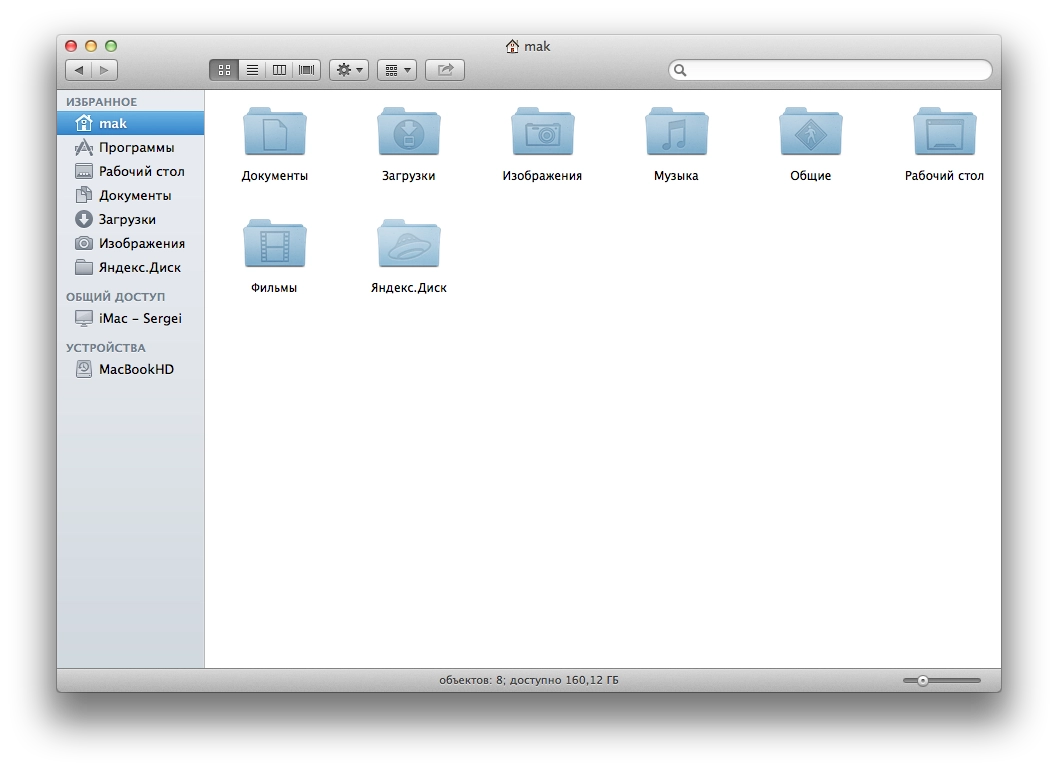
From there it’s all just like the machines are on a LAN. You can connect to it and browse files. By default you connect as a guest.
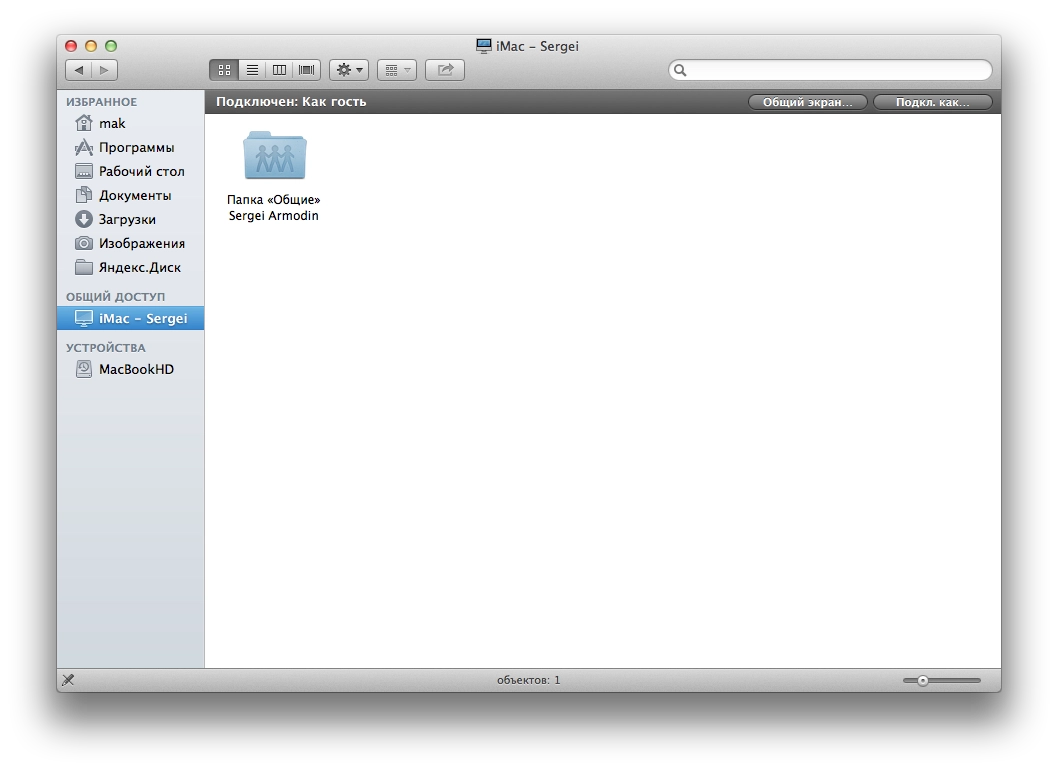
If you log in, you get to see all the files. You can authenticate either with the user account on the other machine, or with the iCloud account.
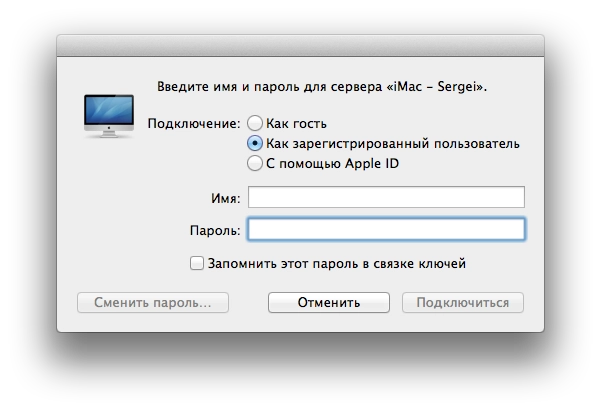
That said, I couldn’t log in via the iCloud account. But I did manage with the local account on the Mac. Got access to my files. You can copy or upload a file, just like over LAN — only the speed limit depends on the providers on each end.
But the most important and valuable thing for me is the «Share Screen» button.
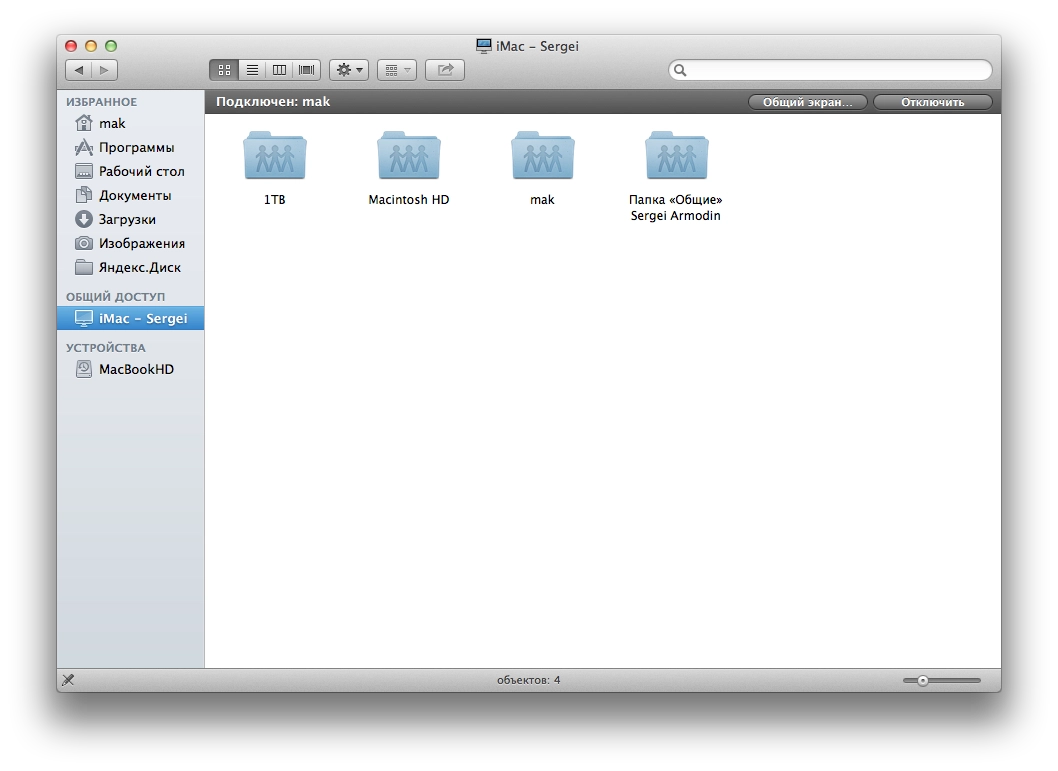
I can finally drop TeamViewer, which is rather flaky on macOS and where to connect you need all sorts of numbers/codes or logins/passwords. Plus the constant pop-ups telling you it’s only free for personal use, and the connections that constantly drop out claiming the free session has ended.
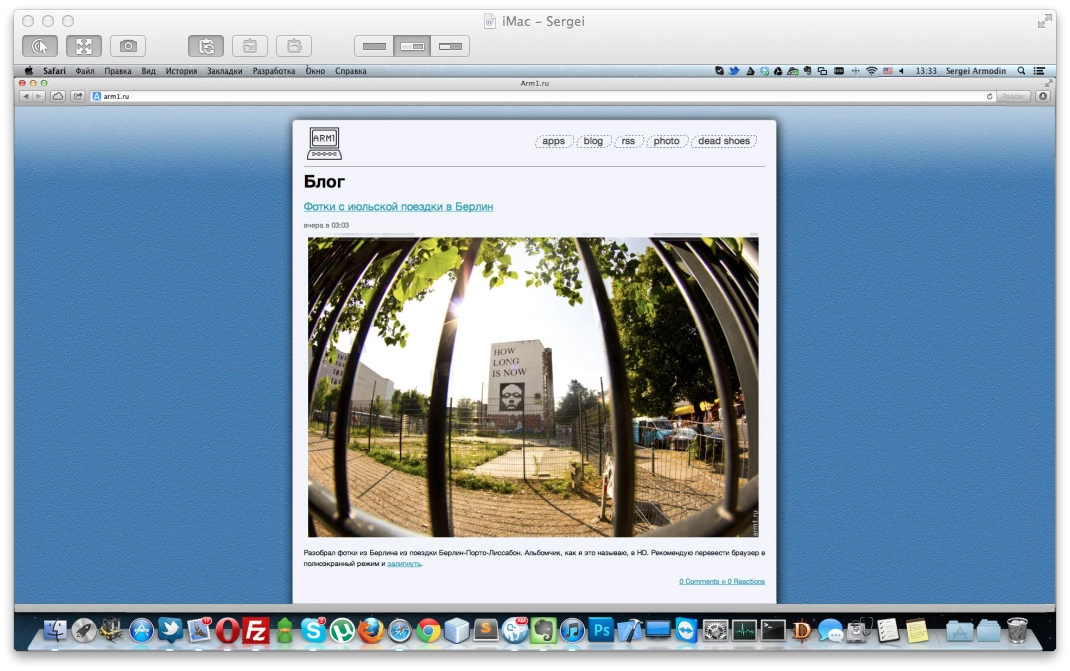
And the client is rather pleasant. You can take a screenshot of the remote screen. If the remote Mac has more than one display, you can either show both, or switch to whichever one you want. It’s probably the standard built-in client; I just last used it back on Lion and didn’t pay attention to the rest of its features. To me it all looks great. There’s no option to change the quality of the streamed picture, but I don’t need that — my connection is fast enough.
So TeamViewer will from now on only be used for emergency Windows cases. Finally there’s a simple, convenient way to connect to my home machine. Beautiful.
P.S. Maybe someone can tell me how to stop the wretched TeamViewer from launching at boot? Even after I quit it, it just starts up again, and I have to quit it the second or third time.