Mac OS X Lion and iCloud
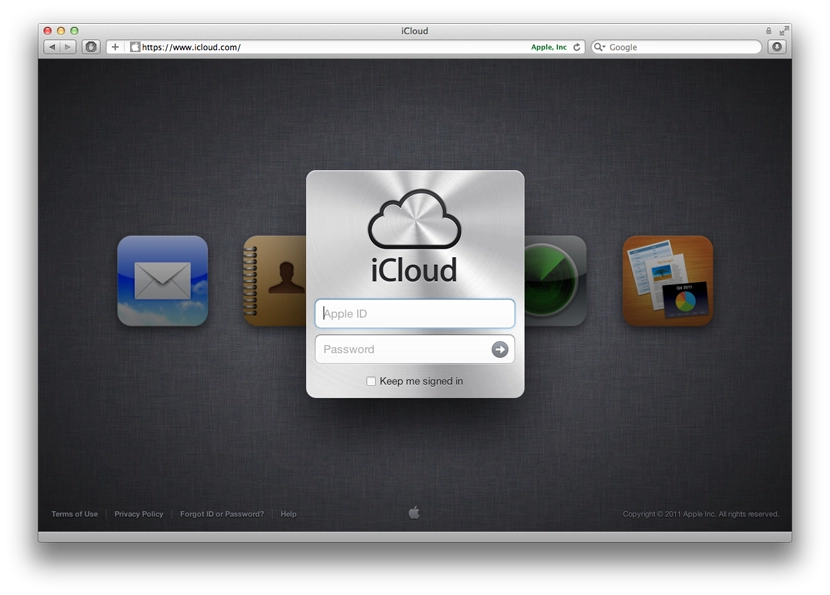
Well, the new macOS with iCloud support is out, and iCloud itself has come out of beta.
So, after installing the updates, immediately after the system reboots you’re prompted to sign in to iCloud with your Apple ID. After signing in, you’re asked to tick the services you want to use.
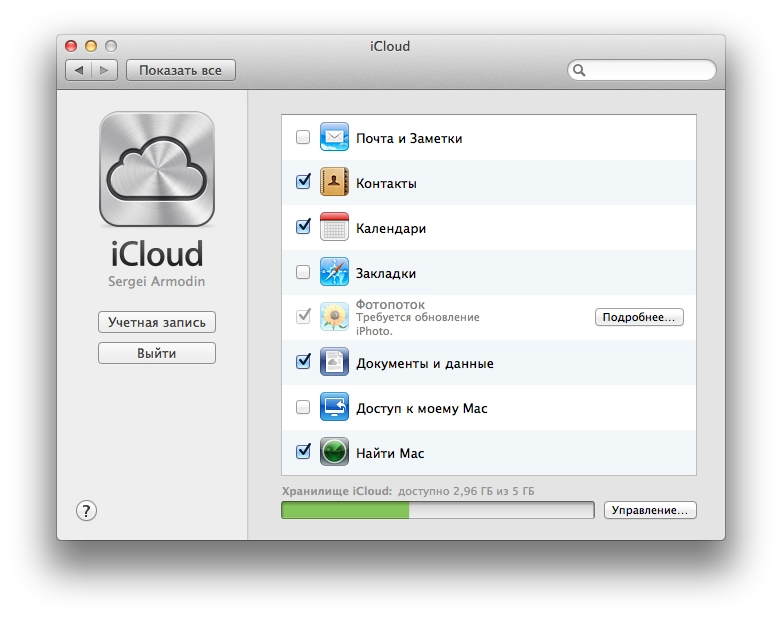
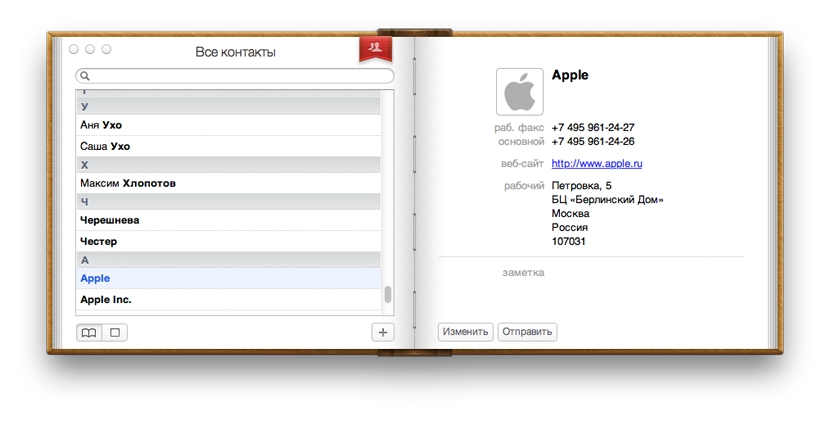
I decided not to tick Mail — I don’t really see the point. I already use a mail client on both my computers and my mobile devices. Mail is over IMAP, so it all syncs anyway. Contacts is a relatively useful thing. I personally don’t need it yet, but after turning it on, all the contacts from the address book on the phone showed up on both my Macs.
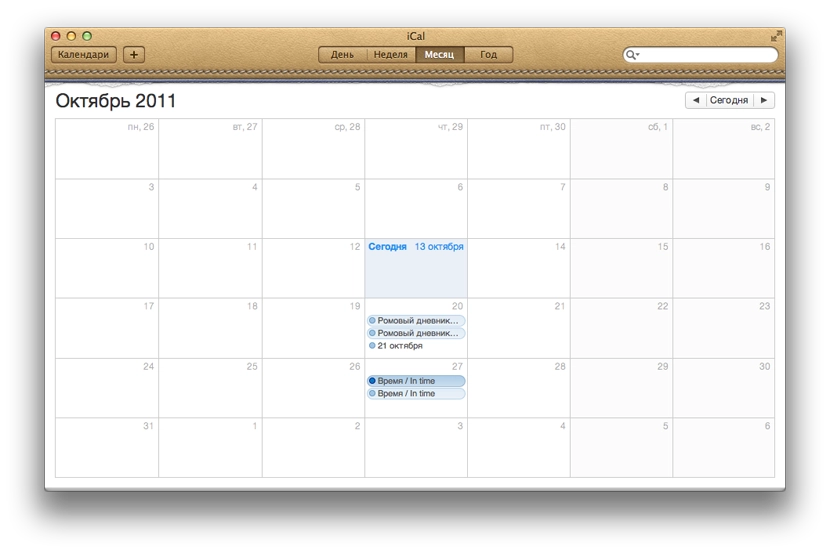
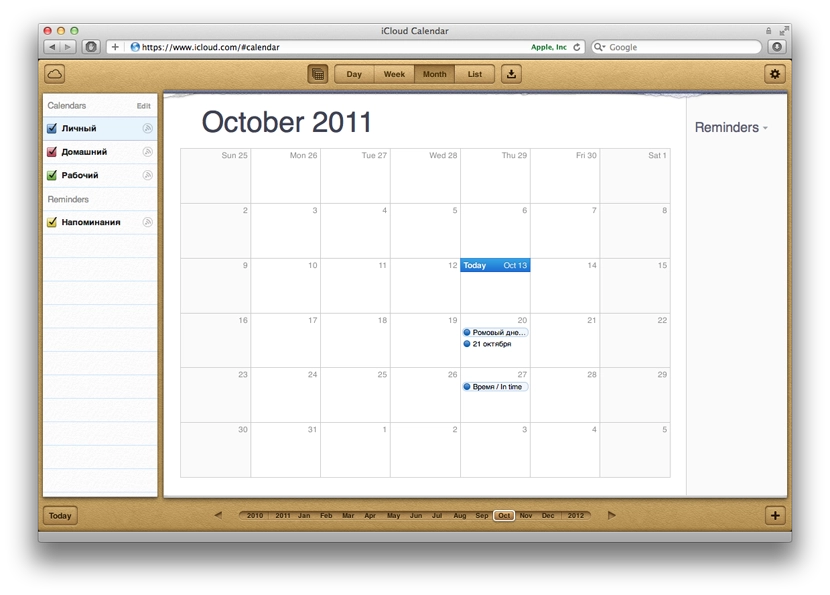
The most useful thing, in my view, is calendar sync. I really didn’t want to bother syncing through Google and keeping a calendar there, especially since the only Google service I use regularly is YouTube. It’s very nice that everything now works and syncs out of the box. For example, I added the dates of film premieres I want to watch. They appeared in the calendars on all my devices and Macs. There is one annoying detail though — I added these events on one of the Macs. After syncing, those events were duplicated on it. But that’s probably an early-days glitch and an Apple oversight. After adding a new event it appeared everywhere just once.
Documents are still unclear. The desktop iWork apps only offer to publish files to iWork.com, which is still in public beta.
The «Find My Mac» feature lets you later track on iCloud.com where it is. As I understand it, this is for the case when it gets stolen, or you left it somewhere and don’t remember where.
iCloud.com is now also open to everyone — styled in the spirit of iOS, offering 5 tools (or rather 4).
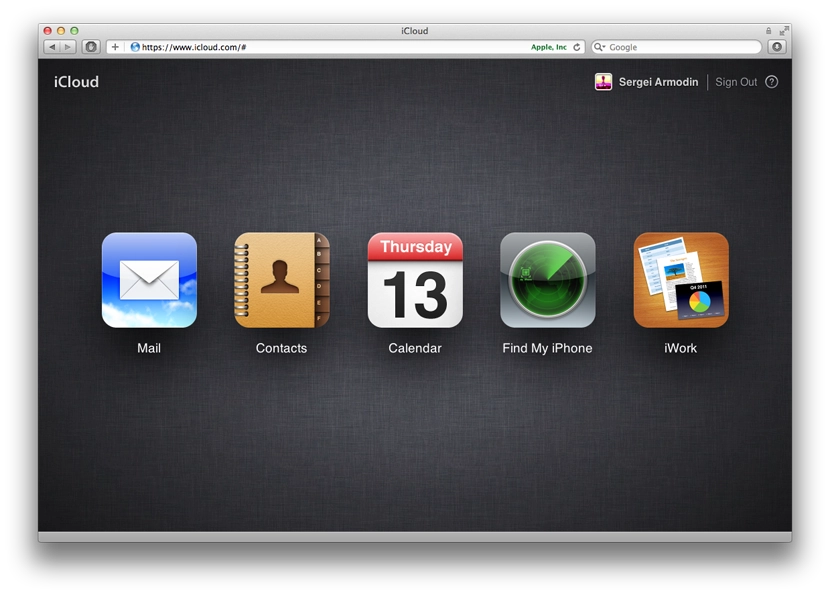
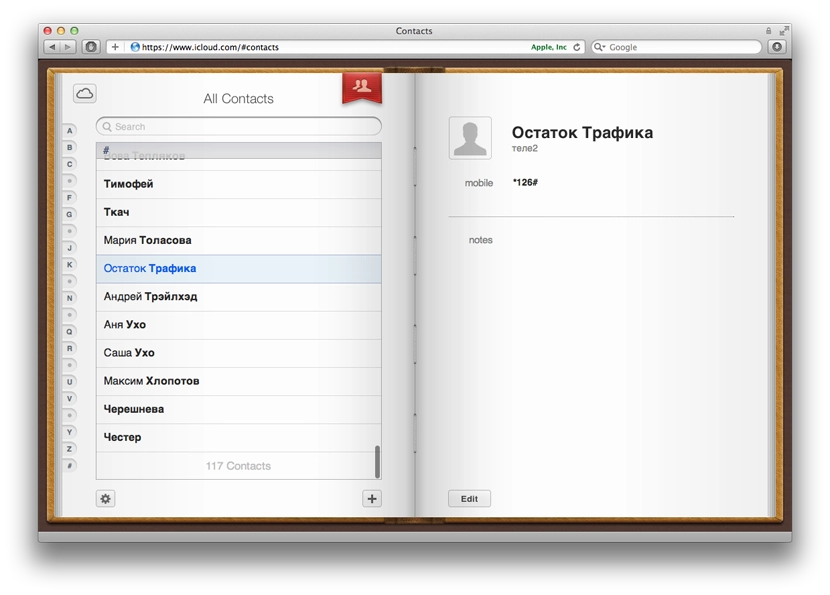
Mail should be a web interface similar to the standard Mail app. Contacts and Calendar look exactly like the standard Mac OS apps.
The Find My iPhone feature looks pretty entertaining — despite the name, it shows not only phones, but also Macs that have «Find My Mac» enabled.
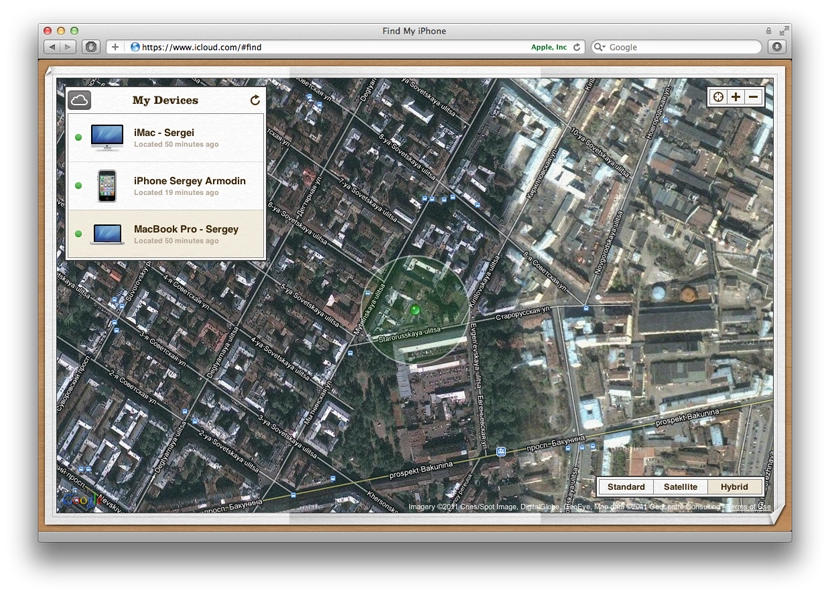
You can send a message and a sound alert to the devices. It arrives instantly, and on top of that you get an email saying that such-and-such message was sent and delivered to the device. You can remotely lock the device or wipe it. For iPhone there’s even a toggle — when found, immediately email me. So the location is monitored somehow, without your involvement, it seems.
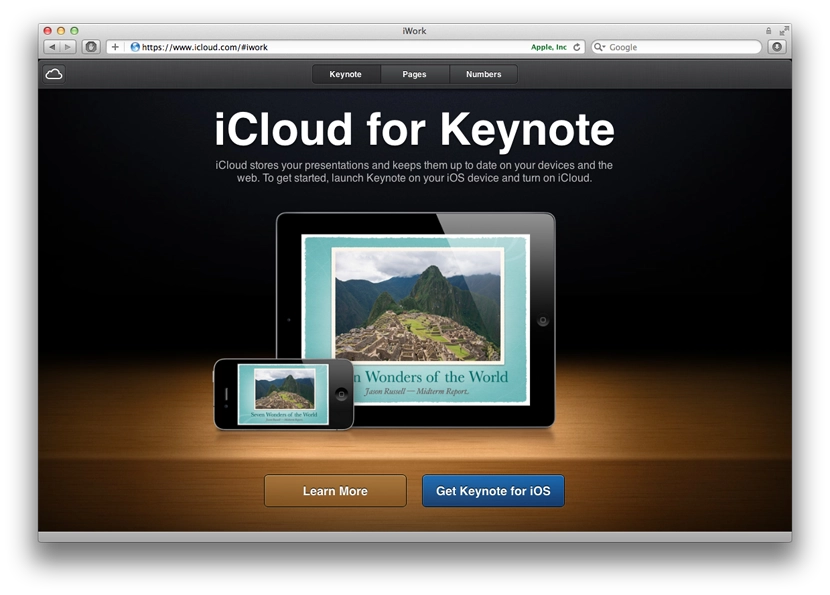
The iWork section currently contains only ads inviting you to install the iWork apps on your iOS devices. Apparently those already work with iCloud. None of the iWork apps are installed on my iOS devices — no need.
On an iOS device, in the iCloud settings you can turn on Photo Stream. From the moment you turn it on, all new photos start being uploaded to iCloud and become available on your other devices. Only new ones are uploaded — i.e. the ones taken after enabling the feature. Anything taken before — doesn’t go anywhere. Here’s how they look in iPhoto on the Mac:
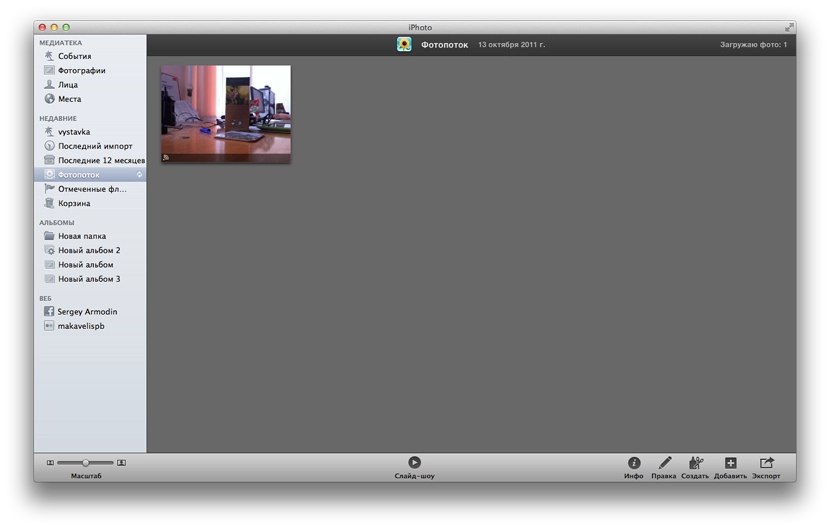
You also need to enable Photo Stream in iPhoto. As soon as I took a photo on the iPhone (and opened the photos list), the photo started flowing into iCloud. It appeared in iPhoto automatically without any action from me.
The most puzzling feature for me so far is «Back to My Mac». Judging by the icon, it’s a way to connect to your Mac via remote desktop, but I haven’t found out how to actually do it. I really want to use this feature to connect to my home computer from work, since TeamViewer is getting on my nerves with its glitches and intrusive messages, opening its website and offering me a paid version.
Update: a description of how it works.
I didn’t enable Bookmarks in iCloud, since I barely use Safari. The bookmarks of the Opera I use are already synced through their built-in Opera Link service.
The cloud also stores backups of my iPhone, which have already eaten up almost half of the available free space. A useful thing if your computer suddenly dies. But somehow that doesn’t feel like a tragedy to me. The other syncs are also a kind of backup.
What I was looking forward to most was iTunes Match, but it won’t come for a while, and, alas, will only work in the US for now — like all the cloud music services, be it Amazon or Google. Sad — almost makes you want to write your own.
Such is this cloudy iCloud.