Weak delegate in Swift 3
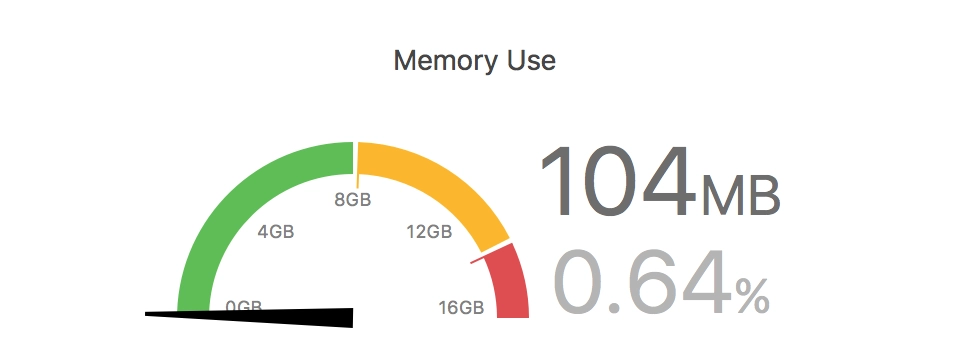
I was fighting memory leaks in a work project. Digging led me to the fact that after leaving a UIViewController, far from all memory gets released. If you open this UIViewController several times, go back, and open it again, memory consumption grows and does not get released very much.
The root of the problem turned out to be protocols and delegates. A classic mistake. In my UIViewController I use a UICollectionView with a custom cell that has a delegate. My UIViewController is the delegate for each cell. An example of implementing such a protocol and delegate on the internet and in a Swift book looks roughly like this:
// Protocol
protocol MyCollectionViewCellDelegate {
    func someFunc()
}

// UICollectionViewCell
final class MessageCollectionViewCell: UICollectionViewCell {
    var delegate: MyCollectionViewCellDelegate?
}

// UIViewController
func collectionView(_ collectionView: UICollectionView, cellForItemAt indexPath: IndexPath) -> UICollectionViewCell {
    // some code....
    cell.delegate = self
}
Inside the cell object we have a strong reference to the delegate (UIViewController), which results in a memory leak.
The solution is simple — make the reference to delegate weak. To do that, you have to specify that only a class can implement the protocol. Structures are out, but there is no need for them here anyway. It changes like this:
// Protocol
protocol MyCollectionViewCellDelegate: class {
    func someFunc()
}

// UICollectionViewCell
final class MessageCollectionViewCell: UICollectionViewCell {
    weak var delegate: MyCollectionViewCellDelegate?
}
After these simple changes everything became great — after navigating back from the UIViewController, memory usage returns to its initial level.