Tag: «swift»
Swifty Notes - a markdown notes manager for Linux in Swift
After shipping swift-adwaita, I've been focused on building a first app using it. Something simple, but handy for myself. So now the first app has been shipped.
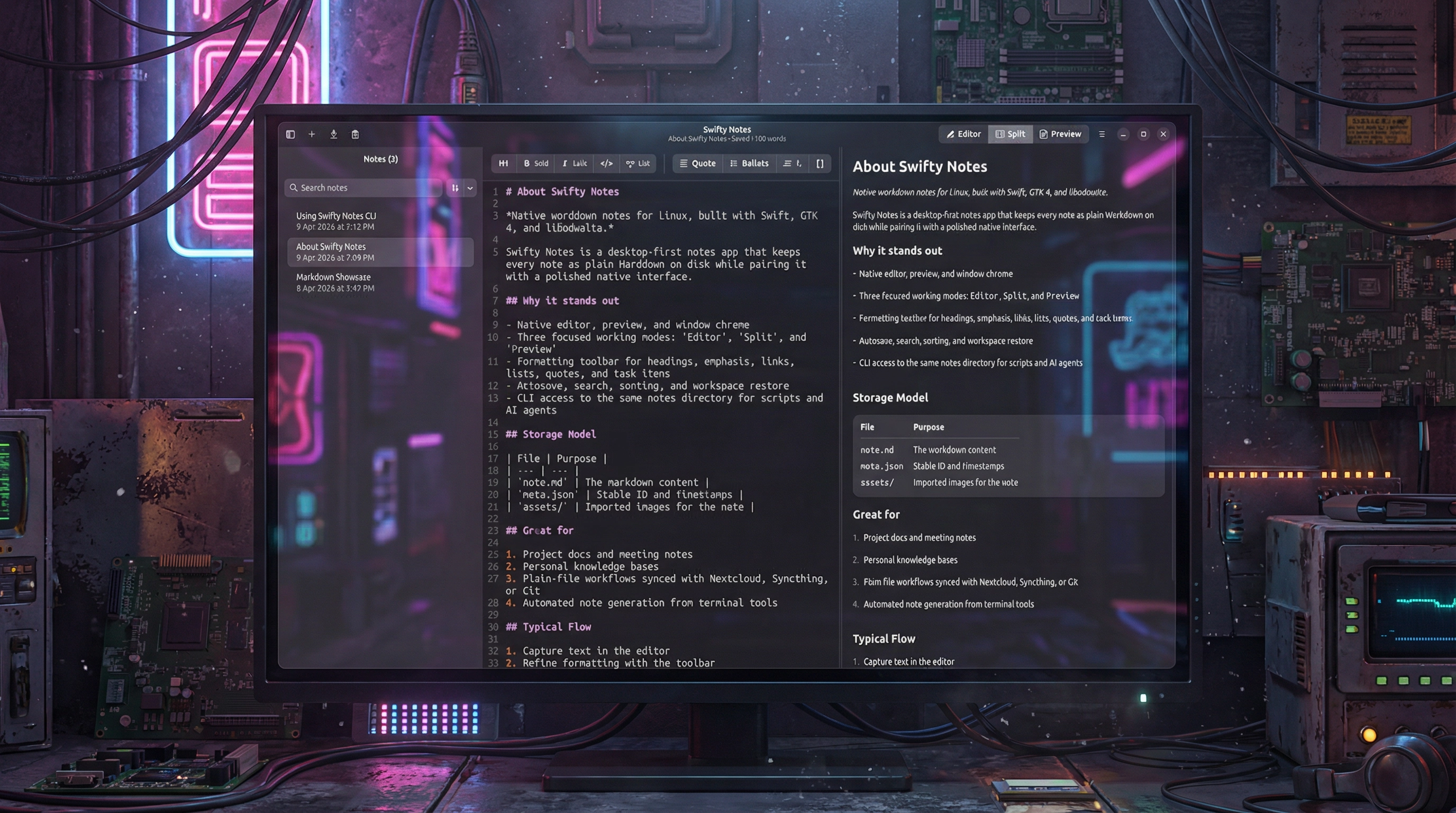
Swifty Notes is a native GTK/libadwaita Markdown notes application for Linux written in Swift.
The desktop app is the primary experience: write, organize, and preview Markdown notes with native GTK widgets, autosave, remembered workspace state, and adjustable editor settings such as font size, wrapping, indentation, and appearance.
The included CLI works on the same file-backed notes so shell scripts, automation, and AI agents can safely inspect or update notes without a separate database or background service.
- Create, rename, duplicate, export, and delete Markdown notes.
- Autosave edits, remember workspace state, and keep note-local image assets together with each note.
- Adjust editor font size and other writing preferences to fit different screens and workflows.
- Choose where notes are stored, including a cloud-synced folder, so the same plain files can stay in sync across devices.
- Import images with drag and drop and render Markdown with a native GTK preview instead of a web view.
- Use the CLI for JSON-friendly note automation from scripts, shell pipelines, and AI agents.
Swifty Notes for Linux is an open source project, source code is available on GitHub.
Swift Adwaita 1.1.0
Swift Adwaita 1.1.0 has been released. I’ve been working on a first app built with this library, so I’ve extended it and fixed some bugs.
Highlights
- Added GtkSourceView integration with typed Swift wrappers for source editing, syntax highlighting, languages, and style schemes.
- Expanded widget APIs around popovers, windows, calendar compatibility, and runtime lifecycle handling.
- Improved release stability with better GLib main-loop integration, broader CI coverage, and additional regression tests.
Added
- SourceView, SourceBuffer, SourceLanguage, SourceLanguageManager, SourceStyleScheme, and SourceStyleSchemeManager.
- Typed identifiers for GtkSource languages and style schemes.
- A new source editor demo example.
- MainContext.task { ... }, task(after:), and task(every:) as cancellable GLib main-loop work handles.
- Async MainContext.run, yield, and sleep(for:) helpers for bridging Swift concurrency onto the GLib loop safely.
- Widget.unparent() and PopoverMenu.unparent().
- Convenience presentation helpers for Popover and PopoverMenu.
- Additional regression tests for widget/window parent-chain lookup and expanded coverage for source editing and media behavior.
Changed
- GtkWindow.present() now retains windows until close, making transient or locally scoped windows safer to use.
- Widget.window now resolves the containing window through the widget parent chain instead of assuming the GTK root is always a window.
- Calendar date handling now uses a GTK compatibility shim so the package builds cleanly across older and newer GTK versions.
- Documentation generation and hosted docs configuration were updated.
- CI now installs and tests with GtkSourceView 5 system dependencies.
Fixed
- Fixed deferred signal/user-data cleanup to release captured closures through the GLib main loop instead of Swift main-queue tasks, avoiding lifecycle issues in GTK applications.
- Fixed a common GTK scheduling pitfall by offering a Task-like API that stays on the GLib main loop instead of DispatchQueue.main.
- Fixed Swift 6.1 serialized suite visibility issues in the test suite.
- Fixed the popover/window regression tests to avoid GTK crash paths in CI while still validating the intended behavior.
- Fixed release documentation and installation instructions to include GtkSourceView 5 development packages.
Documentation and CI
- Added an API documentation link to the README.
- Updated installation instructions for Ubuntu/Debian and Fedora.
- Improved inline documentation consistency across the wrapper API.
- Extended CI coverage for documentation, formatting, and Swift 6.1 / 6.2 / 6.3 test runs.
This is an open-source project licensed under the MIT license. The source code is available on GitHub. Documentation with guides is available here.
Swift Adwaita library
A project that I’ve always wanted to create: a library that enables the development of GNOME applications using Swift. While there are some similar libraries available, they appear to be incomplete or not actively maintained. Thanks to Vibe Coding, I managed to complete the project in approximately a week.
swift-adwaita is an imperative Swift 6 wrapper for GTK4 and libadwaita, built for creating native GNOME desktop applications on Linux.
It provides a modern Swift API over GTK and Adwaita with type-safe widgets, signals, property bindings, async operations, and ergonomic convenience helpers, while preserving the native behavior, styling, and feel of the GNOME platform.
- Native GTK4 and libadwaita application development in Swift
- Imperative API without a custom DSL
- Type-safe enums, signals, and property APIs
- Async/await support for common platform integrations
- Extensive widget coverage with a real demo application
Here’s a demo app built using swift-adwaita:
This is an open-source project licensed under the MIT license. The source code is available on GitHub. Documentation with guides is available here.
CouchDB client for Swift 2.4.0
Highlights
- Refactored the internal request pipeline in CouchDBClient to use cleaner async/await-style flows and reduce duplicated response handling logic.
- Improved buffering and decoding paths for raw and typed requests, with a focus on safer EventLoopGroup execution and better performance in response processing.
- Expanded test coverage around EventLoopGroup-backed request execution, including raw and typed get, raw and typed find, attachment download, Mango index listing, and Mango query explanation.
- Refreshed user-facing documentation across the README, DocC articles, and tutorials.
- Updated documentation tooling for newer DocC workflows, including Markdown export support.
API and Behavior Improvements
- Added and refined EventLoopGroup support across more CouchDBClient request paths.
- Improved internal error-handling paths and response decoding behavior for CouchDB operations.
- Simplified request helper layering and reduced duplicated request/response processing code.
- Improved attachment-related behavior and accompanying tests.
- Added visionOS to supported platforms in the package manifest.
Documentation
- Fixed and refreshed README examples for CRUD and Mango query usage.
- Updated DocC landing pages to better reflect the current API surface.
- Corrected the Advanced Mango Query tutorial snippets to match the current typed query API.
- Corrected Vapor tutorial examples.
- Fixed Hummingbird tutorial package setup and dependency snippets.
-
Updated buildDocs.sh to support:
- configurable output and hosting base path
- static hosting content embedding
- experimental Markdown output
- Markdown manifest generation
- Added a post-processing step in buildDocs.sh that injects a relative Markdown link into generated DocC HTML pages.
Tooling and Dependencies
- Updated package dependencies in Package.resolved.
- Updated the Ubuntu build workflow Swift version matrix.
CouchDB Client on GitHub | Documentation with examples and tutorials.
CouchDB client for Swift 2.3.0
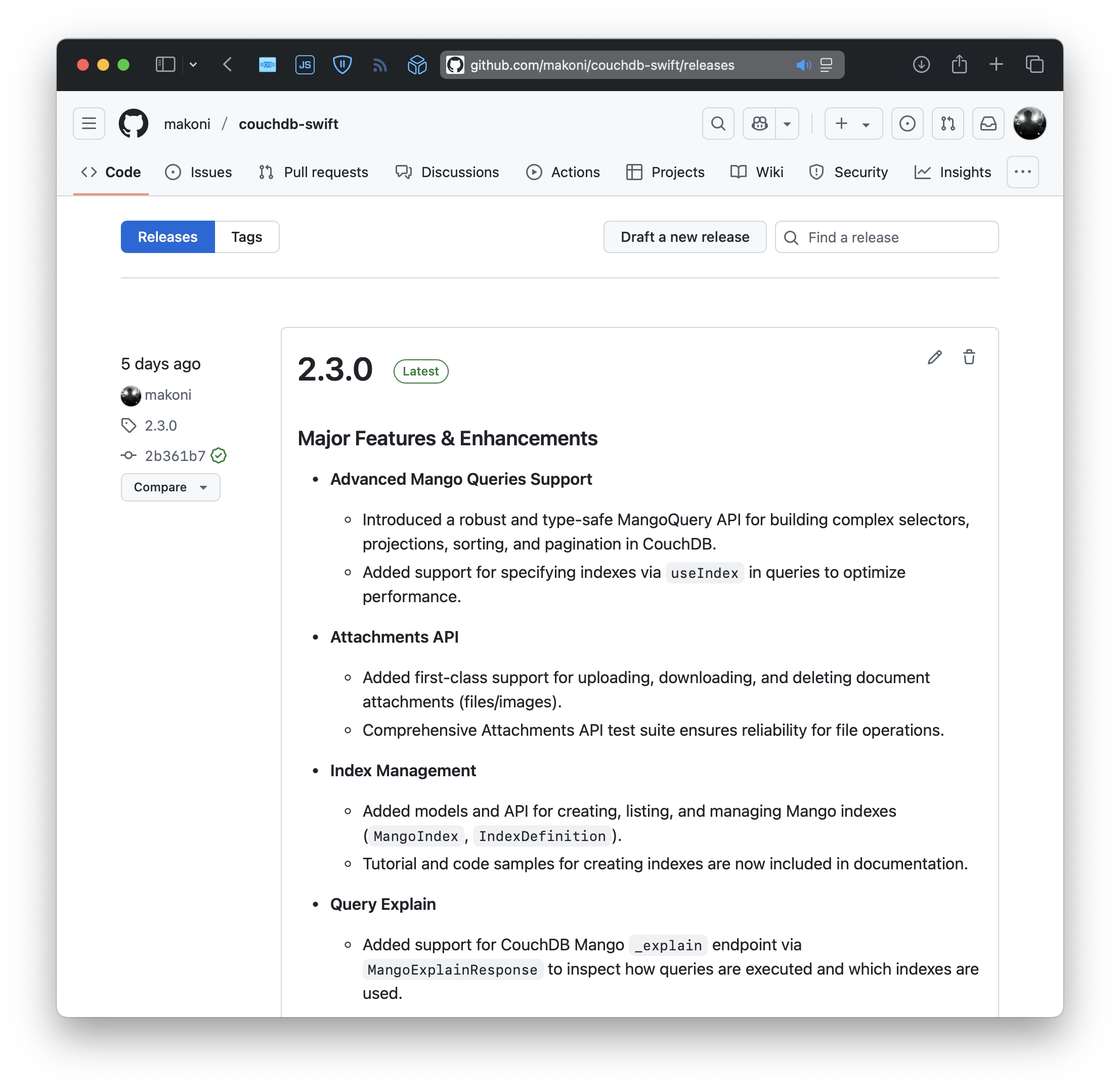
Recently, I've implemented a feature that I wanted to add to the CouchDB Swift client for a long time. It's Mango Queries support. Finally, it is done in 2.3.0. Feels like the last remaining big feature.
Changelog:
- Introduced a robust and type-safe MangoQuery API for building complex selectors, projections, sorting, and pagination in CouchDB.
- Added support for specifying indexes via useIndex in queries to optimize performance.
- Added first-class support for uploading, downloading, and deleting document attachments (files/images).
- Comprehensive Attachments API test suite ensures reliability for file operations.
- Added models and API for creating, listing, and managing Mango indexes (MangoIndex, IndexDefinition).
- Tutorial and code samples for creating indexes are now included in documentation.
- Added support for CouchDB Mango _explain endpoint via MangoExplainResponse to inspect how queries are executed and which indexes are used.
CouchDB Client on GitHub | Documentation with examples and tutorials.
A story of one bug in Leaf
This website is working on Vapor - a server-side Swift framework. It's pretty old, popular, and well known.
I’ve used it for a few years already and always liked that it's fast and doesn't require a lot of memory on the server.
I'm keeping all dependencies up to date. But recently I've noticed that the website started to eat a lot of memory. It starts with about 20 mb of memory usage, but after a few weeks, I found that it ate about 750 mb on the server.
That's a lot for such a simple website, so I started digging. After reviewing the site code (which I didn't change for a long time), I couldn't find any issues (and AI agents too).
I use Leaf - a template engine from the Vapor team to render HTML. And there was an open issue on their GitHub repo describing exactly the same problem.
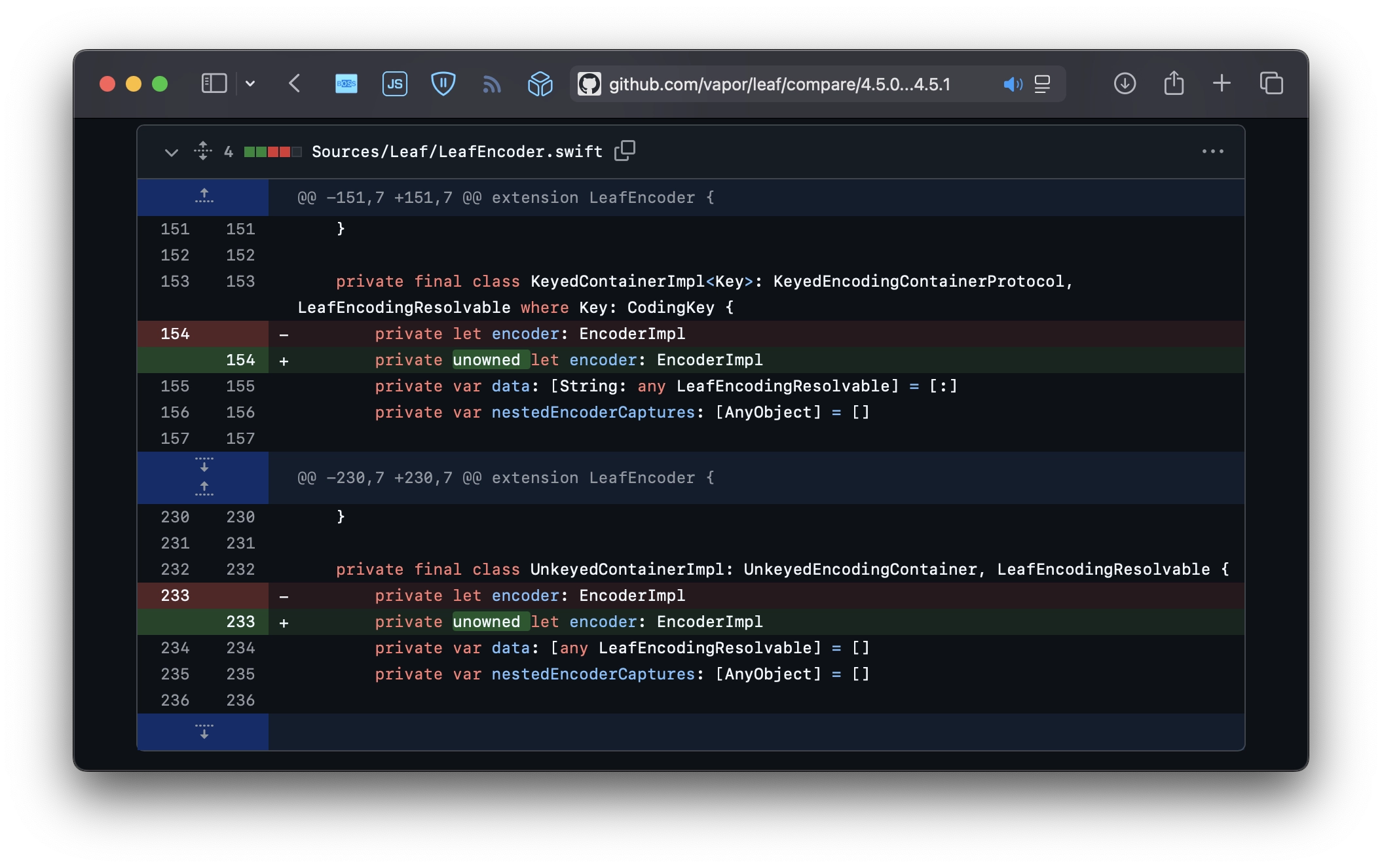
So I've asked Copilot to help me debug what's wrong. Pretty quickly, it added some new tests to my fork that did a lot of renders in a cycle. And leak util found retain cycles. So I fixed that with some weak annotation, but during the review of my PR, a maintainer suggested to just use unowned.
And that's it. 2 lines of code fixed memory growth. It's hard to believe, but after a few hours since the deploy, the website still takes only 2 mb of memory. So I'm very proud of myself today.
Morale: contribute to the open-source project that you use.
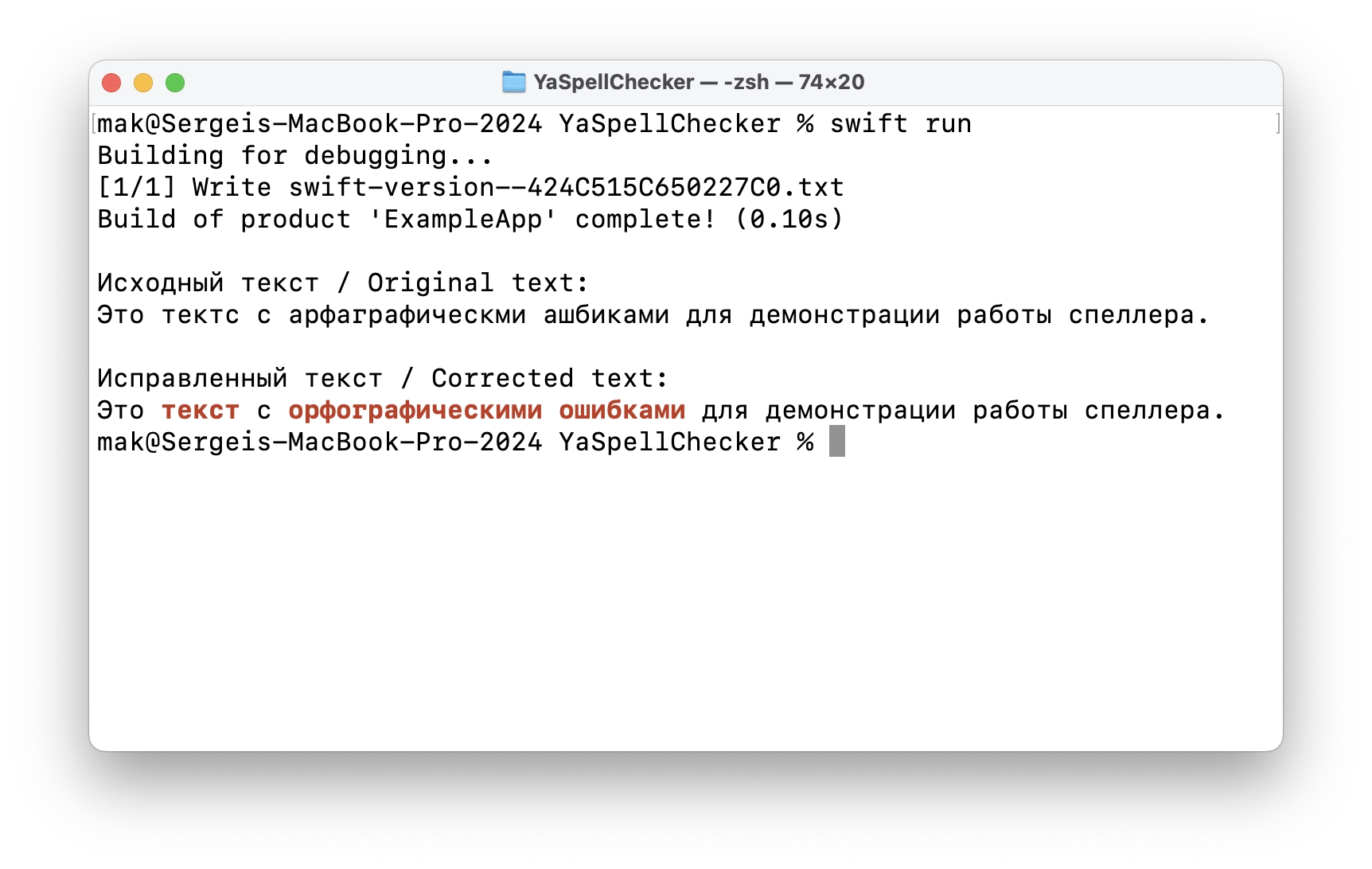
A Swift package for spell checking using Yandex.Speller
For my own purposes, I wanted to add a spell checker to one of my apps. It should check the text and automatically correct it. Built-in macOS writing tools work fine for English, but don’t work for Russian.
So after it's done, why not share it?
Recent updates of my projects
Recently, I've been playing a lot with AI agents, and it really inspired me to update my projects. Playing with real-life tasks makes it more fun.
Couchdb Swift client lib
There are 2 new releases of couchdb-swift library. Copilot kindly added more unit tests to the library to cover more use cases. Mostly failures. I still had to tweak a lot manually, but it gave me some ideas. So I've added more error handling in these 2 recent releases. Also, it found a couple of minor bugs and fixed them, reviewed my PR, and suggested some improvements. Far from being perfect yet, but still pretty impressive.
Release Informer Bot for Telegram
At some moment, I found that Copilot Agent is available for my account, and I can simply start with an issue on GitHub, assign it to the agent, and see what it will do. I've started with a request to update the README for Release Informer Bot with some nice details about how it works and how to set it up.
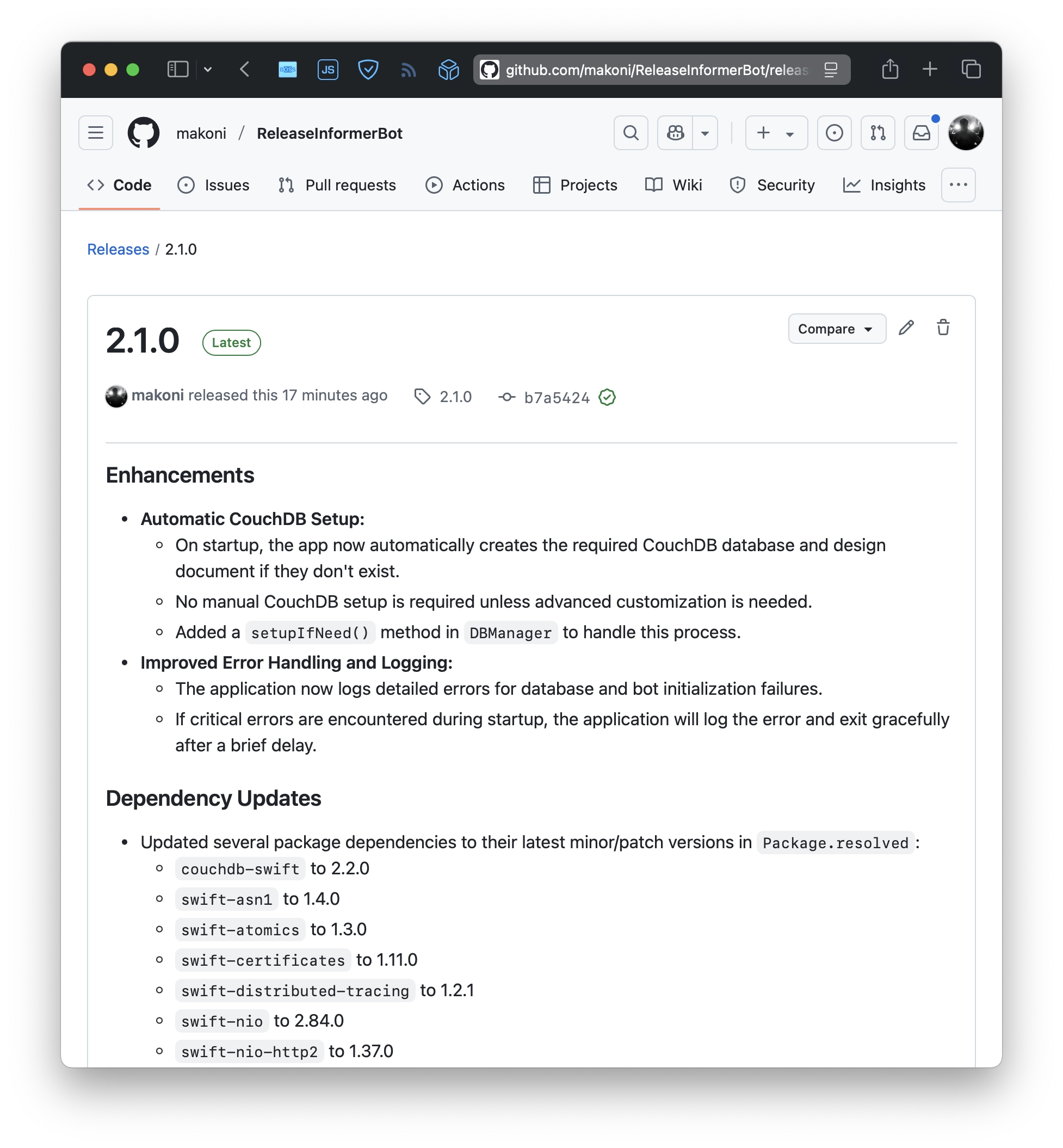
After the agent finished the updated README, it gave me another idea. Setting up might be automated. So I've opened Visual Studio Code and asked the Copilot agent to add automatic creation of the required database and set it up with the required CouchDB indexes.
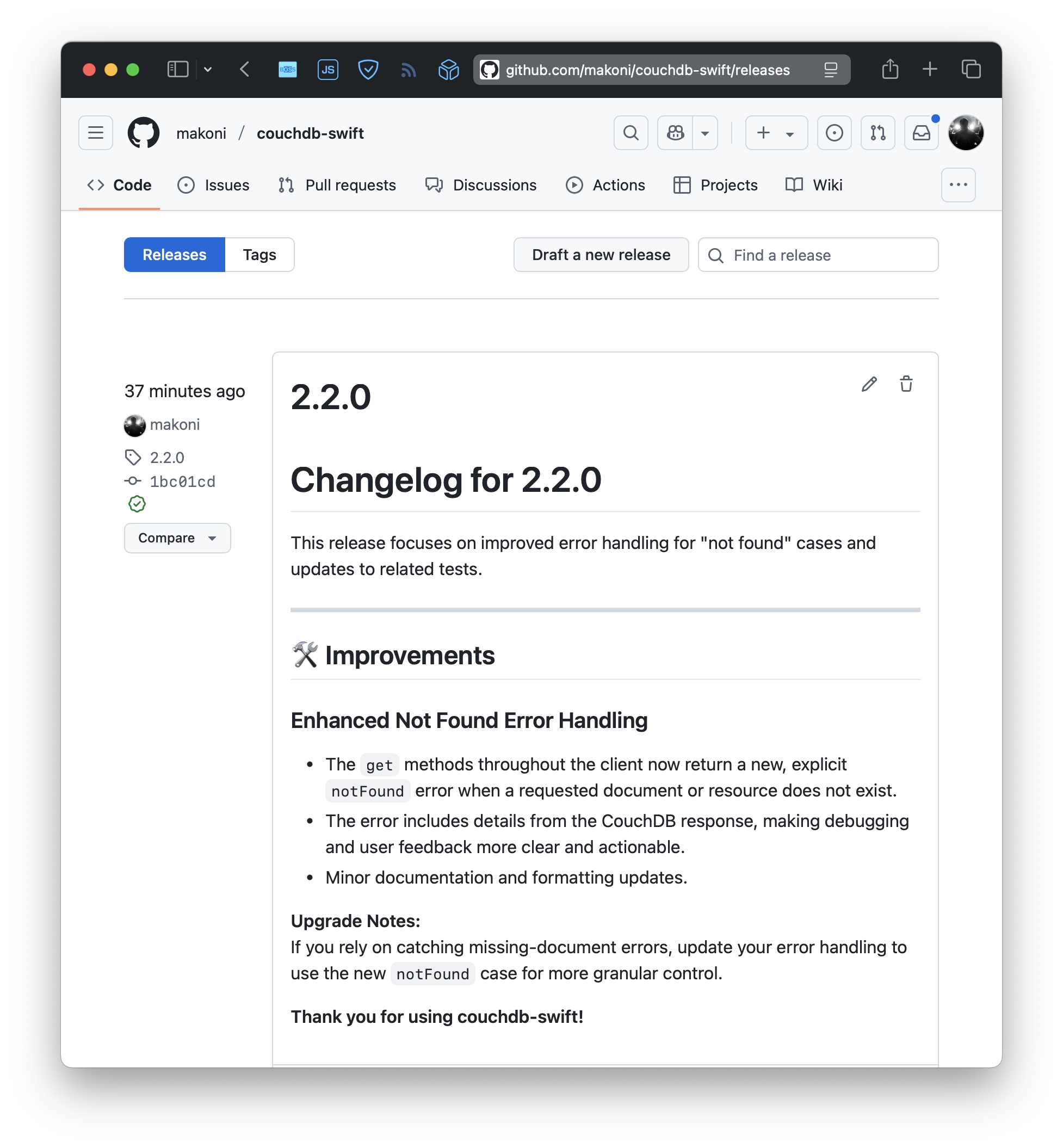
It also did a good job, but it still required some manual tweaks and changes. And during that, it led to one more release of the CouchDB client lib because I wanted to rely on a proper "not found" error.
It's hard to tell how much time Copilot saved me. But definitely a lot. Including my favorite automatic string translations. Hopefully, that will inspire me to ship more.
CouchDB client for Swift version 2
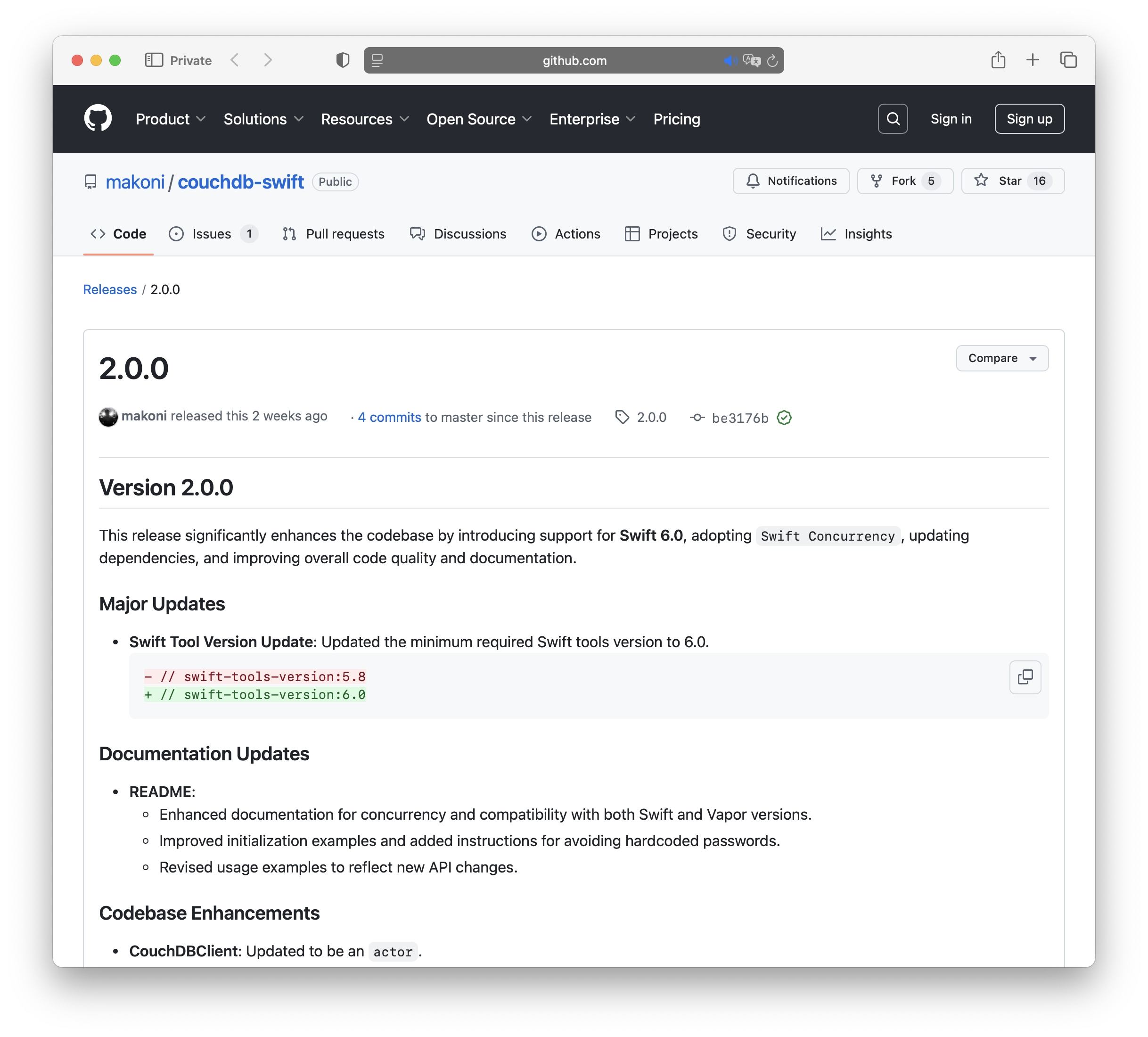
Recently, I’ve released a few new versions of the CouchDB client for Swift. The latest version is version 2, and it includes several key changes:
- Updated the minimum required Swift tools version to 6.0.
- Adopted Swift Concurrency. CouchDBClient has been updated to be an actor.
- Renamed the library from couchdb-vapor to couchdb-swift to better reflect its purpose as a general CouchDB client for Swift, beyond Vapor-specific use cases.
- Made some changes to the initializer. Instead of passing a lot of parameters, it now accepts a Config structure.
- You can pass your own HTTPClient instance to be used in the client.
- Added translations for error messages.
- Introduced a dedicated tutorial for integrating CouchDBClient with the Hummingbird server-side framework.
- Added a shutdown() method to properly release resources associated with the HTTPClient.
CouchDB Client on GitHub | Documentation with examples and tutorials.
Swift CouchDB client 1.5.0
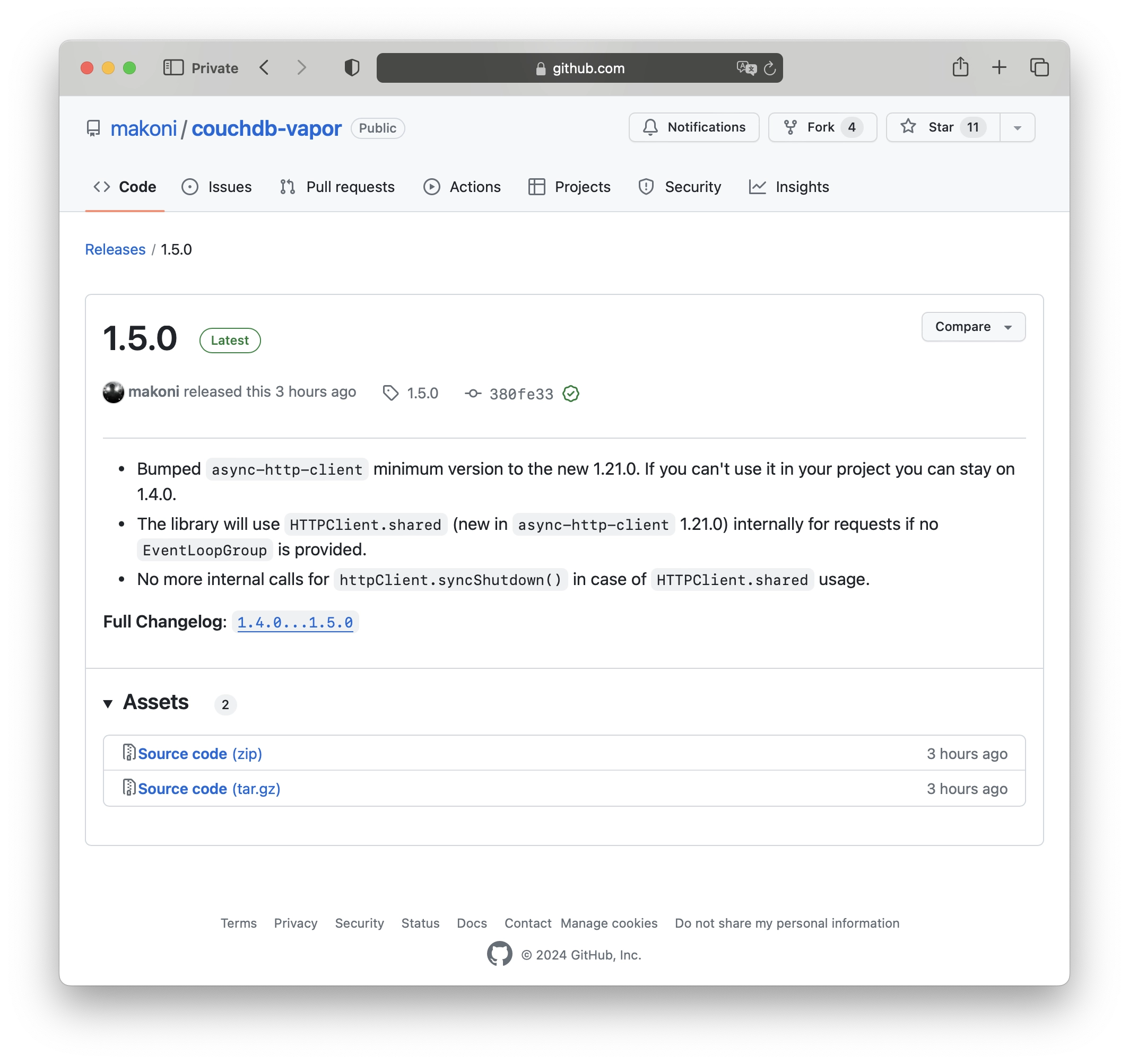
And here we go, one more new version of the CouchDB client library. After the recent post about 1.4.0, Swift on Server released a new version of async-http-client that includes a new implementation of the client singleton. Now it's HTTPClient.shared, so I've updated the CouchDB library to adopt that change. This also means that you no longer need to call httpClient.syncShutdown() if the singleton is used. Additionally, they've bumped the minimum Swift version to 5.8 (which I aslo did in version 1.4.0 of the CouchDB client library). So, I'm keeping the library up to date.
Changelog:
- Bumped the minimum version of async-http-client to the new 1.21.0. If you can't use it in your project, you can still stay on 1.4.0.
- The library will now use HTTPClient.shared (new in async-http-client 1.21.0) internally for requests if no EventLoopGroup is provided.
- No more internal calls for httpClient.syncShutdown() in case of HTTPClient.shared usage.
CouchDB Client on GitHub | Documentation with examples and tutorials.
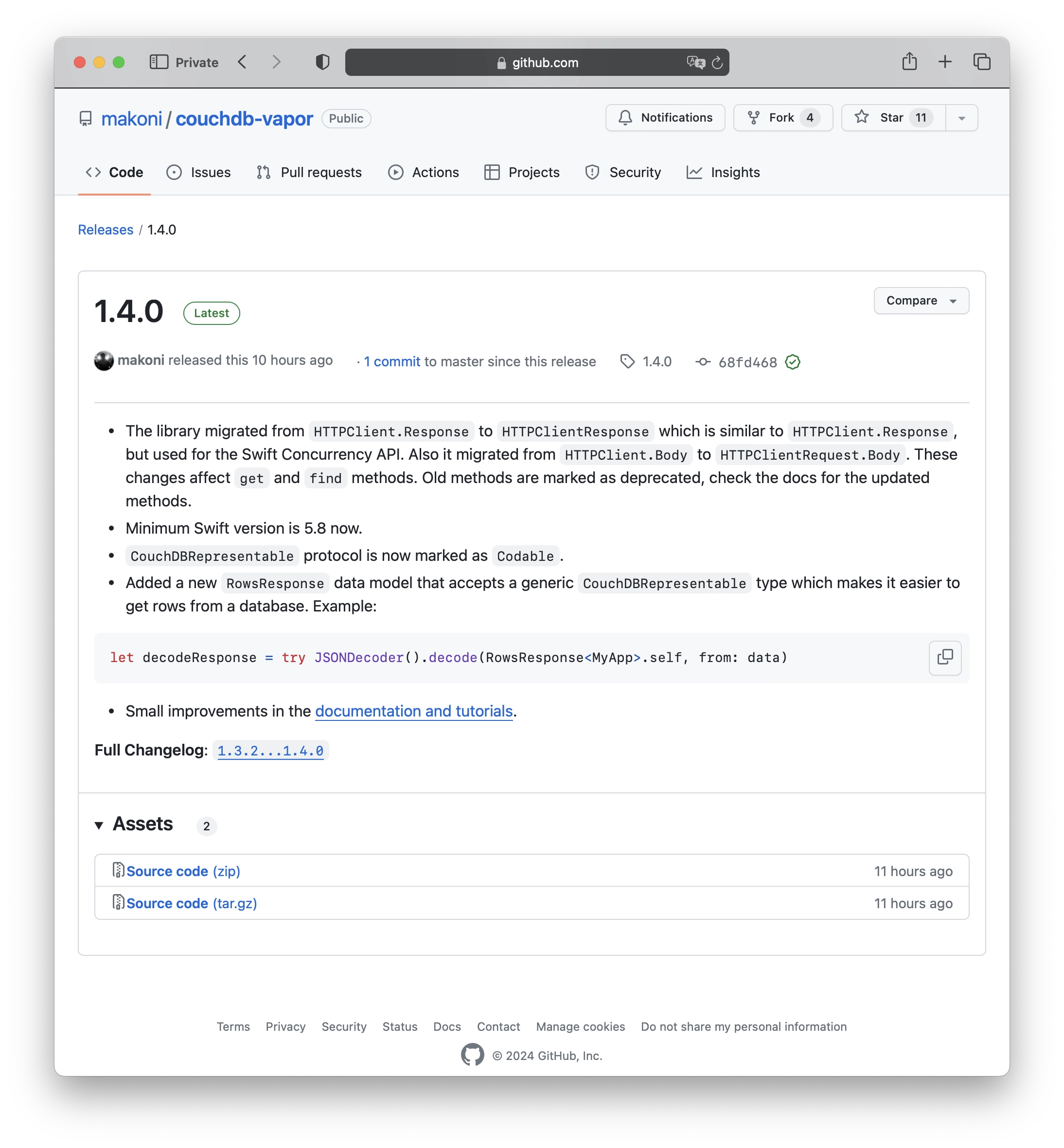
Swift CouchDB client 1.4.0
A new version of CouchDB Client has been released:
- The library migrated from HTTPClient.Response to HTTPClientResponse, which is similar to HTTPClient.Response but used for the Swift Concurrency API. It also migrated from HTTPClient.Body to HTTPClientRequest.Body. These changes impact the get and find methods. Old methods are marked as deprecated, please refer to the documentation for the updated methods.
- The minimum Swift version is now 5.8.
- The CouchDBRepresentable protocol is now marked as Codable.
-
Additionally, a new data model called RowsResponse has been added. It accepts a generic CouchDBRepresentable type, making it easier to retrieve rows from a database. For example:
let decodeResponse = try JSONDecoder().decode(RowsResponse<MyApp>.self, from: data) - Lastly, there have been small improvements in the documentation and tutorials.
CouchDB Client on GitHub | Documentation with examples and tutorials.
A middleware for Vapor 4 routing to trim a slash in url path
It’s a common thing for a website or a backend to allow URLs like mySite.com/webpage and mySite.Com/webpage/ for the same page. These pages are different URLs for a search engine. If you want to avoid duplicates, you can add a simple middleware to trim the ending slash and redirect a user.
Here’s an example code for such a middleware class for Vapor 4:
final class TrimSlashInPathMiddleware: Middleware {
func respond(to request: Request, chainingTo next: Responder) -> EventLoopFuture<Response> {
if request.url.path.count > 1, request.url.path.hasSuffix("/") {
let newPath = String(request.url.path.trimmingSuffix(while: { $0 == "/" }))
let response = request.redirect(to: newPath, redirectType: .permanent)
return request.eventLoop.makeSucceededFuture(response)
}
return next.respond(to: request)
}
}
Just add it to configure.swift file:
import Vapor
public func configure(_ app: Application) throws {
app.middleware.use(TrimSlashInPathMiddleware())
app.http.server.configuration.port = 8081
try routes(app)
}
Works with Vapor 4.92.5.
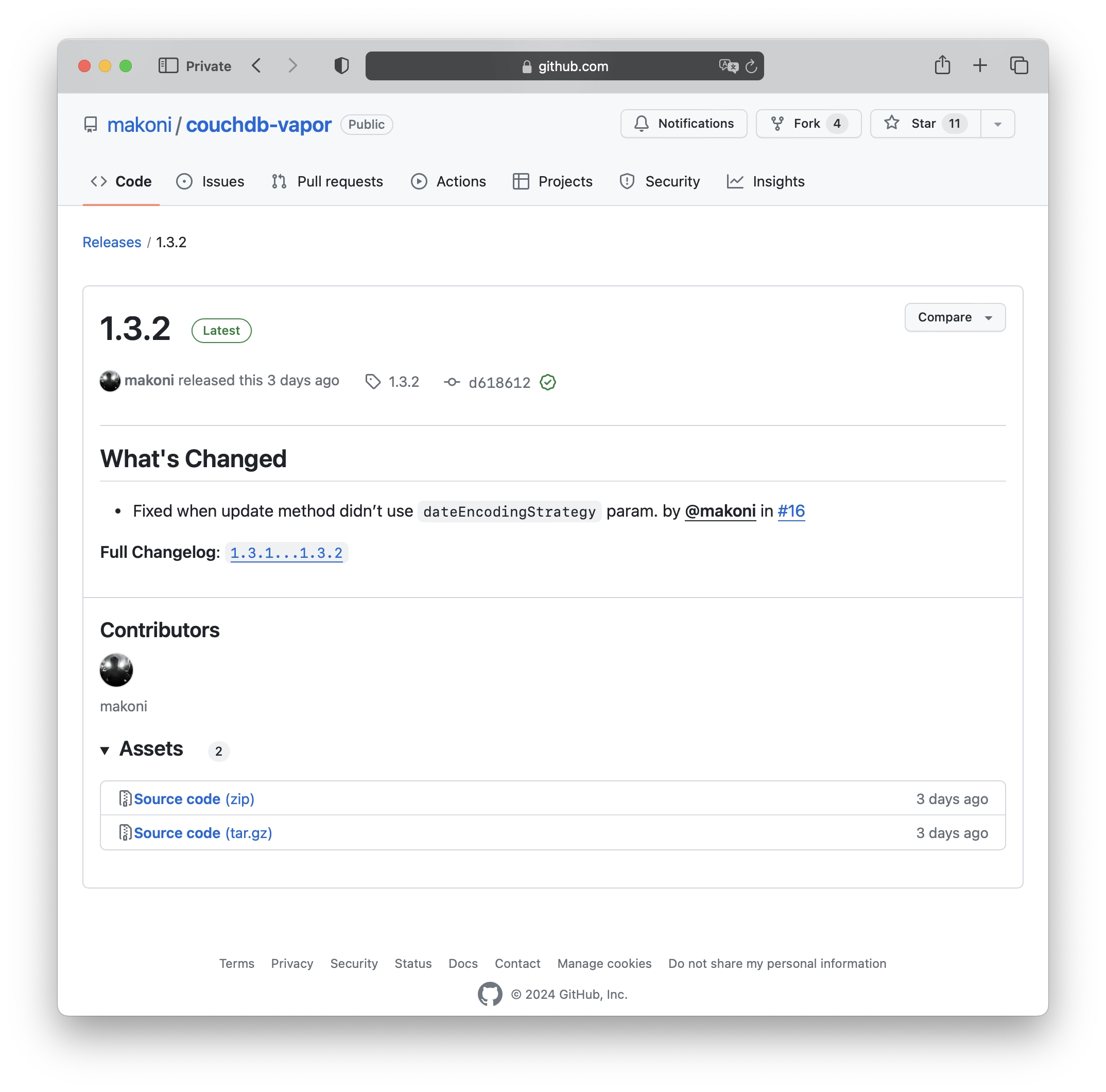
Swift CouchDB client 1.3.2
Recently, there have been a couple of new releases for my Swift CouchDB library. Here are the recent changes:
- dateDecodingStrategy and dateEncodingStrategy can now be passed as parameters for get, update and insert methods.
- Added a check to handle expired authentication cookies.
- Comparing the set-cookie header in the response as lowercased.
- Introduced new methods to utilize the _find API, allowing you to find documents using a declarative JSON querying syntax
- Fixed an issue where the update method didn’t use dateEncodingStrategy parameter.
CouchDB Client on GitHub | Documentation with examples and tutorials.
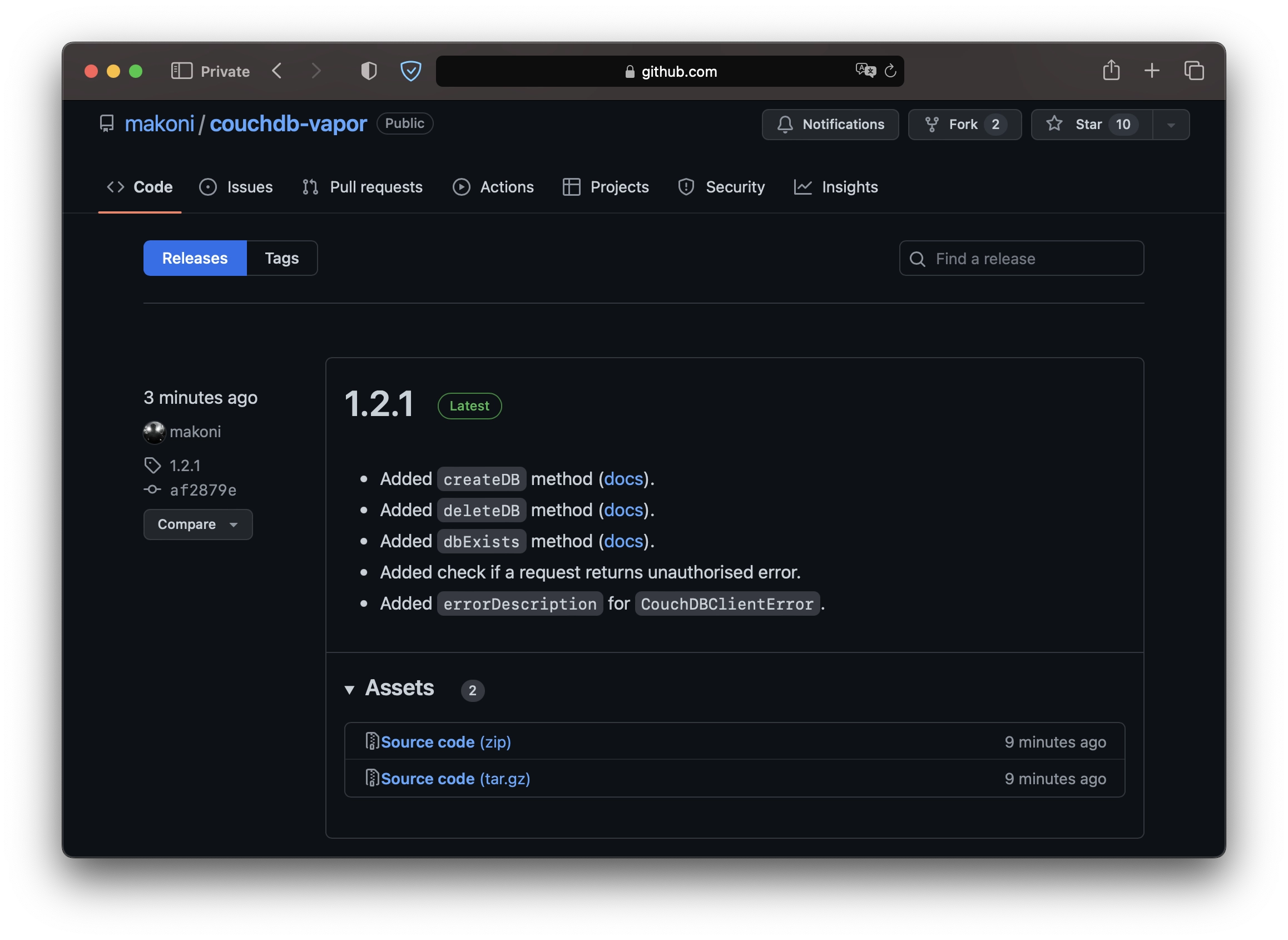
Swift CouchDB client 1.2.1

Just a small update for Swift CouchDB client lib with couple new methods that I needed by myself:
- Added a new method to create a database [docs].
- Added a new method to delete a database [docs].
- Added a new method to check if a database exists [docs].
- Every request handles unauthorised errors now.
- CouchDBClientError model has a description text now.
CouchDB Client on GitHub | Documentation with examples and tutorials.
Swift CouchDB client 1.2.0

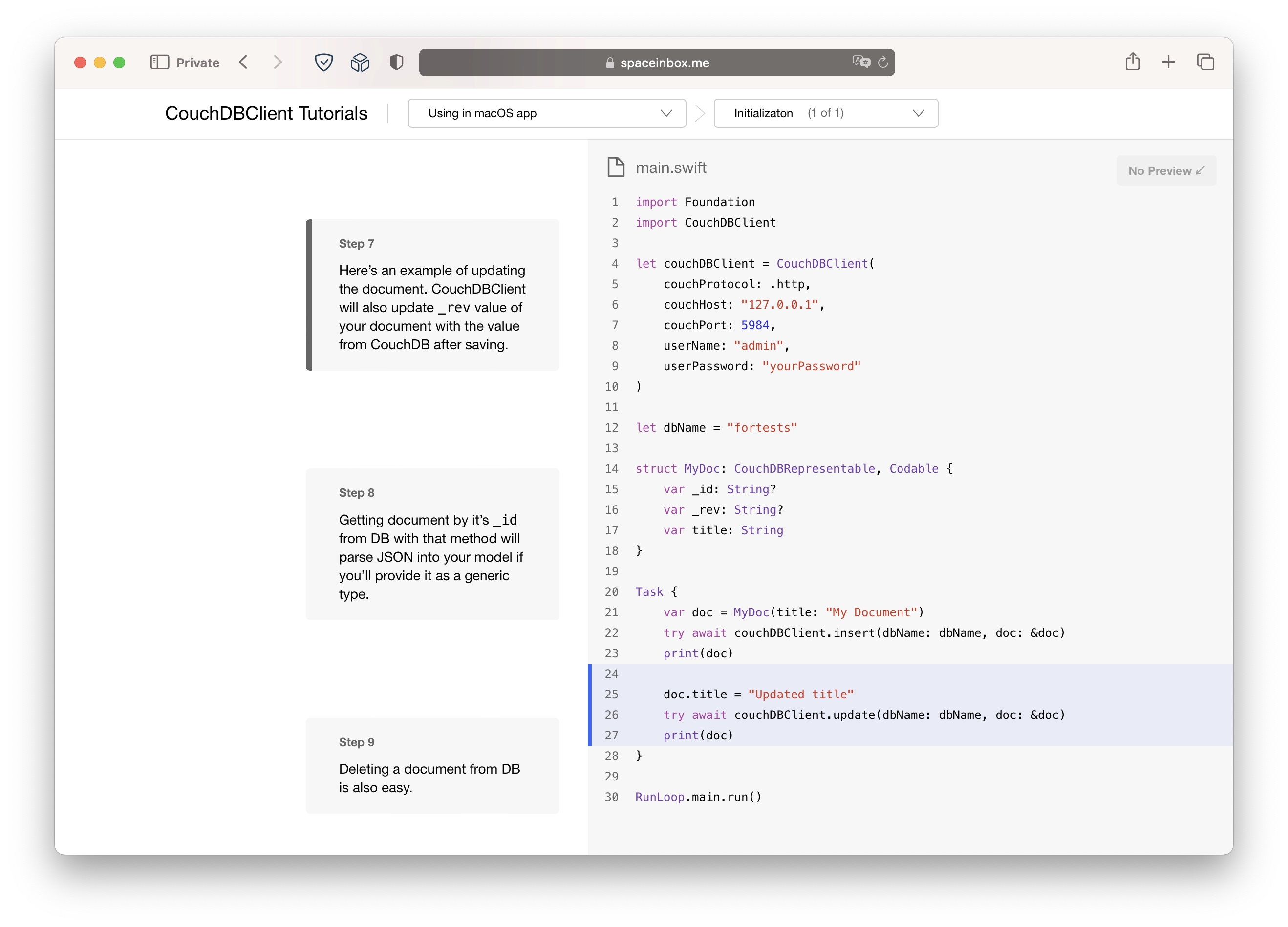
Couple months ago I started learning Apple's DocC tool that generates documentation from your source code. I've decided to use as many features as possible so I took my small lib CouchDB Client and added docs to every method including usage examples that Xcode will show in the autocomplete popup. As it often happens, during adding docs and examples I found that many things in the library can be done in a much better way. So I've updated existing methods and added some more that can take a doc as a param and use generic types.
Next step was tutorials. Apple allows devs to create exactly the same tutorials as they have for SwiftUI on their own website. So I've added a couple. They're also part of the repo on GitHub.
Pretty sure that I've spent more time on the documentation than on the lib itself but I hope it's worth it.
CouchDB Client on GitHub | Documentation with examples and tutorials.
Password generation using Security Framework on iOS and macOS
Couple lines of code to generate a 15 characters length password (just like in Safari):
import Security
let pass = SecCreateSharedWebCredentialPassword() as String?
print(pass as Any)
Swift CouchDB client 1.0.0
Finished new version of Swift CouchDB client. Now it's using only async-http-client as a dependency to make http/https requests. Can be used with Vapor 4.
Available on Github: https://github.com/makoni/couchdb-swift
Wrapping models in SwiftUI for Identifiable conformance
Using an array of models in List view in SwiftUI requires conformance to Identifiable protocol.
Here's an example of a model:
struct MyDataModel {
let title: String
let message: String
}
An example of SwiftUI view that you want to display a list:
struct TestView: View {
var dataArray: [MyDataModel]
var body: some View {
List(dataArray) { data in
VStack {
Text(data.title)
Text(data.message)
}
}
}
}
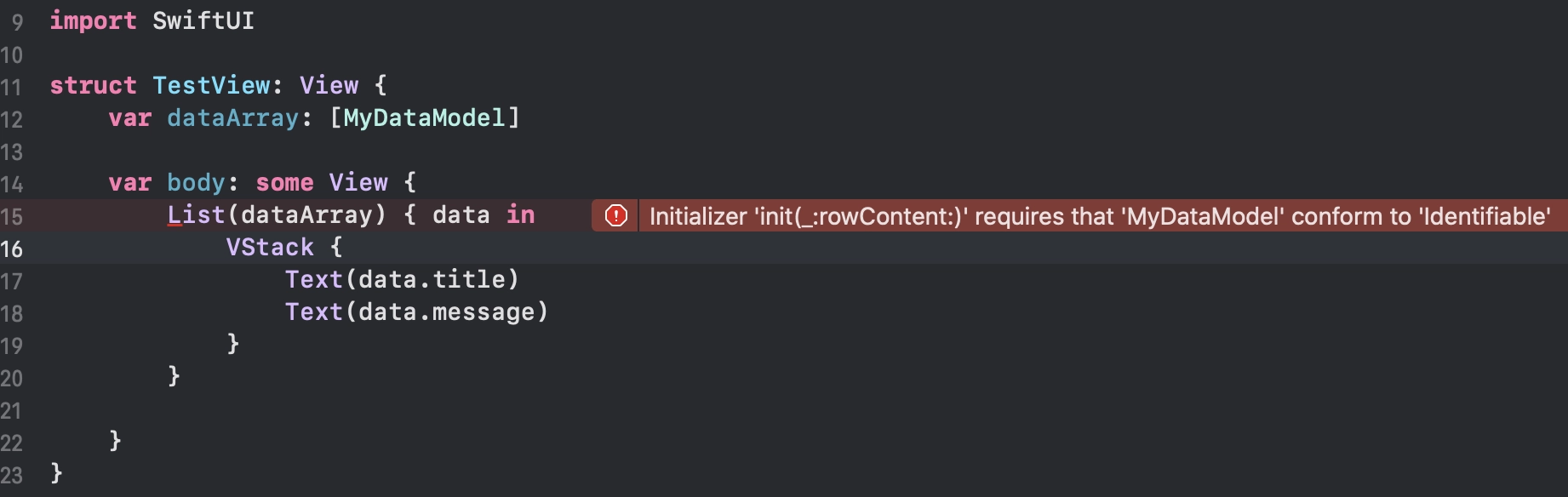
Using MyDataModel in List will show an error in Xcode:
Sometimes you can't just change a model. It might be a data model from a third party SDK that you're using in your app. But you can create a wrapper for this struct to confirm Identifiable protocol:
struct MyDataModelWrapper: Identifiable {
var id = UUID()
var data: MyDataModel
}
let testDataModel = MyDataModel(
title: "Title 1",
message: "I wanna be used inside of a List"
)
let wrappedData = MyDataModelWrapper(data: testDataModel)
So the view will look like this:
struct TestView: View {
var dataArray: [MyDataModelWrapper]
some View {
List(dataArray) { wrappedData in
VStack {
Text(wrappedData.data.title)
Text(wrappedData.data.message)
}
}
}
}
Done.
Syntax sugar for JSON parsing in Swift
JSON decoding and encoding became easy after adding Codable protocol in Swift 4.0. But during coding I wanted to have something shorter and more elegant than Do-Catch statement that looks like this:
var myModel: MyModel?
let decoder = JSONDecoder()
do {
myModel = try decoder.decode(MyModel.self, from: data)
} catch {
print(error.localizedDescription)
}
Or like this:
let myModel: MyModel? = try? decoder.decode(MyModel.self, from: data)
So I wrote a protocol with default implementation that allows to do decoding just like that:
let myModel = MyModel.decodeFromData(data: data)
And the same for encoding:
let data = MyModel.encode(fromEncodable: myModel)
All you need is just to add protocol conformance:
extension MyModel: Parseable {
typealias ParseableType = Self
}
It's available on GitHub as a Swift Package: https://github.com/makoni/parsable
Using GitHub Actions as a CI for Swift project
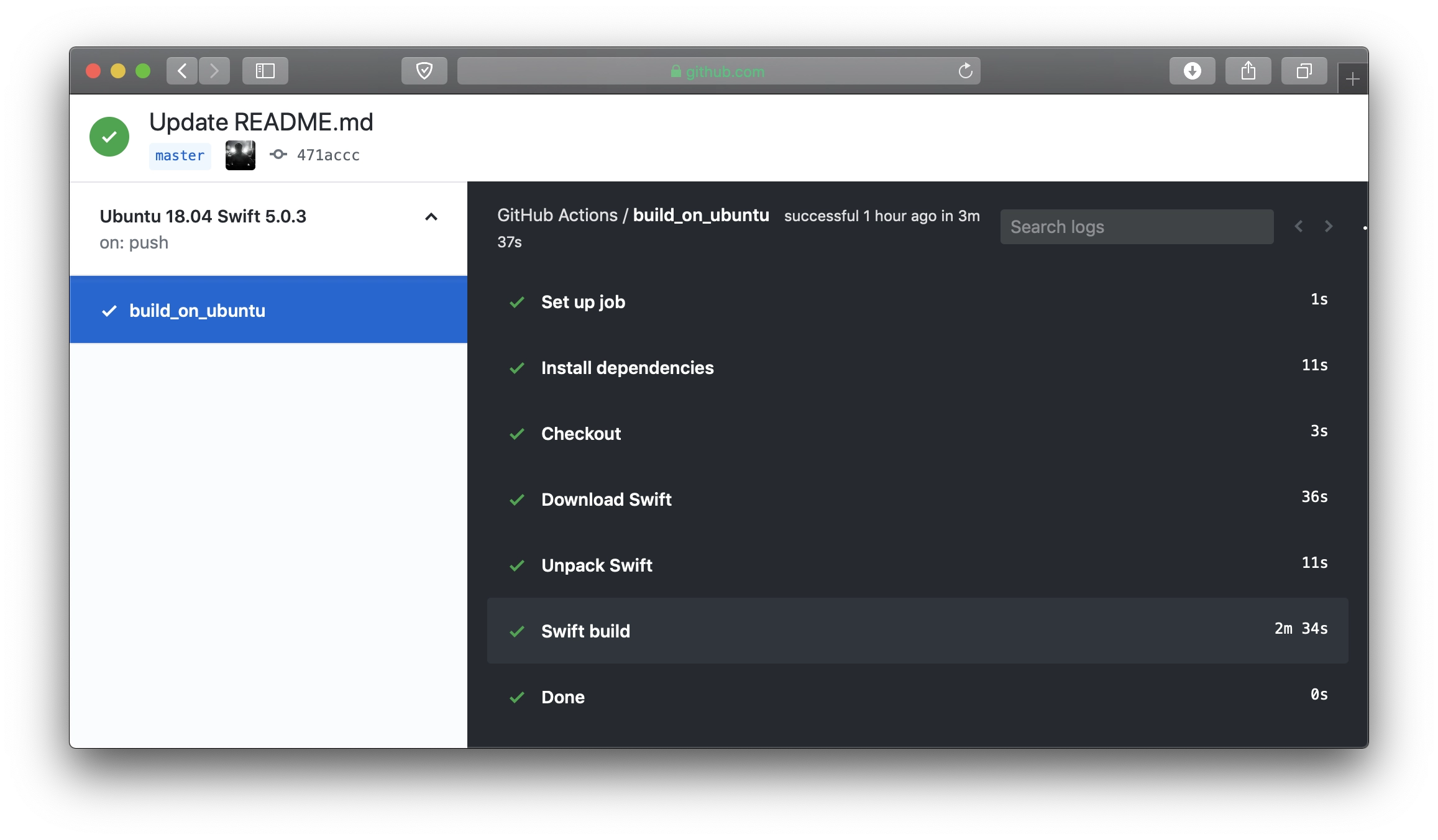
Here's a config for a GitHub Actions workflow to build a Swift project. This example is for building a Vapor project using Swift 5.0.3 on Ubuntu 18.04:
name: Ubuntu 18.04 Swift 5.0.3
on: [push]
jobs:
build_on_ubuntu:
runs-on: ubuntu-18.04
steps:
- name: Install dependencies
run: sudo apt-get update; sudo apt-get install -yq libssl-dev zlib1g-dev
- name: Checkout
uses: actions/checkout@master
- name: Download Swift
run: curl https://swift.org/builds/swift-5.0.3-release/ubuntu1804/swift-5.0.3-RELEASE/swift-5.0.3-RELEASE-ubuntu18.04.tar.gz --output swift.tar.gz
- name: Unpack Swift
run: |
tar xzf swift.tar.gz
mv swift-5.0.3-RELEASE-ubuntu18.04 swift
- name: Swift build
run: |
export PATH=$(pwd)/swift/usr/bin:"${PATH}"
swift build -c release
Benchmarks: Vapor 3 vs. Vapor 2
After migrating (almost rewriting) my small project from Vapor 2 to Vapor 3 I've run benchmarks to compare performance. I didn't run benchmarks for the last version of Vapor 2.x so I will compare Vapor 2.1.0 to results of Vapor 3.1.0.
My server configuration:
- 2 GB RAM
- 1 CPU Core
- SSD
- 125 MBPS Out
- Ubuntu 16.04.2 LTS
- CouchDB
Benchmark from other server has been launched as:
wrk -t4 -c20 -d5m https://my_url
API just gets some data from CouchDB and returns it as JSON. Vapor project has been compiled with Swift 4.2.
Benchmarks: Vapor 2 vs. Vapor 1
After migrating my pet project from Vapor 1 to Vapor 2 I've run benchmarks to compare performance. I didn't run benchmarks for the last version of Vapor 1.x which is 1.5.15 so I will compare Vapor 2.1.0 to results of Vapor 1.2.5 that I have from my last results.
My server:
- 2 GB RAM
- 1 CPU Core
- SSD
- 125 MBPS Out
- Ubuntu 16.04.2 LTS
- CouchDB
Benchmark from other server was launched as:
wrk -t4 -c20 -d5m https://my_url
API just gets some data from CouchDB and returns it as JSON. Vapor project has been compiled with Swift 3.1.1.
Benchmarks for Vapor 1.2.5
About a month ago I launched benchmarks for Server side Swift frameworks. Yesterday I updated my project to the new version of Vapor: 1.2.5. Previous version I used was 1.1.11.
One of the most important updates in Vapor 1.2.x is that Vapor is now using a non-blocking server.
So today I decided to run a new benchmark for my project updated to Vapor 1.2 and results surprised me. It's not only faster than the 1.1.x version, it's now equal to Node.js results!
Vapor vs. Node.js
My server:
- 2 GB RAM
- 1 CPU Core
- SSD
- 125 MBPS Out
- Ubuntu 16.10
- CouchDB
Benchmark from other server was launched as:
wrk -t4 -c20 -d5m https://my_url
API just gets some data from CouchDB and returns it as JSON.
Swift Backend with CouchDB: Kitura vs. Vapor vs. Node.js
I made a few test projects to implement an API for my simple app to run some benchmarks. It just makes 1 request to Database and returns JSON data.
All projects was executed on Linode VPS in London:
- 2 GB RAM
- 1 CPU Core
- SSD
- 125 MBPS Out
- Ubuntu 16.10
- MySQL and CouchDB with equal data (about 13k rows/documents)
Benchmarks was run on another, more powerful dedicated server in Germany using wrk:
wrk -t4 -c20 -d5m https://my_url
Results are very different from other benchmarks by Ryan Collins.
What did I try:
- Node.js 7.0 + MySQL 5.7.16
- Node.js 7.0 + CouchDB 2.0 (via node-couchdb)
- Vapor 1.1.11 + CouchDB 2.0 (via HTTP)
- Kitura 1.1.1 + CouchDB 2.0 (via Kitura-CouchDB)
Total requests
Requests per second
Average Latency
Results are very disappointing for me. Node.js was 50% faster than Swift. It looks like it's still not the right time to make backends on Swift right now, unless you don't expect high load and just want to write in Swift.
UPDATE: after about a month I ran another tests for the new version of Vapor (1.2.5) vs. Node.js and Vapor was very very fast. So now I'm very optimistic about using Swift as a backend.
Shake effect animation for UIView
// MARK: - UIView Extension, or NSView
extension UIView {
/// Shake animation
func shake() {
let animation = CAKeyframeAnimation(keyPath: "transform.rotation")
animation.timingFunction = CAMediaTimingFunction(name: kCAMediaTimingFunctionLinear)
animation.duration = 1.0
animation.values = [-Double.pi / 6, Double.pi / 6, -Double.pi / 6, Double.pi / 6, -Double.pi / 7, Double.pi / 7, -Double.pi / 8, Double.pi / 8, 0.0 ]
layer.add(animation, forKey: "shake")
}
}
myView.shake()