Boosting iPhone 4 volume
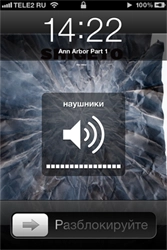
I have a French iPhone 4. Apple is required to cap headphone volume on phones sold in France — apparently to look after the citizens’ ears. In the metro that cap leaves me short on volume, and besides, headphones vary — some play louder, some have different impedance and play quieter.
The cap can be bypassed. You need to jailbreak the phone, then access the file system and tweak a couple of plist files. There are plenty of options — installing a Terminal via Cydia, mounting the phone as a drive on your computer, etc. I prefer the second route — installed Phone Disk, it mounted the phone as a volume, and from there I just rummaged through the file system.
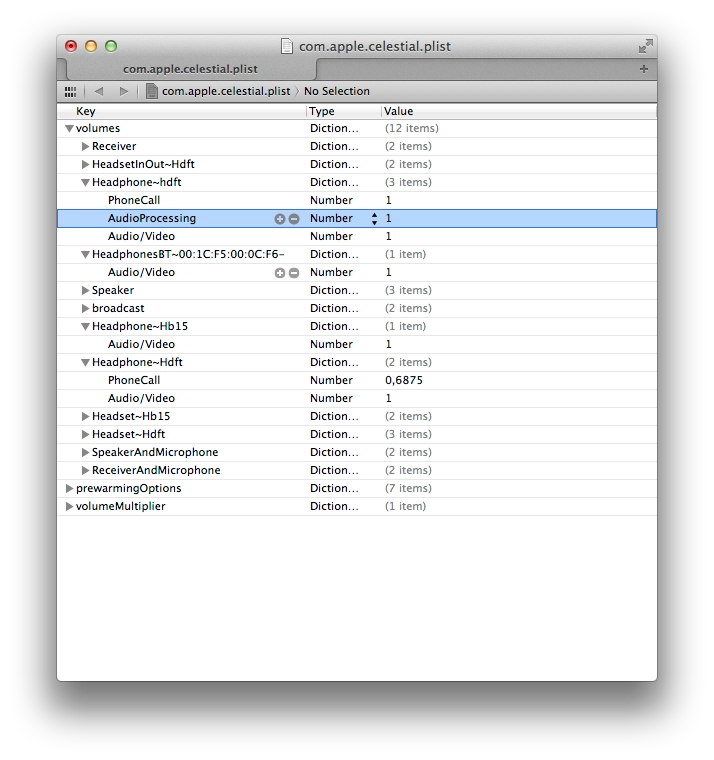
- Go to /private/var/mobile/Library/Preferences and edit com.apple.celestial.plist. There I changed the Audio/Video values for the headphones tabs to 1. Note — you can’t save the file directly to the phone, but you can copy it to your computer, change the values, and copy it back. Xcode is fine for editing; if you don’t have it, there are a couple of plist editors floating around online.
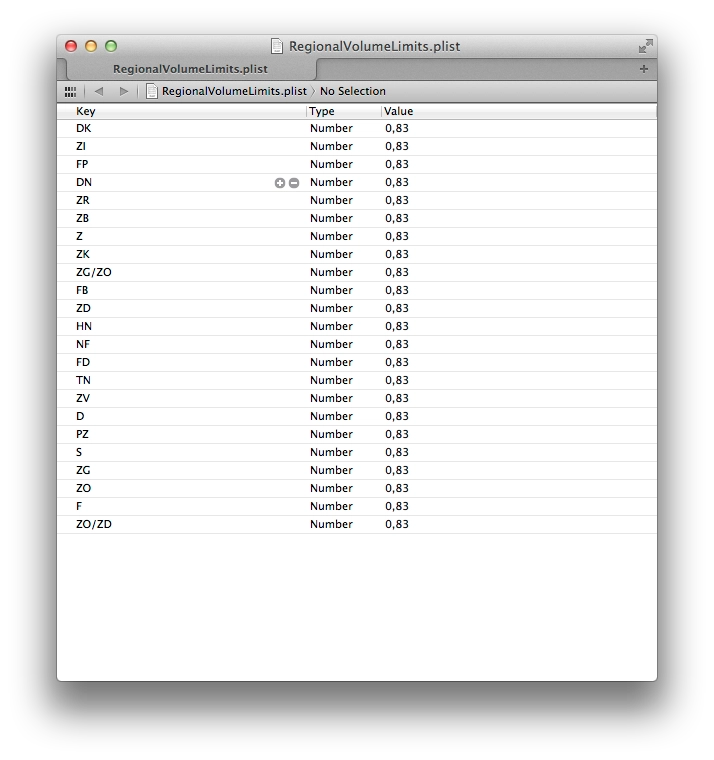
- The next file to edit is RegionalVolumeLimits.plist. On iOS < 5 it lives in /System/Library/PrivateFrameworks/Celestial.framework; on iOS 5 it’s in /System/Library/PrivateFrameworks/MediaToolbox.framework. Inside, there’s a bunch of region codes (most of them meaningless to me), each with a value of 0.83 — meaning the headphone output on the phone is capped at 83%. Change every value to 1, save, replace the file on the phone.
- Reboot the phone (if your jailbreak is tethered or semi-tethered, do «Just Boot» in redsn0w). After the reboot it’ll blast at full volume in your ears.
The only downside — every new iOS update resets these plist files back to defaults. So after every update I have to jailbreak again, edit those two files again, and — what’s starting to wear on me — google the same thing every time, because I keep forgetting which files to edit and where they live. So that’s why I’m just leaving this here, ready at hand :)