Escaping the sandbox in iOS
A post born of pain. It just so happens that right now I am poking at someone else’s project that is designed to run on jailbroken iPhones. And not just run on them — it needs access outside the sandbox.
As everyone knows, all apps in iOS run inside a sandbox and cannot go outside it. All App Store apps are installed into /var/mobile/Applications/ (apps installed onto an iPhone from Xcode go there as well), where a separate folder with an unreadable name is created for each app. You cannot go outside that folder. Not for reading and certainly not for writing.
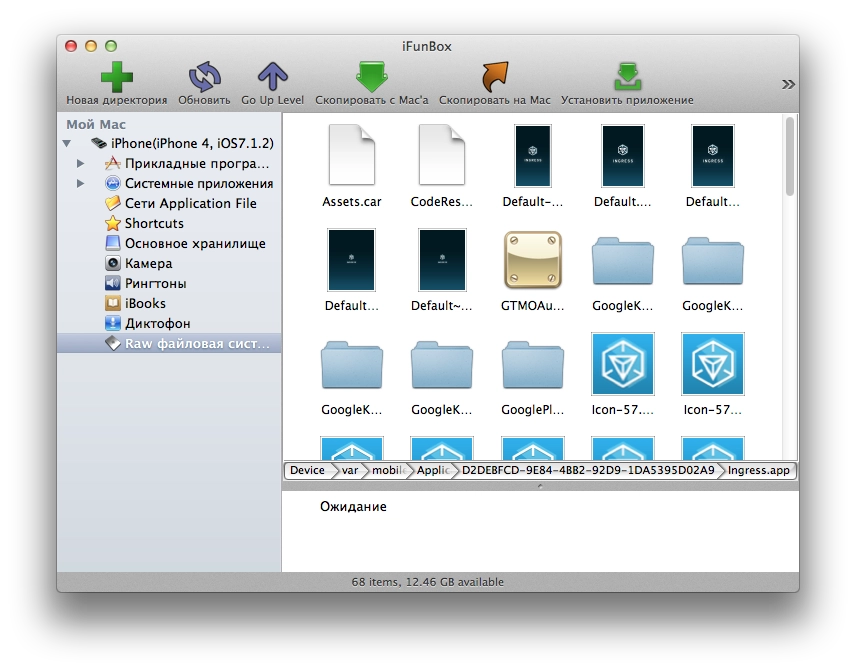
This, for example, is the folder of Google’s Ingress game.
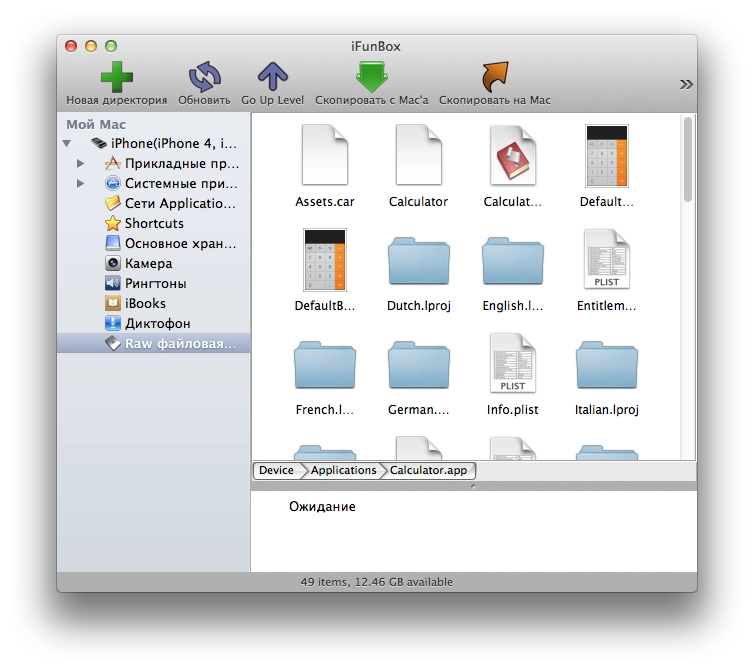
And this is the iOS Calculator app, for example, living in /Applications.
If we want, for example, to read the phone’s SMS messages from inside an app, we need to read the file /var/mobile/Library/SMS/sms.db — it is a regular SQLite database with no encryption or protection. You can download it from a jailbroken phone and open it with any tool that knows how to open SQLite files, look at all SMS messages, and even hammer it with sql queries for search and other tasks.
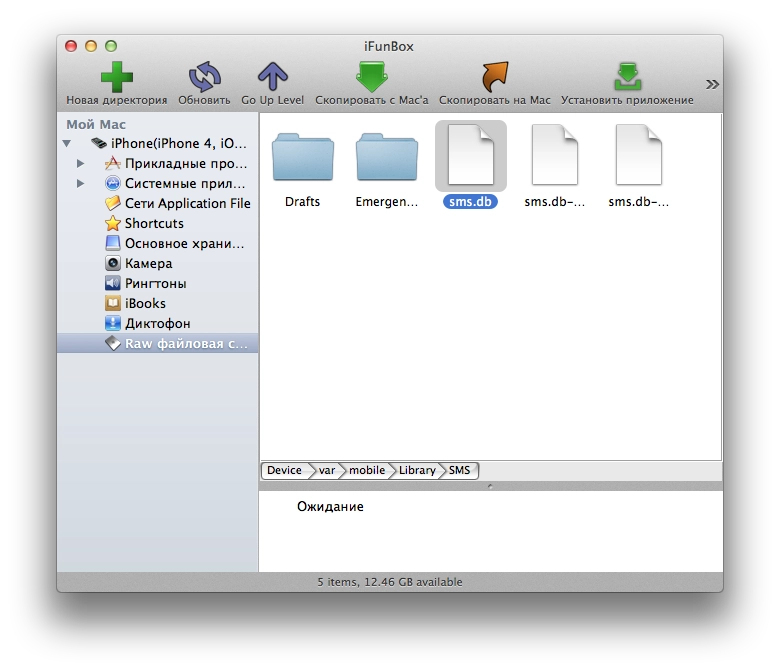
Here, for example, is the file with all iPhone SMS messages.
So, there is no access to that file from the sandbox. And Jailbreak does not solve that. It gives full access to the file system, but only if you are working outside the sandbox.
For an app to work outside the sandbox, it has to be moved from /var/mobile/Applications/ to the /Applications directory. Then the app will live in the system apps folder, have access to the file system on a jailbroken device, not be removable from the phone by holding a finger on its icon, and so on.
And that is where the pain starts: Xcode simply cannot install the app there; it can install only into the sandbox. You can do it by hand — connect to the phone and move it with something like iFunBox — but that is a huge pain every single time. The worst part is that you lose the convenience of debugging. You cannot run the app on the device from Xcode and calmly watch the console to see what your app is printing and whether it is working.
No tweaks from Cydia that supposedly give apps file-system access even from inside the sandbox had any effect. At least not for me on iOS 7.1.2. They say that even if you run the app as root but still inside the sandbox, it still will not get permission to read system directories. Although it feels like this used to work before, but jailbreaks were different back then too.
That is the hell I am in. In the near future I am going to try some scripts I found online to automate moving the app around inside the iPhone after the build via SSH while also capturing syslog. I also want to write up what I have dug out inside the iPhone in terms of “where everything is stored”, but later, once this hell is over :)