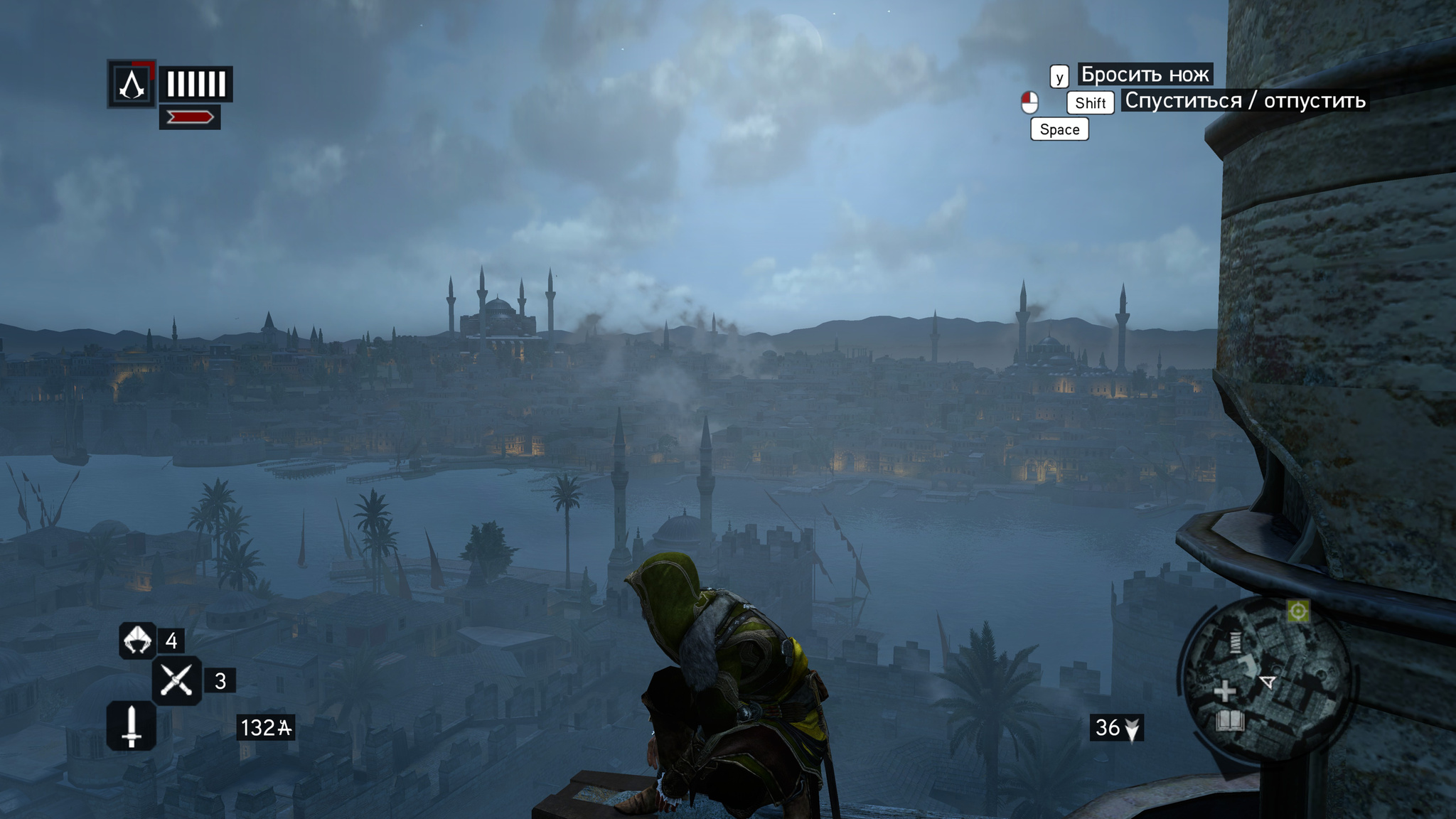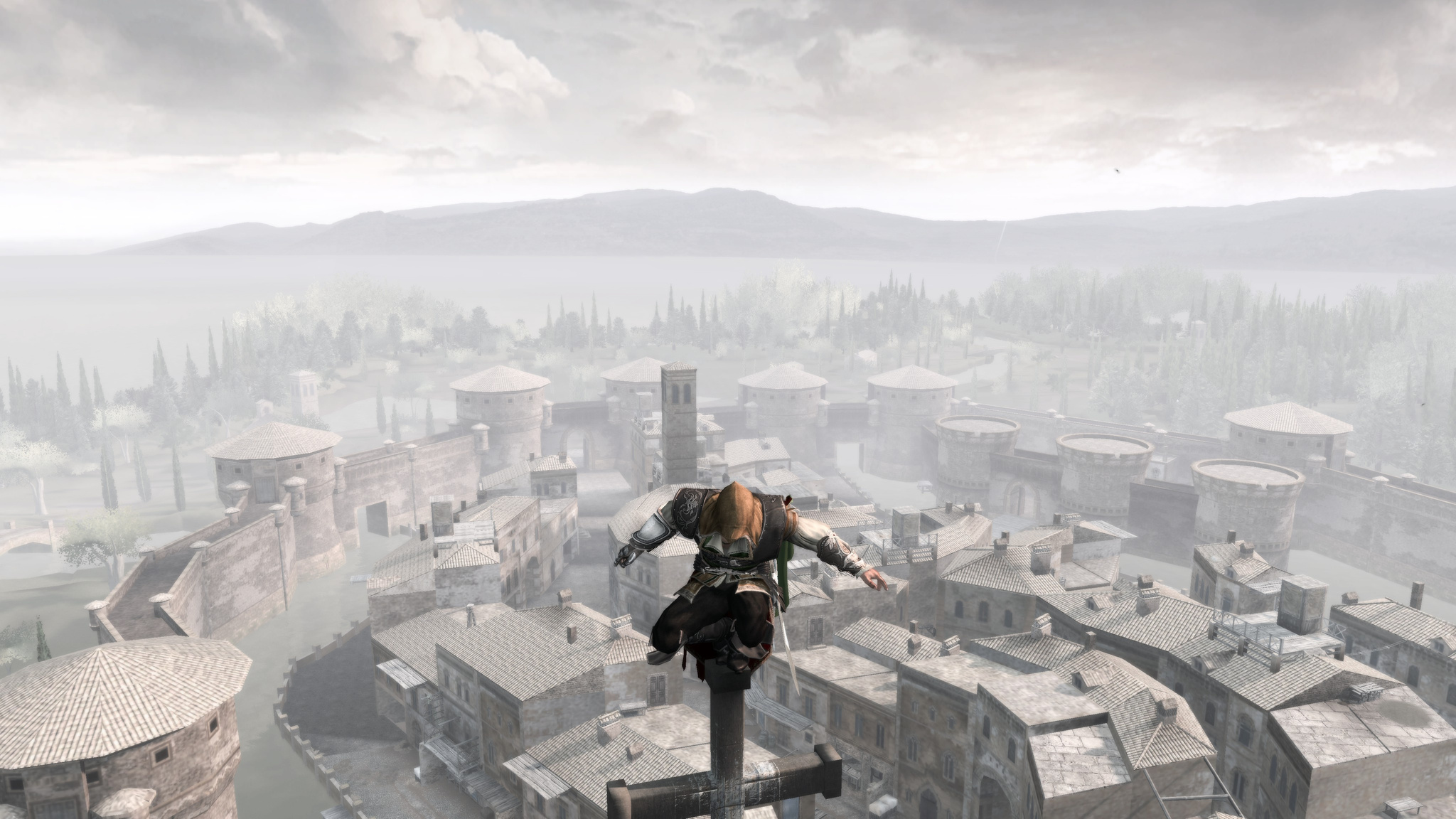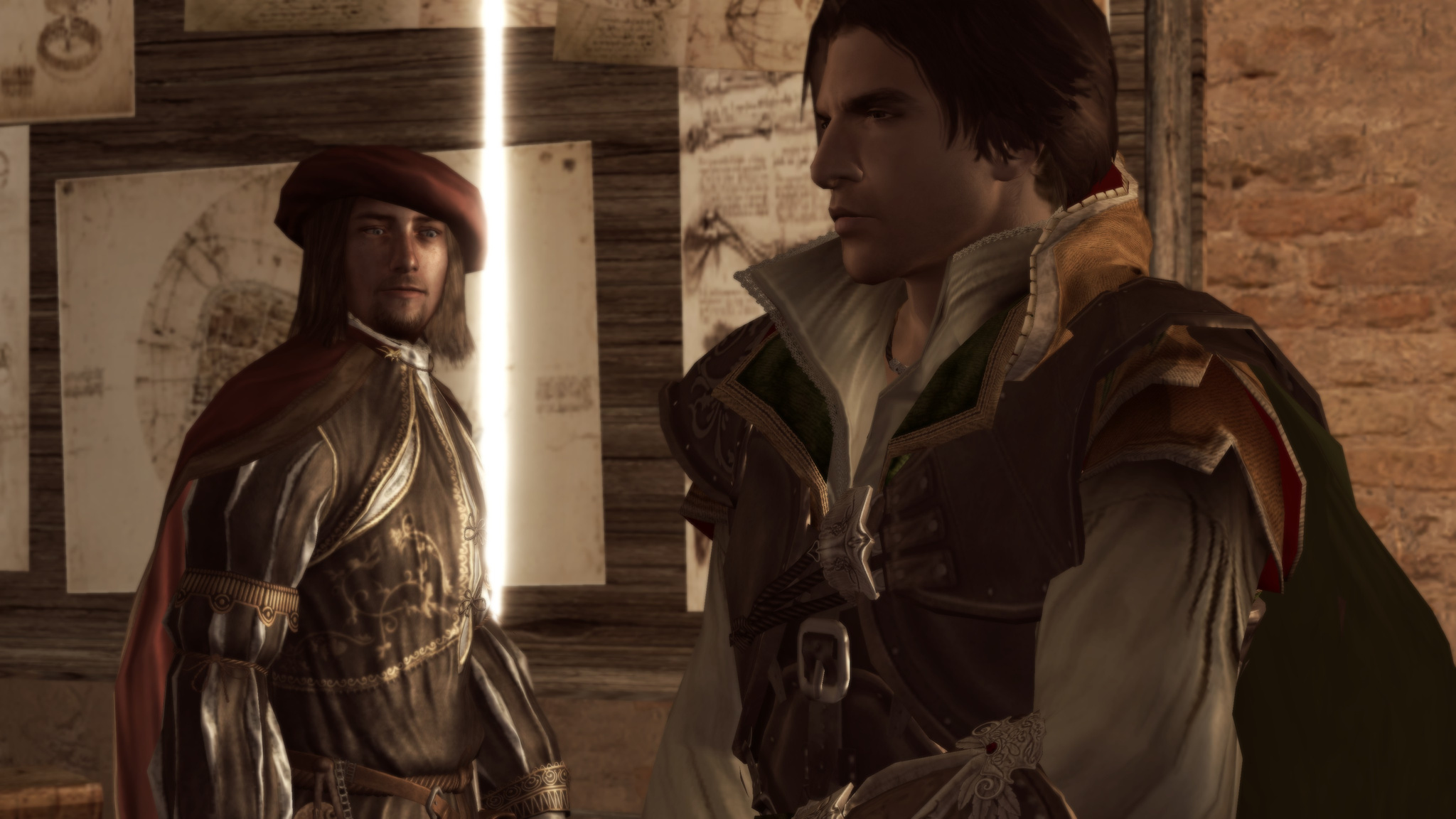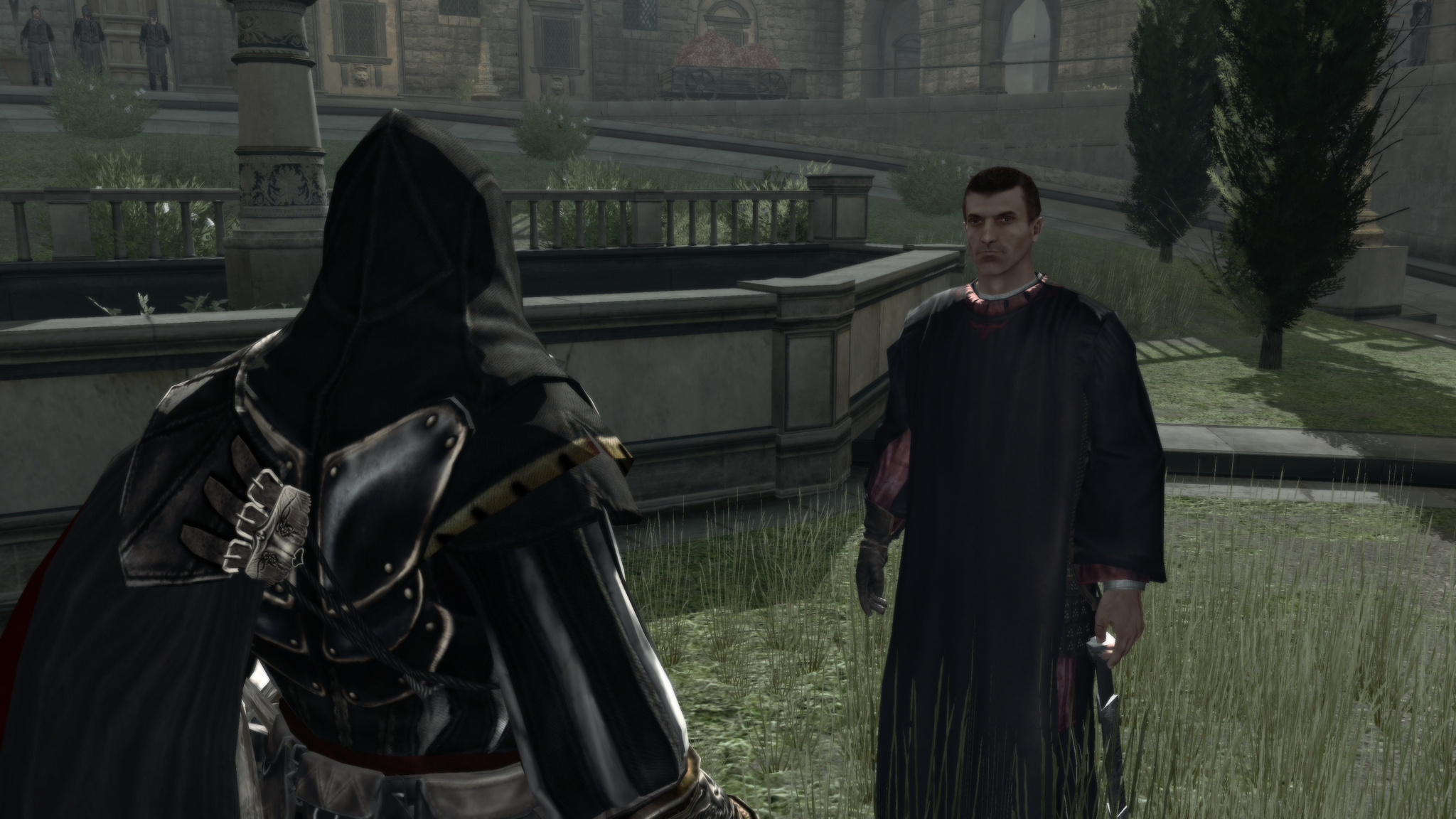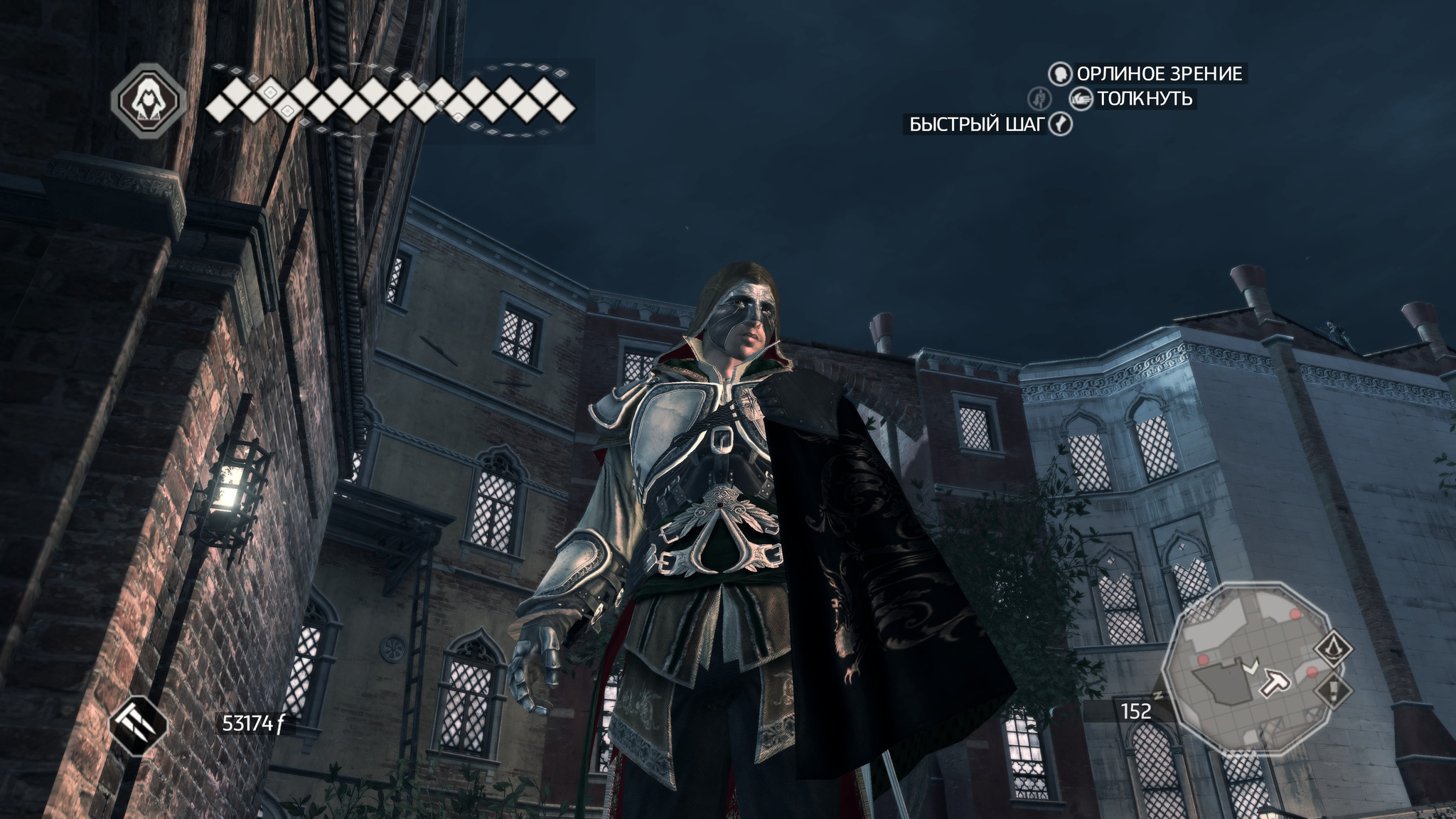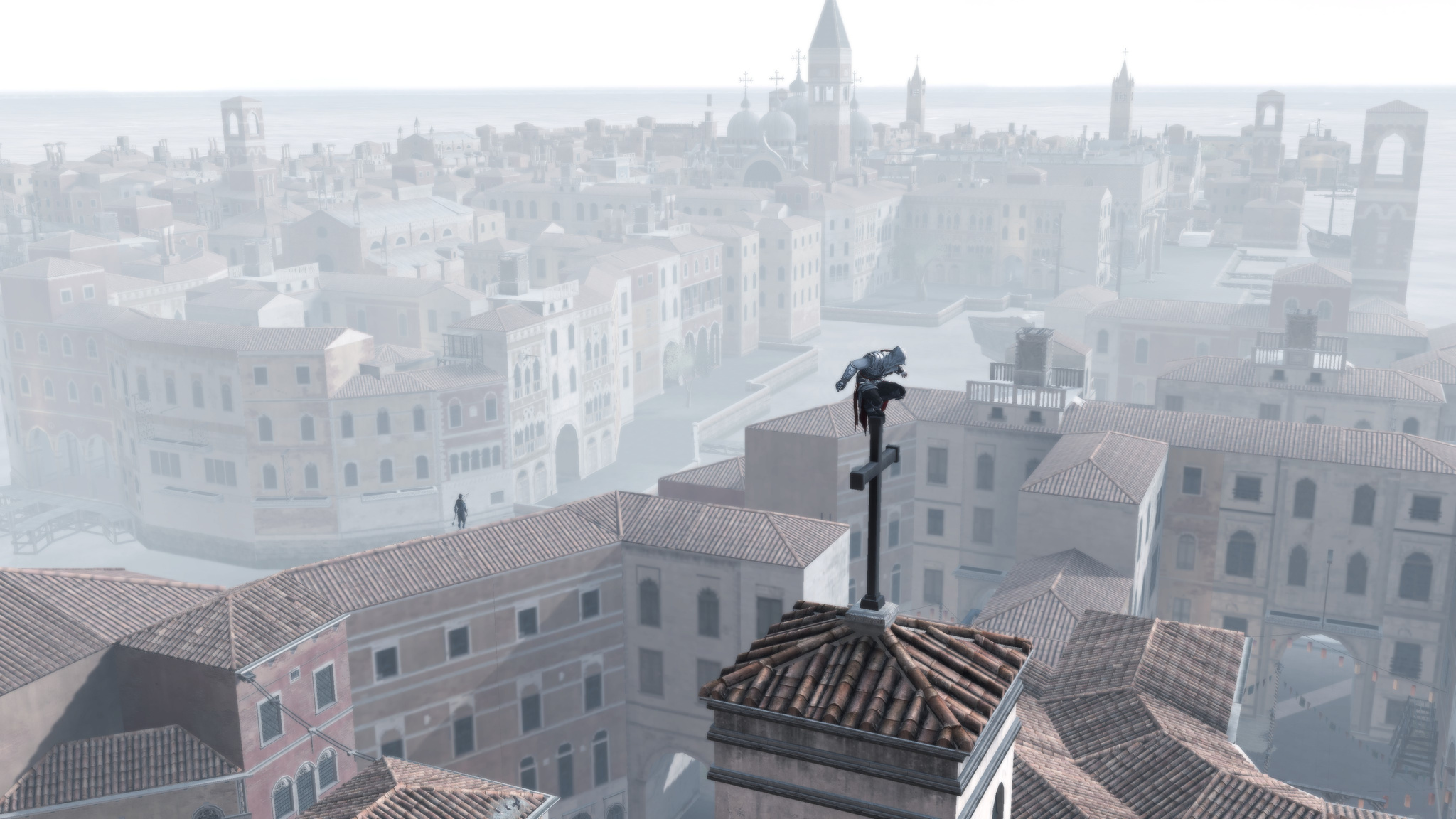
I'm continuing to play through the Assassin's Creed series and write down my impressions.
The third game, which is actually the fifth if you count properly, radically changed the setting. From densely built-up Europe it moved to North America in the era of the colonists, in the period when the colonies' war of independence from England was beginning. The scenery became less dense: low houses, not pressed so tightly together, lots of trees and forests.
It feels like the engine was either heavily reworked or replaced entirely. The controls were simplified a lot, with far fewer different combinations. I think the game even has fewer buttons now. Visually, everything changed in terms of graphics too.
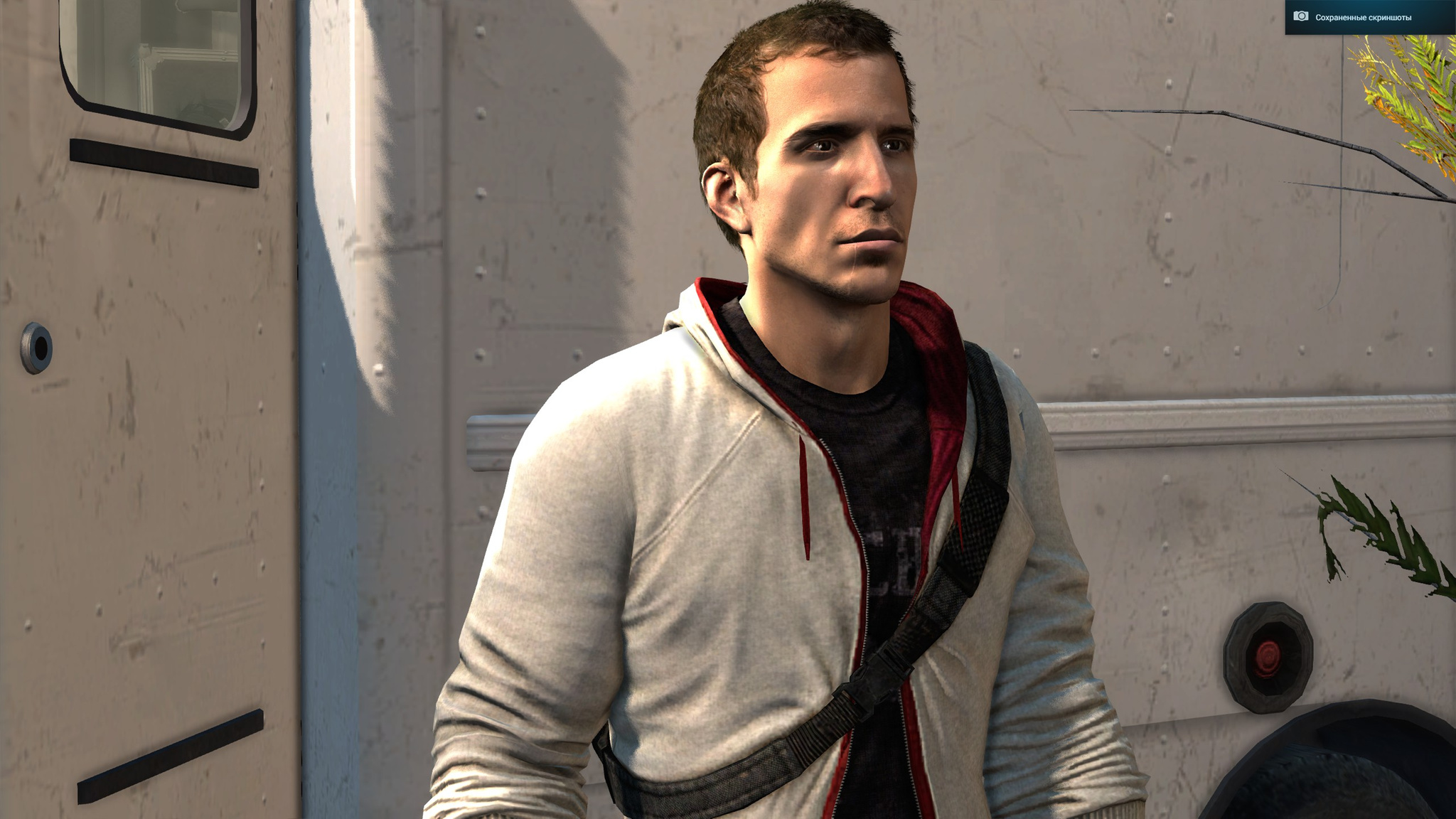
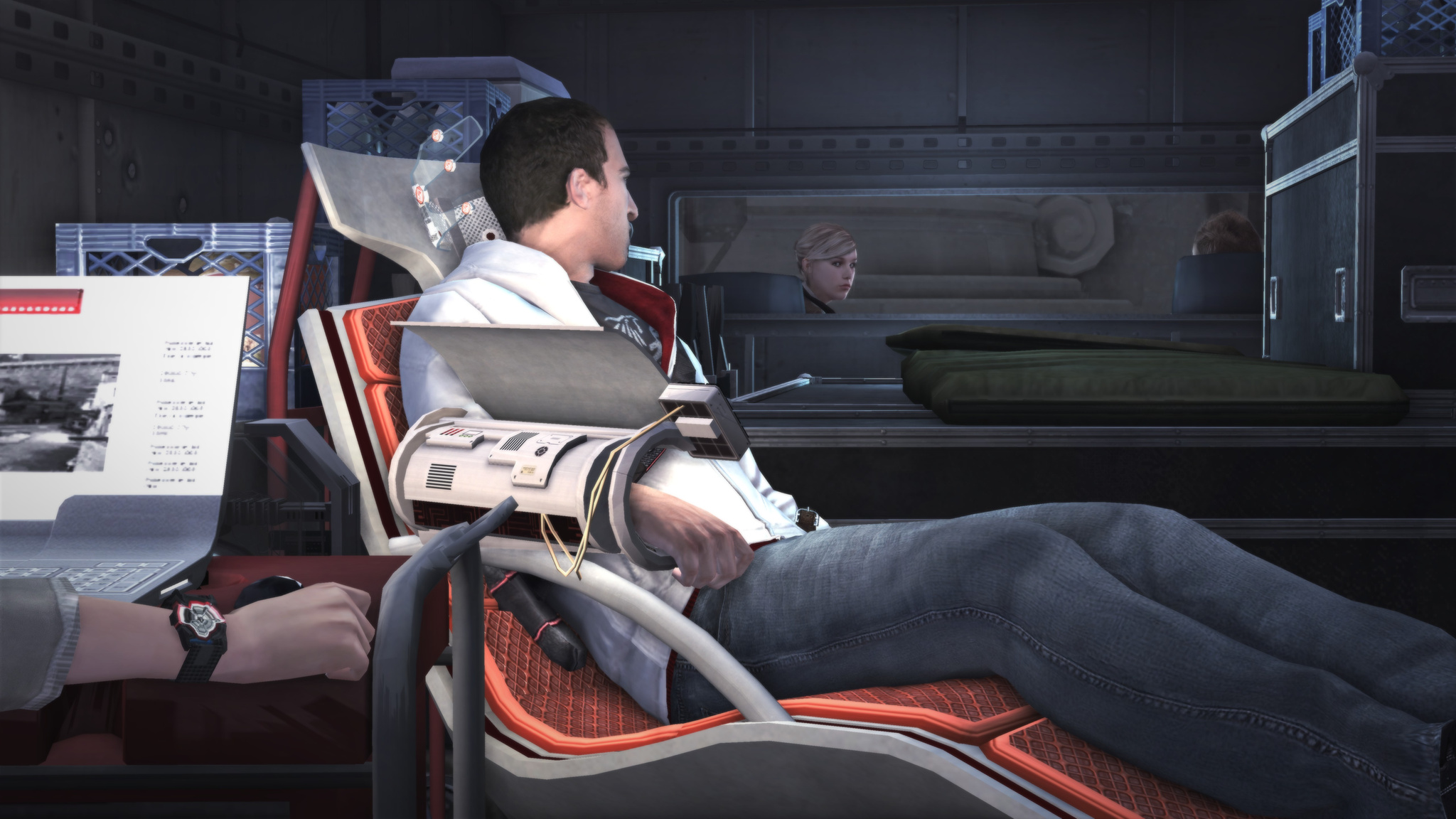
The modern-day storyline continues: Desmond, together with his team and his father, reaches the First Civilization temple and searches through his ancestors' memories for the key to open and activate it. Desmond has matured and looks harsher now. He seems angrier too.
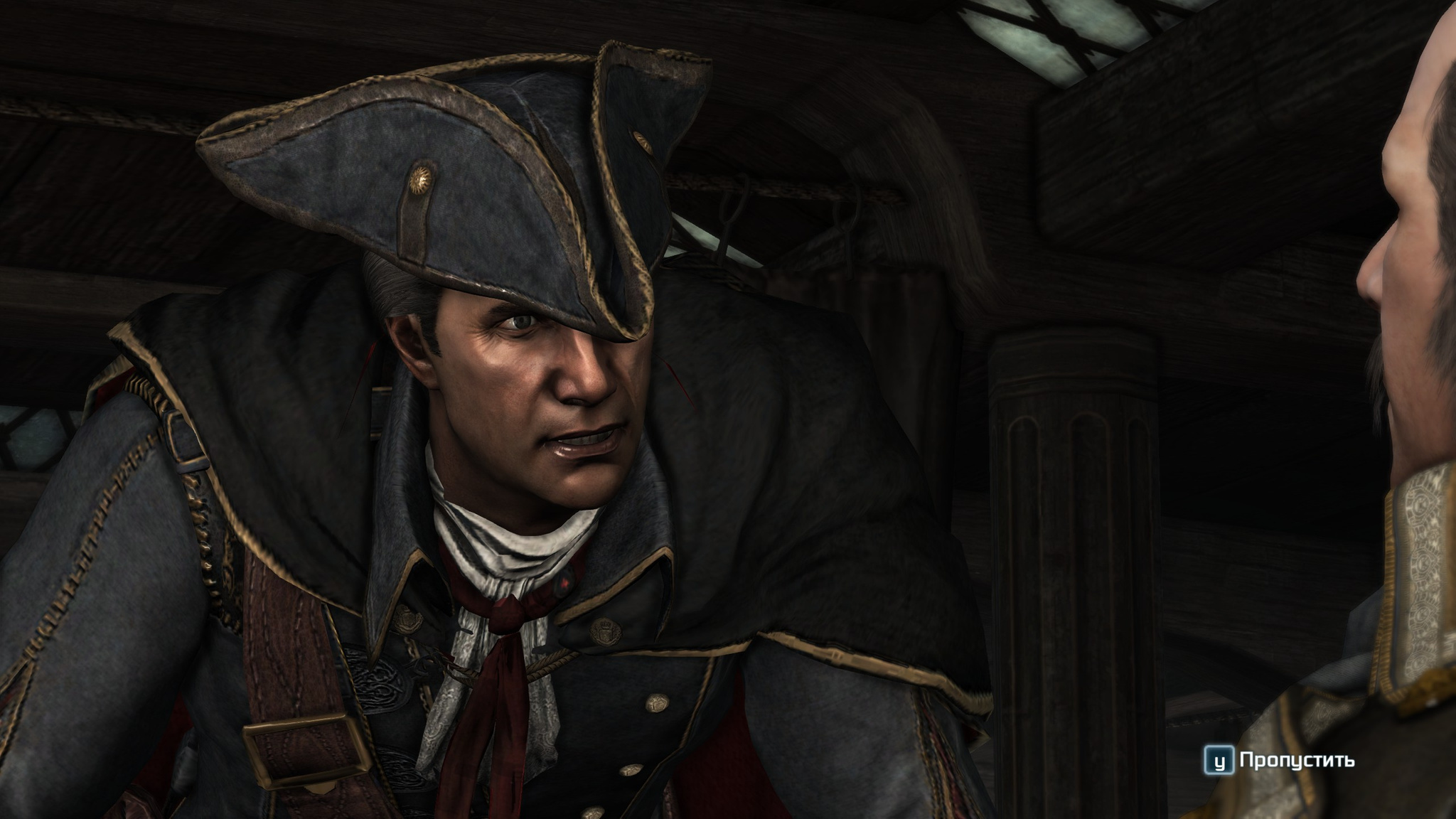
You start by playing some grown man who sails from England to America in search of the temple. Along the way he gets into various scrapes, gets a local tribal girl pregnant and, suddenly, turns out to be a Templar. After the prologue you start playing as his son Connor, who grows up among Native Americans, and circumstances push him to seek out an old assassin and learn the craft.
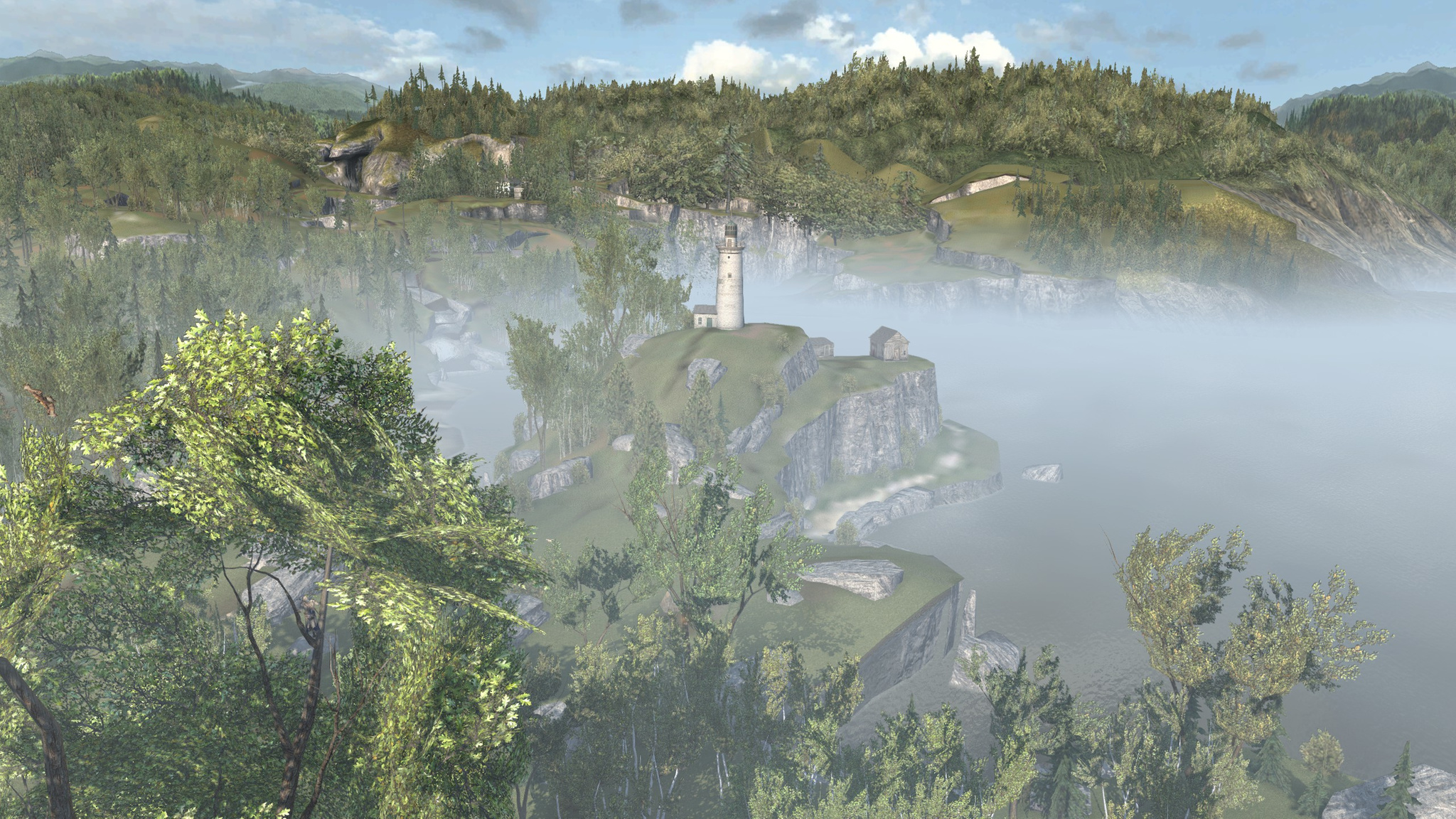
The game has a lot of forests and trees. Since you play as a Native American, you can climb trees and jump from branch to branch. At first it feels very unusual and unclear, but then you get used to it. Though I still liked running through the woods on foot or riding a horse more than jumping through trees. Besides, you cannot travel far along just any route through them.
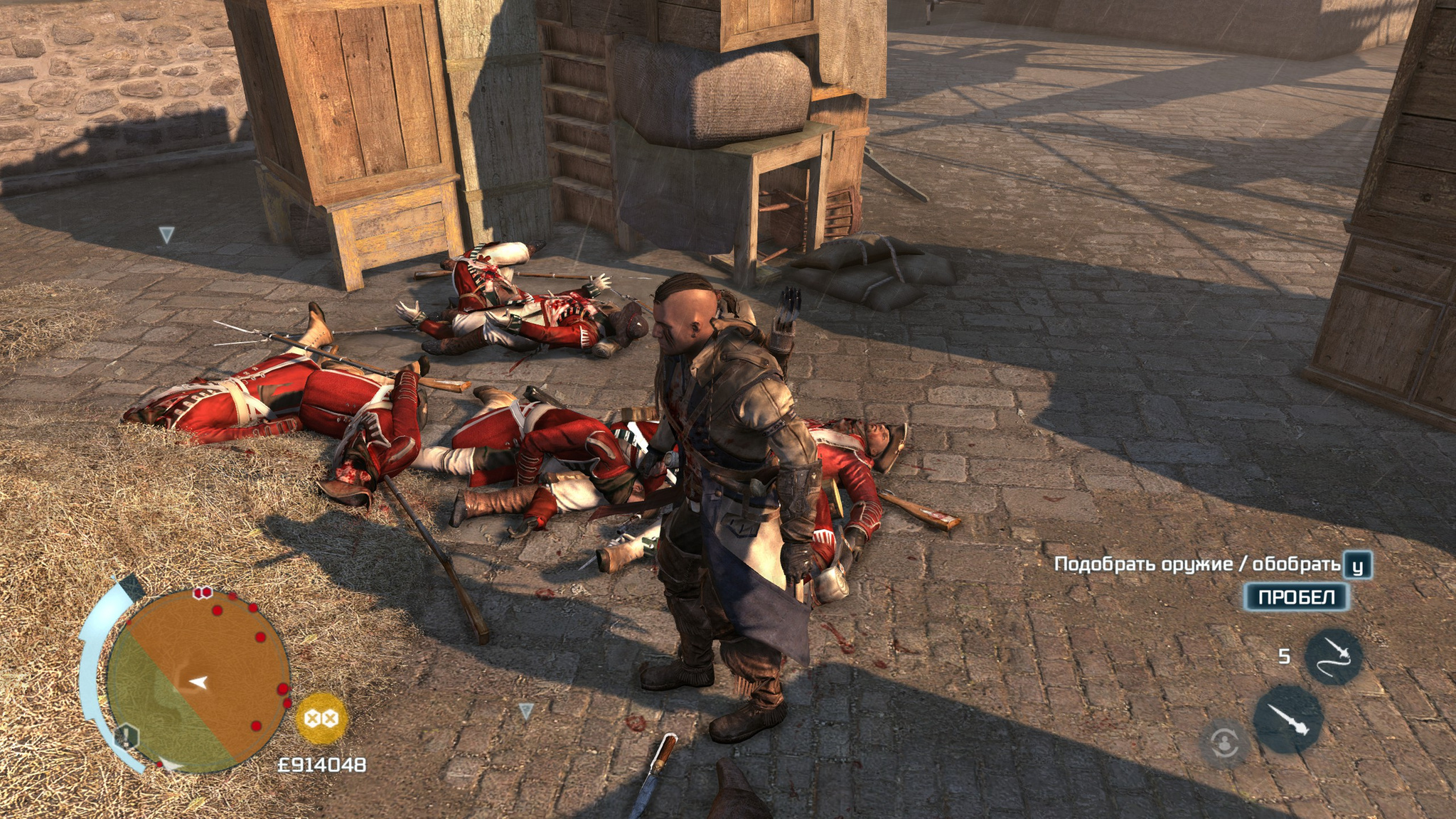
The game has more kinds of weapons, though compared to the previous part there are no radically new weapon types. Firearms appeared. After firing, they need to be reloaded. You can take down a soldier with a musket, pick up his musket, shoot the next enemy, throw the musket away, pick up the next one, drop the next enemy, and so on. Though if they are all close together, it will not work.
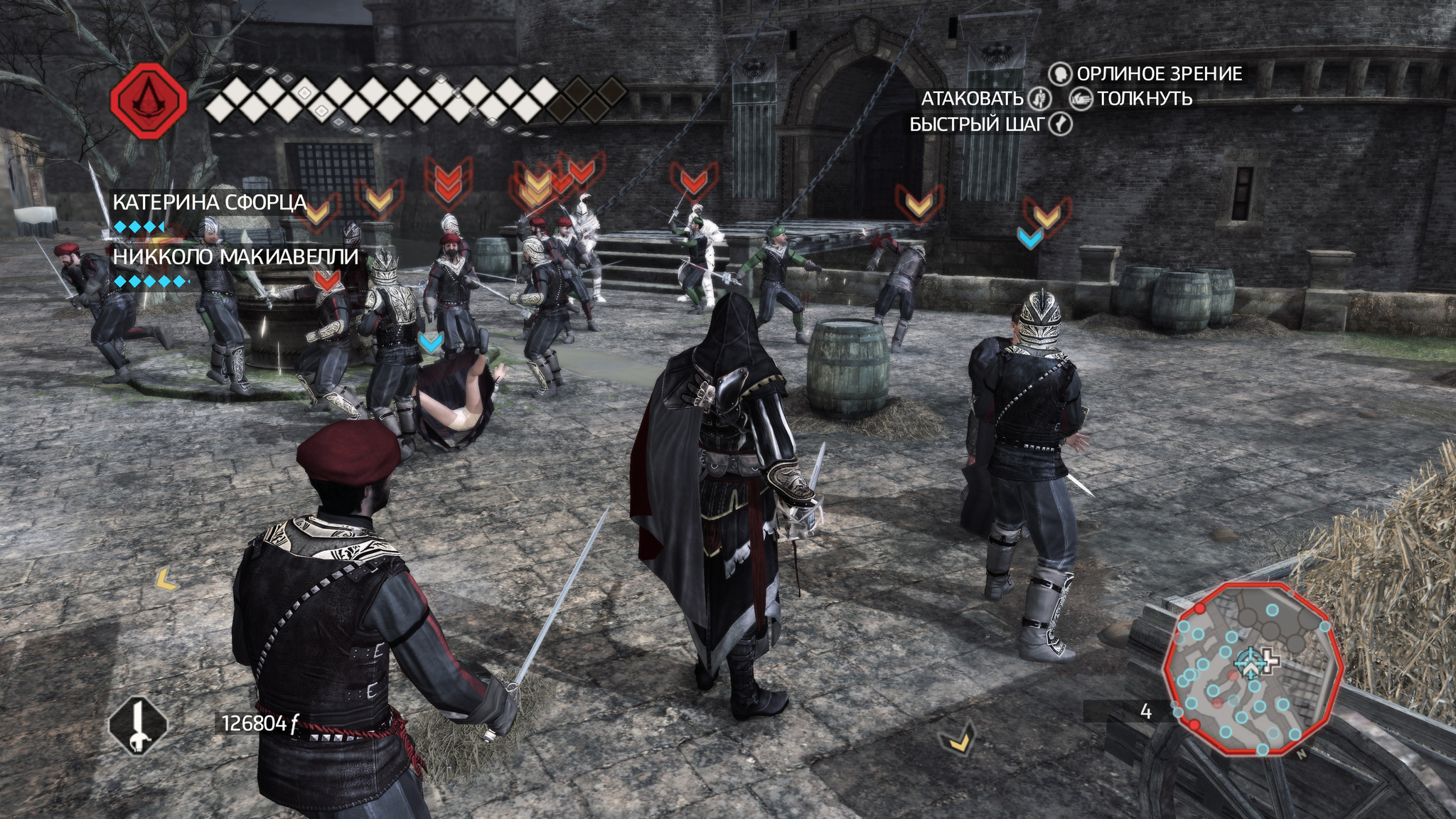
The combat system itself was simplified a lot and became boring. There are very few opportunities to attack proactively. Usually the whole fight comes down to holding block and counterattacking. That is very boring. The finishing moves themselves do look nice and bloody, though. Chains of finishers remained, but you cannot always use them. While you are finishing off one enemy, the next one may already start attacking, and you simply will not have time to do anything except block and counterattack again. Even though the game does give you things to shoot with, constant reloading means you can only do that rarely, so most battles are still hand-to-hand.
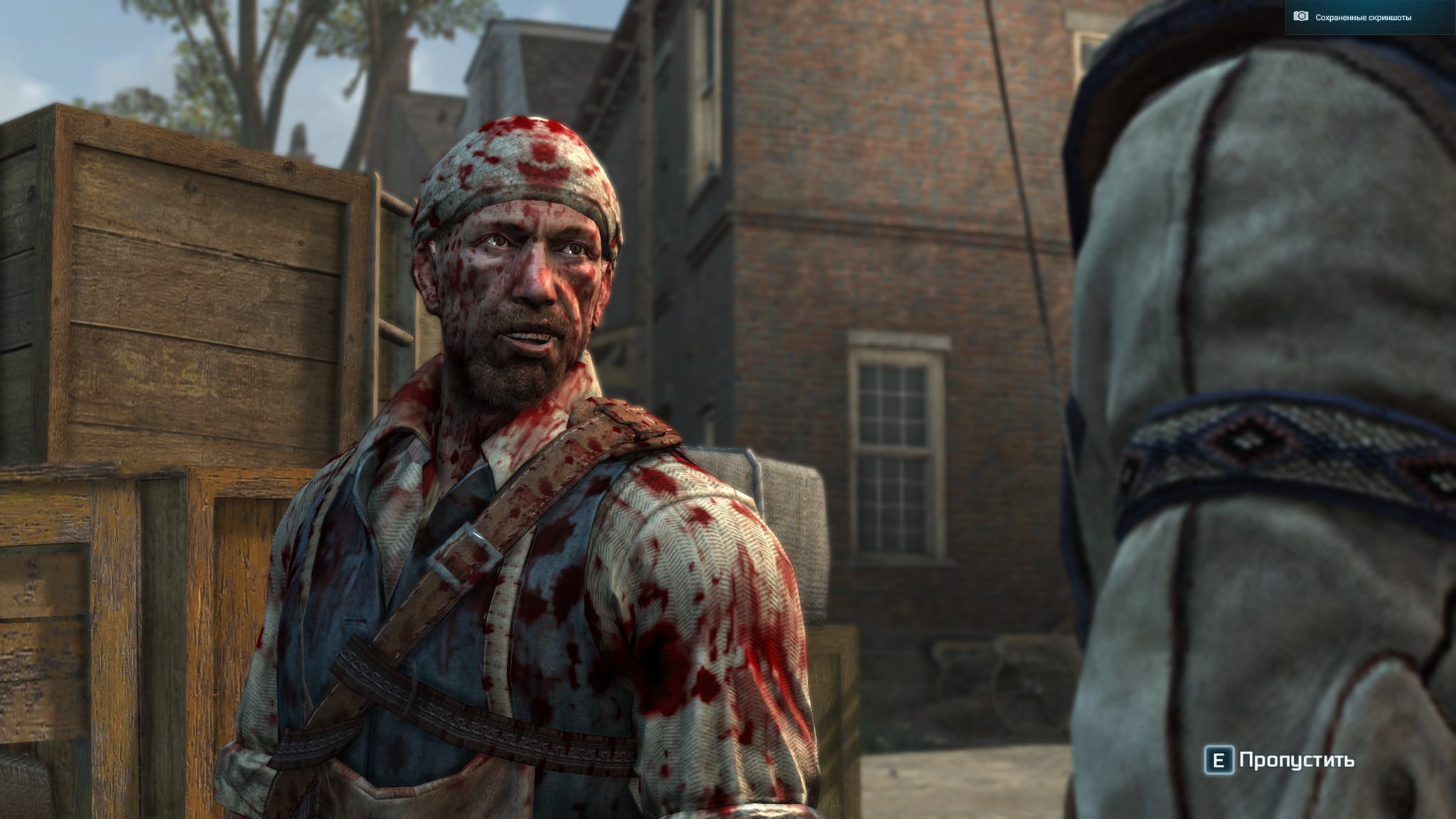
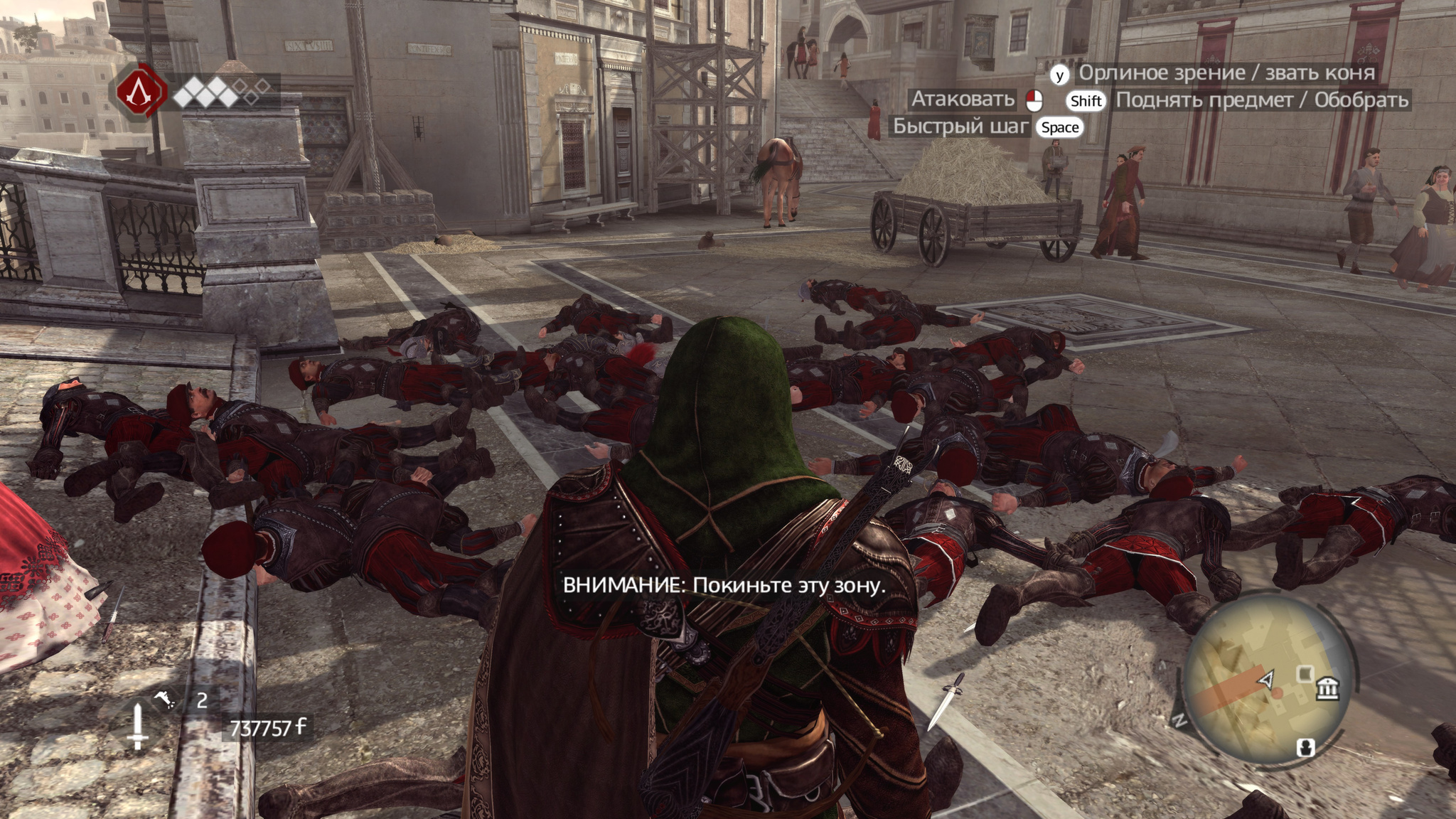
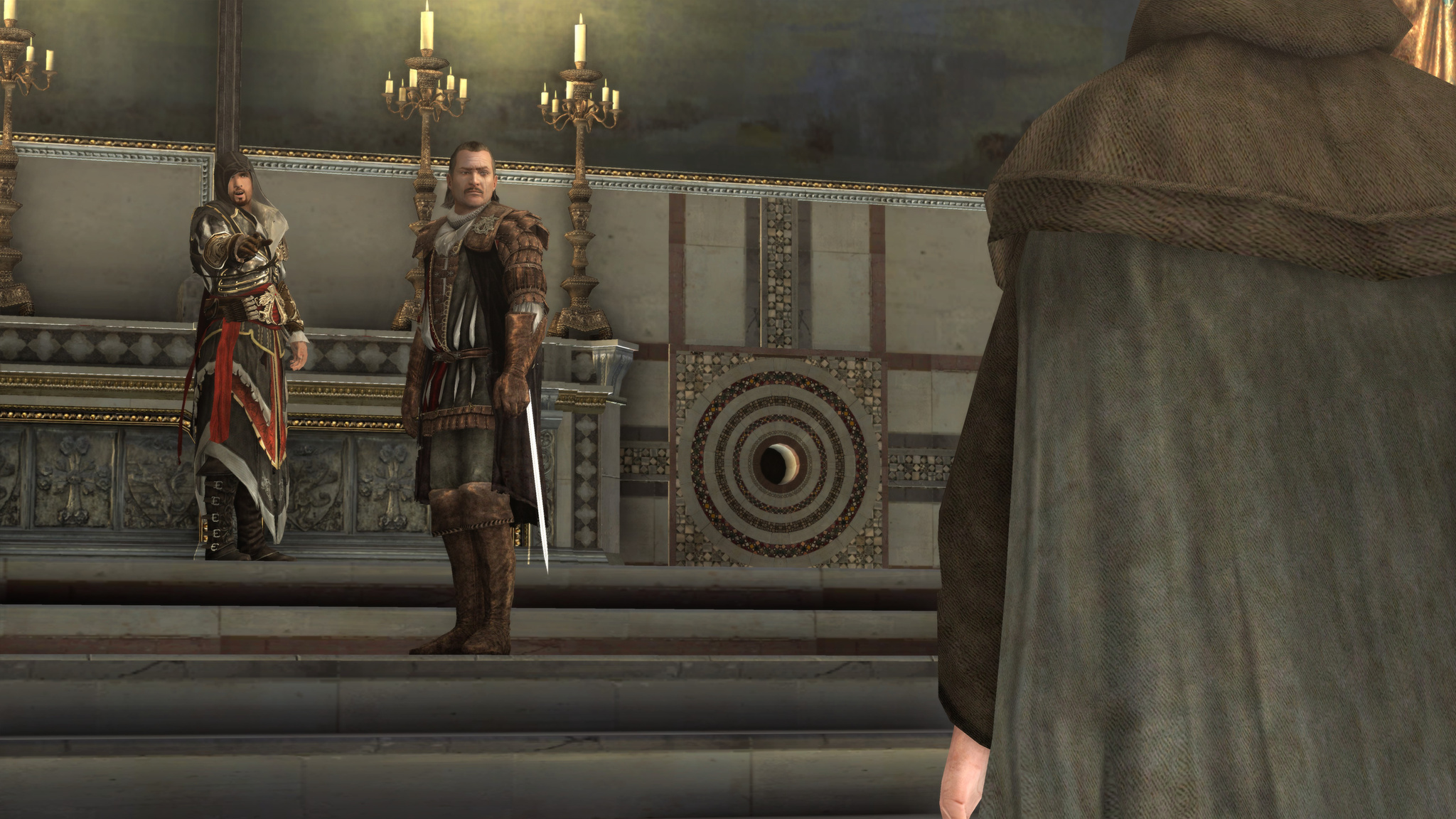
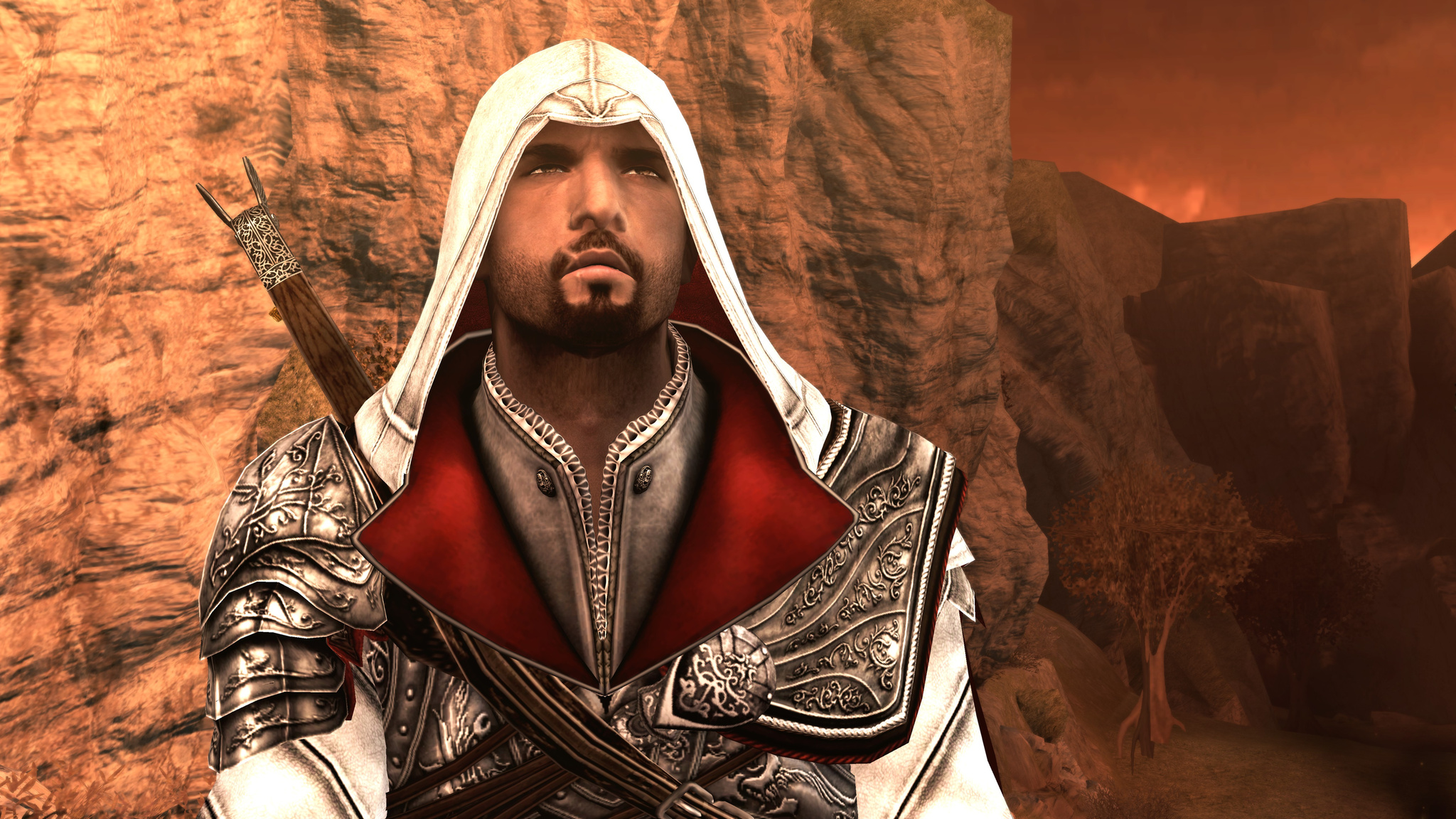
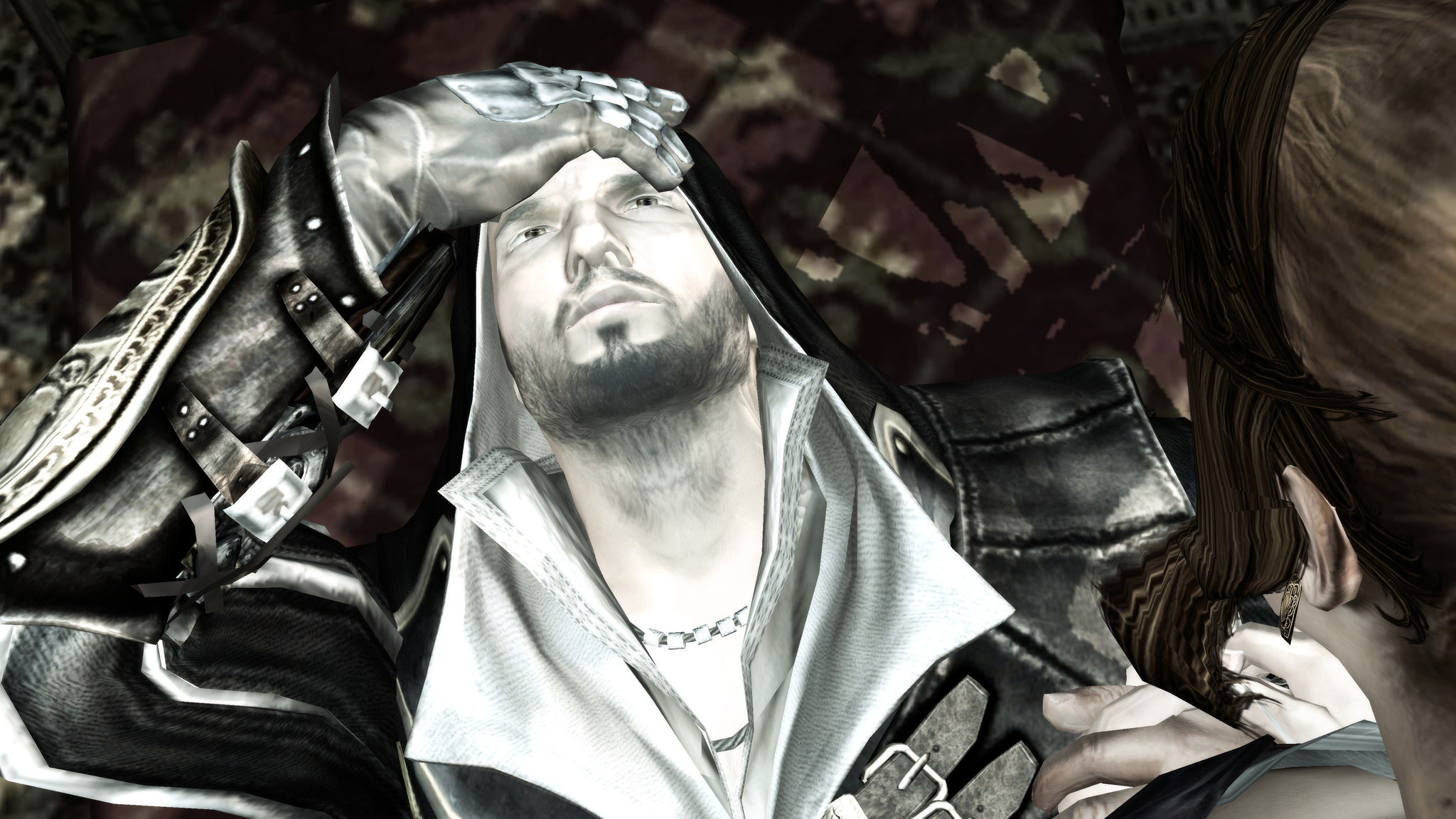
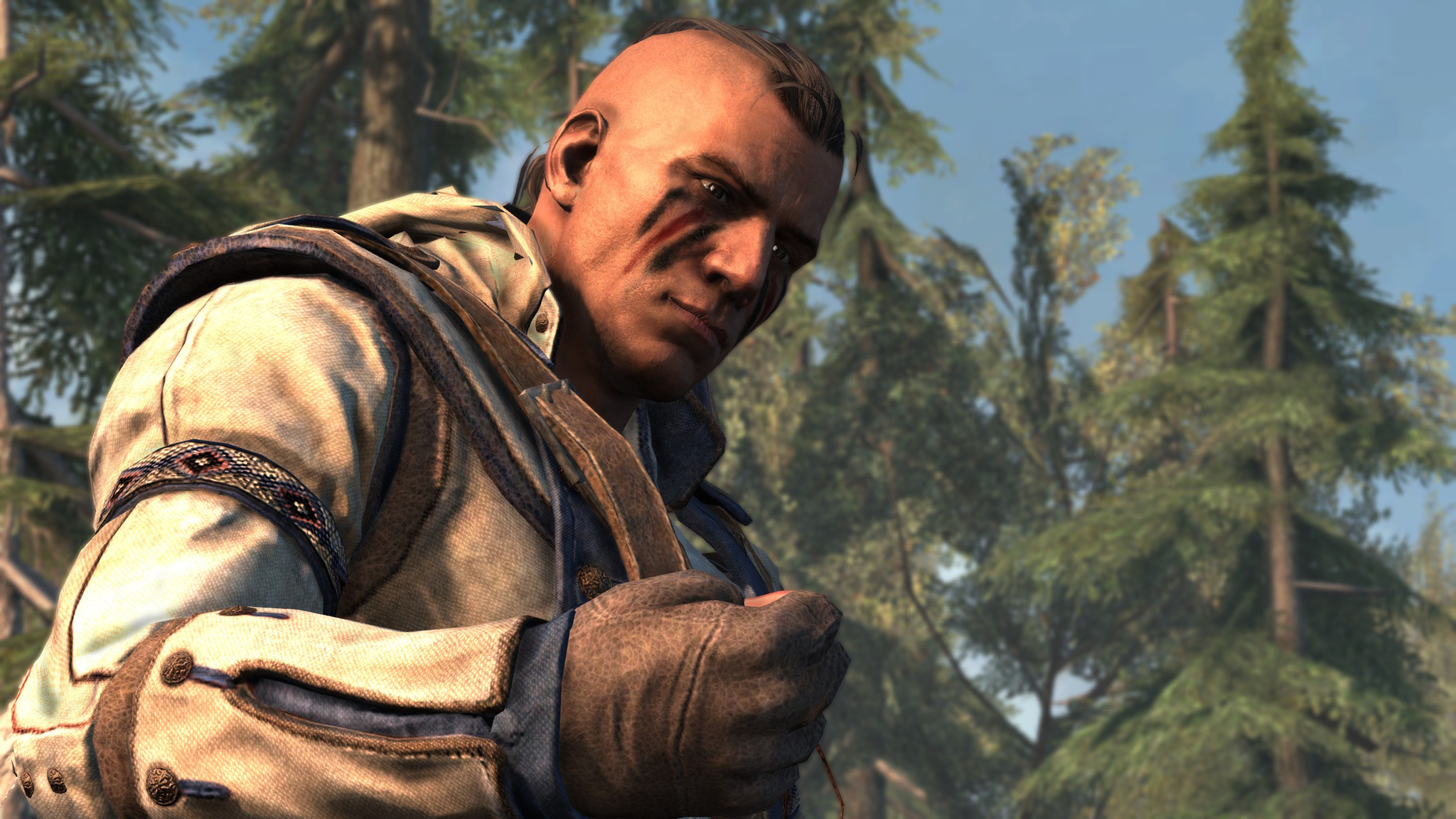
Characters look great after battles, covered in blood. In the screenshot there is one of the recruit assassins you can recruit in the game. There can be up to 6 of them. Each has some kind of ability. For example, a sniper can quietly take someone out from afar. But the recruit system itself was simplified a lot for some reason. You can still send them on missions to different states so they gain experience and level up, but it is all clumsy and lacks the interactivity of the previous game. You cannot customize them, and they are not very useful, mostly just for calling for help in cities. And even then they get taken out quickly if they are not leveled up. I only learned in the second half of the game that you can apparently level them and send them on missions at all, that is how unclearly it was made. To recruit them, you first need to find them while exploring the location, and then complete some mission connected to them. Overall, their missions are interesting. But they also feel as if they were torn out of context.
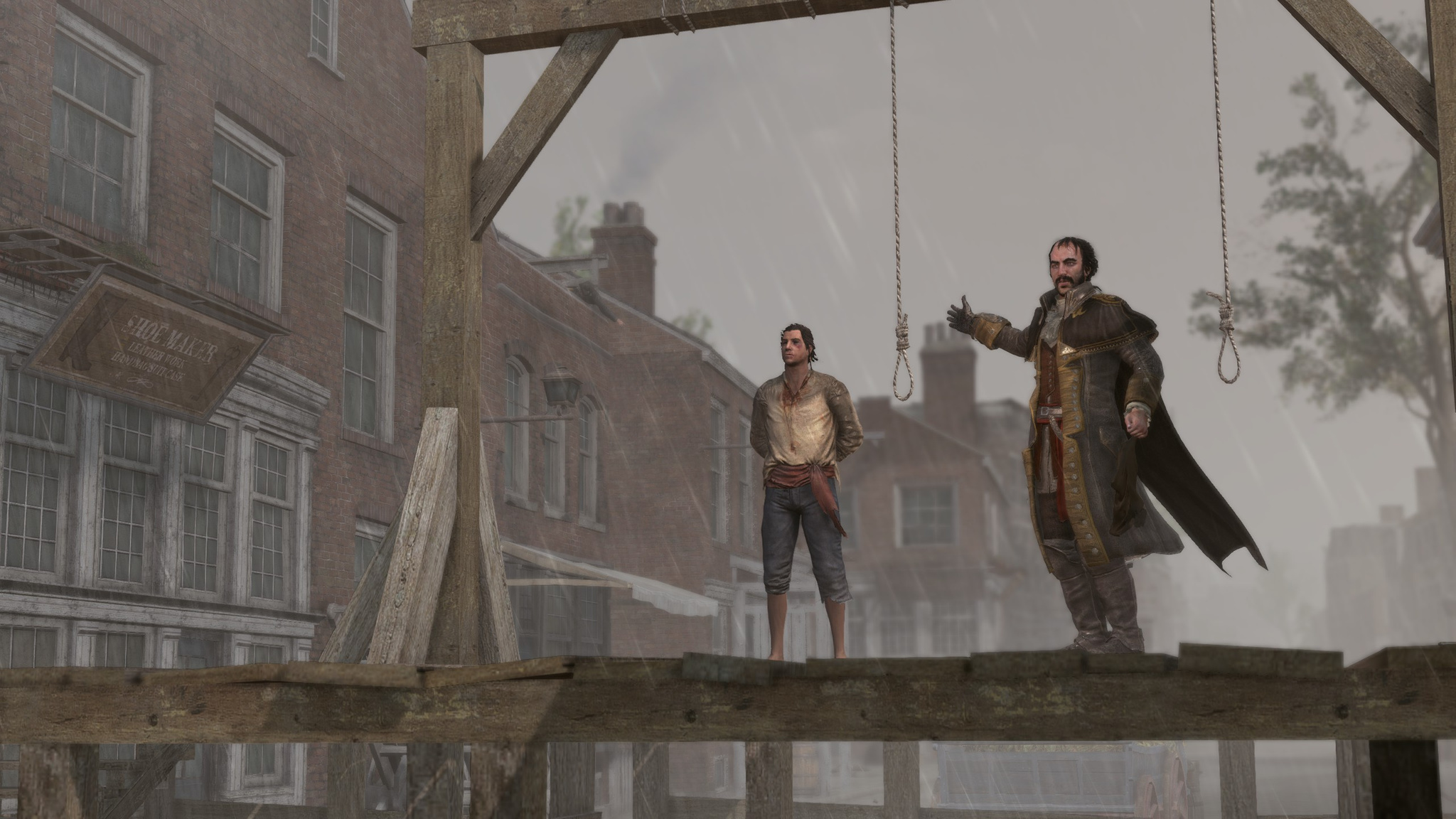
The story felt rather dull to me. There seem to be lots of events, some movement, uprisings, conspiracies, war, but everything moves at a sleepy pace and there is not much action as such. Not very interesting and not dynamic at all. There are a lot of plot holes and no smooth transitions in the narrative. So far it is probably the least interesting part in terms of story. The conflict between father and son, the disagreements, how awkwardly it is all revealed and how awkwardly it ends too. Apparently they aimed more at Americans, like a funny excursion into the War of Independence. Famous events you can participate in, such as the Boston Tea Party.
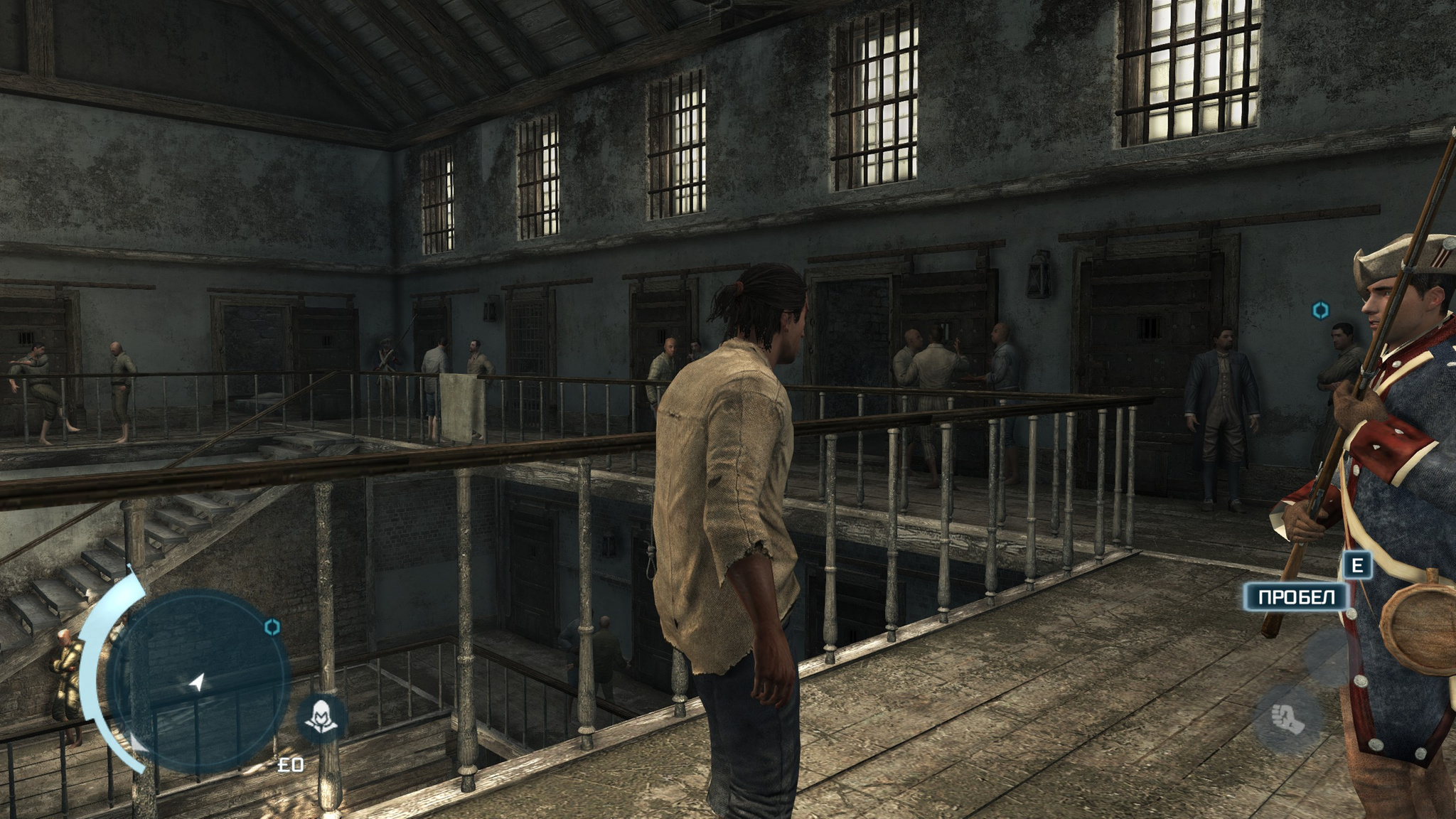
Though some turns in the story are interesting, of course. For example, at one point you end up in prison, stripped of everything, and need to escape from it.
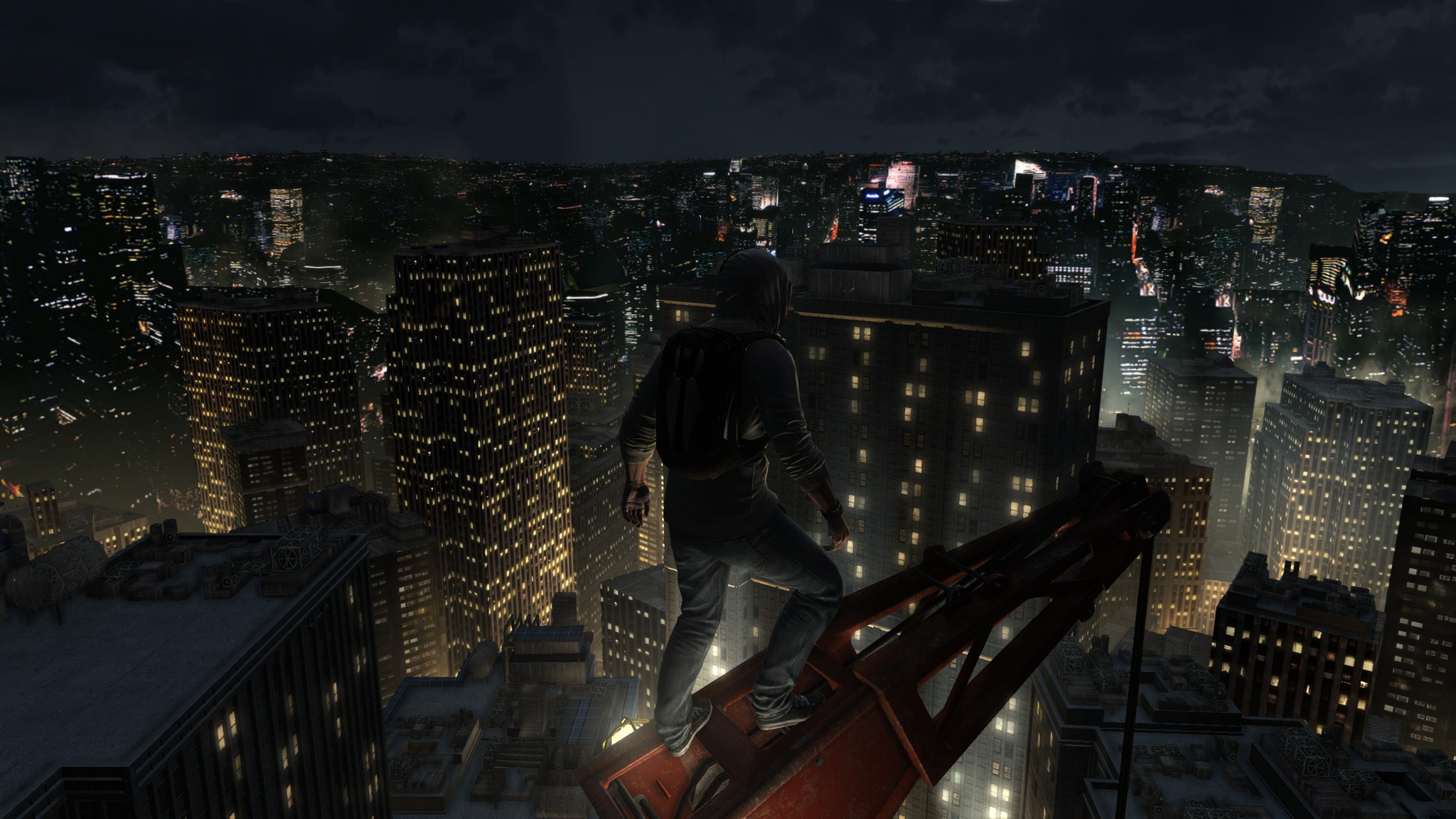
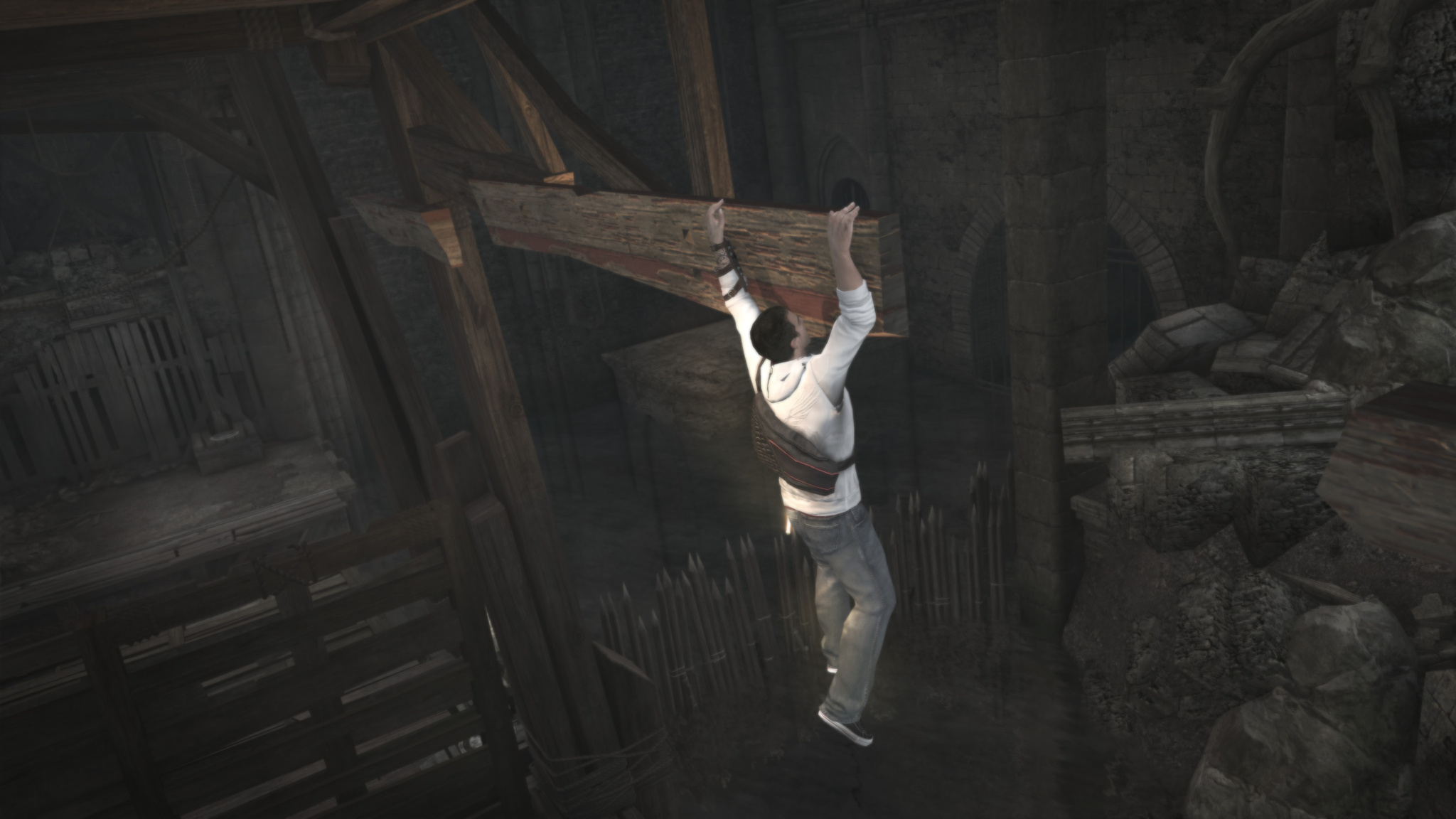
In the modern-day sections, Desmond also gets to run around and climb various cool places. For example, a construction crane on a skyscraper so he can parachute-jump from it.
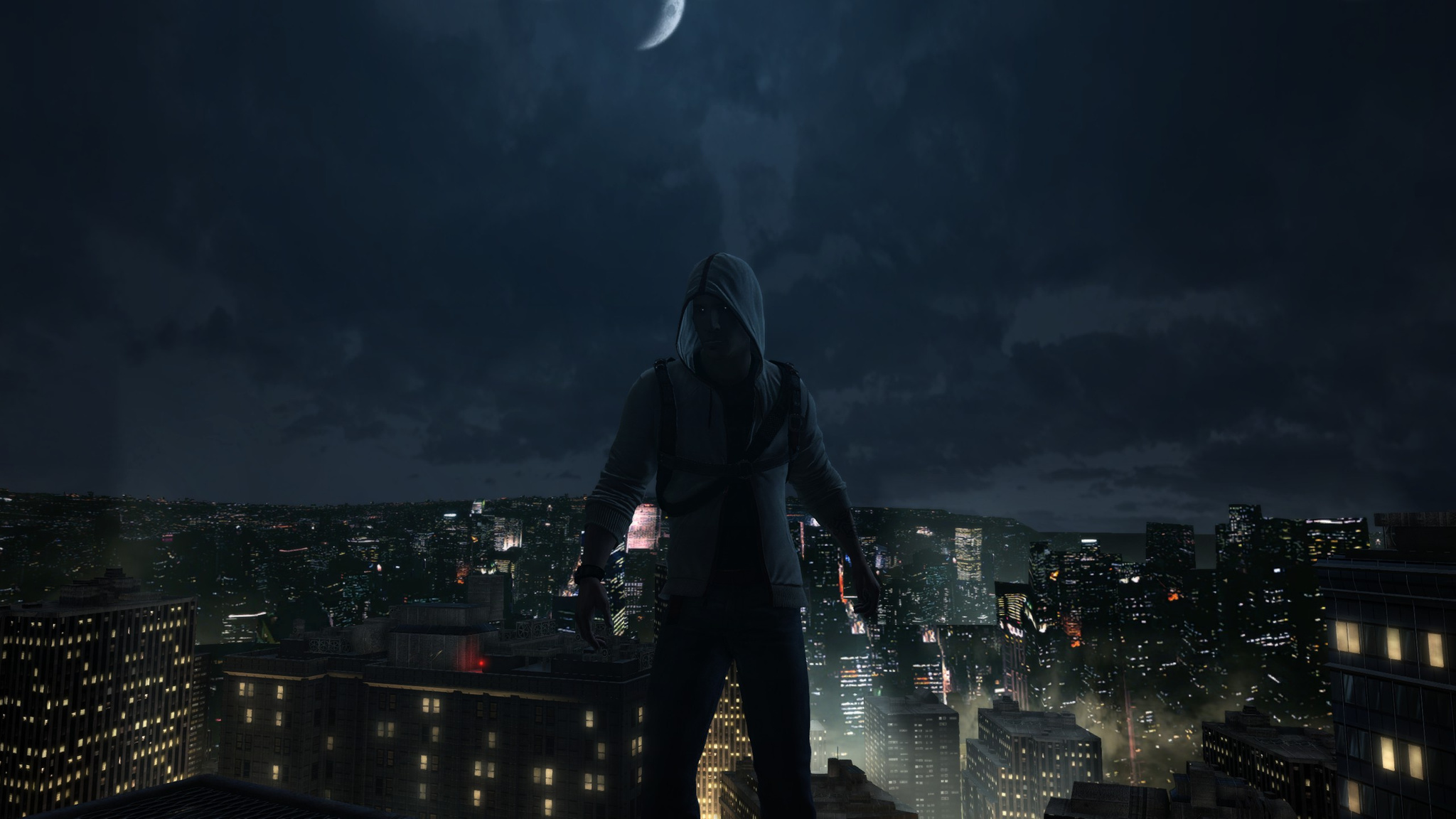
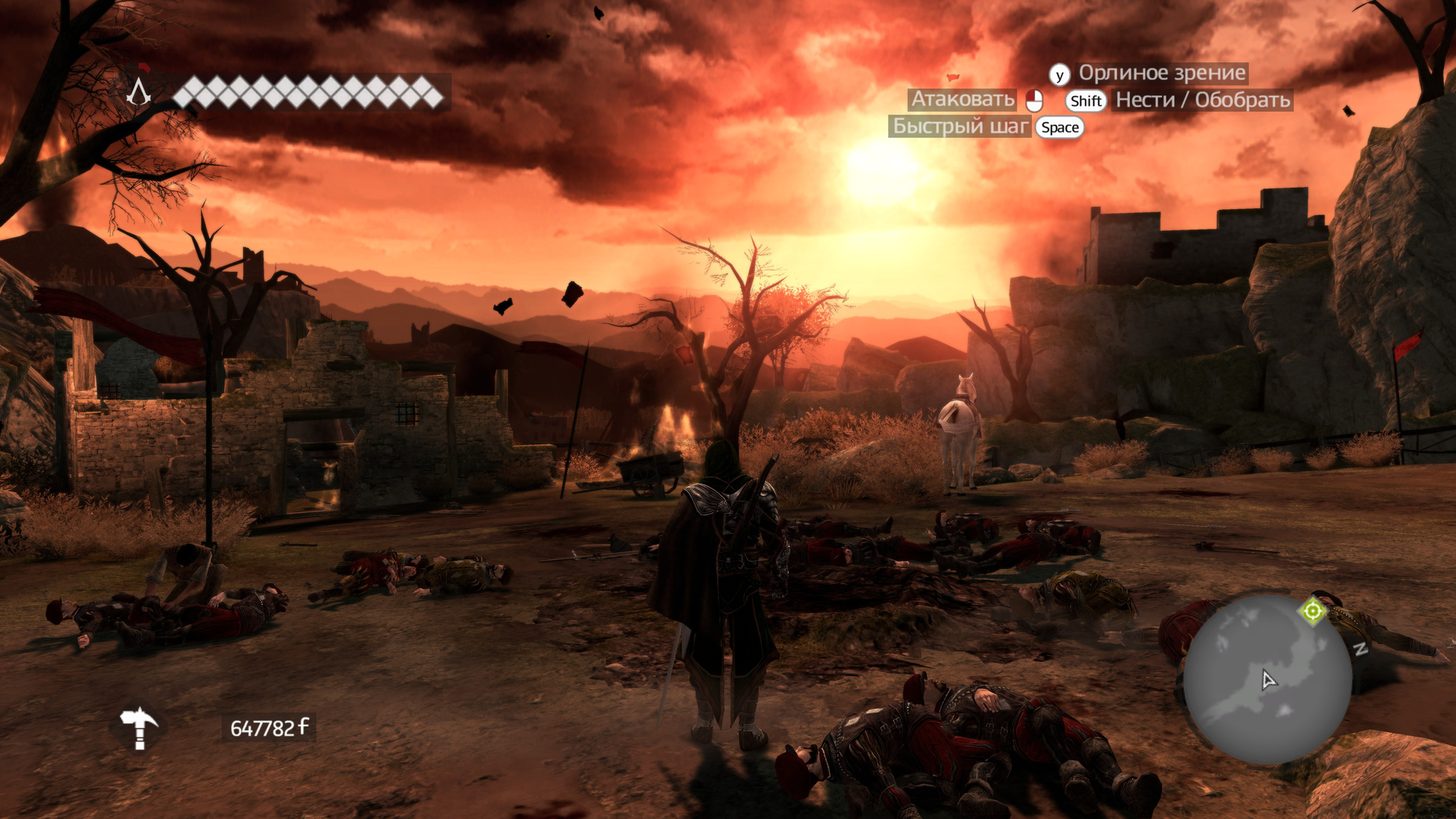
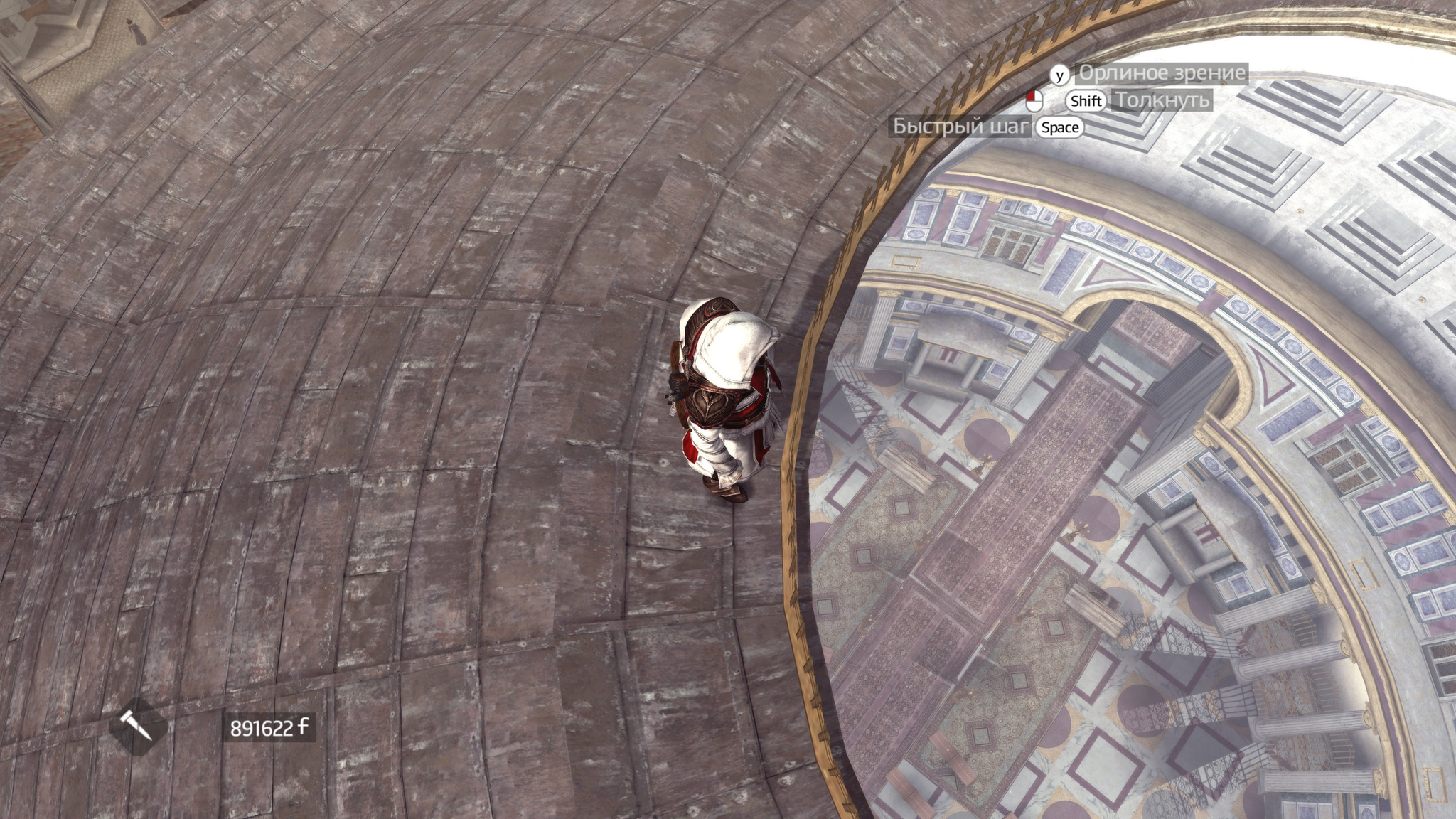
I just took a nice screenshot.
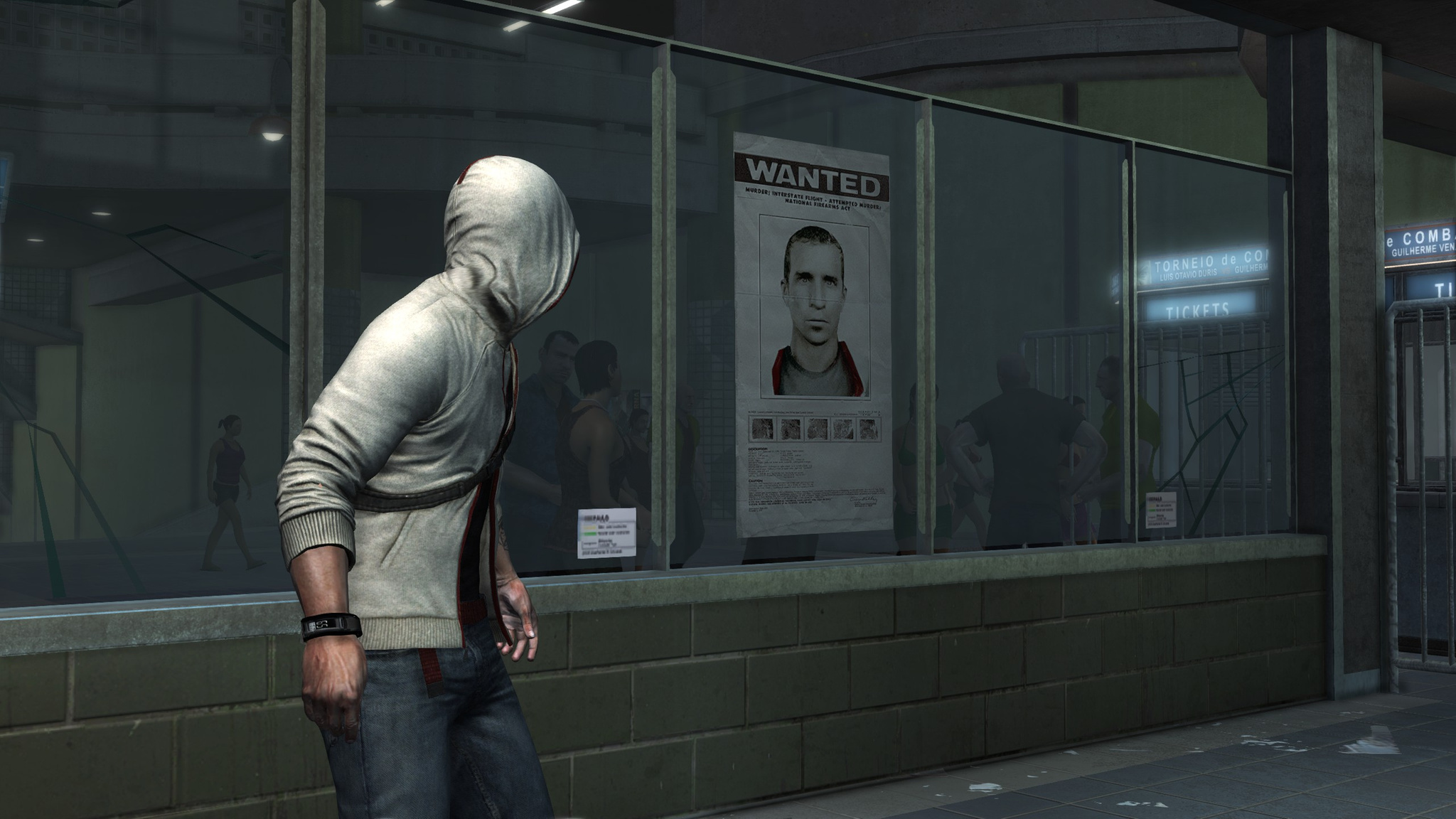
At one point you end up in Brazil, where Desmond's face is hanging in the subway because he is wanted.
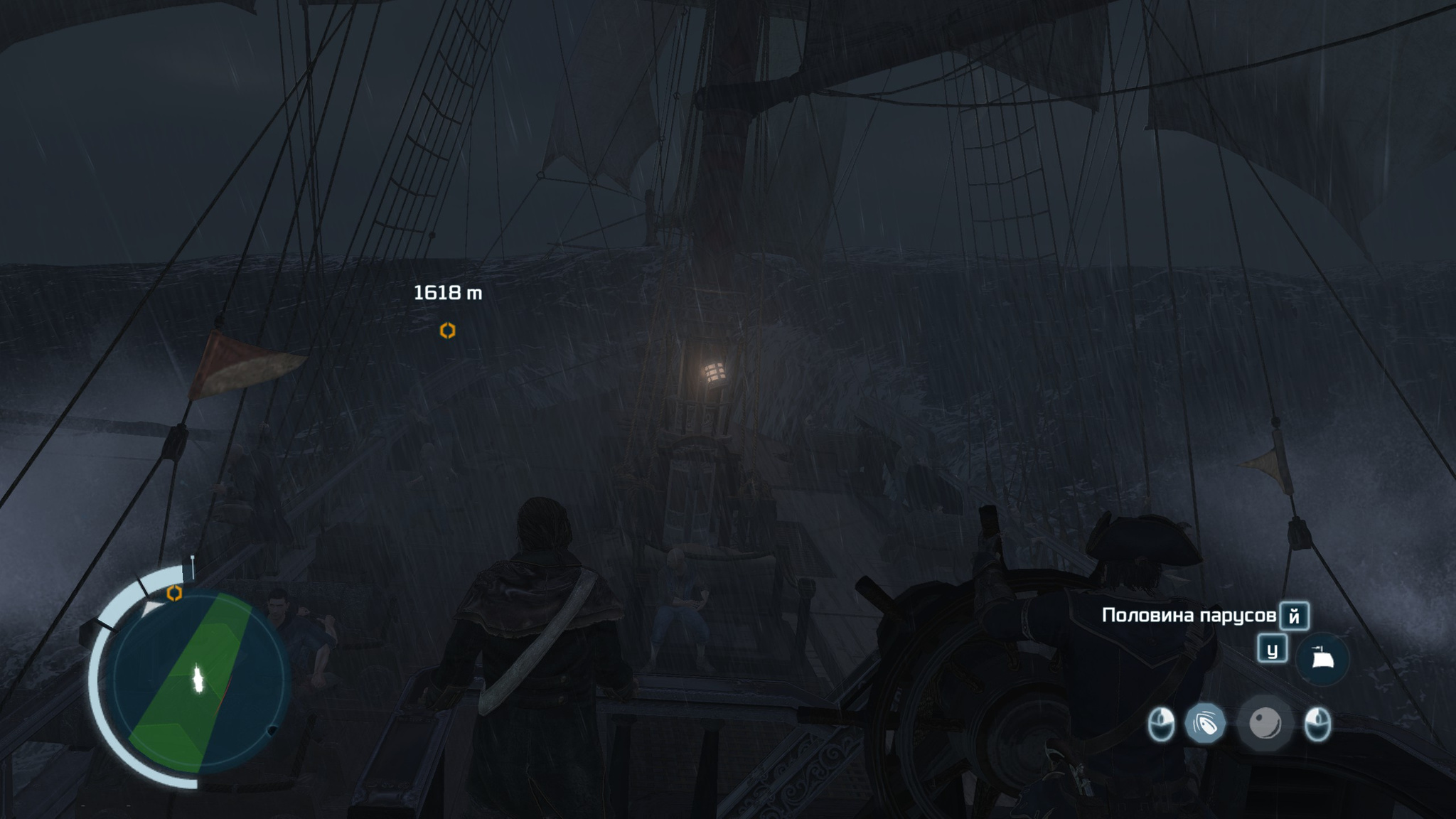
A separate topic is the naval missions. There are not many of them and they are almost all optional, but steering a ship and sinking enemy ships is cool. Firing cannons, boarding enemy ships, very cool!
Overall I did not like the game all that much. The graphics became better and prettier. But the story is boring, the narrative is dull and lacks dynamism. The side missions turned out to be more interesting than the main plot. A lot of things were simplified for no good reason. Plus I saw quite a few glitches in the game. A middling effort. Let's see what the next parts are like.