To convert a date from text into NSDate from a slightly non-standard format with milliseconds:
let dateString = "2016-04-22T17:42:46.762+03:00"

let dateFormatter = NSDateFormatter()
dateFormatter.dateFormat = "yyyy-MM-dd'T'HH:mm:ss.SSSZ"

let myDate = dateFormatter.dateFromString(dateString)
What is new: transparency now changes simply by dragging your finger horizontally. One of the users actually asked for this feature in an email. It also makes the transparency change more smoothly.
Besides that, I completely rewrote the app in Swift. So now I have as many as one released project written in it :) But this is only the beginning.
What is surprising is that I submitted the App Store update yesterday, and in less than a day it had already passed Review and been released. I do not remember Apple ever approving an app that fast.
import Foundation

/**
 A log function that outputs the file, method, and line it was called from.
 Example usage: DLog("hello")

 - parameter messages: text/objects to print
 - parameter fullPath: path to the calling file
 - parameter line: line number in the file
 - parameter functionName: name of the calling method/function
*/
func DLog(messages: Any..., fullPath: String = #file, line: Int = #line, functionName: String = #function) {
     let file = NSURL.fileURLWithPath(fullPath)
     for message in messages {
          print("\(file.pathComponents!.last!):\(line) -> \(functionName) \(message)")
     }
}

// Example:
DLog("message 1", "message 2")
// YourClass.swift:42 -> someMethod() message 1
// YourClass.swift:42 -> someMethod() message 2
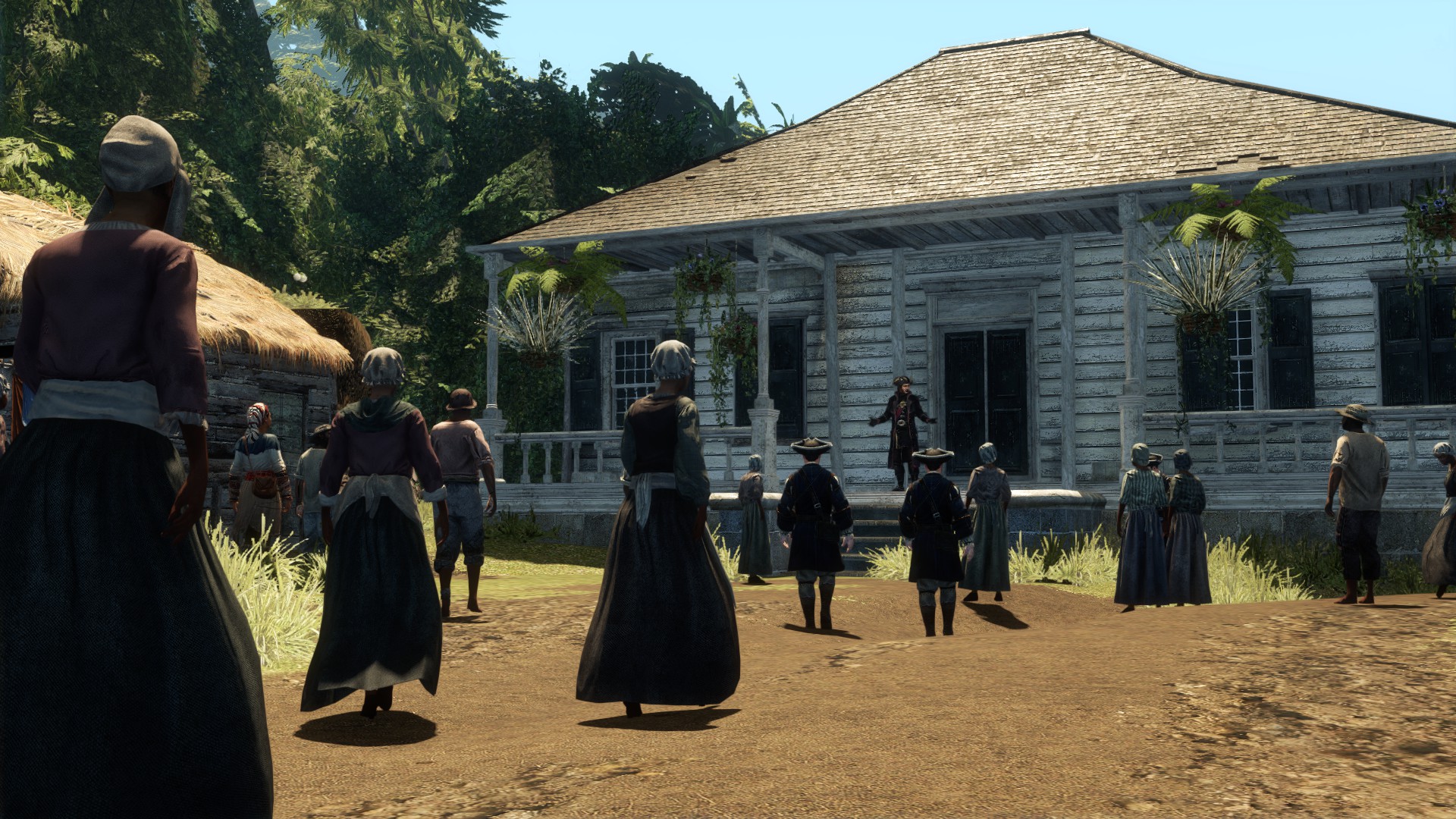
This installment was released alongside Assassin's Creed III. It was made for the handheld PS Vita, and only later got an HD version for home consoles and PC. Still, it is very noticeable that it was not made for them.
The game is laggy and buggy. I had some completely unreal lag on launch. I changed the resolution to 1920x1080 and it became smooth. But the controls on PC are very clumsy, and I kept running into glitches with them. At one point the engine suddenly decided I was in water even though I was on land. As a result, the character was dangling in the air to the sound of splashing water and could not move anywhere. I had to reload from a checkpoint. It is a shame I played it after the excellent Part IV (Black Flag), because with that contrast it looks even worse.
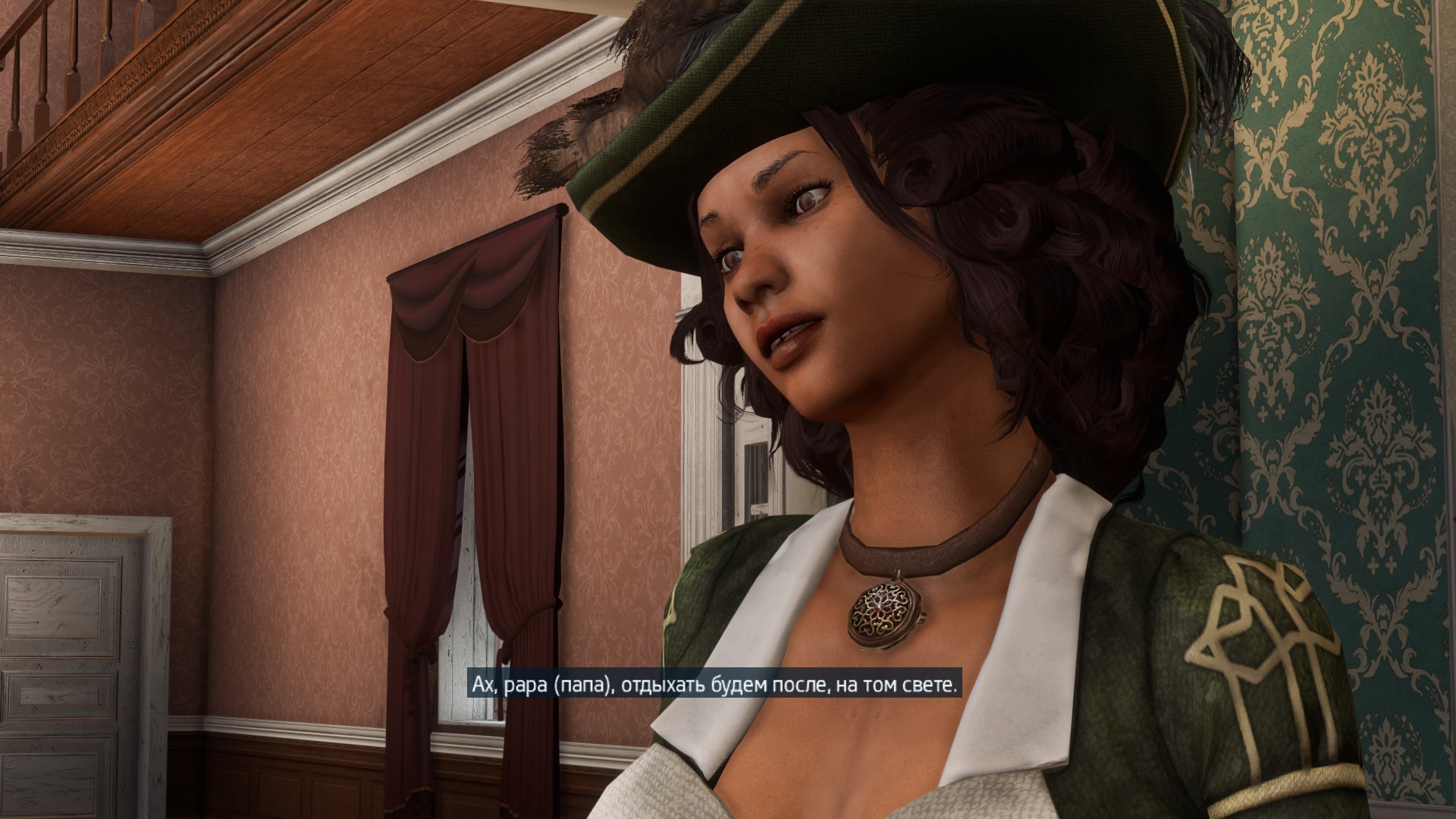
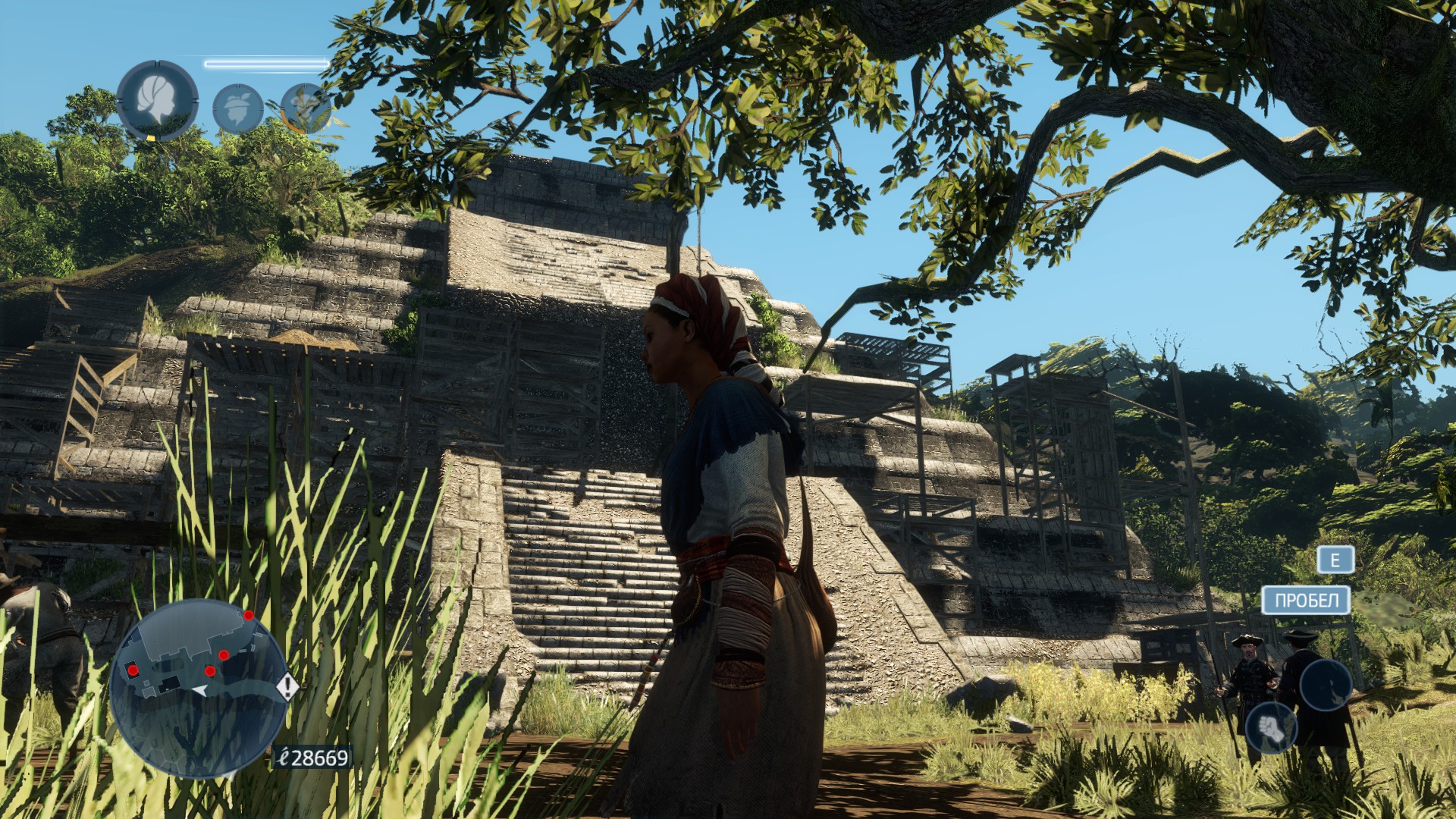
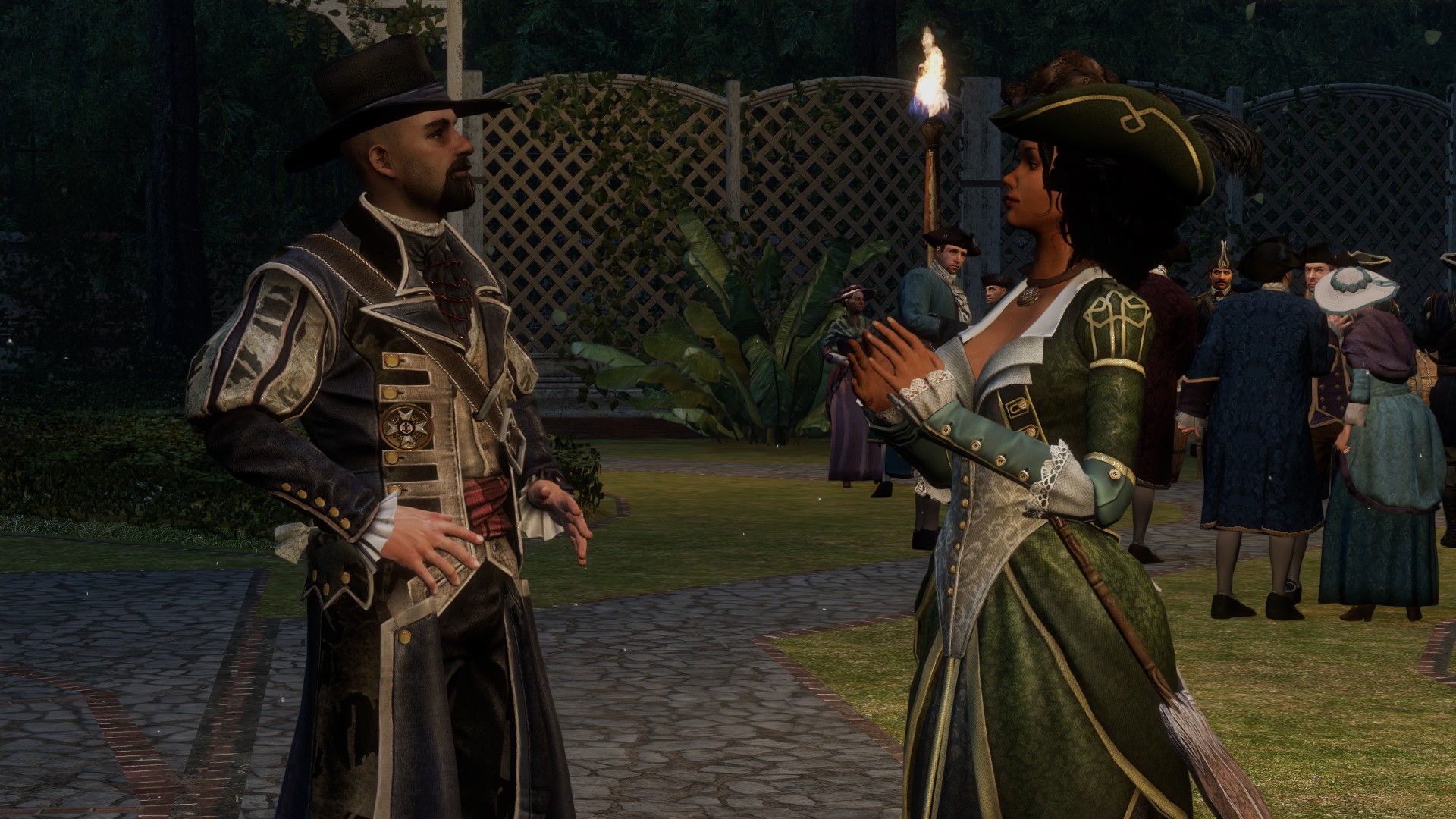
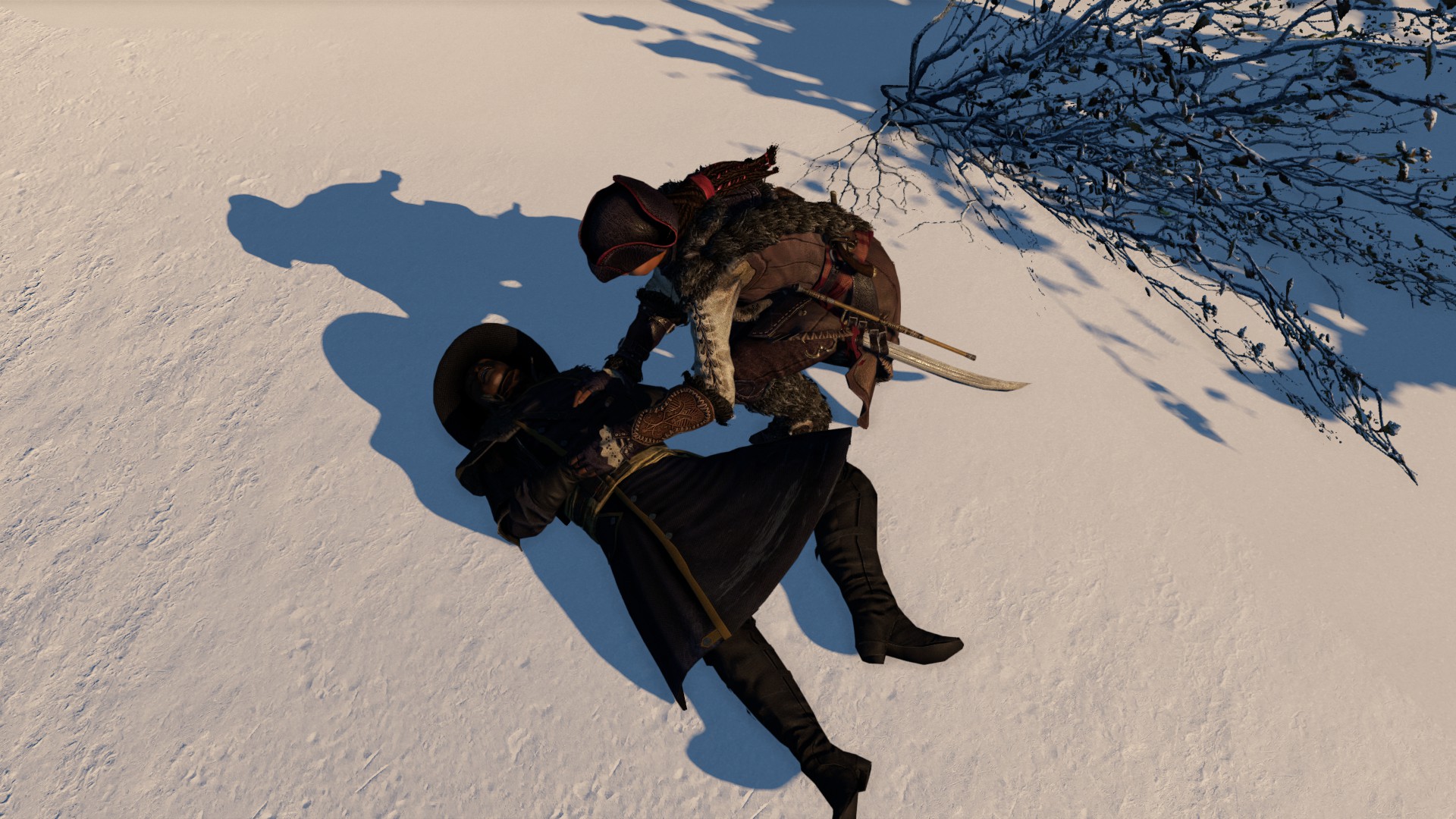
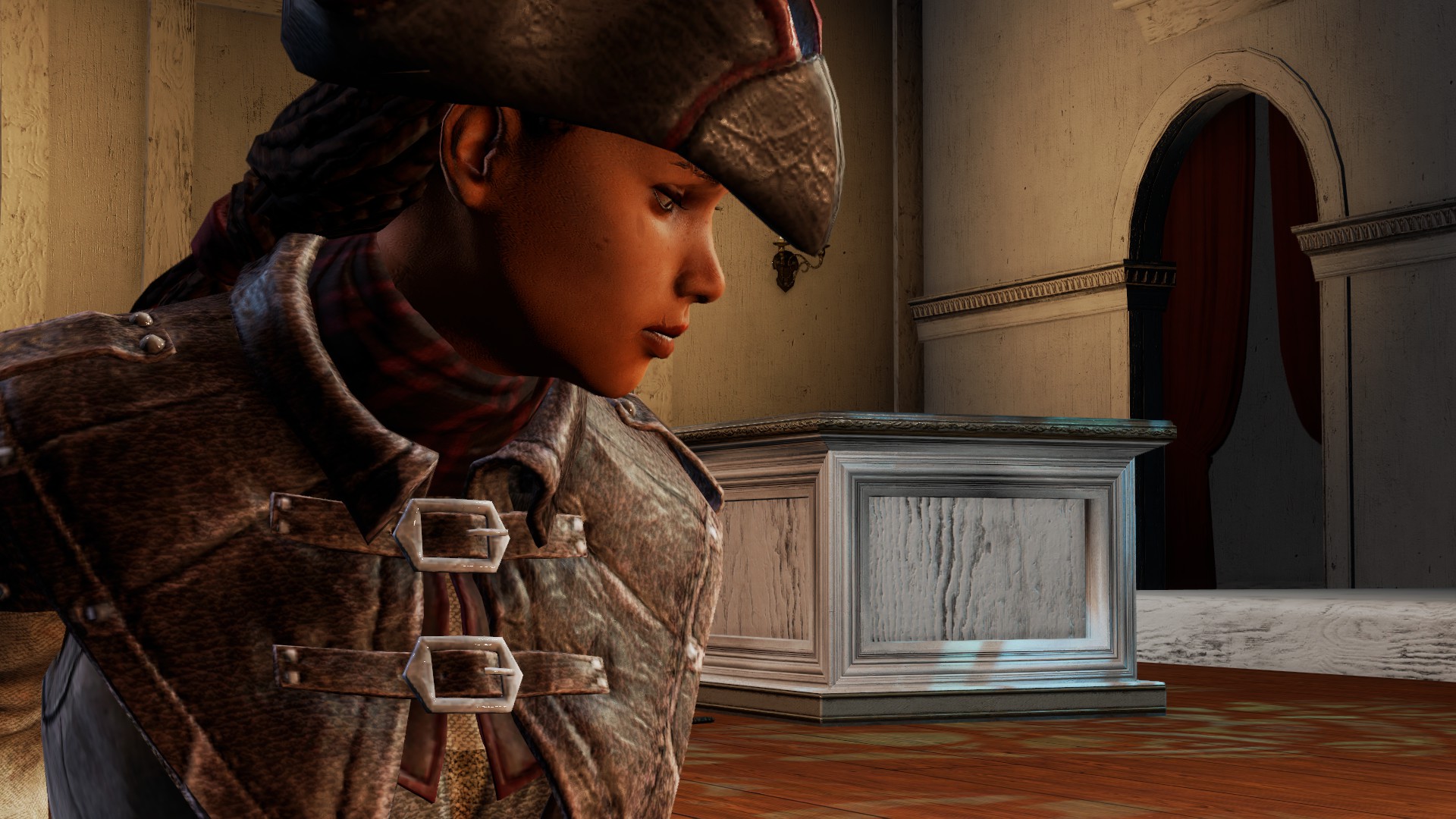
The main character is a girl named Aveline. The only truly original difference in this part compared to the others is that you can change her outfit. There are 3 appearances for different purposes. Lady — a woman in a dress, she cannot climb buildings or fight, but she can charm people and barely raises suspicion anywhere. Slave — a girl in simple clothes (according to the story, Aveline is the daughter of a slave who was freed and then adopted into a rich family), can climb and fight, though not especially well. It lets you slip into various places disguised as a worker and avoids drawing too much suspicion from the guards. Assassin — full combat gear, lets you use all weapons and fight at full strength. It immediately arouses suspicion among the guards.
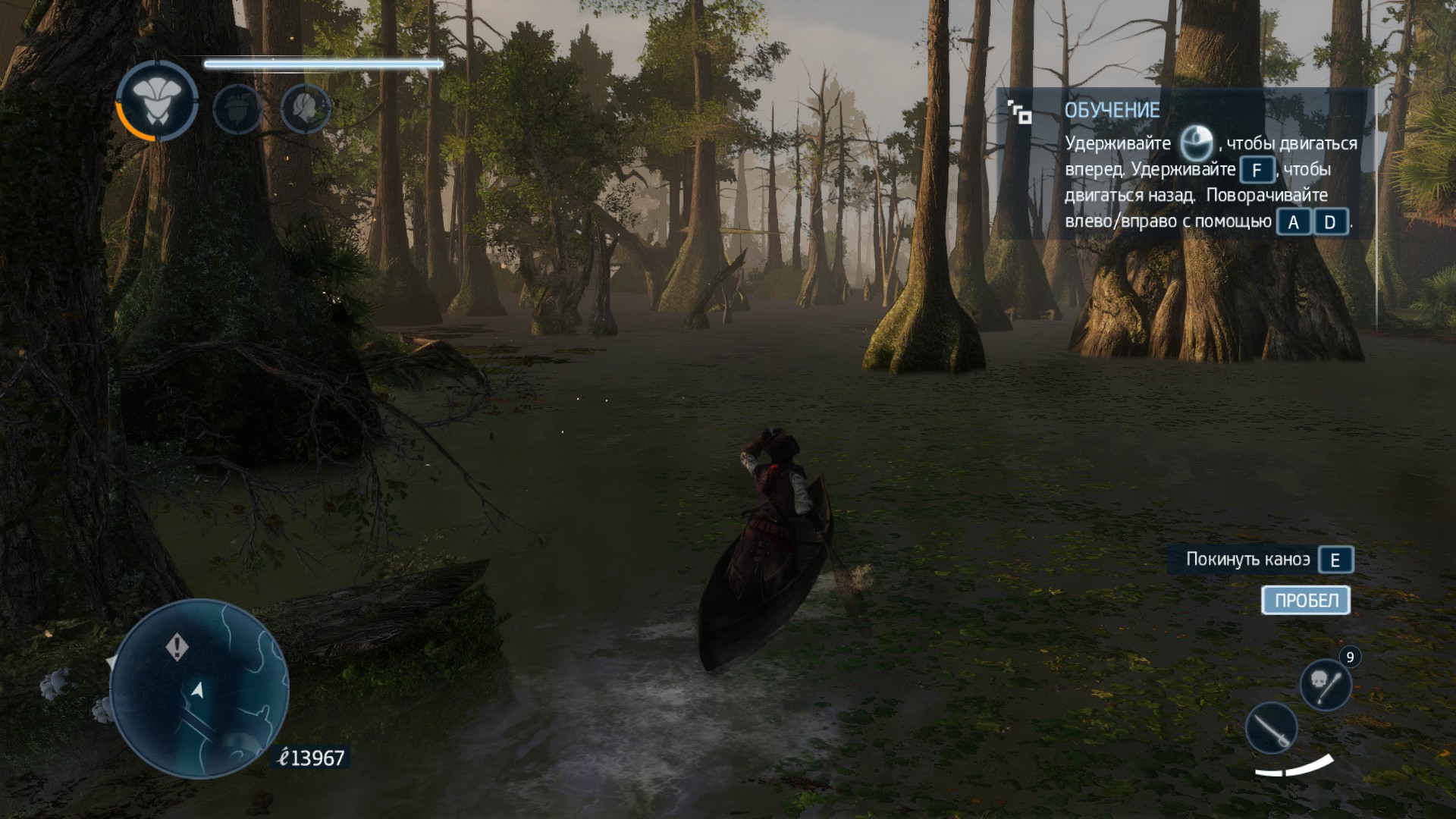
You can travel by canoe in the game. However, because the controls are very clumsy, this is constantly a problem. You crash into something, fail to turn, or just get stuck and stop moving forward.
There are several locations. On the one hand, there are some bright spots, but on the other, everything looks just as dull and bleak as in Assassin's Creed III.
Chichen Itza was nice, though. An ancient temple, caves, catacombs — not bad.
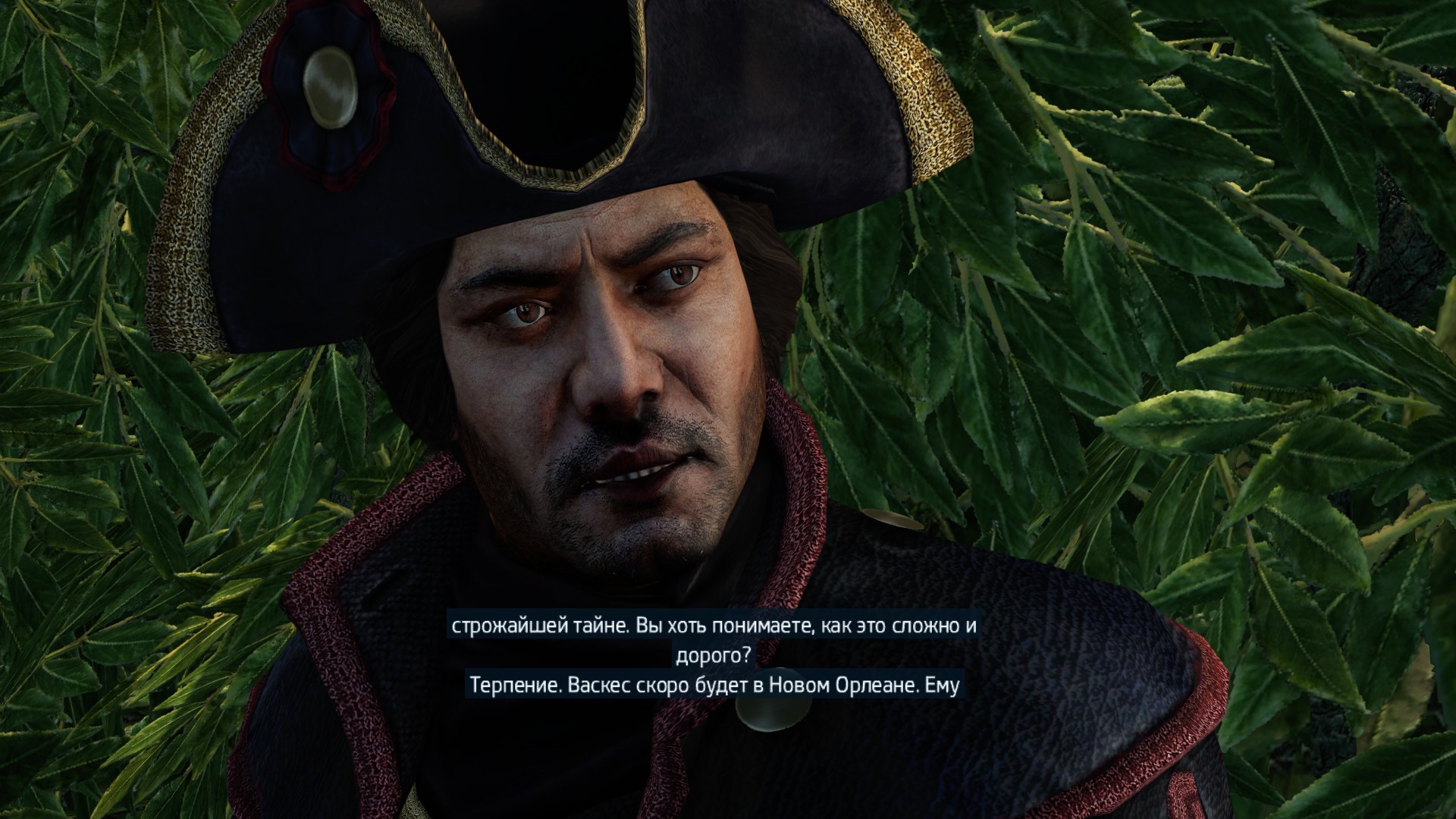
The main villains are vague somehow. The plot too. Everything feels dull and, in my opinion, wildly dragged out. While playing, 2 or 3 times I thought, well, this is finally the end of the game, but no, the story kept going for some reason. Unlike the other parts, I had no desire at all to do side activities like buying and opening businesses in the city, because it all looked rather pointless here. There are barely any counters either; it does not even show the number of synchronization points.
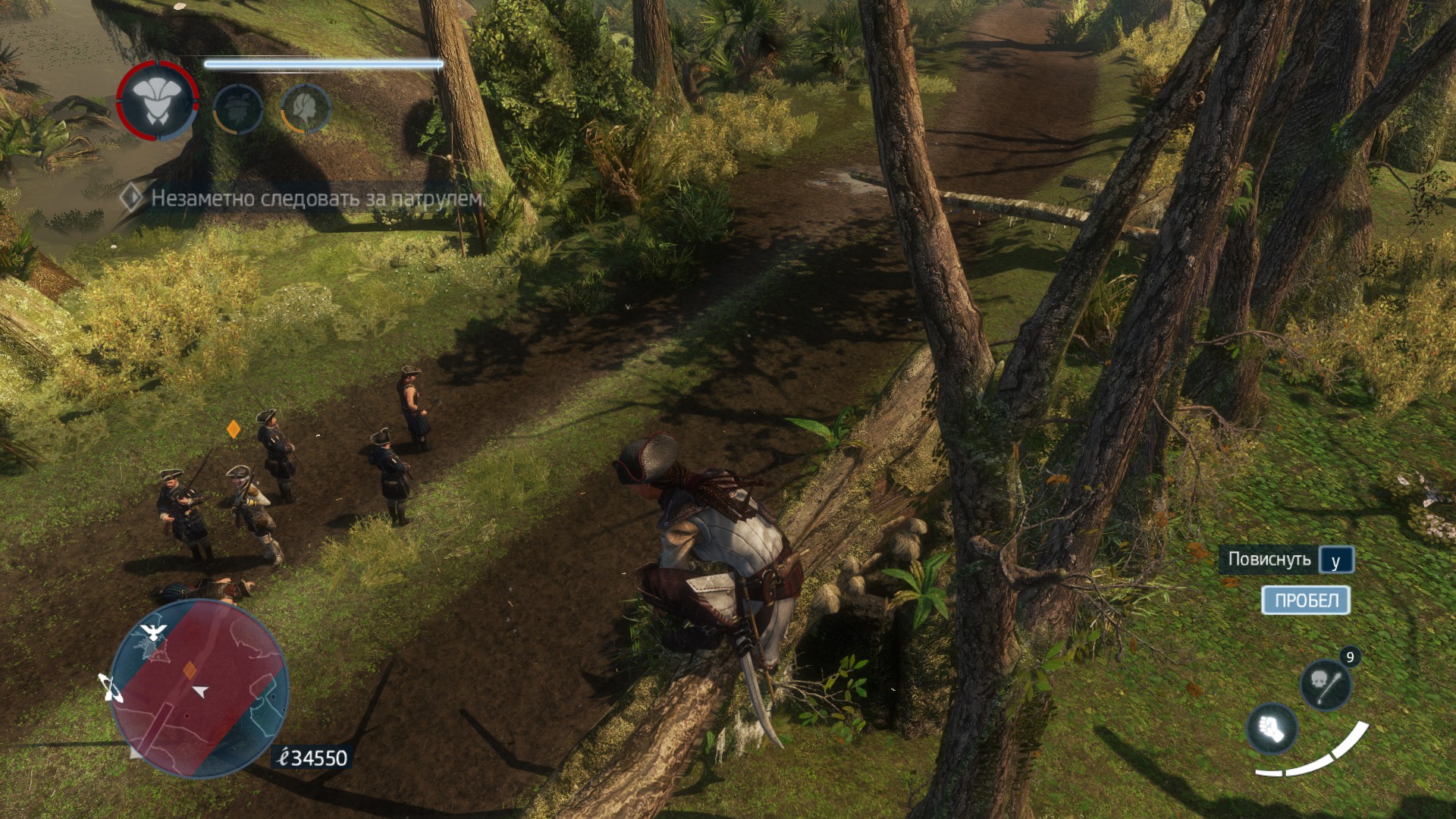
Like in Part III, you can climb trees and branches in the forests. There were a couple of cool missions built around that. But again, the clumsy controls spoiled them.
The graphics are nothing special either, except perhaps for the character detail. And not for all characters, and not entirely either. Still, that is understandable. It was originally made for a handheld console.
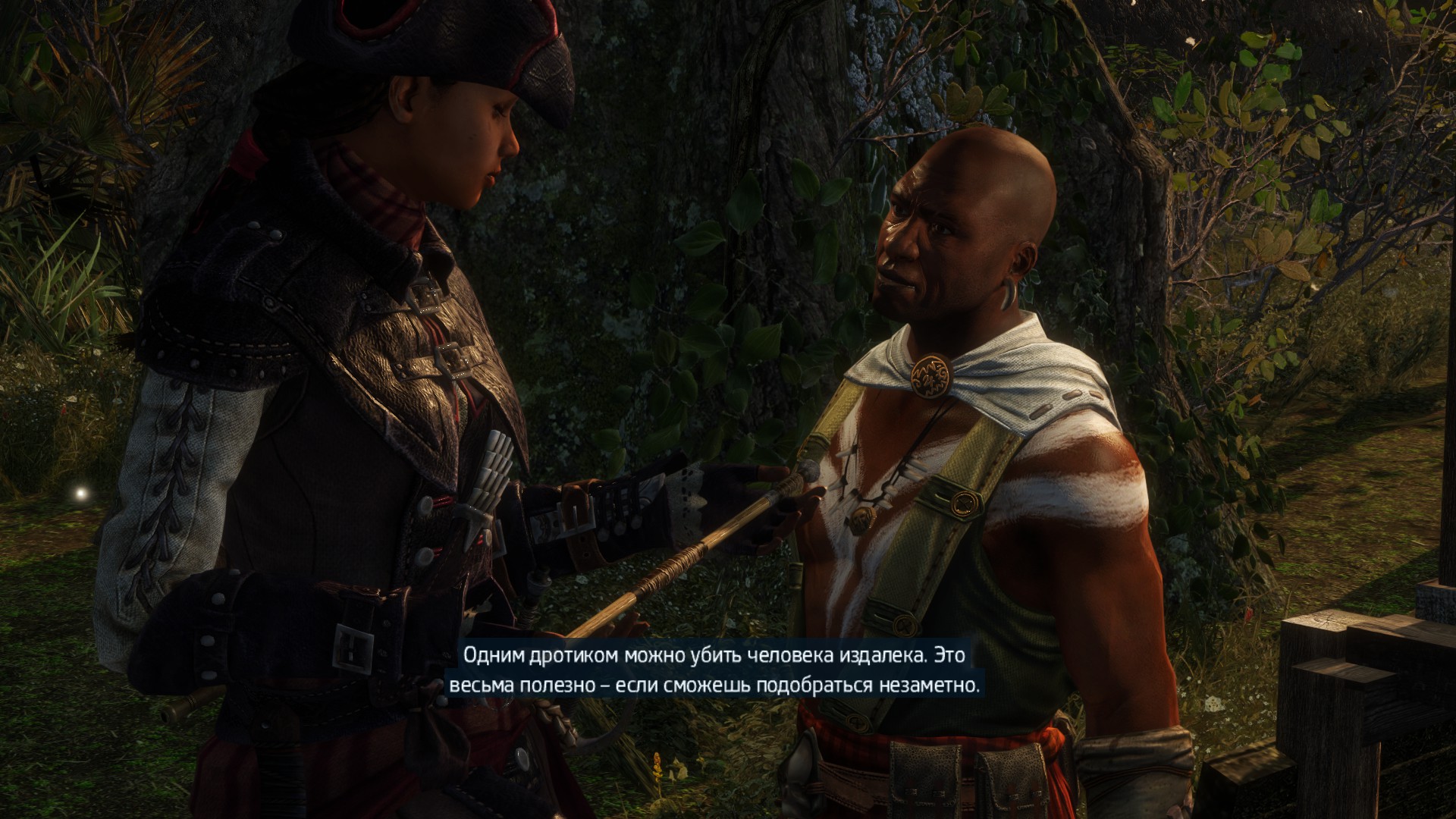
At one point you go to New York, where you meet Connor, the Native American hero from Part III. The problem is that he does not look anything like either the hero of Part III or even a Native American at all. Only his outfit does (the screenshot above is not him). That is odd too.
The most interesting part of this game comes at the end. In fact, after the credits, when you think everything ended in a certain way. Still, I am unlikely to ever want to play this installment again. Though as a fan of the series, I still wanted to check it out. The game can be finished in 3 evenings, so it is okay for a look.
While coding in Node.js, I constantly need to print something to the console. Errors, for example. But for better information it is more convenient to know exactly where the output is coming from. Especially since when I was coding for iOS, I always had such a handy macro at hand, but with Node.js I had to google and dig around, because many examples from Stack Overflow simply crashed on the latest Node.js 5.10.0. They crashed because they used
Error.captureStackTrace(err, arguments.callee), and now you need to use NFE.
In the end I made what I wanted. Leaving it here as a cheat sheet.
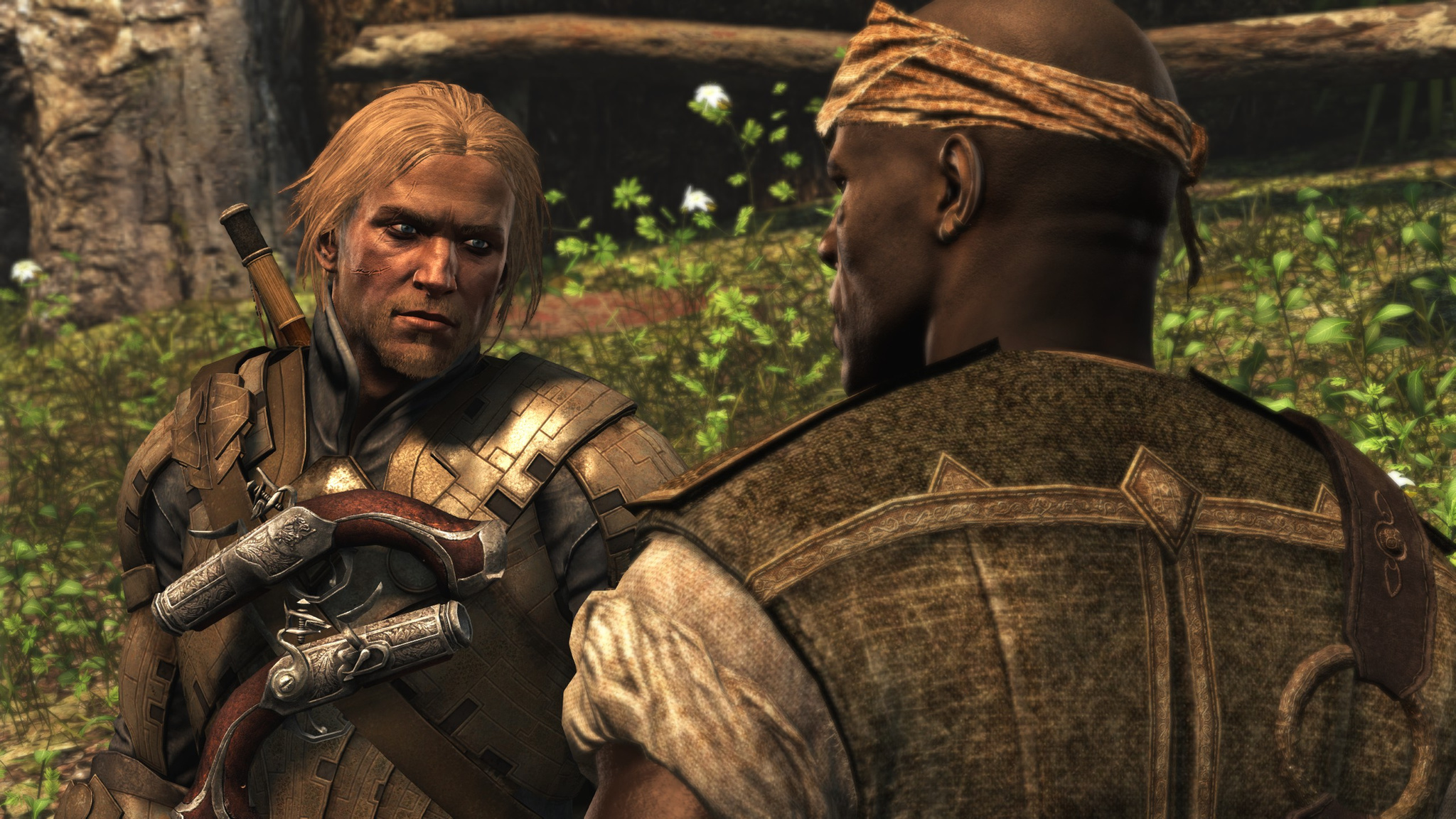
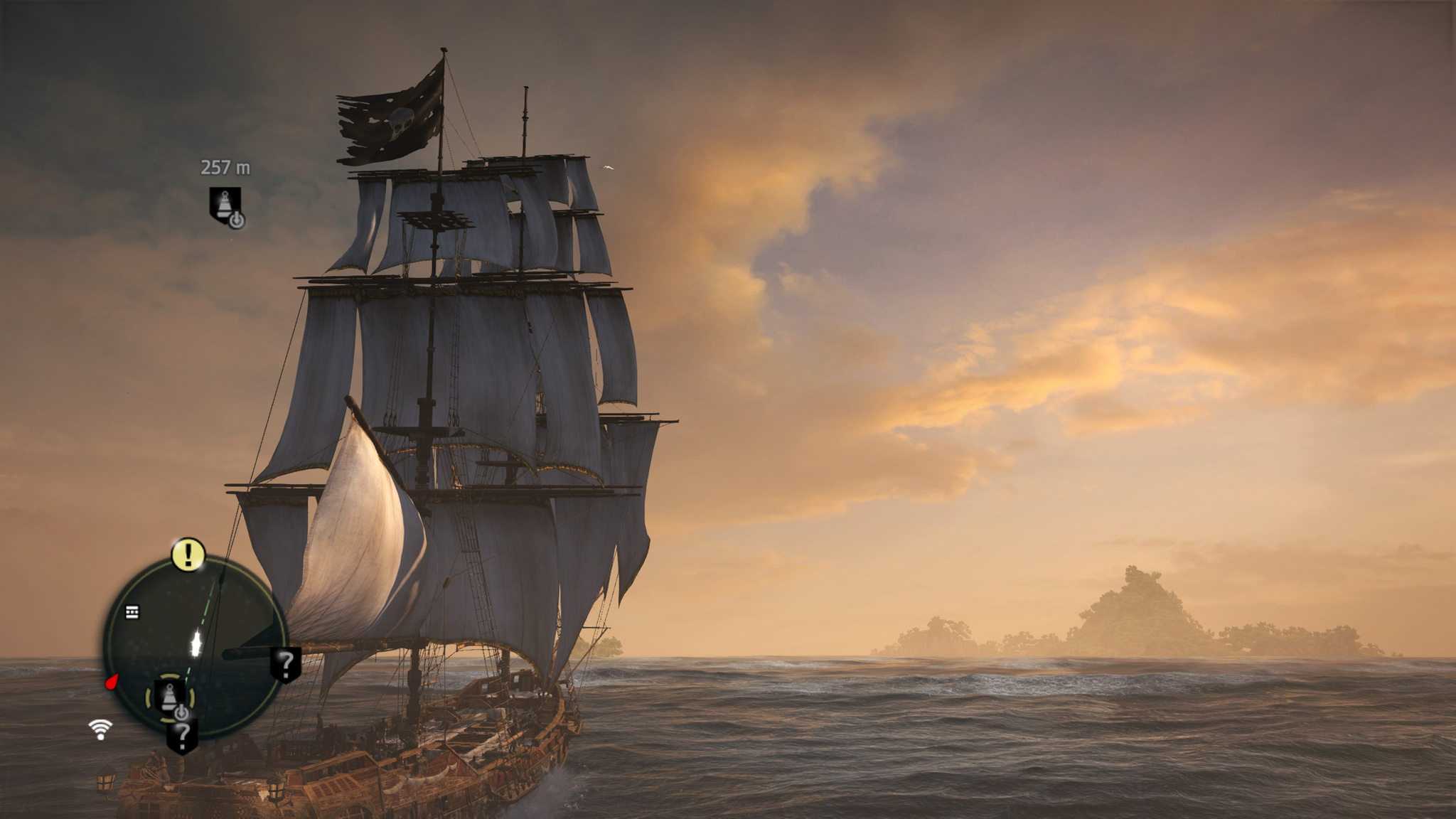
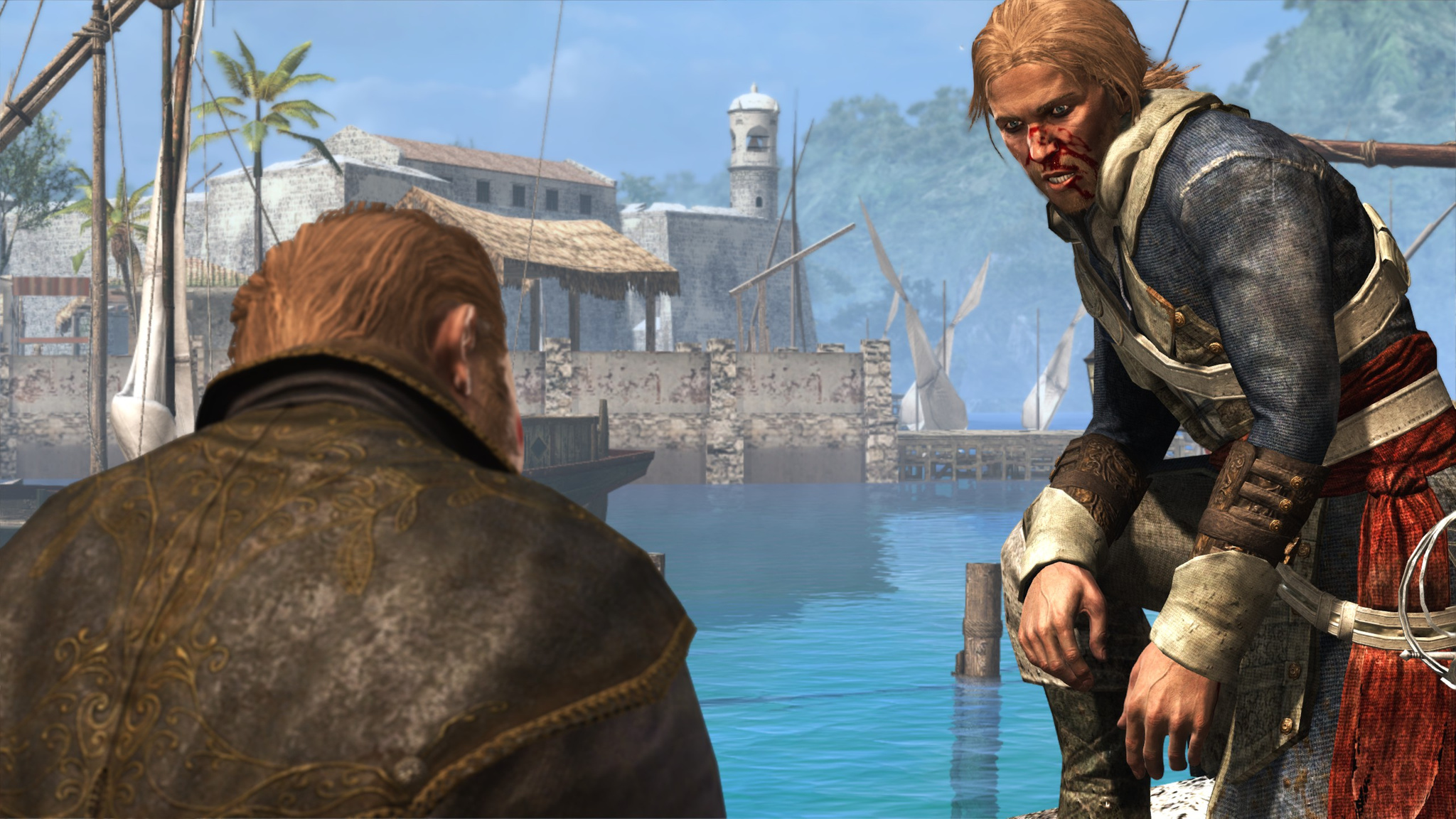
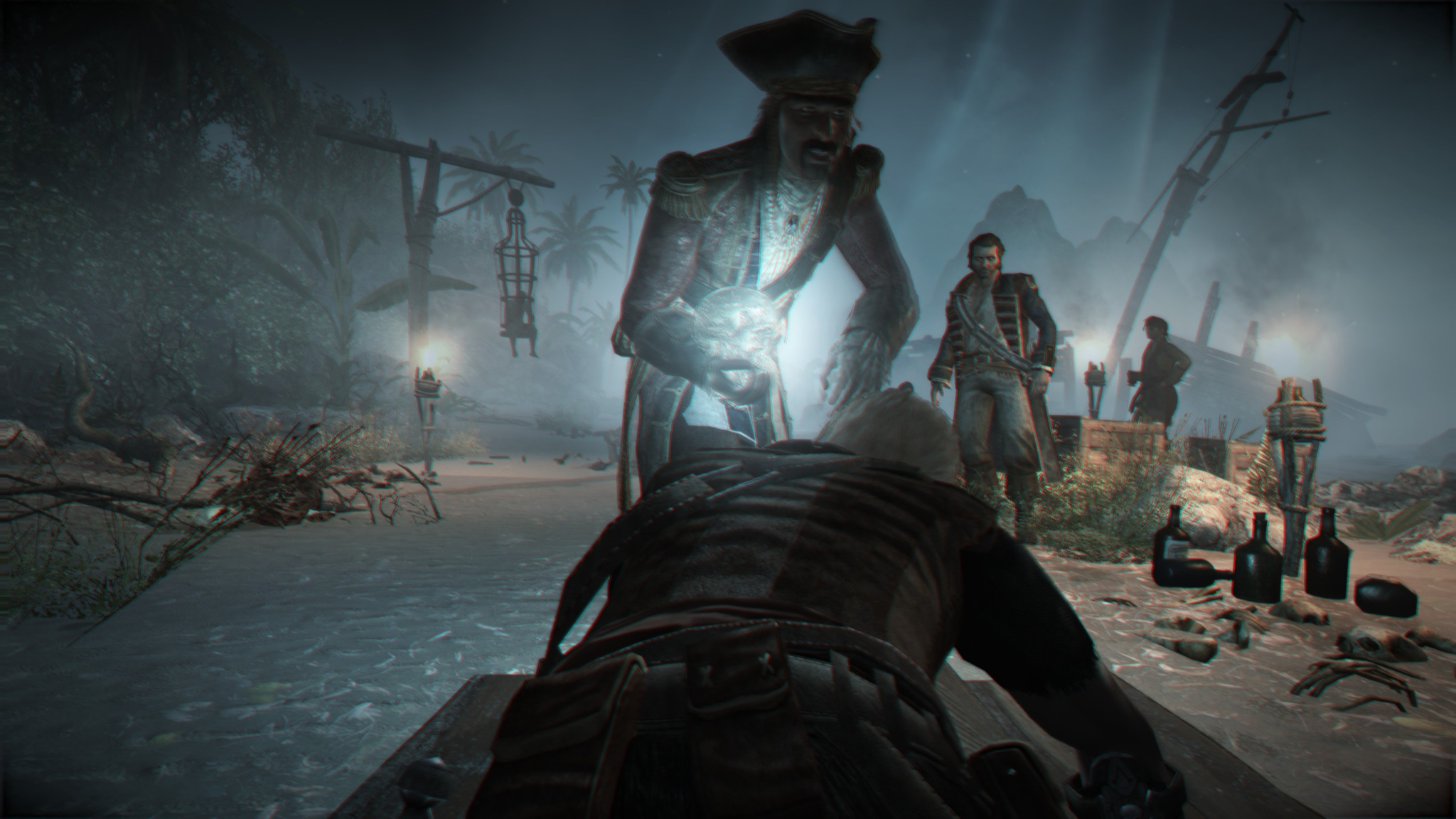
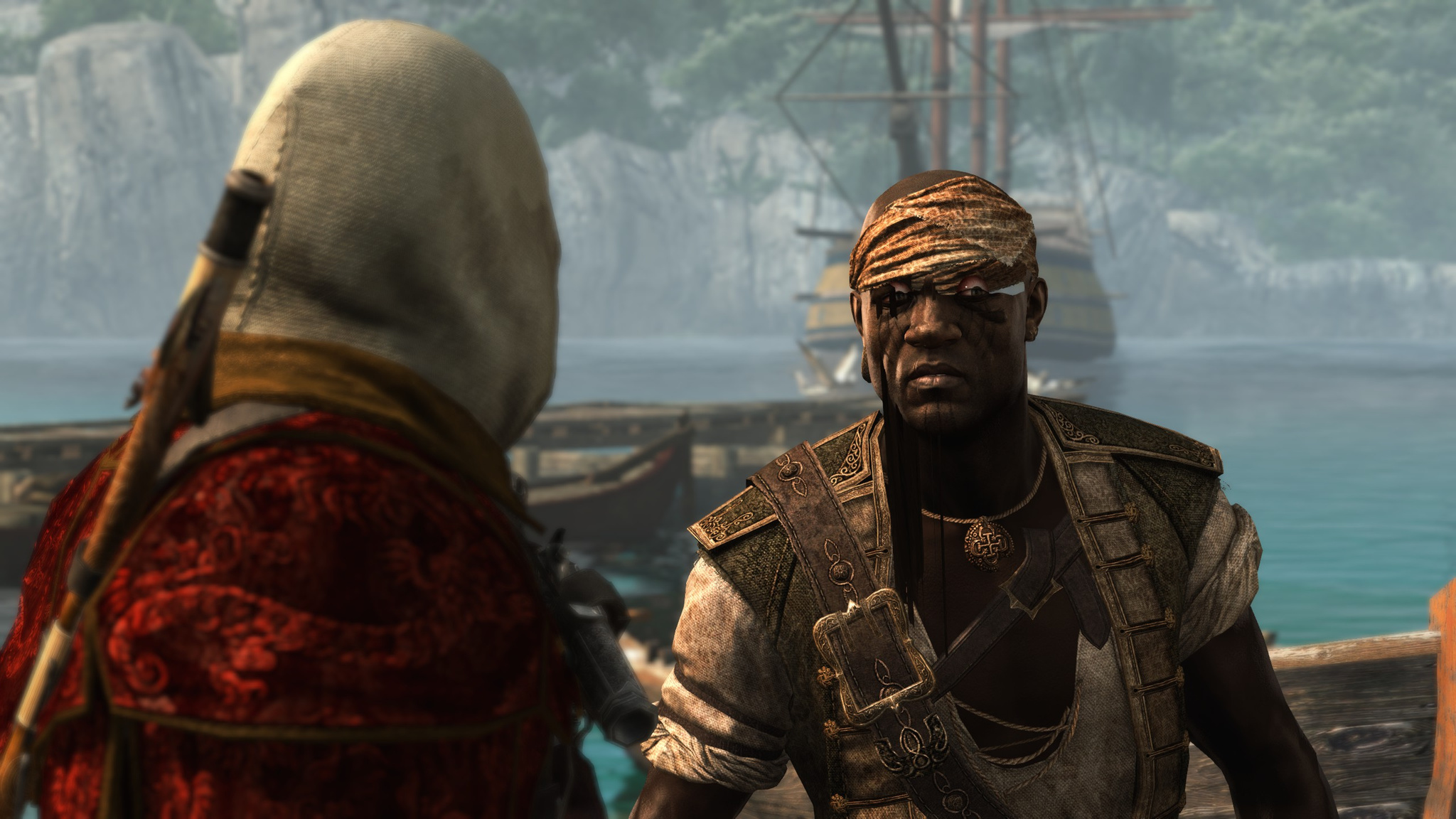
The game turned out to be really great. So far I spent longer on it than on all the others, 45 hours in total. Though I also started playing it a long time ago, somewhere around January. So far it was the most colorful and engaging Assassin's Creed game. A colorful main hero, a slacker who decided to make a fortune through privateering and eventually became a pirate. I kept wondering how the story would tie a pirate to the assassins. It turned out to be simple and straightforward, and the plot was a bit not even about that.
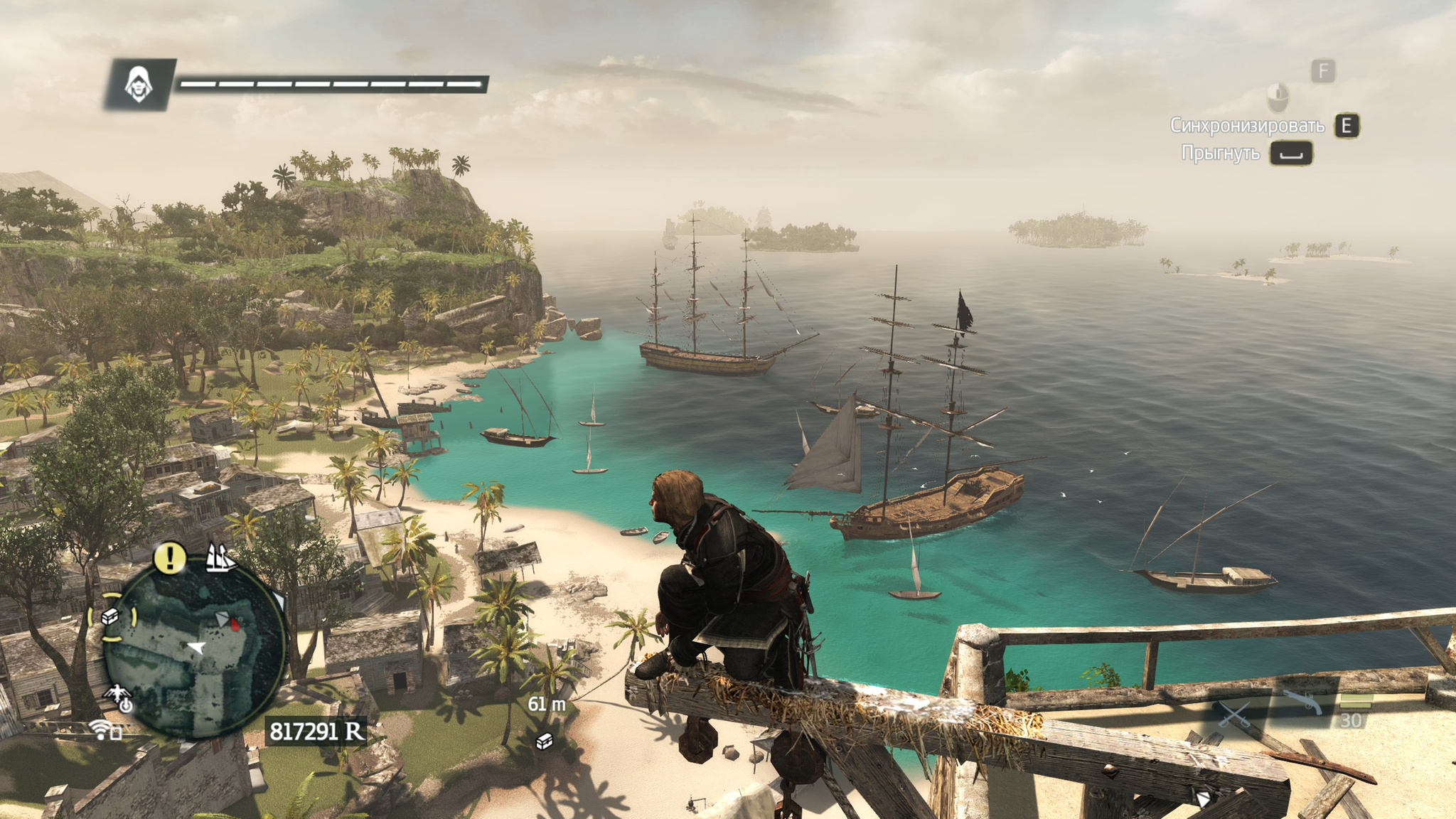
The plot itself, I have to say, did not impress me. In the modern-day sections you play as some employee extracting ancestors' memories for a company that makes movies and all kinds of entertainment. Nothing special really happens there, but it does shed light on how the previous game ended and what happened to Desmond. The pirate adventures themselves, the story ones specifically, were about average. Though of course it is funny to watch the Black Sails series and play this game at the same time. In part, the same events as in the series, the same characters, and famous pirates like Blackbeard and Charles Vane. Just with different emphases. But everything that does not concern the main story is simply gorgeous. You sail a ship, disembark wherever you can. Everything is seamless, with no cutscenes or interruptions. You simply sail up to an island, let go of the wheel, jump off the ship, swim to it, get onto land, and poke around there doing side missions or simply stealing someone's goods.
The world itself is wonderful too. Islands, villages, cities, ships, very bright colors. Different locations, from jungles to proper cities like Havana.
The naval battles deserve a separate mention. What in Assassin's Creed III was just optional naval missions is now a full part of the game. You sail around, fire different weapons, choose tactics for battle, upgrade your ship so it can take more hits and bring down stronger enemies. For example, if you end up between two ships of the line, even maximum upgrades may not save you: they will simply blow you to splinters from both sides. And what is cool is that after smashing up an enemy ship, you sail up and board it. Again, everything is seamless: you leave the wheel, keep firing while the ship is being pulled in with boarding hooks, climb over to the deck, and then start cutting everyone down left and right together with your crew. It is done really well.
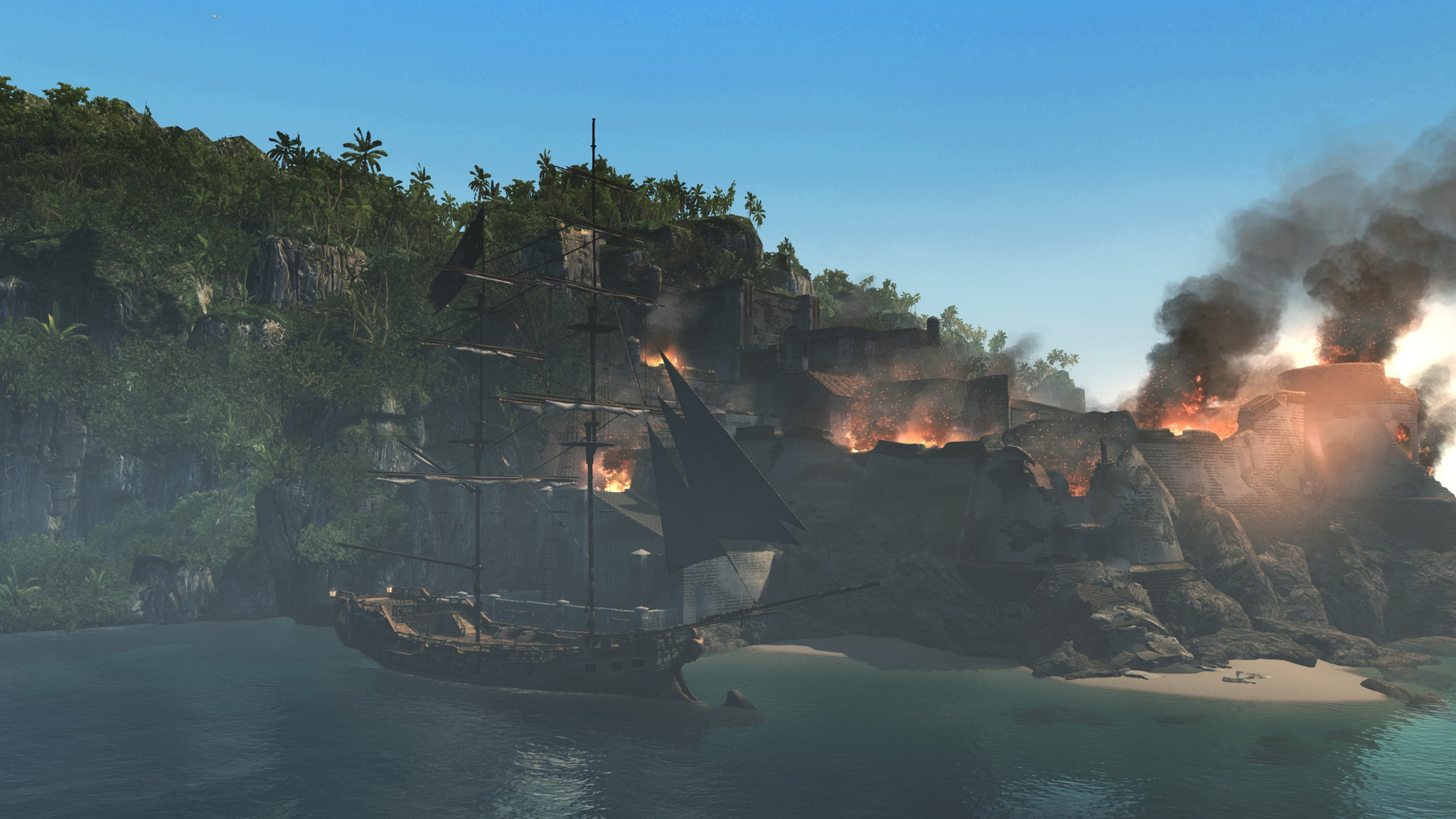
Besides that, you can capture forts. And that is done well too: first smash everything there with cannons, then sail up, land, and throw yourself into the thick of the fight in the fort, cutting everyone down left and right.
They were not shy about blood either. The main character finishes people off in a very bloodthirsty and brutal way. Besides being a pirate, he is also a bit of a fool. So there is a fair amount of humor in the game.
Actually, it seems to me the main story itself took very little time. But everything outside the story was genuinely interesting. Well, except for the dives. I just do not like swimming underwater and dodging sharks for the sake of some chests. But for the first time in several games I wanted to collect everything in the game. In the end I collected all the Maya keys, all the Templar keys, and unlocked both types of armor in the game. Even so, I still did not collect absolutely everything, I reached 90% synchronization, and when the story finally ended, after the credits I lost the desire to keep digging around in the game. Maybe I simply started to feel sorry for the time, since there were still several unplayed games ahead.
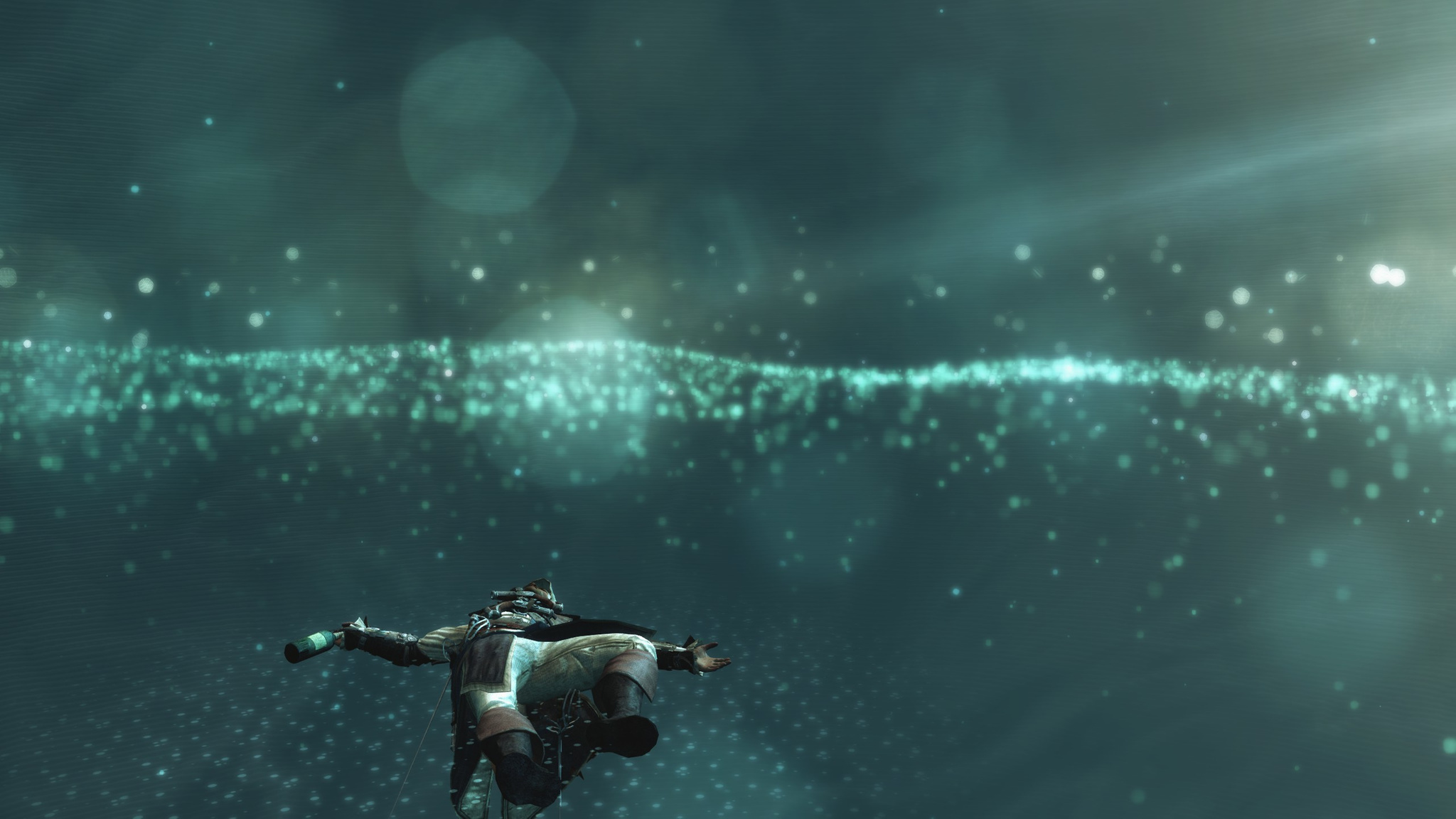
The graphics pleased me: everything is beautiful, with lots of detail. But once I caught a funny glitch: textures disappeared and the character's insides showed through in the screenshot above.
Overall, the game is really very good. Before this, the Ezio games were great, and this one probably left no weaker an impression. Yo-ho-ho, and a bottle of rum!
This is already the second time in 2-3 years that I have run into GRUB breaking on one Hetzner server. As a result, after a reboot the server becomes unreachable. You have to go to the control panel, enable booting from the rescue image in the Rescue section, connect to it over SSH, and restore the bootloader. Looking up the info every time is annoying, so in short, after connecting to the rescue system over ssh, enter this in the console:
mount /dev/md3 /mnt
chroot-prepare /mnt
chroot /mnt
mount -a
apt-get install grub2
grub-install /dev/sda
update-grub
exit
reboot now