App Store Release Informer 1.1.0
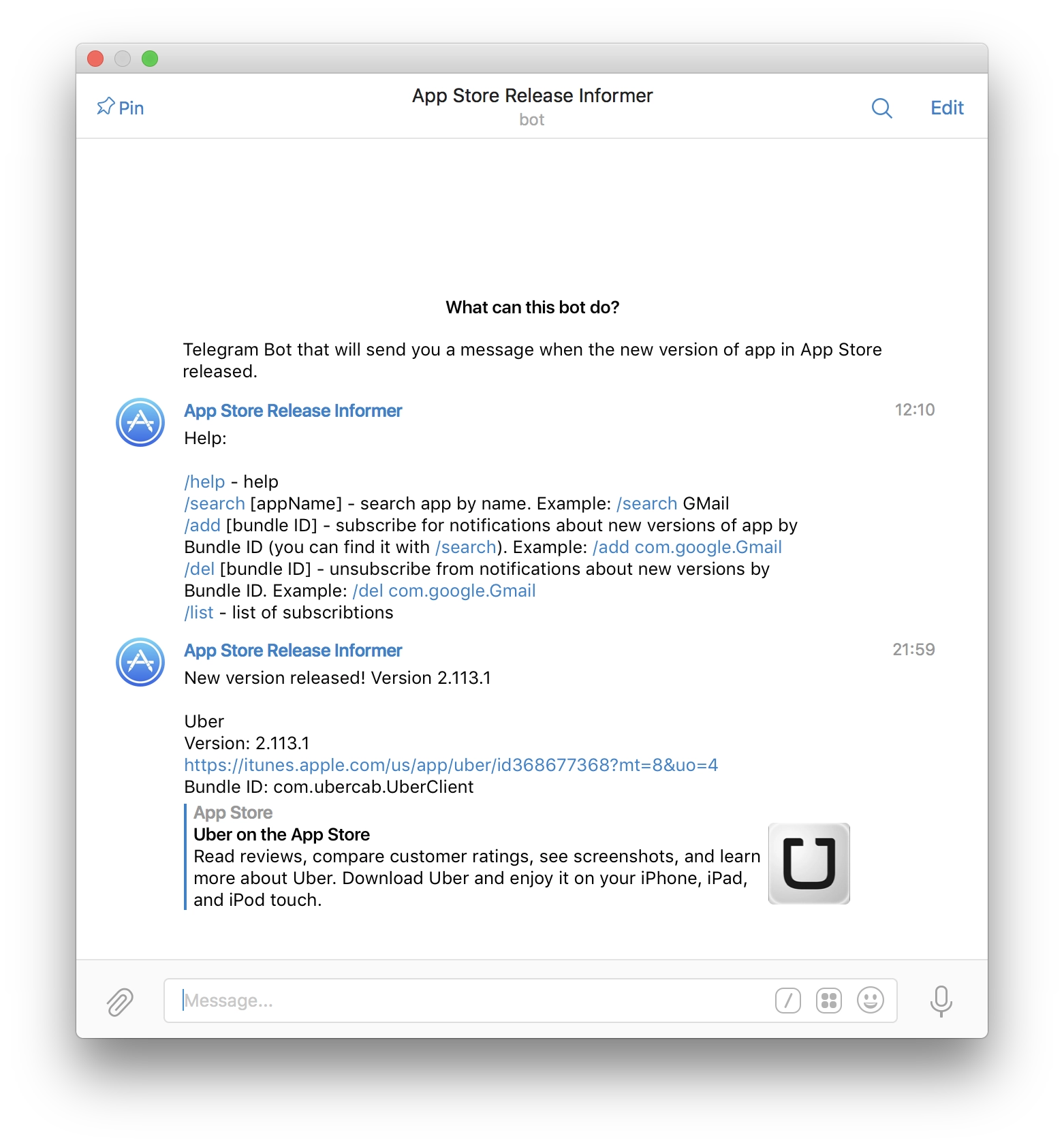
I rewrote my bot in ES2015 and also added tests. When the bot reports that a new version has been released in the App Store, it now also shows what is new in that version.

I rewrote my bot in ES2015 and also added tests. When the bot reports that a new version has been released in the App Store, it now also shows what is new in that version.
While coding in Node.js, I constantly need to print something to the console. Errors, for example. But for better information it is more convenient to know exactly where the output is coming from. Especially since when I was coding for iOS, I always had such a handy macro at hand, but with Node.js I had to google and dig around, because many examples from Stack Overflow simply crashed on the latest Node.js 5.10.0. They crashed because they used Error.captureStackTrace(err, arguments.callee), and now you need to use NFE.
In the end I made what I wanted. Leaving it here as a cheat sheet.
npm install colors --saveFile logger.js:
'use strict';

let colors = require('colors');
colors.enabled = true;

exports.p = function logger(somethingForPrint) {
    somethingForPrint = somethingForPrint || '';
    const originalPrepareStackTrace = Error.prepareStackTrace;

    Error.prepareStackTrace = (error, stack) => { return stack; };

    let e = new Error;
    Error.captureStackTrace(e, logger);

    const stack = e.stack;
    const filename = stack[0].getFileName().split('/').reverse()[0];
    const trace = filename + ':' + stack[0].getLineNumber() + " " + colors.bold.black('%s') + "\n";

    Error.prepareStackTrace = originalPrepareStackTrace;

    console.log(trace, somethingForPrint);
};
Use:
const logger = require('../utils/logger');
logger.p('something happened');
// file.js:401 something happened
I had been carrying this idea around for a while and finally implemented it. Apple has a REST API for searching iTunes. I made a bot for Telegram that lets you subscribe to app updates. When a new version comes out, it writes to you in Telegram, whether in a private chat or a group chat. Now at work we will all be able to find out quickly when new versions of our apps go live in the App Store.
I wrote it in Node.js as best I could. The main thing is that it works. I wanted to make something for Android folks too, but it turns out Google Play has no API. None at all O_O.
Try the bot: https://telegram.me/ReleaseInformerBot (just type /help when you start)
If anyone wants to add something, the source code is on Github: https://github.com/makoni/ReleaseInformerBot
True, besides Node.js it uses my favorite CouchDB as the database. But to run it on a Mac, you just download the binary and you are done (well, and create the DB + views).
I was tinkering with something on Parse. In short: the thing is very cool, there are great SDKs for different platforms, and you can even use them in Javascript on both the frontend and the backend. You can even write the backend right there in their cloud with node.js, and you can connect Express if you need it. But there are two caveats:
Other than that, of course, the service is very cool.
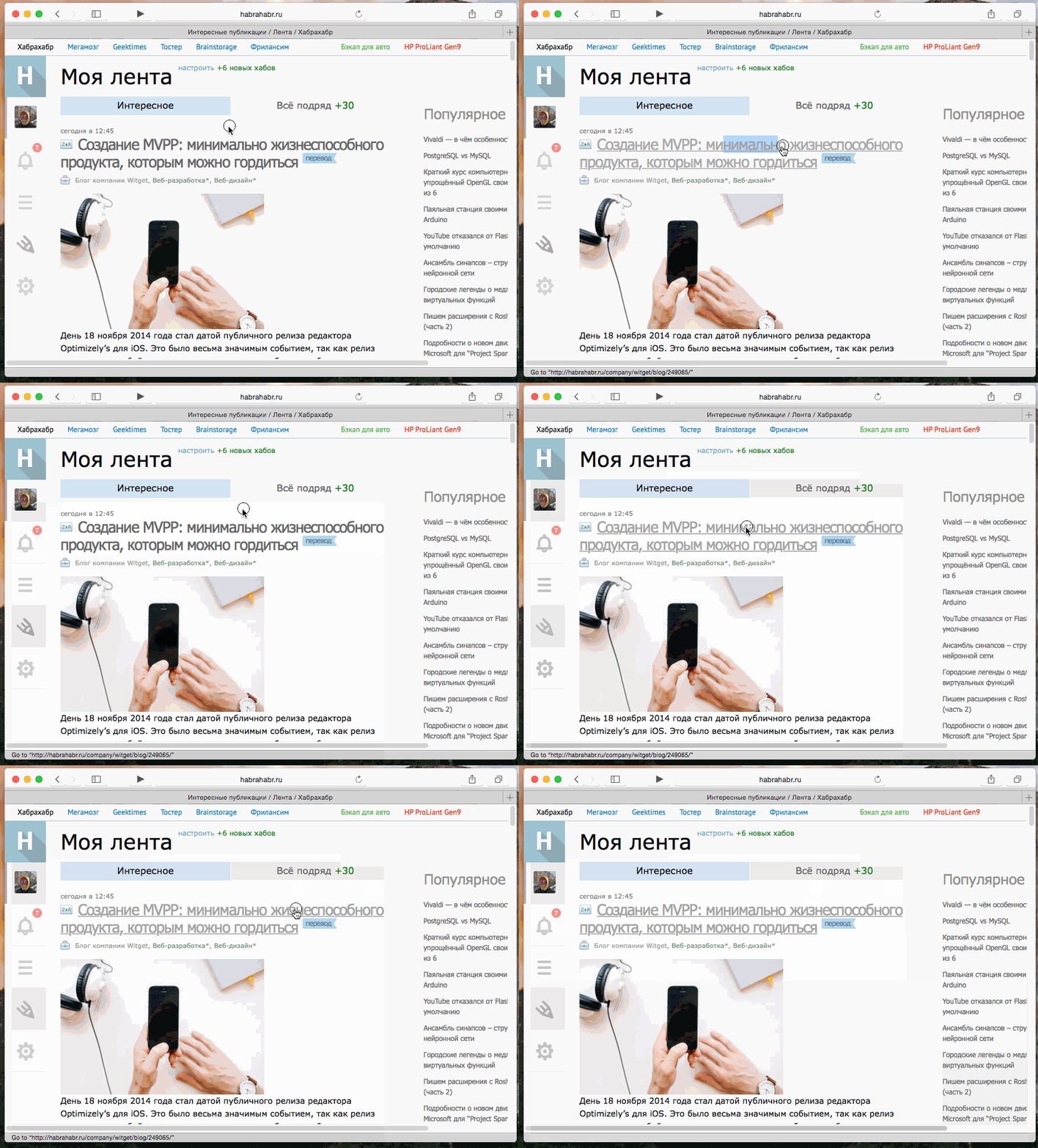
The problem of selecting text inside a link in Webkit/Blink engines has existed for a long time. At least for me. Somehow I missed that it could be solved with a browser extension. I found such an extension, called Select like a Boss. But it was only for Firefox, Opera (Blink), and Chrome. Since the source code for the Chrome extension was available on GitHub, I simply took the js code and packaged it as a Safari extension. Now I'm happy and can properly select text inside links :)
Source code + download link: GitHub.
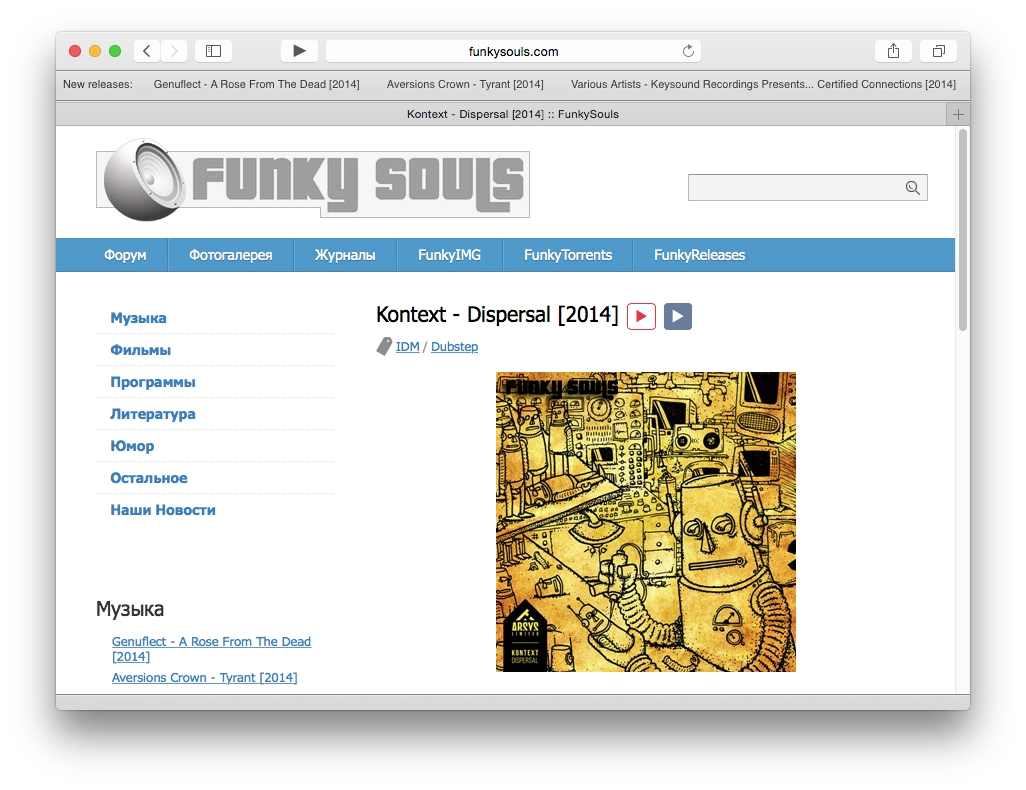
Updated the Safari extension. It now shows 5 releases in the toolbar instead of 3. And the design now matches Safari 8.
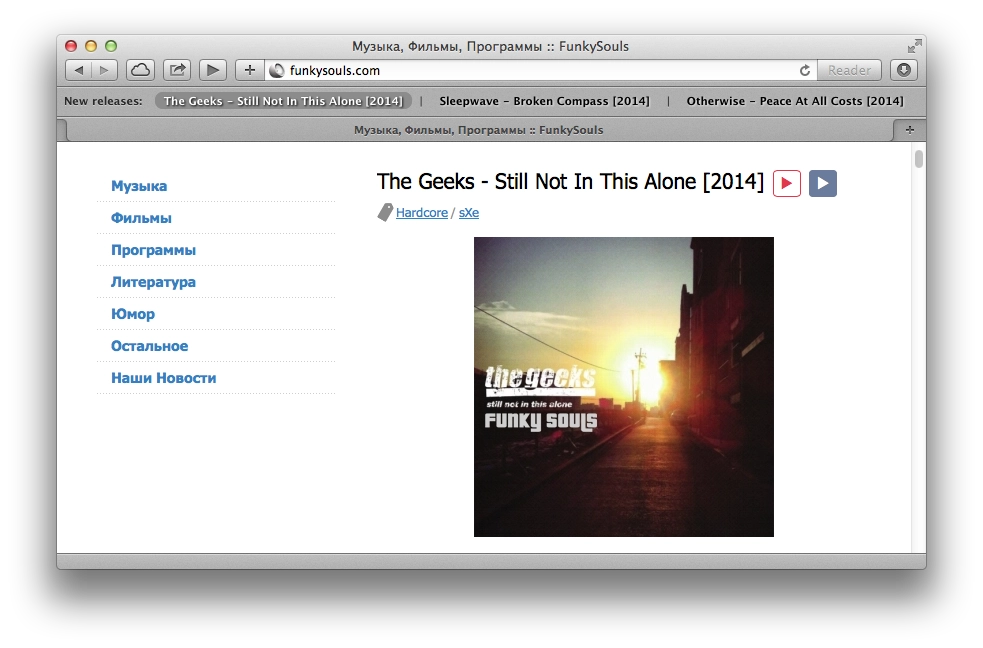
I stop by Funkysouls from time to time looking for new music. I scroll through the first few pages, check the tags to see whether it might be interesting, then copy the artist name, go to VK or Yandex.Music, paste it there, and listen to a couple of tracks. If I like it, only then do I try to get the album.
I got tired of all that copy-pasting and wrote a Safari extension (I had been wanting to learn how for a while).
The extension does only 2 things:
If you want, you can take the extension code from end.js and button.css, paste it into something like the Control Freak extension in Chrome, and get the same 2 Play buttons in Chrome. I assume you could do the same in Firefox through Greasemonkey.
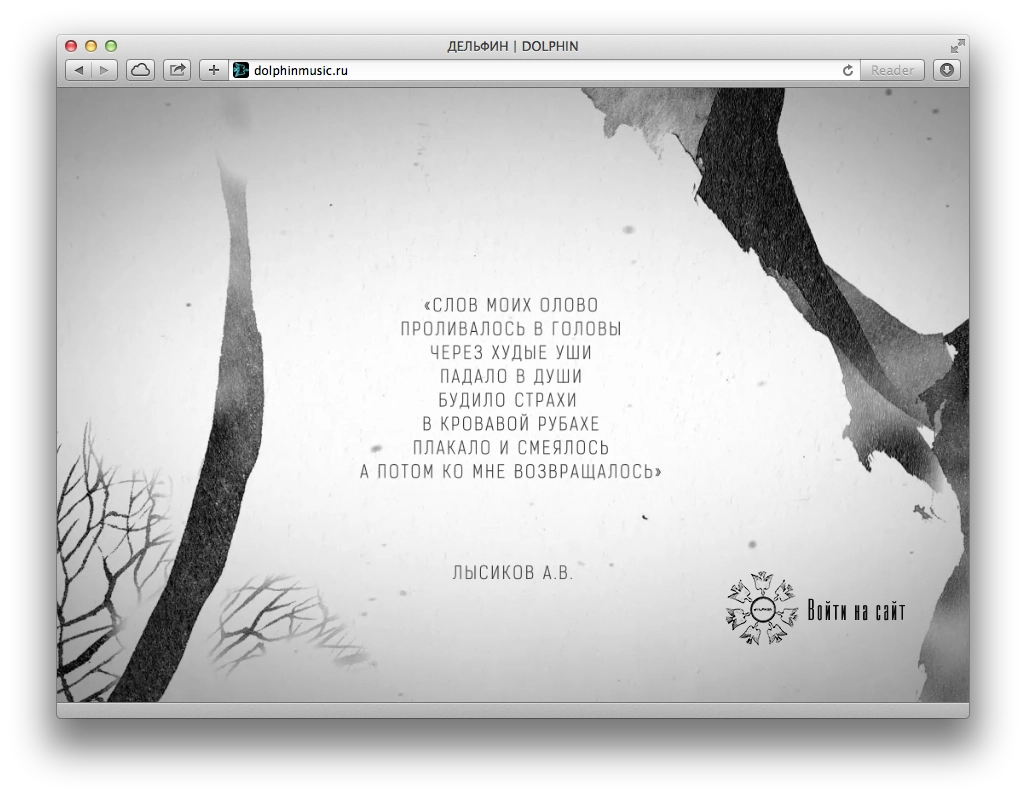
I recently made a promo page for Dolphin’s site for a book of poems that is coming out soon. During the discussion I suggested making it in the form of video, so the animations would look nice. Along the way a few nuances surfaced.
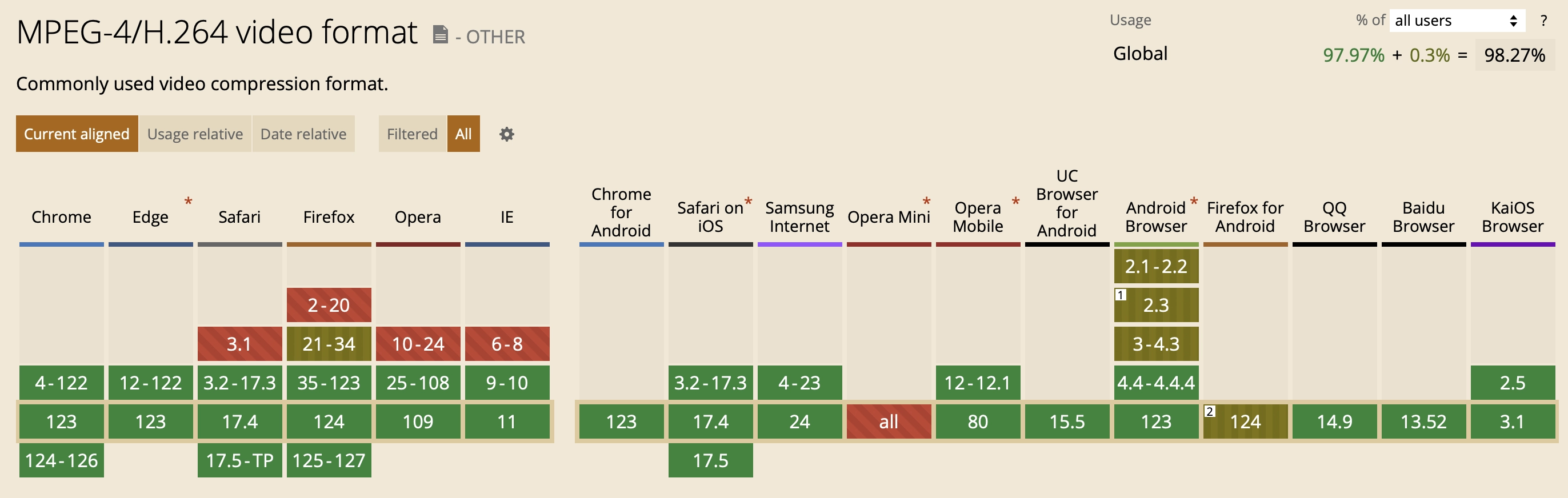
March 2024: all current browsers already support both WebM and H.264.
Back in the day, browsers split into 2 camps: those that supported H.264 and those that preferred open formats such as OGG/Theora and WebM. So you needed at least 2 versions of the video.
H.264 is supported as of April 2024:
WebM is supported as of April 2024:
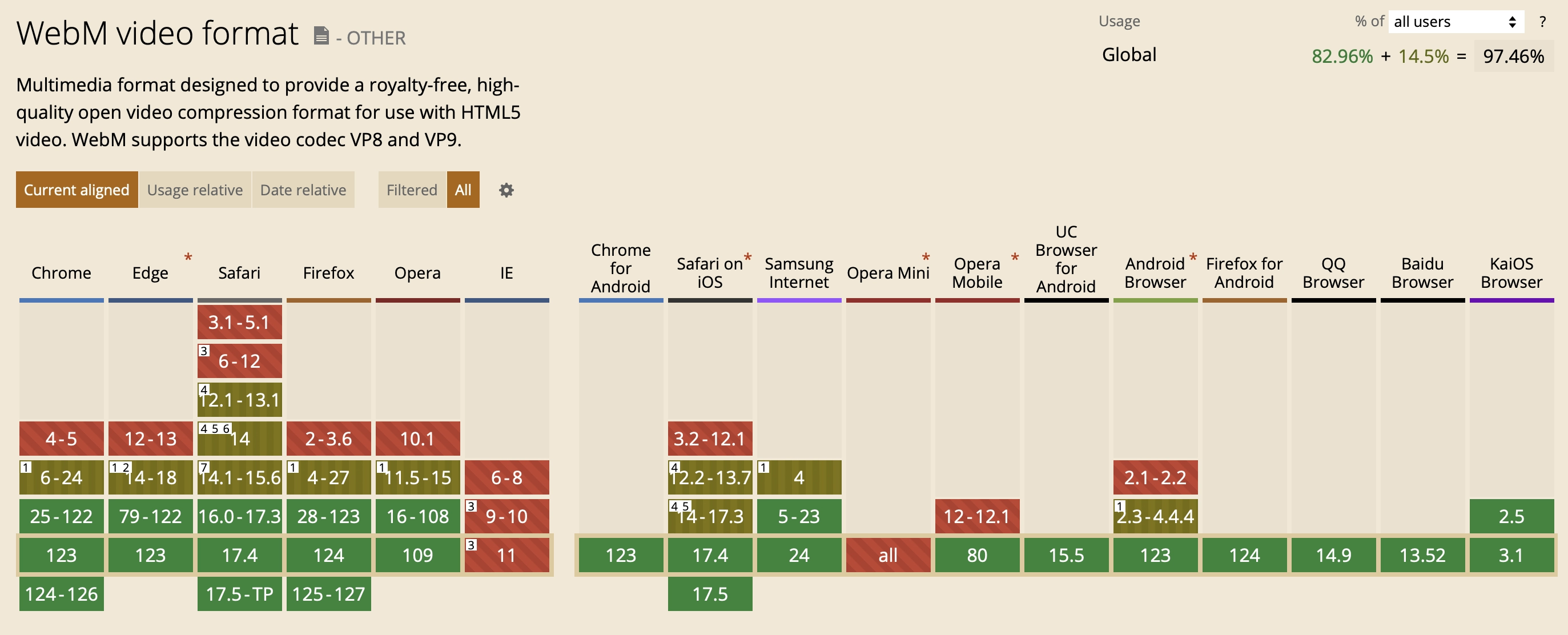
As we can see, all desktop browsers (except the dead IE) and current mobile browsers support both formats. Pick whichever you want. But if you want to support older versions (and Firefox for Android), which support only one format, you can include both H.264 and WebM.
Video code:
<div id="trailer" class="is_overlay">
    <video id="video" width="100%" height="auto" autoplay loop muted playsinline preload>
        <source src="book.mp4"></source>
        <source src="book.webm" type="video/webm"></source>
    </video>
</div>
And CSS:
.is_overlay{
    display: block;
    width: 100%;
    height: 100%;
}

#trailer {
    position: fixed;
    top: 0; right: 0; bottom: 0; left: 0;
    overflow: hidden;
}

#trailer > video {
    position: absolute;
    top: 0; left: 0;
    width: 100%; height: 100%;
}
That code really says it all: stretch the #trailer div to the full screen, place our video inside it, and because it has the autoplay attribute it starts as soon as the browser decides it can start playing, since preload="auto" is set.
We get a picture like this:
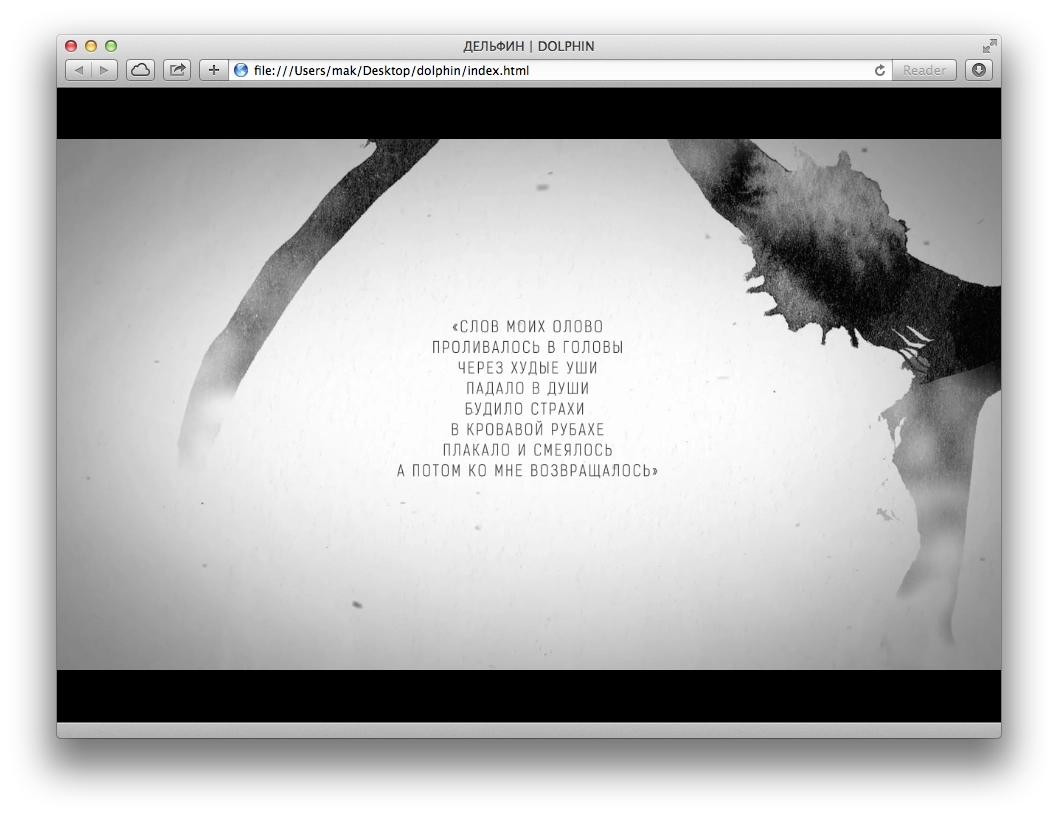
We can see black bars on the sides. You can also change the CSS for #trailer > video so they disappear:
min-width: 100%;
min-height: 100%;
width: auto; height: auto;
Then we get a video stretched to the full width:

Everything looks good... until we resize the window. Suddenly:

This is where CSS Media Queries come in handy for controlling proportions. Remove the CSS added in the previous step and add this instead:
@media (min-aspect-ratio: 16/9) {
    #trailer > video { height: 300%; top: -100%; }
}

@media (max-aspect-ratio: 16/9) {
    #trailer > video { width: 300%; left: -100%; }
}

/* Если есть поддержка object-fit (Chrome/Chrome для Android, Safari в iOS 8 и Opera), используем его: */
@supports (object-fit: cover) {
    #trailer > video {
        top: 0; left: 0;
        width: 100%; height: 100%;
        object-fit: cover;
    }
}
This lets us center the video for different window / screen sizes.

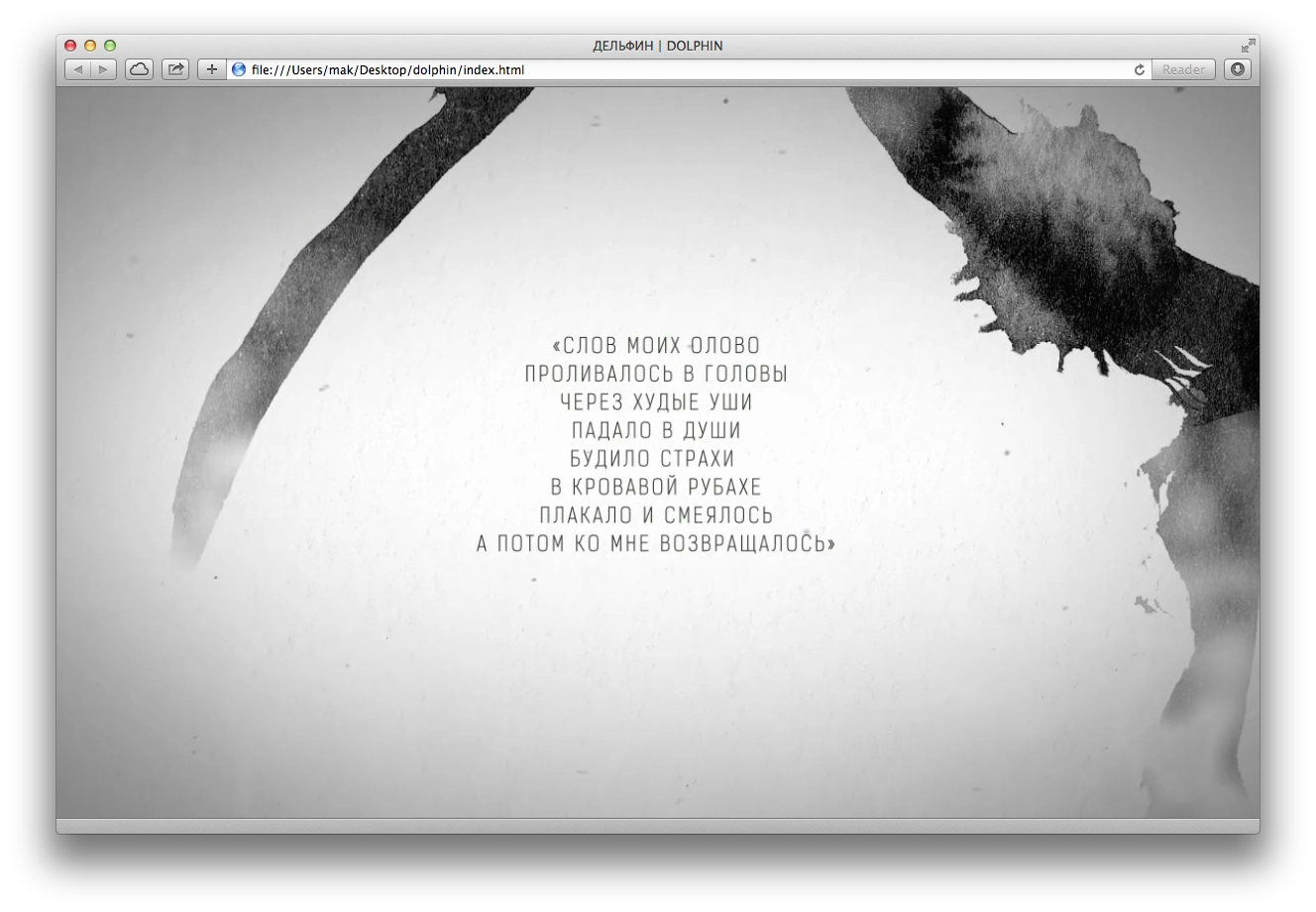
There we go. Looks nice. Now everyone will see the main part, the text.
Mobile browsers are where things get tricky.
Internet Explorer on Windows Phone shows everything and plays it without issues; playback starts automatically.
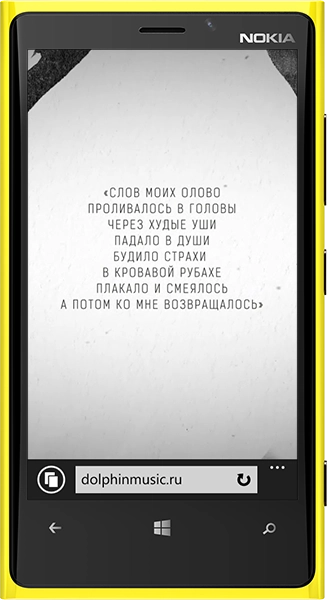
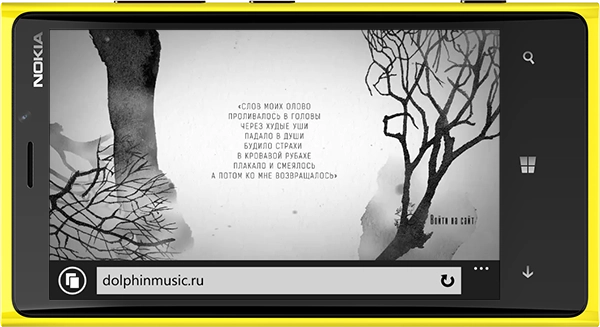
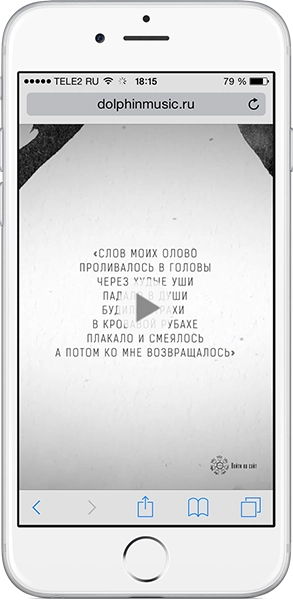
In Safari on iOS, as of March 2024, autoplay works if you specify the playsinline attribute on the video tag, but only if Low Power Mode is not enabled. If it is enabled, the video will not play.
To determine whether power-saving mode is enabled, you can use this JS code and, for example, show an image instead of the video:
// находим видео
const videoElement = document.getElementById("video");

// картинка, которой заменим видео
const poster = document.getElementById("poster");

if (videoElement === null || poster === null) {
    return;
}

const promise = videoElement.play();

if (promise !== undefined) {
    promise
        .catch(error => {
            // Автовоспроизведение не удалось
            if (error.name === "NotAllowedError") {
                // скрываем видео
                videoElement.style.display = 'none';

                // показываем картинку вместо видео
                poster.style.display = "block";
            }
        })
        .then(() => {
            // всё хорошо
            videoElement.play();
        });
}
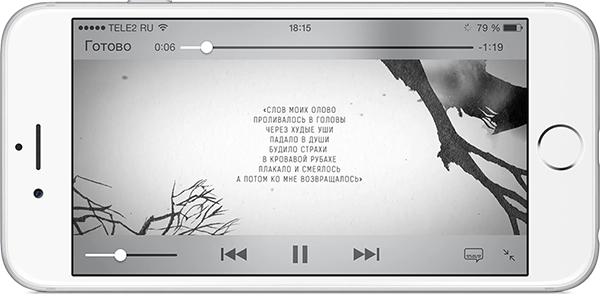
As of March 2024, autoplay works perfectly in the latest Android versions. But I am leaving the paragraph below just in case.
Android was the hardest. Autoplay does not work. The Play button appears only if you add the controls attribute to the video tag so that the standard playback controls show up. Unfortunately, that is no longer as nice. But that is not all. To make the video start playing, you also need to add a Javascript handler that explicitly tells the video to play:
var video = document.getElementById(element);
video.addEventListener('click',function(){
    video.play();
},false);
To detect Android and add the controls attribute, I simply used Detect.js:
var ua = detect.parse(navigator.userAgent);
if ( ua.os.family === 'Android' ) {
    video.setAttribute( 'controls','controls' );
}
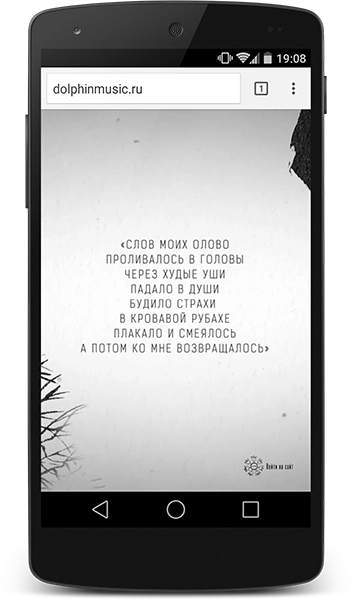
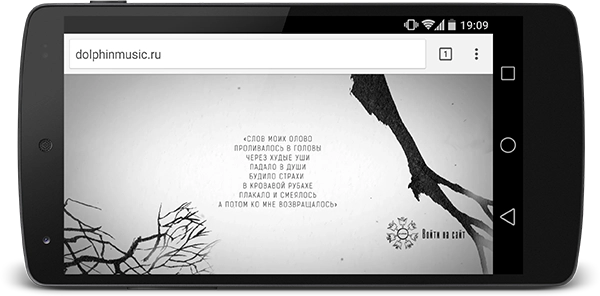
Also, for this to work on Android, you must not use the type attribute inside source.
That is how it is. The final result with the preloader is here.
I had wanted to make something like this for a long time, so that when the page is scrolled some block would scroll together with the page up to a certain point and then stick. Today I found a plugin called jQuery Sticky Scroller
You can download it here.
It is connected quite simply:
var scroller = new StickyScroller("#menu",
{
    start: 270,
    end: 50800,
    interval: 200,
    range: 100,
    margin: 0
});
As the parameter name suggests, when scrolling goes more than 270 pixels past the top edge of the page, the #menu element is fixed on the page, that is, it gets the CSS property position: fixed;. The end parameter is responsible for the lower bound of scroll tracking, in case the fixed element should not stay fixed all the time. The margin parameter defines how far from the top edge of the browser window the element will be positioned.
The plugin also has several public methods; I do not see much point in describing them here, the description is available on the plugin page.
At work I occasionally have to look at some data from the database. Times we mostly store as TimeStamp (the number of seconds since the dawn of the Unix world — 1 January 1970).
A number like 1305233826 tells you nothing about what date it is. Writing the conversion in some script every time gets tedious, so I made an online converter. It shows the time in a human-readable form.
Enjoy. Online TimeStamp Converter