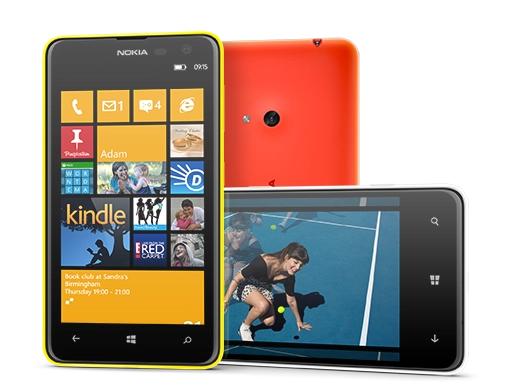
A couple of years ago HTC Mozart went on sale here — one of the first Windows Phone handsets (back then version 7). The first thing that struck me when I picked it up in the store was that it did not lag at all.
Now I finally have a chance to use a Windows Phone for a fairly long time.
There is an opinion that there is very little software for Windows Phone 8, or none at all. Compared with iOS and Android, sure, the numbers are smaller. In practice, things are quite good.
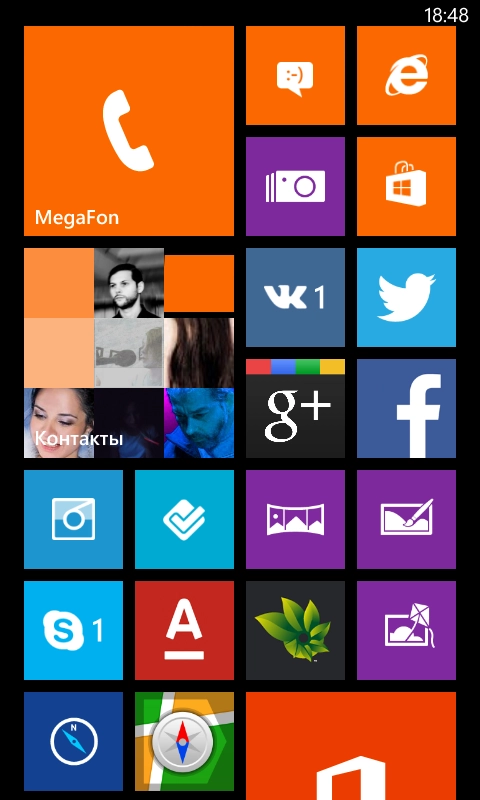
This is a part of my Start screen. Basically I found all the software I needed. First I will go through the built-in apps.
Phone
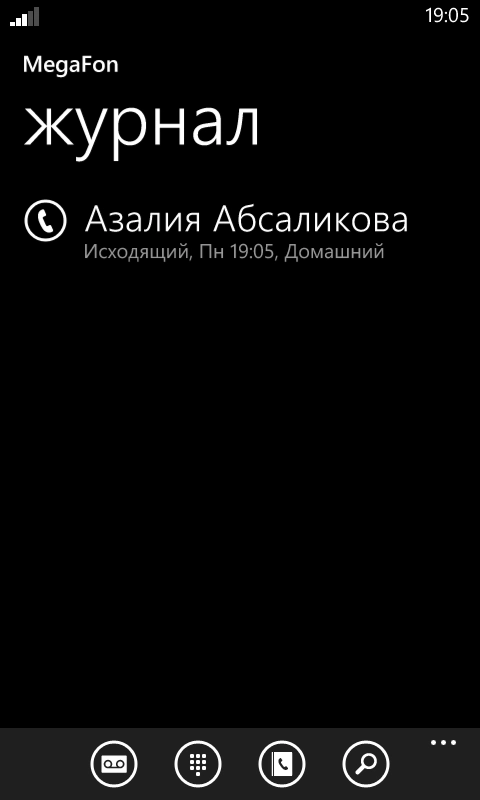
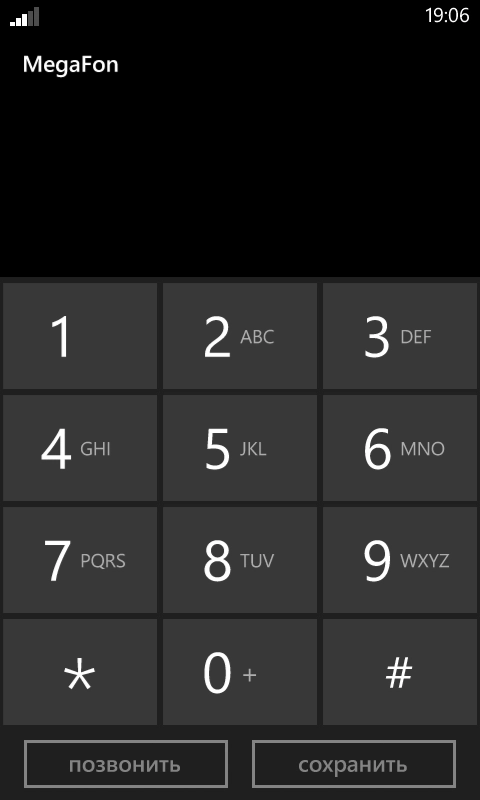
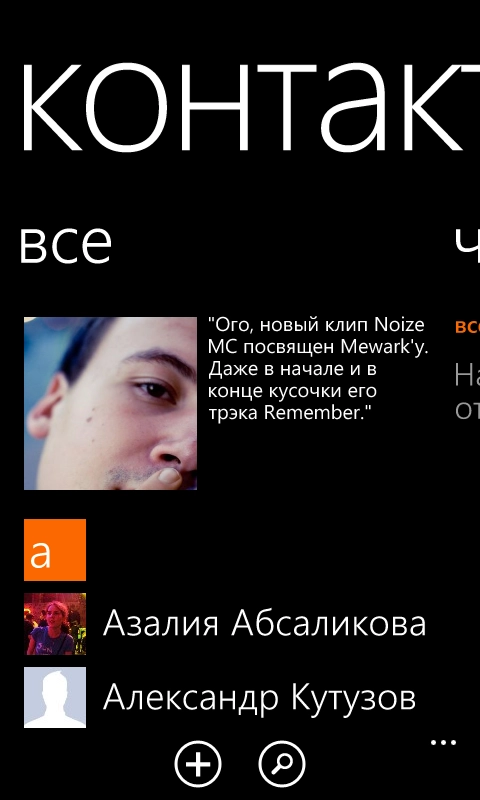
The Phone app is not very different from such apps on the iPhone and Android. A list of recent calls, a dial pad, access to the contacts and search. During a call, just like on other platforms, you can route audio to the speaker, mute the microphone, enable the onscreen keypad (for cases like «if you want to learn something, press 1; if you want to learn nothing, press pound»). There is call hold and add call for conference calling.
Messages
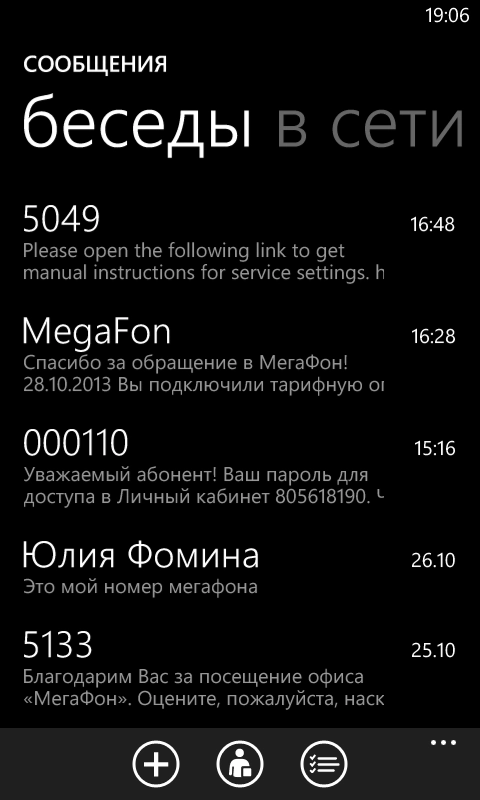
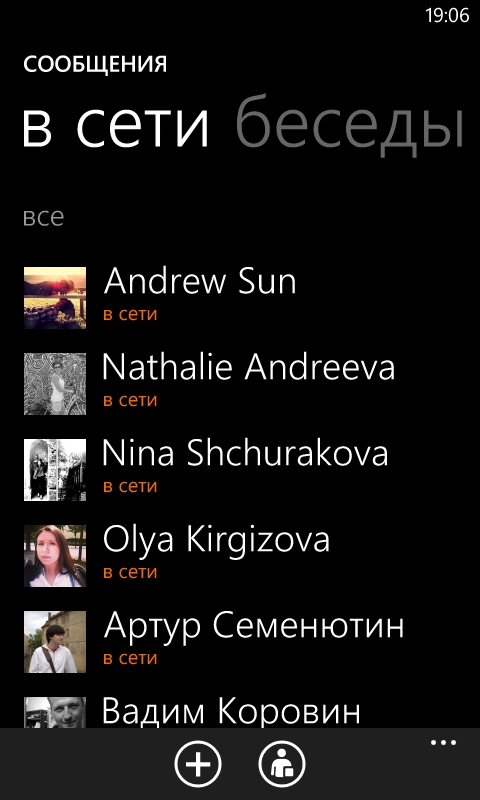
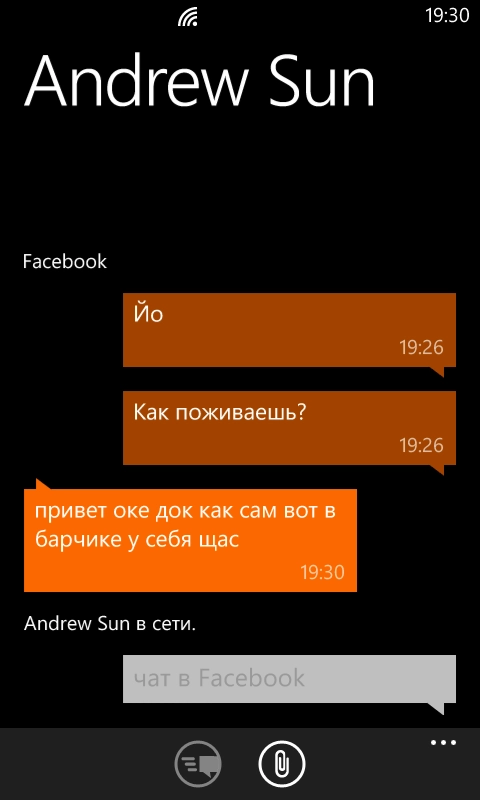
The Messages app contains not just SMS/MMS messages — if a Facebook account is added to the phone, it also shows who is online right now and lets you chat over Facebook right inside the app. Very nice integration. A sort of «all in one».
Internet Explorer
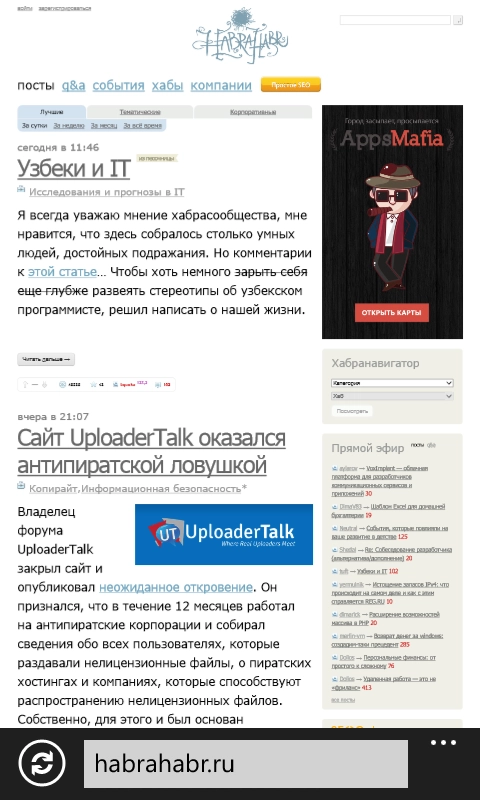
There is not much to say about IE. It seems to render everything fine, with no obvious glitches. It works fast. There is tab support, there is a page menu, you can send a page by email or share it to social networks if they are added on the phone (Twitter, Facebook, LinkedIn). There is find on page! And of course you can make a tile from a page on the Start screen. Not that there is much to get excited about (except find on page), but there is nothing to complain about either. A perfectly normal everyday tool. Despite the IE brand :)
Store
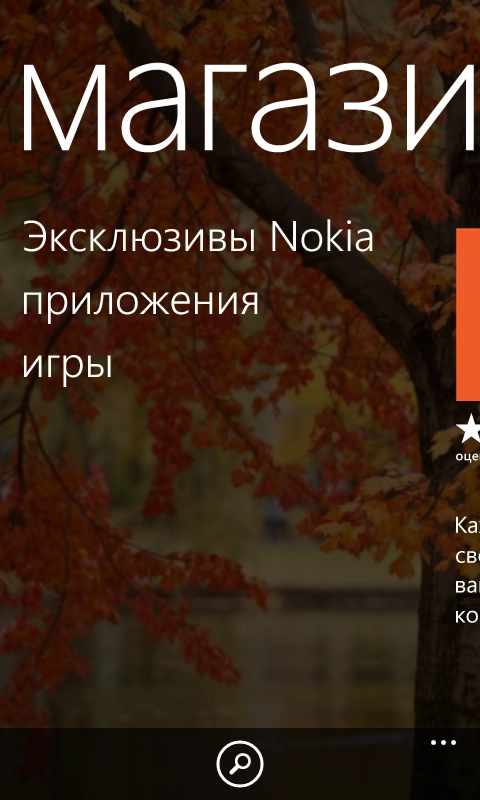
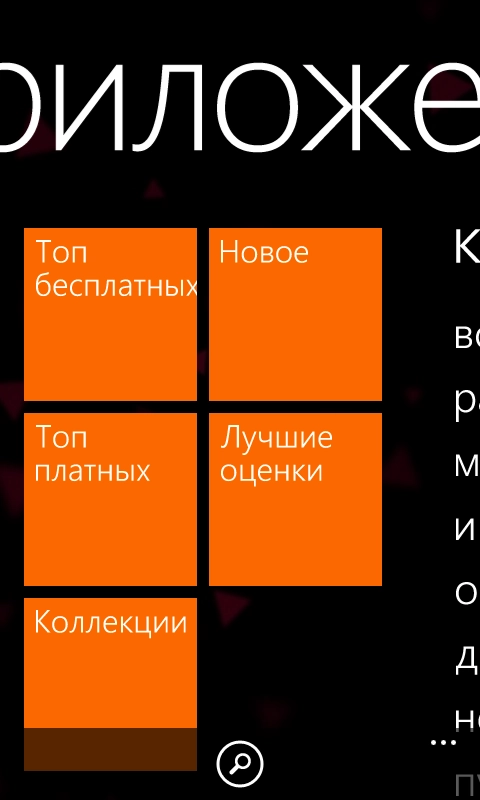
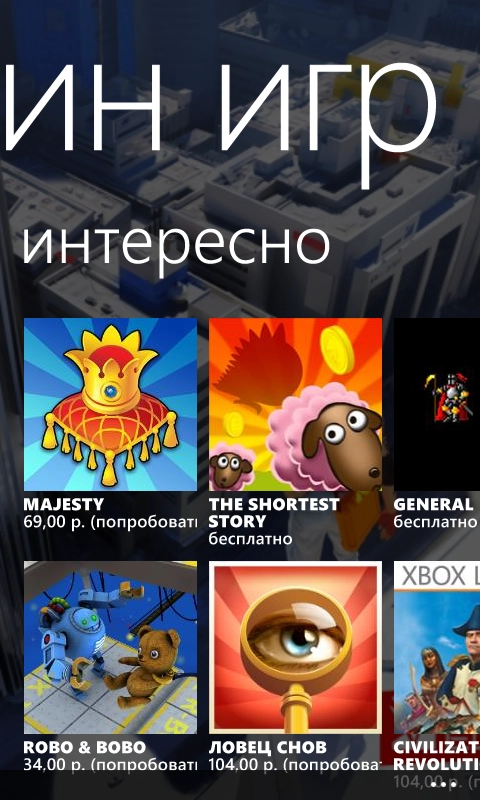
The Store is nothing special. Picks, top lists, search; games are moved to a separate Xbox app. Basically after turning the phone on and setting it up, I went to install software and in the free top list I immediately found pretty much everything I needed.
Contacts
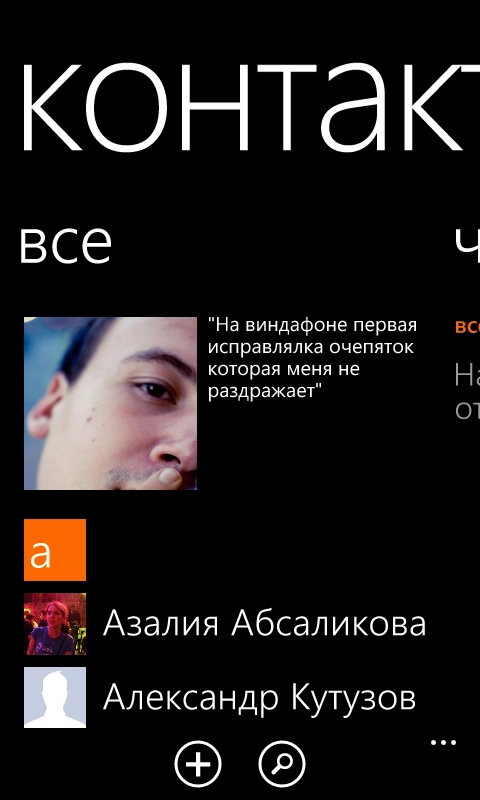
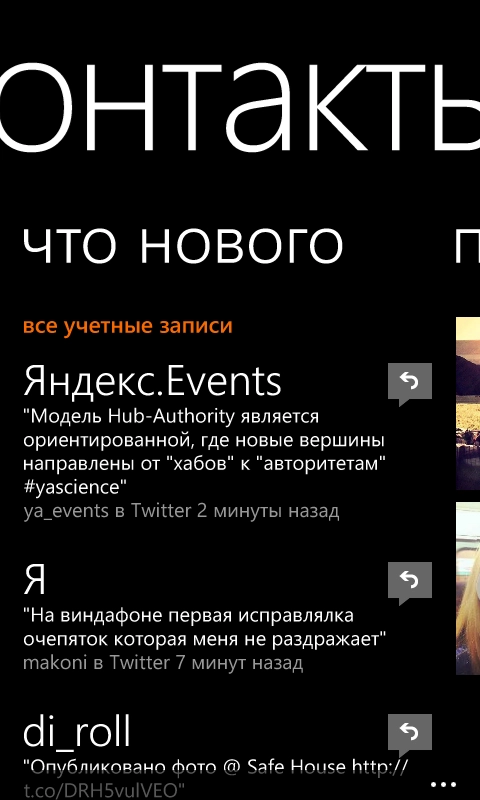
The address book deserves special attention. At the top there is my avatar (from Facebook, I think) and the last thing I posted to social networks, in this case my last tweet. Below is the contacts list. On the neighboring «What's new» screen it shows activity from my contacts in social networks — here the screenshot only has Twitter, but Facebook and LinkedIn are shown as well. Again, great integration that sometimes means you do not need to open the social network apps themselves.
First, all Facebook and LinkedIn friends appear here automatically, and their Twitter profiles are picked up if they have them. Second, all email contacts appear here. But that is a downside. When I wondered how to move contacts from the iPhone to a Windows Phone, I read about a method: on the Mac, add sync of local contacts in Address Book with a Gmail account, then add that account on the phone. The problem is I did it on my work computer. My whole address book is in Address Book, but it is treated as iCloud contacts. As a result a bunch of random people from Gmail and other mailboxes flew onto the phone, and now the contacts list is such a mess that I do not even want to think about what to do with it yet. And most importantly, I did not achieve my goal. The numbers from the iPhone were not transferred. Maybe I need to repeat the same thing on my home computer. For Android users it will be easy though — their address book is already synced with the Google account.
But the contact page itself is great:
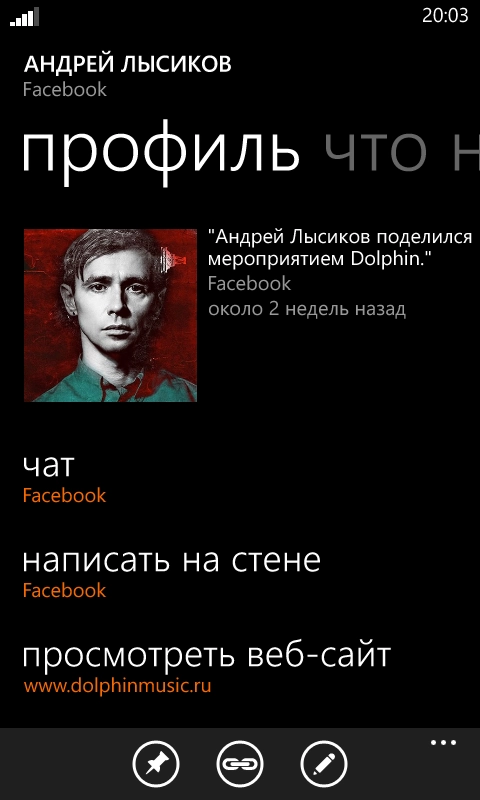
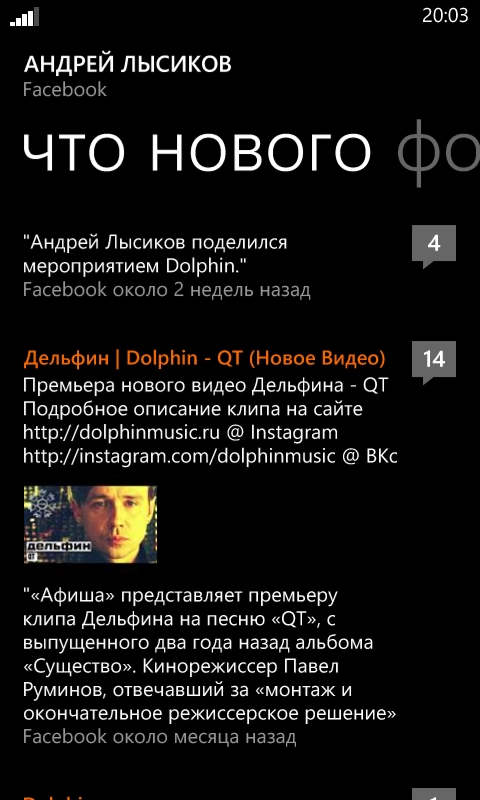

Here you can start a Facebook chat or write something on the wall, view a website, make a call, send an email. The «What's new» screen shows recent activity on Facebook and Twitter. You can also link a contact to a social network account if it is missing. The Photos screen shows their pictures from Facebook and Instagram. Gorgeous. Again, excellent social network integration. You can even send a reply on Twitter right from here.
Me
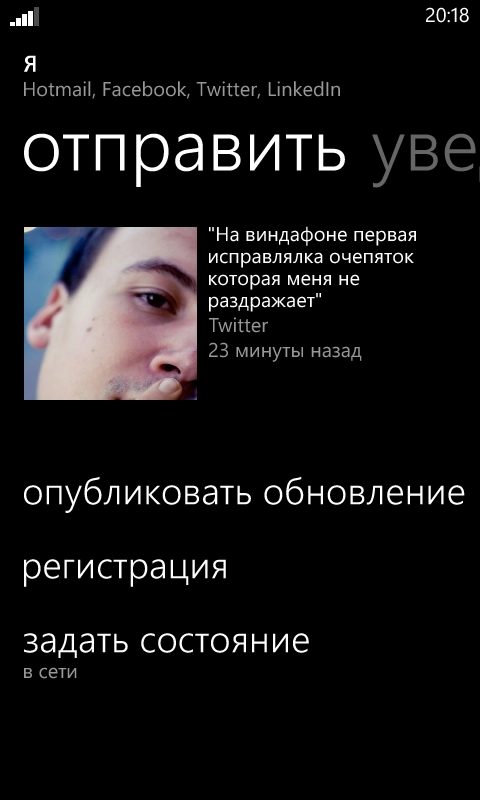
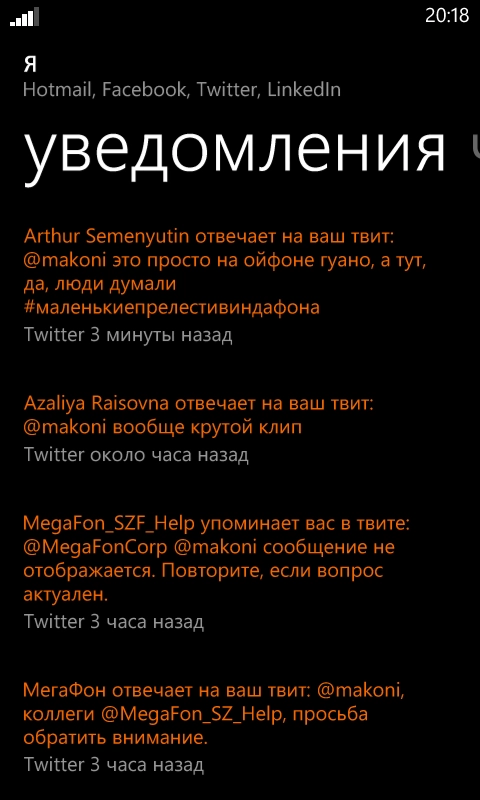
At first I thought Yandex had crept into the phone, but no (although it did creep in as a preinstalled search app and the default search on phones supplied to Russia). This is another app integrated with social networks. Overall it is not very useful for me. From here you can publish something to a social network. Also you can publish it everywhere at once, to all the social networks added to the phone, just by ticking where the post should go. On the neighboring screen there are notifications — in this case who sent me replies on Twitter. There is also a screen that simply shows my latest posts. Overall: post everywhere, plus set your online/offline status so people can message you on Facebook. It feels somewhat unfinished.
Overall Windows Phone is excellently integrated with Facebook and Twitter and to some extent lets you do without clients for those networks. You can write, you can read; the only thing that is a bit confusing is that all this is spread across different apps.
I do not see much point in writing about the other built-in apps — alarm clock, calendar, photo viewer, player — all of it just works and is not very different from apps on other platforms.
For photos there is a bunch of Nokia software included — animated photo, panoramas, some kind of photo studio. But since I did not like the photo quality on the Lumia 625, I did not use them much. Just launched them once to play around.
There is also One Note included — a note-taking app that syncs with SkyDrive and that, apparently, @vox_humana really likes, says it is cooler than Evernote.
And now third-party software. What I used all the time on the iPhone:
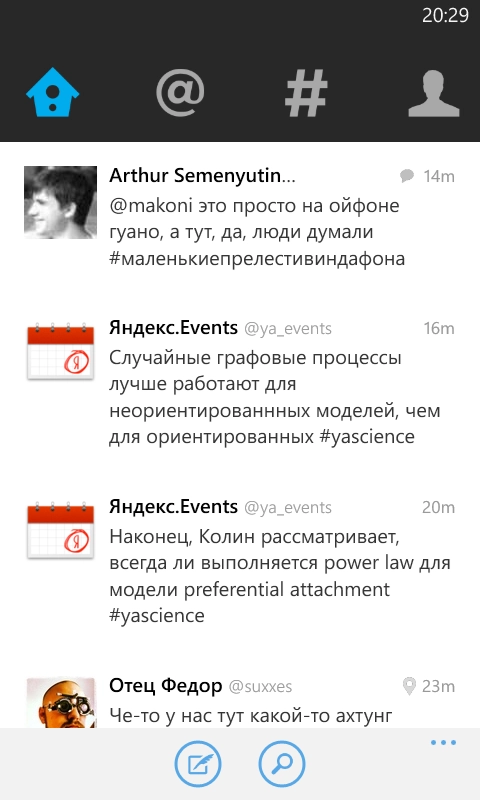
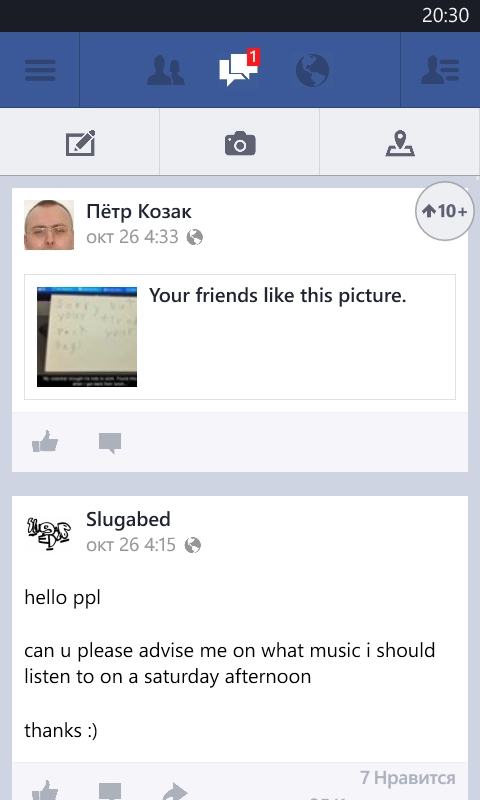

Twitter, Facebook, VK — there are official clients. Although you can do without the first two thanks to the integration. All of them are full-featured and seem no worse than clients on other platforms. VK differs strongly in interface, though, because it was reworked for Windows Phone. In some ways it is even more convenient than the iPhone version. For Google+ fans there is an unofficial client. The official one, I think, will not appear anytime soon if it appears at all. Microsoft and Google have too many conflicts; Google even blocked Microsoft's Youtube app for some reason.
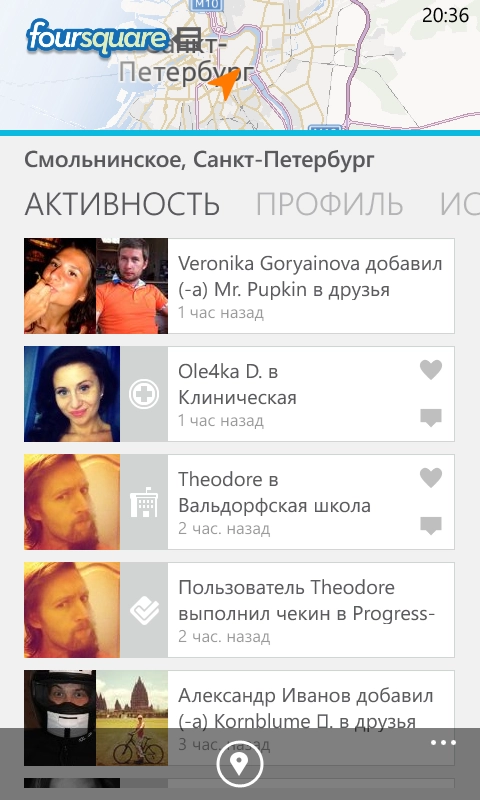
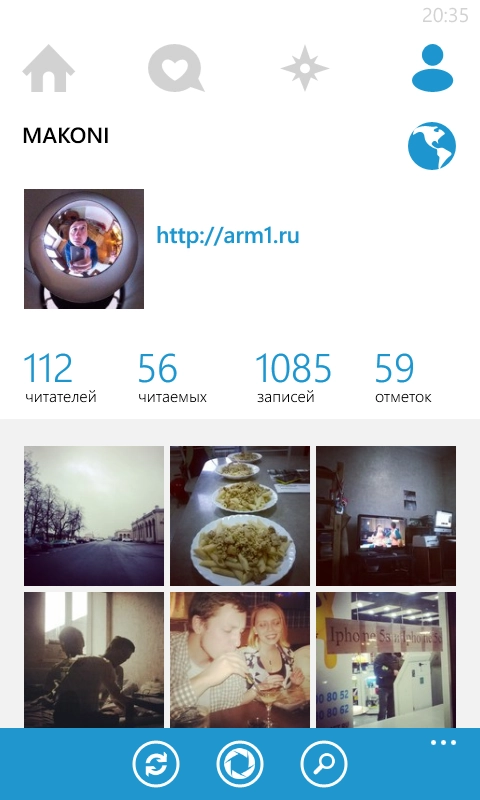
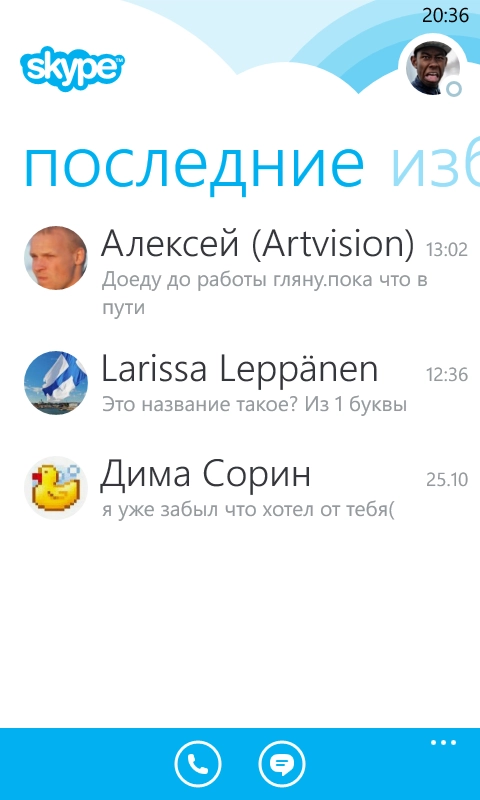
Foursquare — official. There are several Instagram clients. Apparently there was no decent one until recently, but now there is 6Tag — in my opinion it is no worse than the official client, it even has the same photo filters, and you can make collages too. And the official client should appear soon. Skype is there too. Fully featured.
Besides that there are several Yandex apps — Taxi, Disk, Maps, Metro, Money and a few others.
There are several apps for Google Maps. For maps there are also Nokia's own maps and its navigator app. They say Nokia maps can even work offline. I have not checked yet.
Out of the box there is Office, which can work with all Office documents and sync them through SkyDrive. You throw something together on the road, come home, and it is already on the computer if the SkyDrive client is installed.
For music lovers there is so far one decent but still strange client for VK — VK Media Player. It can search for tracks and download them for offline use, but it is glitchy in places.
For notes, besides One Note, there is Evernote too. Plus a whole bunch of TODO apps.
For weather there is Gismeteo and an app from Nokia.
Personally I was pleased when I found an Alfa-Bank client. I use it on the iPhone all the time.
And that is just the tip of the iceberg. Software is already fine on Windows Phone. I do not know about games: among the big ones I only recognized Fifa, Asphault and Angry Birds, though I am not very interested in them. But I did install Minesweeper :-D
I was pleased that Windows Phone out of the box knows the settings for Yandex mailboxes. And for Mail.ru too, though I am not very fond of them :)
Overall, things are good with Windows Phones. The most interesting part is that my Lumia does not lag at all. And its smaller model 520, which I had come across before, does not lag either.
The only thing I can complain about so far is the lack of VPN support. And this is Microsoft, working with lots of corporate clients. Shame.
And finally, one small but for some reason very pleasant feature. Attention to detail and care for the user:
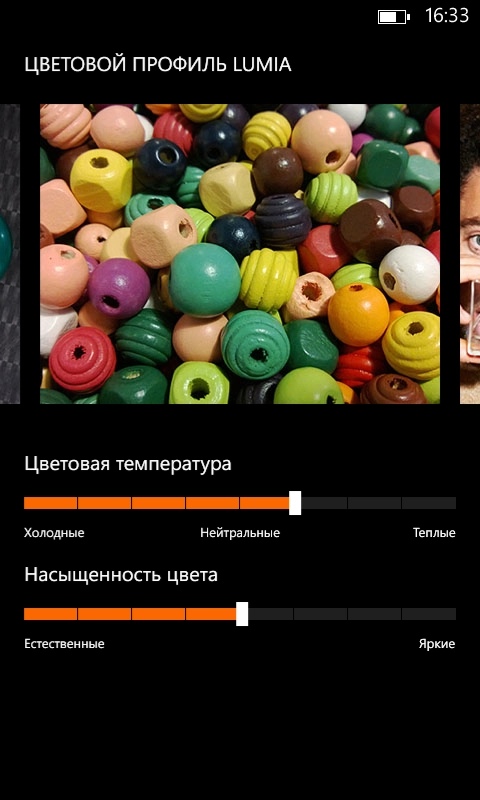
Screen color adjustment. Considering that the phone has an IPS panel and the screen is already pleasing. Nice! I think it is cool.