$ grep -r Tag: «xcode»

-rw-r--r-- 1.3K Jan 14, 2025 · D4F1C96 · ~1 min

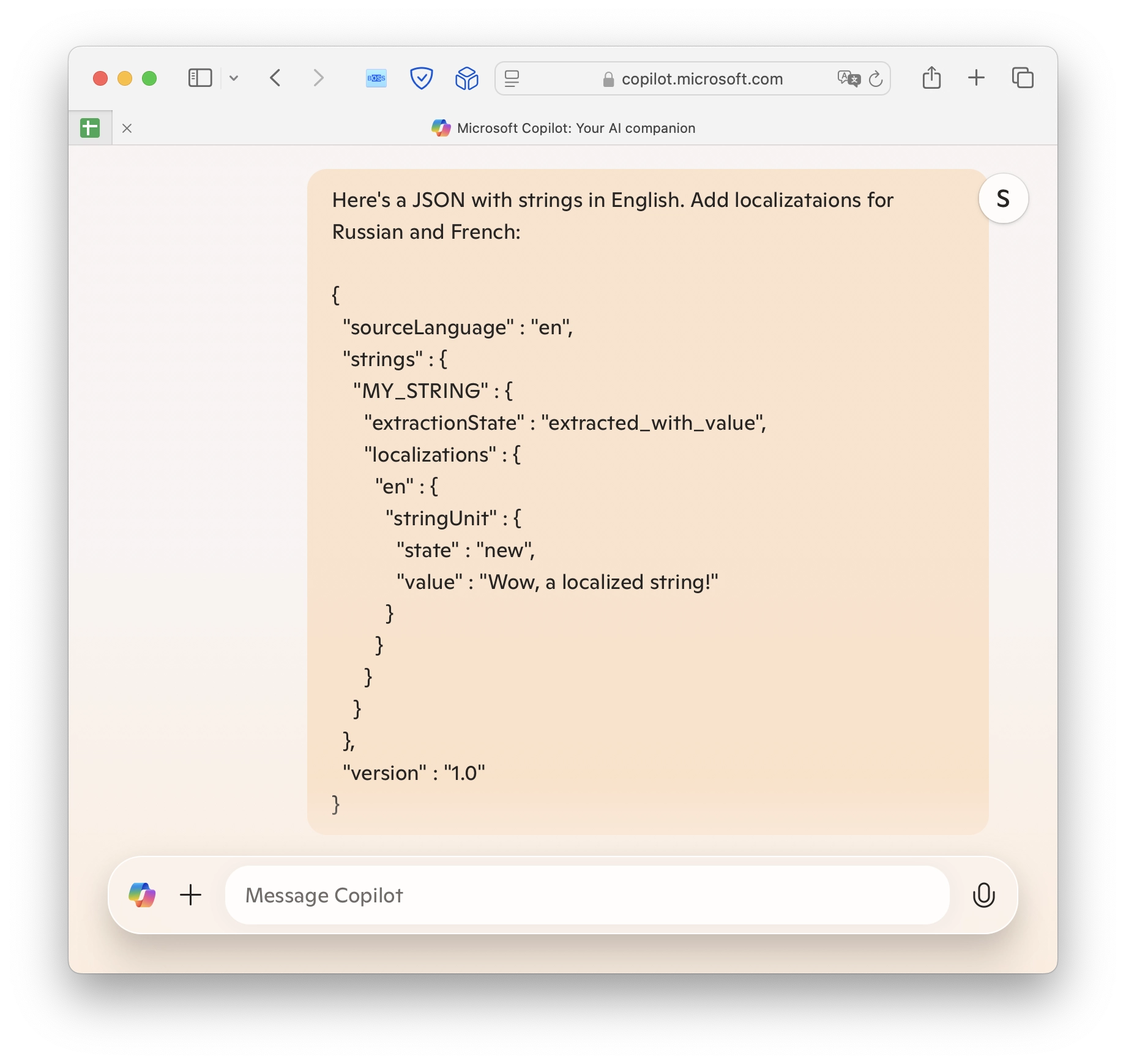
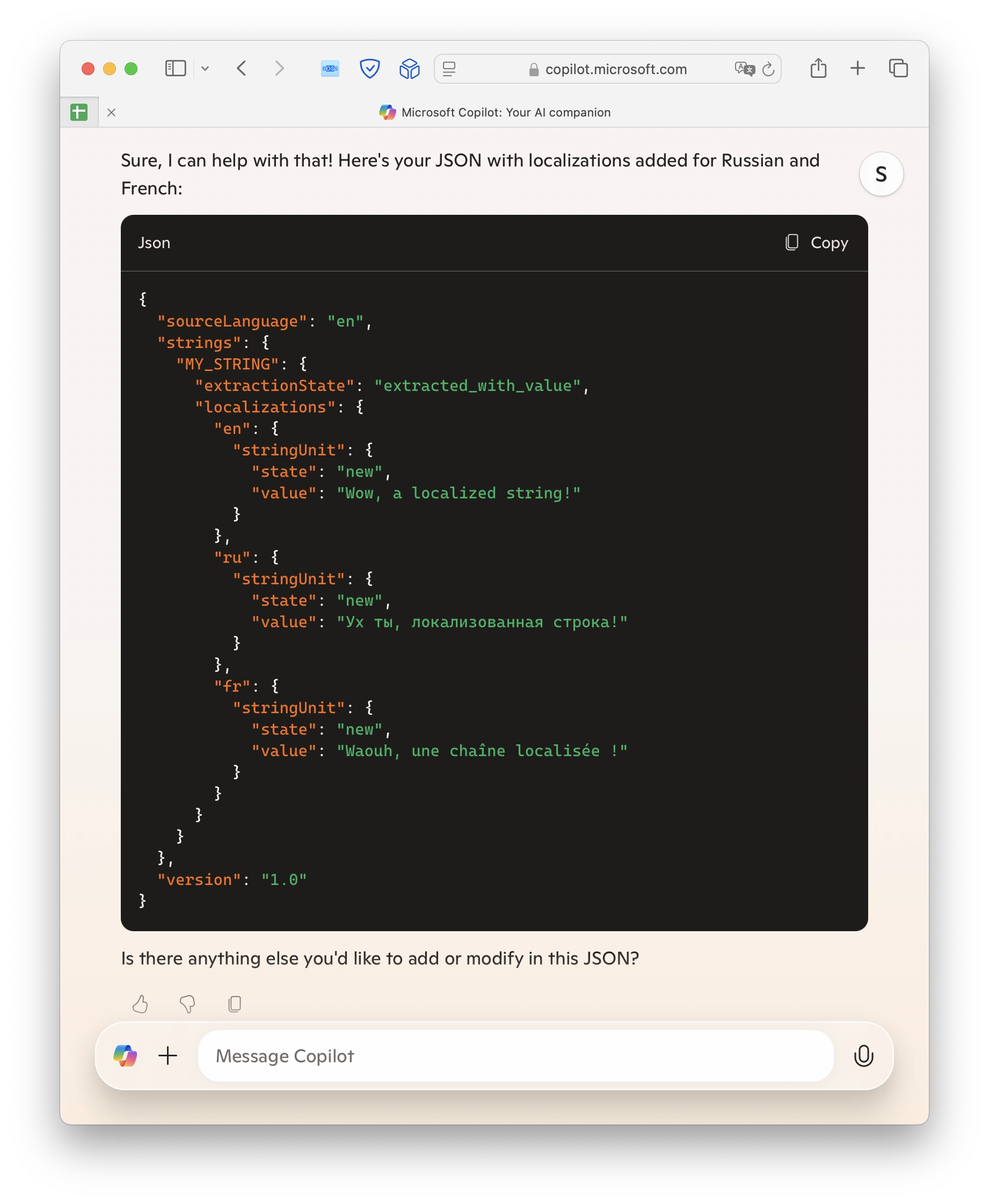
Adding translations to an app or a package with AI help

xcode ai localization

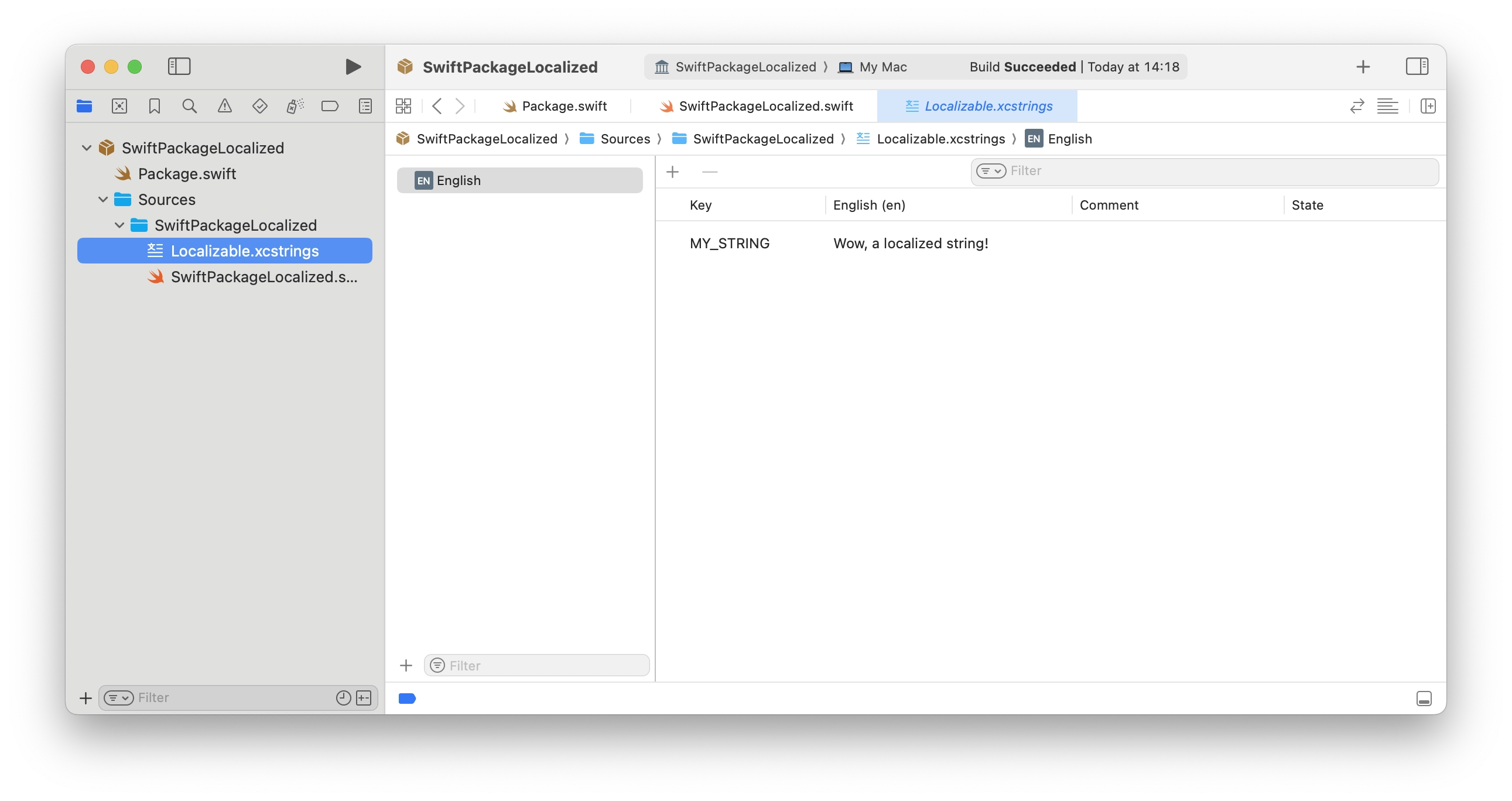
Translated String Catalog

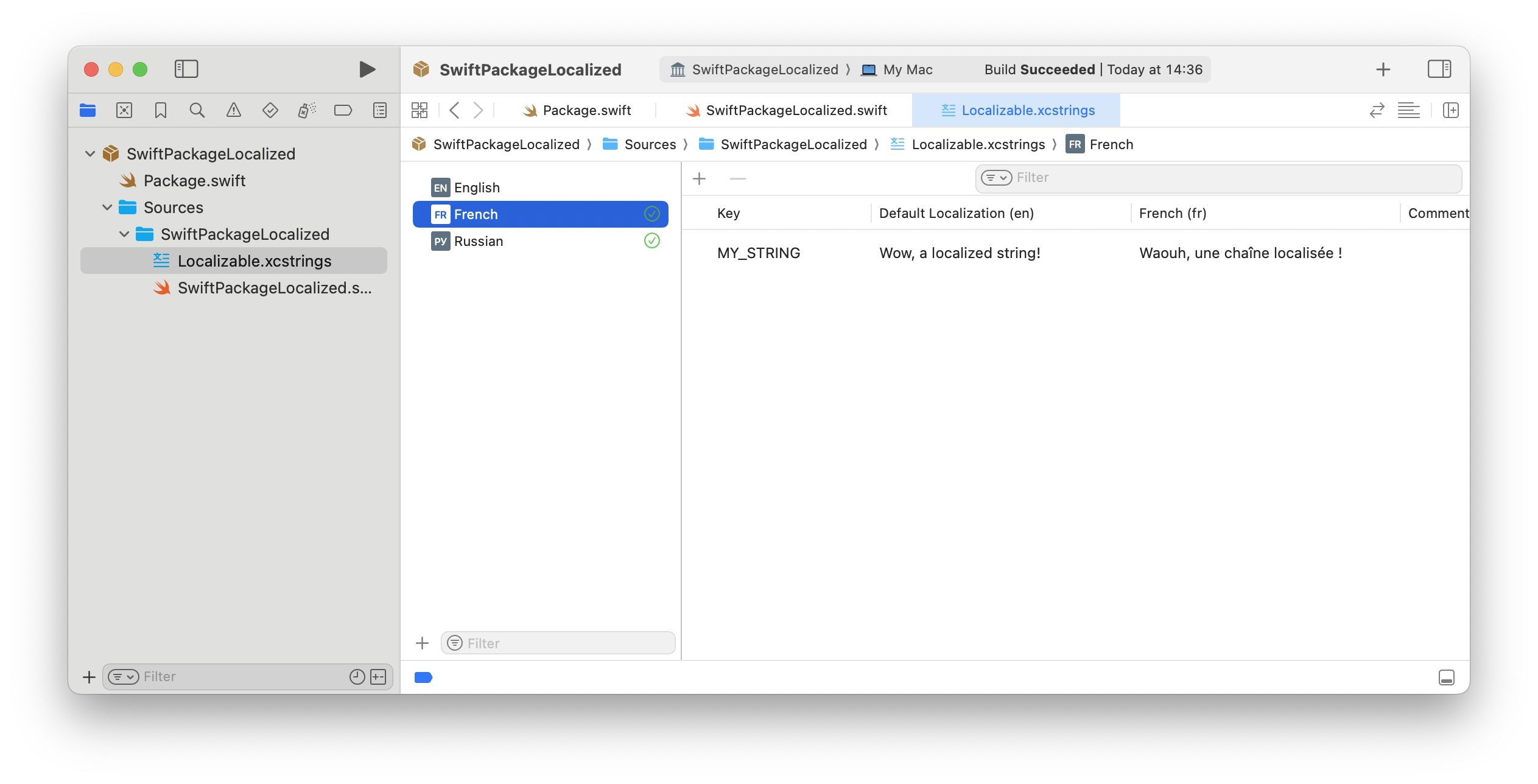
In the previous article, I've explained how to add a Strings Catalog to a Swift package to support localizations. Now, we'll try to translate it into more languages.

[↵] open page adding-translations-to-an-app-or-a-package-with-ai-help.md
-rw-r--r-- 2.8K Jan 14, 2025 · AFA035E · ~2 min

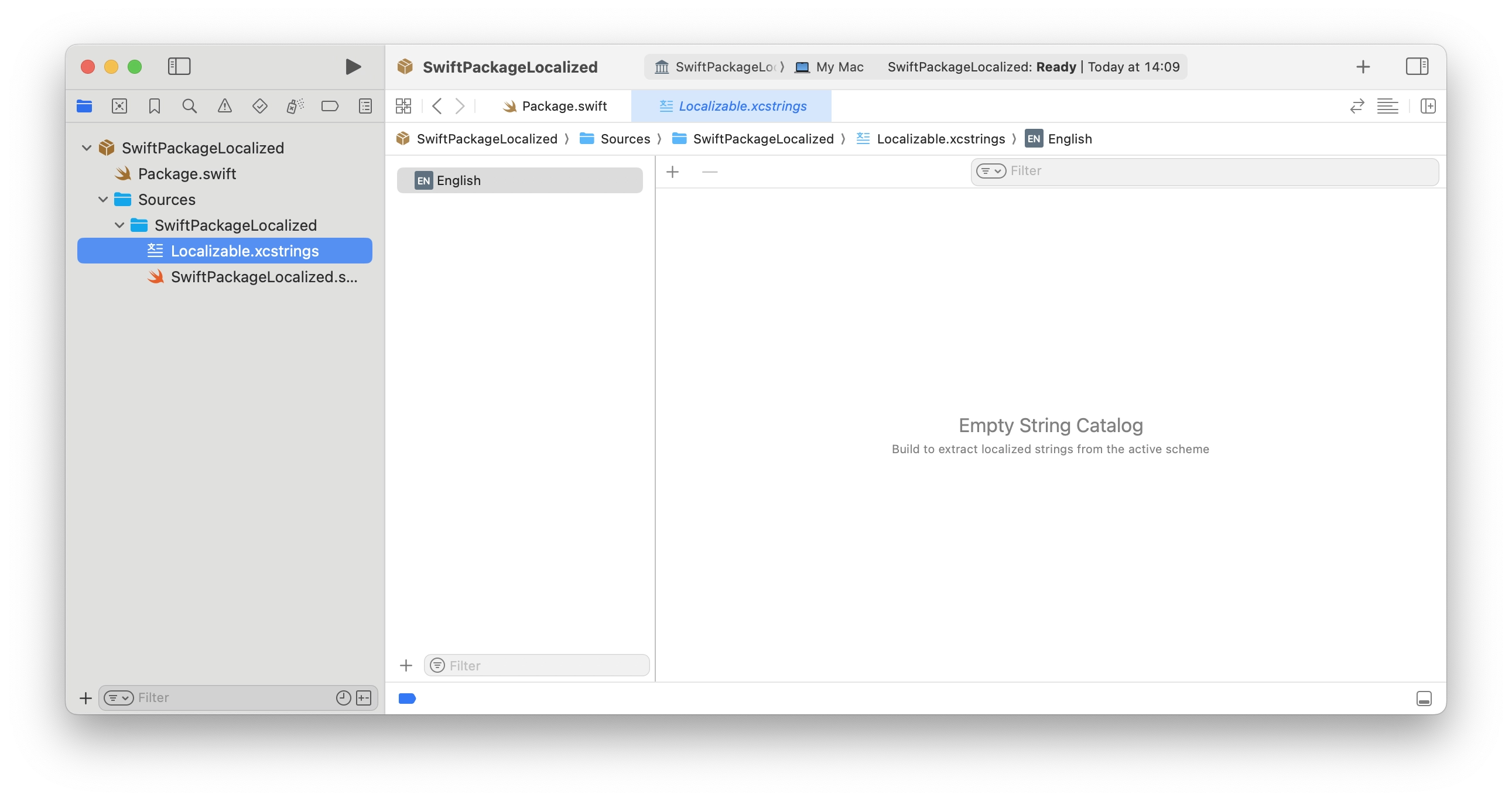
Localizing a Swift Package with a String Catalog

localization swift package manager xcode

Recently, I've been working on a Swift Package with some strings that I wanted to localize. Apple's documentation on this topic seems to be a bit outdated. The documentation still suggests using language-specific directories for localizing resources and strings.

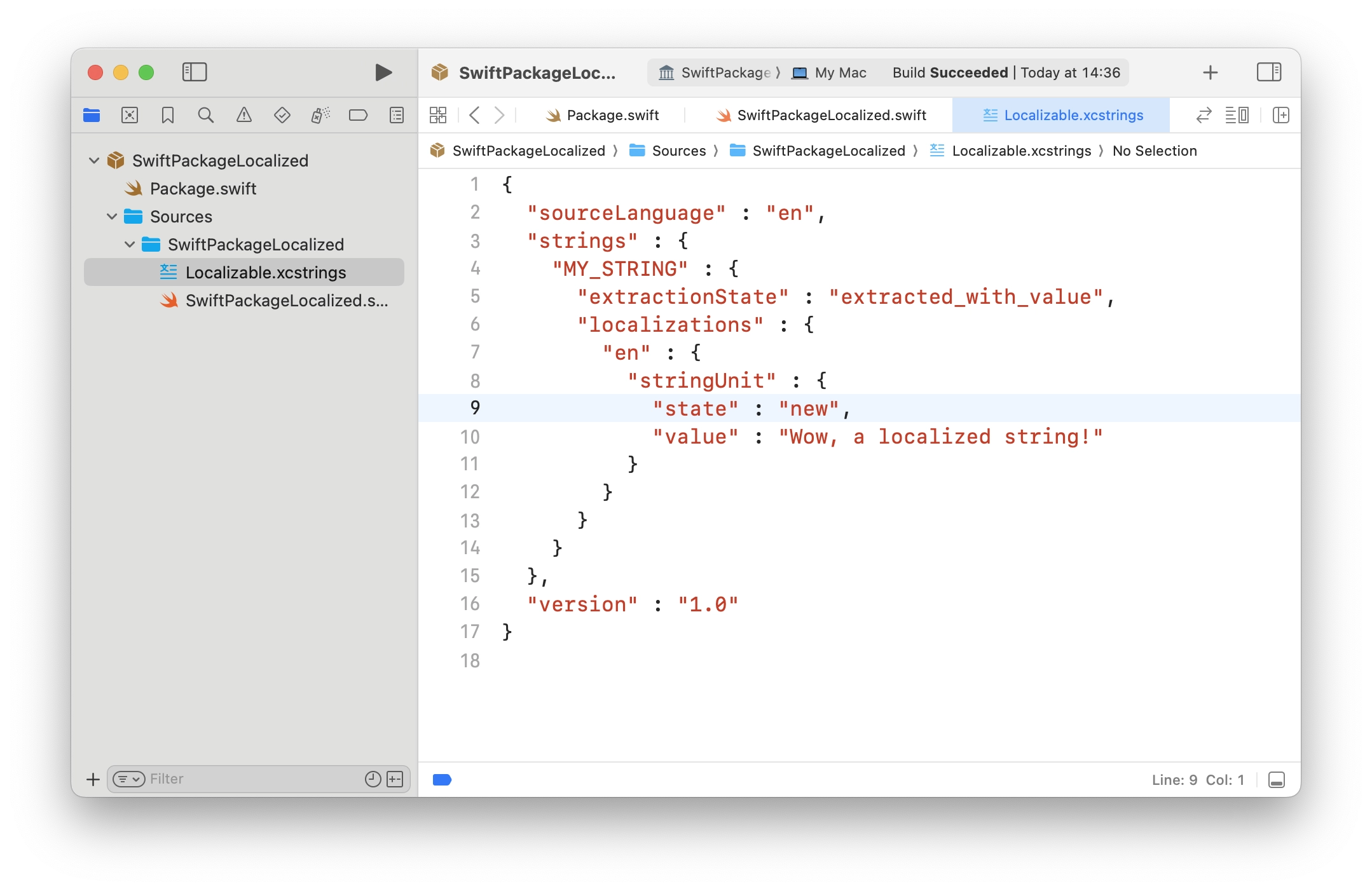
But, at WWDC 2023, Apple introduced String Catalogs. It's much more handy - just a JSON file that Xcode can fill with all the strings that need to be localized. Most of the examples you can find are about apps, not packages. So, I've spent some time trying to figure out how to use String Catalogs in a Swift package.

[↵] open page localizing-a-swift-package-with-a-string-catalog.md
-rw-r--r-- 2.4K Apr 25, 2016 · 430F62F · ~2 min

Carthage vs. CocoaPods

carthage cocoapods xcode

A couple of thoughts on Carthage compared to CocoaPods.

What Carthage has in common with CocoaPods:

  • You create a Podfile for CocoaPods. For Carthage, you need to create a Cartfile.
  • In both cases, you can specify an exact dependency version and a specific git repository.
  • After installing dependencies, CocoaPods creates Podfile.lock and Carthage creates Cartfile.resolved so that exact dependency/library versions can be installed.
  • Both CocoaPods and Carthage are quite easy to install with a single console command.

Cons:

  • All dependencies have to be added manually to the project and the Build Phases section. You only do it once, but it is still manual, unlike CocoaPods, which generates the workspace on its own. On the one hand this is inconvenient, on the other, CocoaPods has simply spoiled us. For example, in the Node.js world it is not enough to do npm install package, you still have to include the dependency where needed via require.
  • Less choice. Less popularity. CocoaPods is older, more popular, and many libraries were distributed through CocoaPods. Many are still distributed only through it, including, for example, SDKs from Google. With Carthage it is easier to find something relatively fresh. On the plus side, it is usually available via CocoaPods, Carthage, and even Swift Package Manager.

Pros:

  • Dependencies are built once. On any project build, the libraries and dependencies are not rebuilt, even if you clear all caches and do all the cleans. As a result, every build is faster.
  • No extra .xcworkspace file is created, and the project file remains untouched. Workspace creation in recent CocoaPods versions has been buggy for almost half a year already and creates that workspace in a way that makes the project fail to build, so you have to go in manually and fix something. For example, the header search path.
  • When updating a dependency to the latest version, again, the project file is not touched. The dependencies are simply rebuilt; they are already added to the project.
  • You can build a dependency for all platforms at once, or for a specific one, for example tvOS.
  • CocoaPods has a central repository. If it goes down, nothing will work. Carthage does not have that; it just pulls dependencies from GitHub. On the one hand that is still a kind of central repository, but without the middle layer, and the chances of it withstanding load are higher.
[↵] open page carthage-vs-cocoapods.md
-rw-r--r-- 1.2K Oct 14, 2015 · 1821E8C · ~1 min

Xcode 7 Bug with [NSLocalizableString length]

шпаргалки баги xcode

Xcode 7 has a localization bug where the app crashes while calling [NSLocalizableString length] over and over again. I hit it in my project because some of my xibs were outside the project folder itself, in the Base.lproj folder. As a result, every time something from those xibs was loaded in the app, it crashed for no obvious reason. In the latest Xcode 6 everything worked perfectly. I managed to fix it by renaming Base.lproj to en.lproj and adding the files from that folder to the project again.

There are a couple more solutions on Stack Overflow; the idea is the same, but for some people it was enough just to toggle the Use Base Localization checkbox on and off, or mark English for the Storyboard file. But that is more for people whose entire UI is drawn inside a Storyboard. There is also a thread on the Apple developer forums.

The bug seems to have been around in Xcode 7 for a while; I think it was present in the betas too. It is still there in the current 7.01 release. Hopefully they will fix it in the near future.

[↵] open page bag-xcode-7-s-nslocalizablestring-length-.md
-rw-r--r-- 1.4K Jun 1, 2015 · 676411C · ~1 min

CALayer+UIColor Category

objective-c xcode полезное шпаргалки

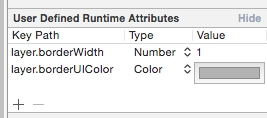
I found a nice little thing on Stack Overflow. In Xcode's Interface Builder you can set some UI values through User Defined Runtime Attributes. I needed to set a border. You can set the layer.borderWidth thickness and it will be picked up, but the color will not. layer.borderColor stores a value of type CGColorRef, while the color you can choose in Interface Builder is a UIColor. A simple category lets you use UIColor through the layer.borderUIColor property.

CALayer+UIColor.h :

//
// CALayer+UIColor.h
//
// Created by Sergey Armodin on 29/05/15.
// Copyright (c) 2015 Sergey Armodin. All rights reserved.
//

#import <QuartzCore/QuartzCore.h>
#import <UIKit/UIKit.h>

@interface CALayer (UIColor)
/**
* CGColor to borderColor
*/
@property(nonatomic, assign) UIColor* borderUIColor;
@end

CALayer+UIColor.m :

//
// CALayer+UIColor.m
//
// Created by Sergey Armodin on 29/05/15.
// Copyright (c) 2015 Sergey Armodin. All rights reserved.
//

#import "CALayer+UIColor.h"

@implementation CALayer (UIColor)
/**
* Setter
*
* @param color UIColor
*/
- (void)setBorderUIColor:(UIColor *)color {
    self.borderColor = color.CGColor;
}

/**
* Getter
*
* @return UIColor
*/
- (UIColor *)borderUIColor {
    return [UIColor colorWithCGColor:self.borderColor];
}
@end

And voilà:

CALayer+UIColor Category

[↵] open page kategoriya-calayer-uicolor.md
-rw-r--r-- 771B Apr 14, 2015 · CE47AFA · ~1 min

Automatic Build Number Increment in Xcode

шпаргалки xcode

Automatic Build Number Increment in Xcode

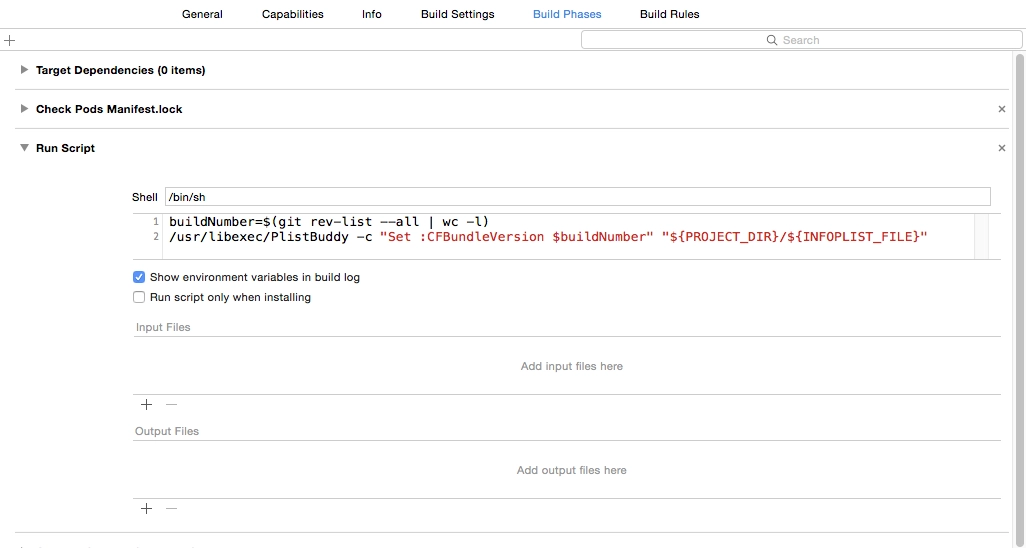
Another cheat sheet so I can quickly find it later, just in case. As is well known, in Xcode you can run your own bash scripts while building a project.

These 2 lines of code allow you to automatically increment the build number in the app:

buildNumber=$(git rev-list --all | wc -l)
/usr/libexec/PlistBuddy -c "Set :CFBundleVersion $buildNumber" "${PROJECT_DIR}/${INFOPLIST_FILE}"

The first line counts the number of commits in the git repository. The second writes that number to the target's .plist file as the build number. Each new commit increments the build number by one. This is one way to do it.

Put it into the required target's Build Phases.

[↵] open page avtouvelichenie-nomera-bilda-v-xcode.md
-rw-r--r-- 3.0K Aug 19, 2014 · B3B2675 · ~3 min

Escaping the sandbox in iOS

ios xcode jailbreak боль

A post born of pain. It just so happens that right now I am poking at someone else’s project that is designed to run on jailbroken iPhones. And not just run on them — it needs access outside the sandbox.

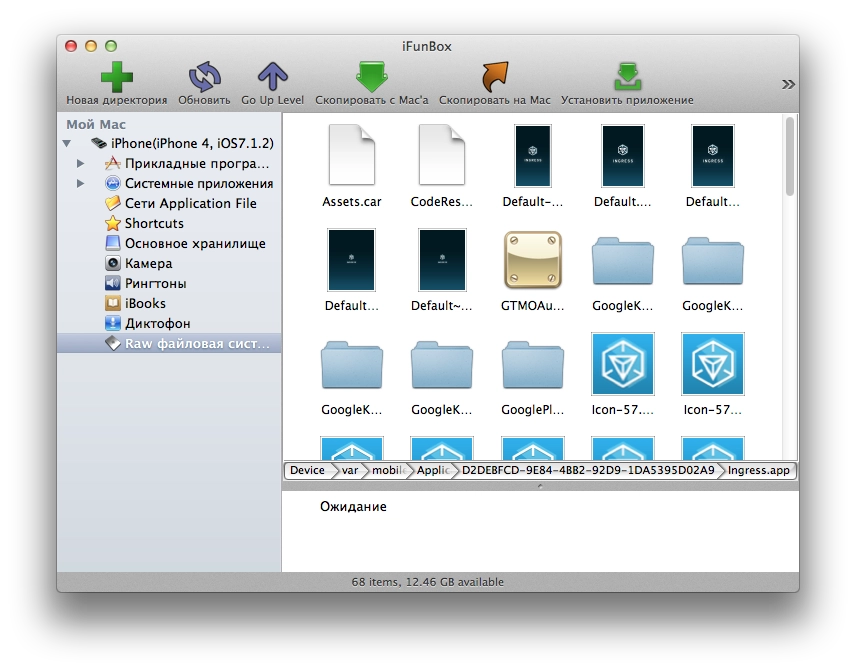
As everyone knows, all apps in iOS run inside a sandbox and cannot go outside it. All App Store apps are installed into /var/mobile/Applications/ (apps installed onto an iPhone from Xcode go there as well), where a separate folder with an unreadable name is created for each app. You cannot go outside that folder. Not for reading and certainly not for writing.
Escaping the sandbox in iOS

This, for example, is the folder of Google’s Ingress game.
Escaping the sandbox in iOS

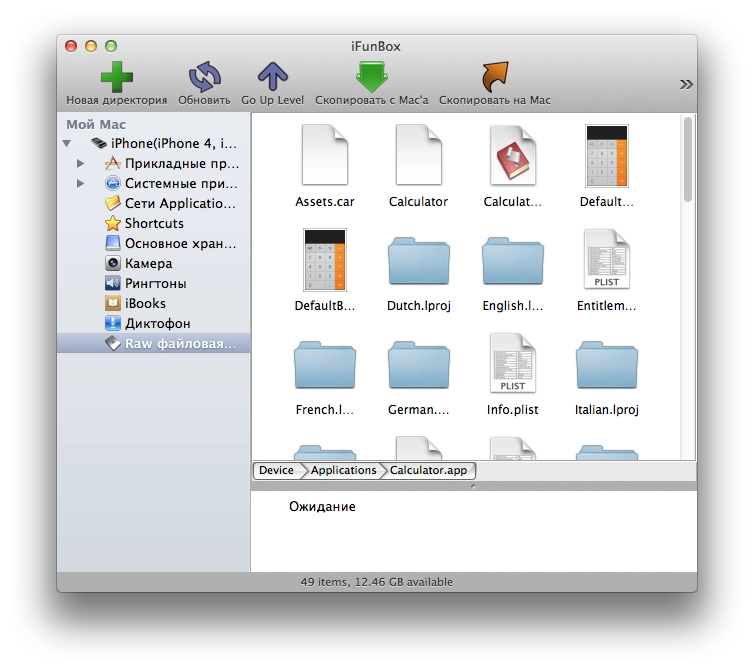
And this is the iOS Calculator app, for example, living in /Applications.

If we want, for example, to read the phone’s SMS messages from inside an app, we need to read the file /var/mobile/Library/SMS/sms.db — it is a regular SQLite database with no encryption or protection. You can download it from a jailbroken phone and open it with any tool that knows how to open SQLite files, look at all SMS messages, and even hammer it with sql queries for search and other tasks.
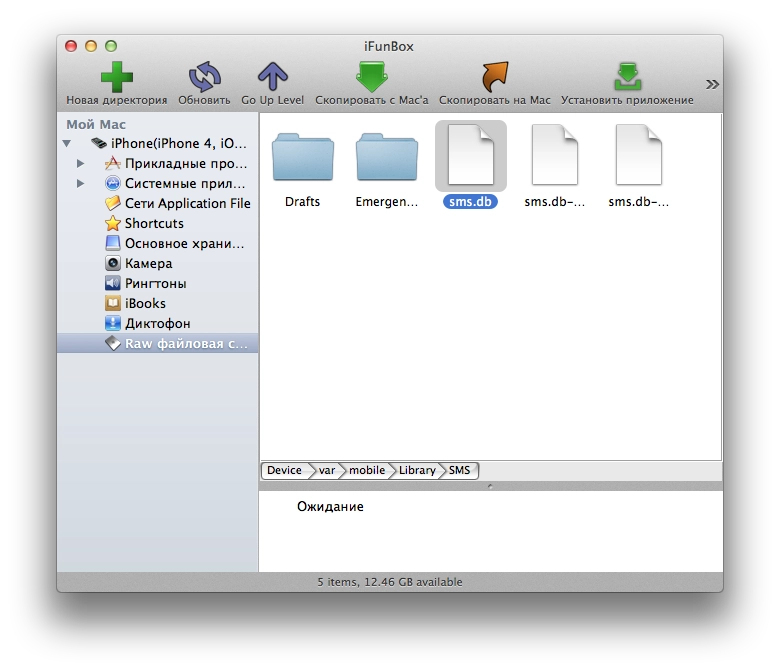
Escaping the sandbox in iOS

Here, for example, is the file with all iPhone SMS messages.

So, there is no access to that file from the sandbox. And Jailbreak does not solve that. It gives full access to the file system, but only if you are working outside the sandbox.

For an app to work outside the sandbox, it has to be moved from /var/mobile/Applications/ to the /Applications directory. Then the app will live in the system apps folder, have access to the file system on a jailbroken device, not be removable from the phone by holding a finger on its icon, and so on.

And that is where the pain starts: Xcode simply cannot install the app there; it can install only into the sandbox. You can do it by hand — connect to the phone and move it with something like iFunBox — but that is a huge pain every single time. The worst part is that you lose the convenience of debugging. You cannot run the app on the device from Xcode and calmly watch the console to see what your app is printing and whether it is working.

No tweaks from Cydia that supposedly give apps file-system access even from inside the sandbox had any effect. At least not for me on iOS 7.1.2. They say that even if you run the app as root but still inside the sandbox, it still will not get permission to read system directories. Although it feels like this used to work before, but jailbreaks were different back then too.

That is the hell I am in. In the near future I am going to try some scripts I found online to automate moving the app around inside the iPhone after the build via SSH while also capturing syslog. I also want to write up what I have dug out inside the iPhone in terms of “where everything is stored”, but later, once this hell is over :)
[↵] open page vyhod-za-predely-pesochnitsy-v-ios.md
makoni@arm1:~/blog$ cd .. // ↵ back to all posts