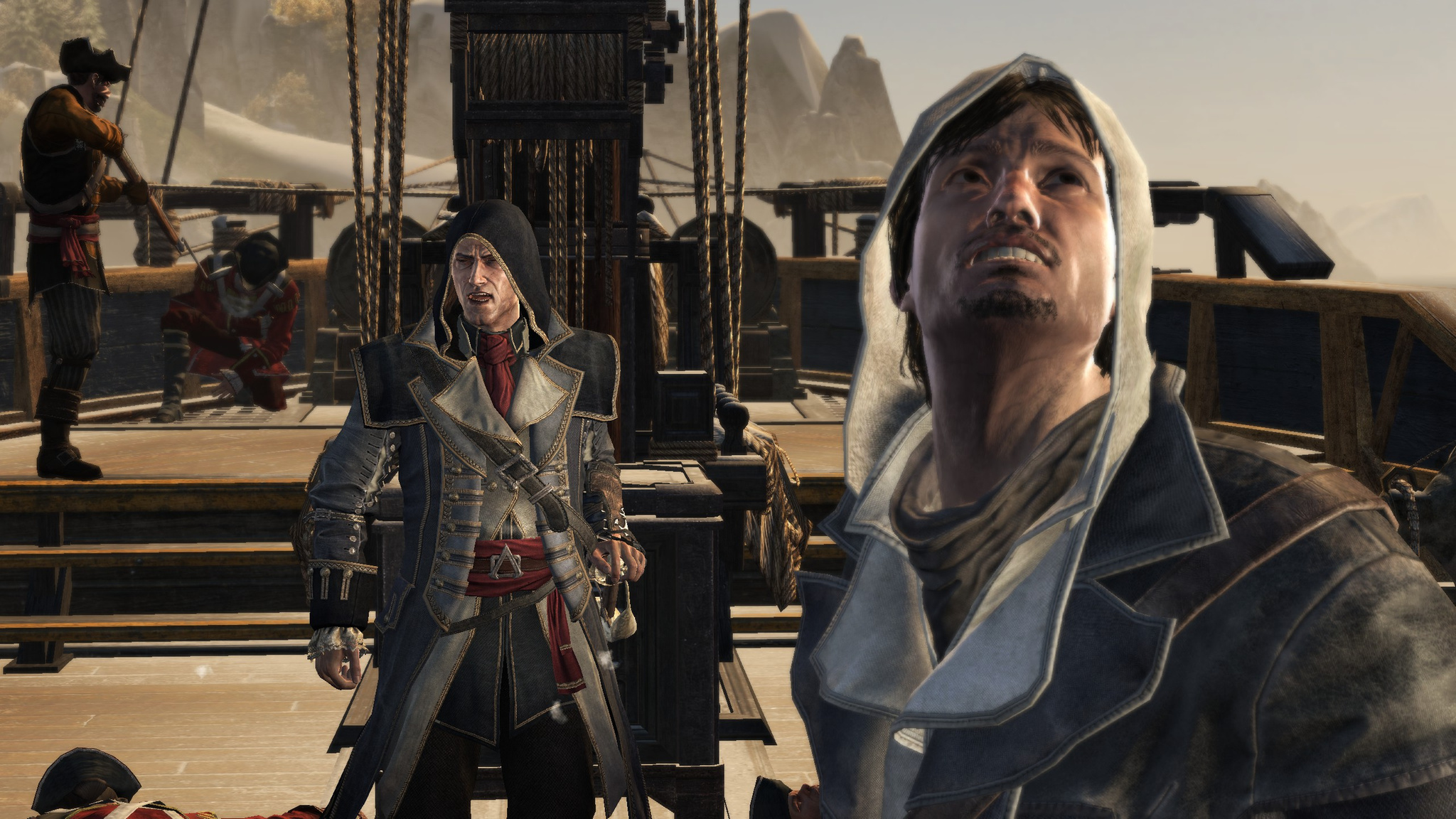
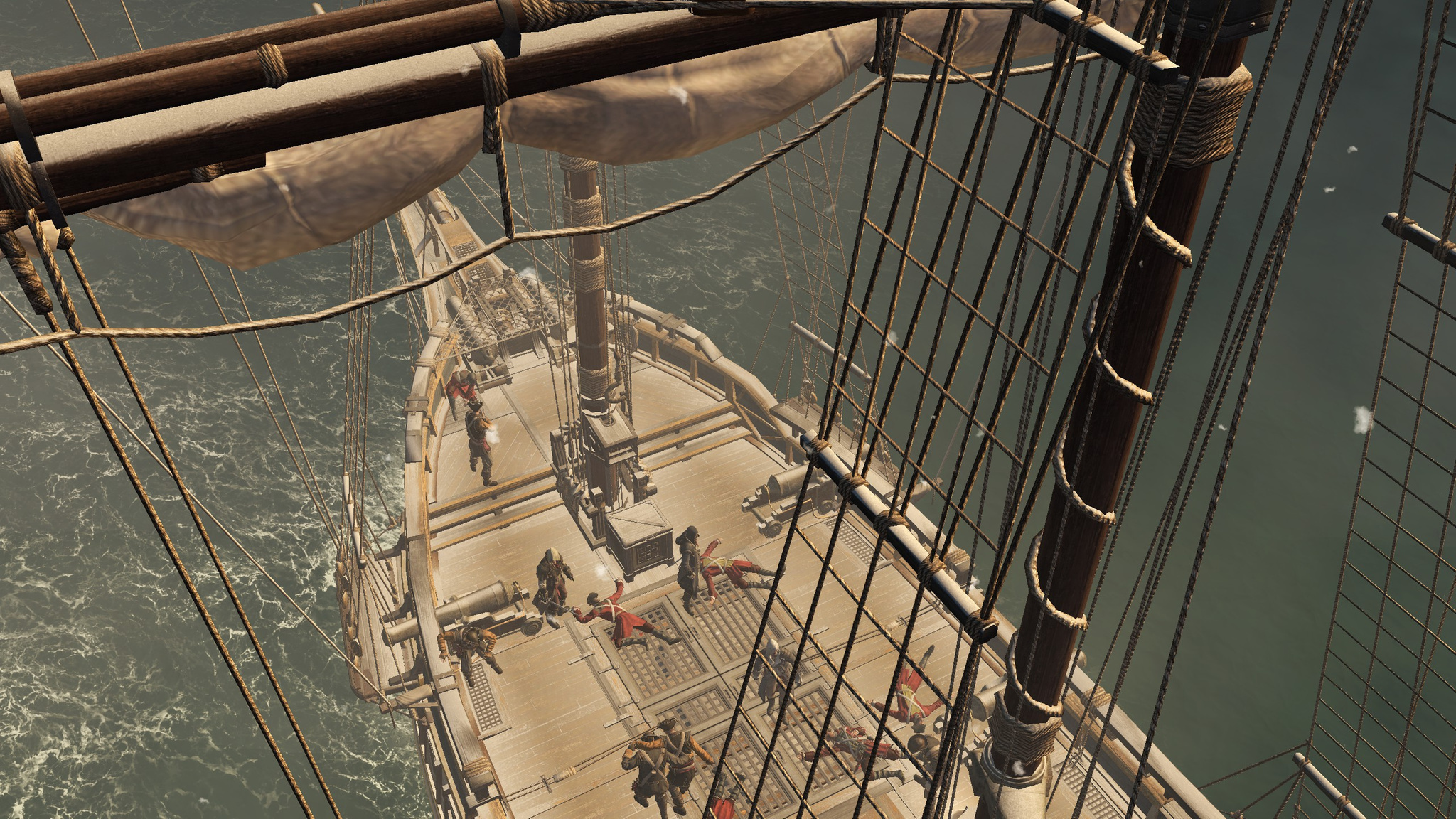
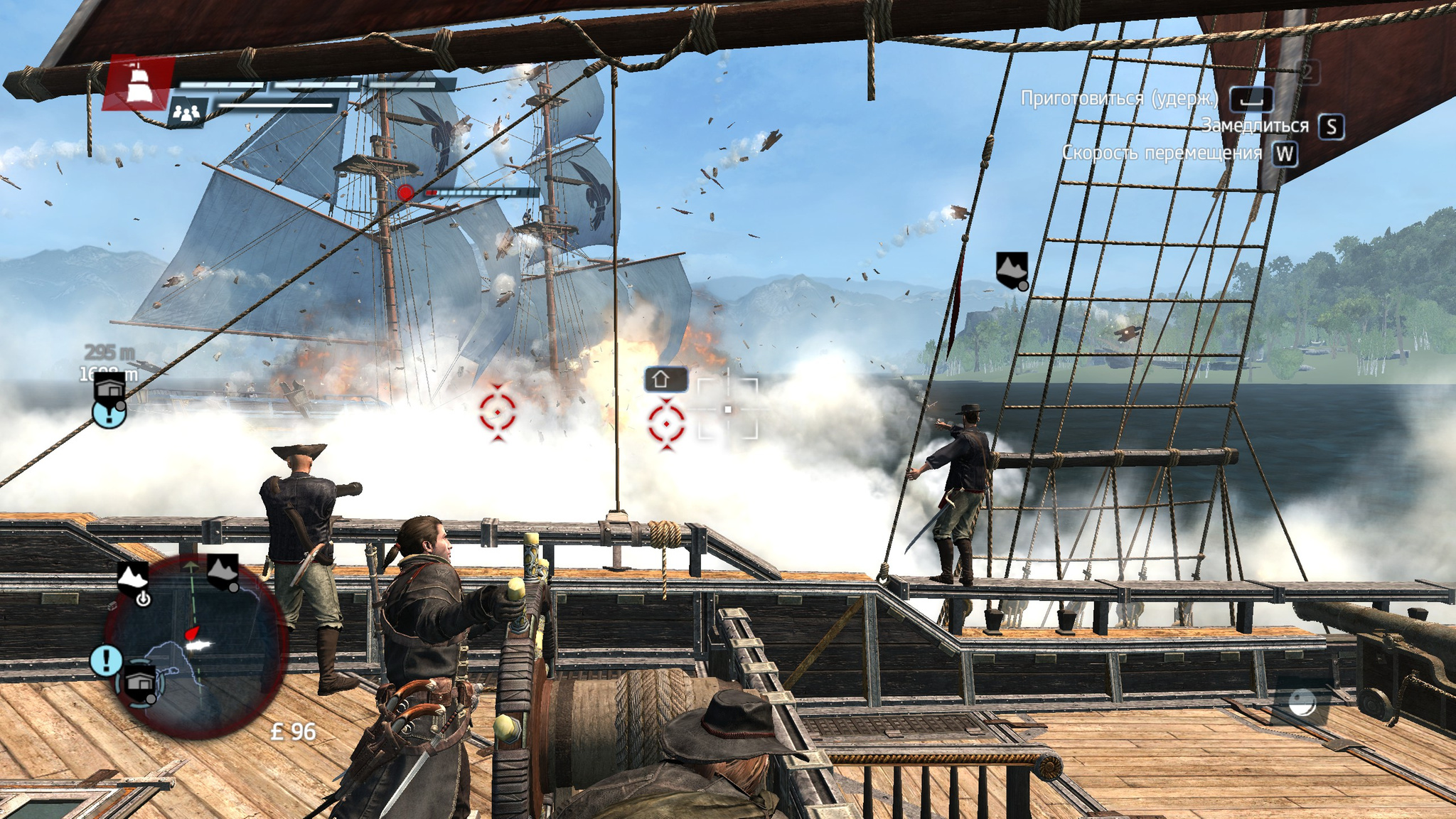
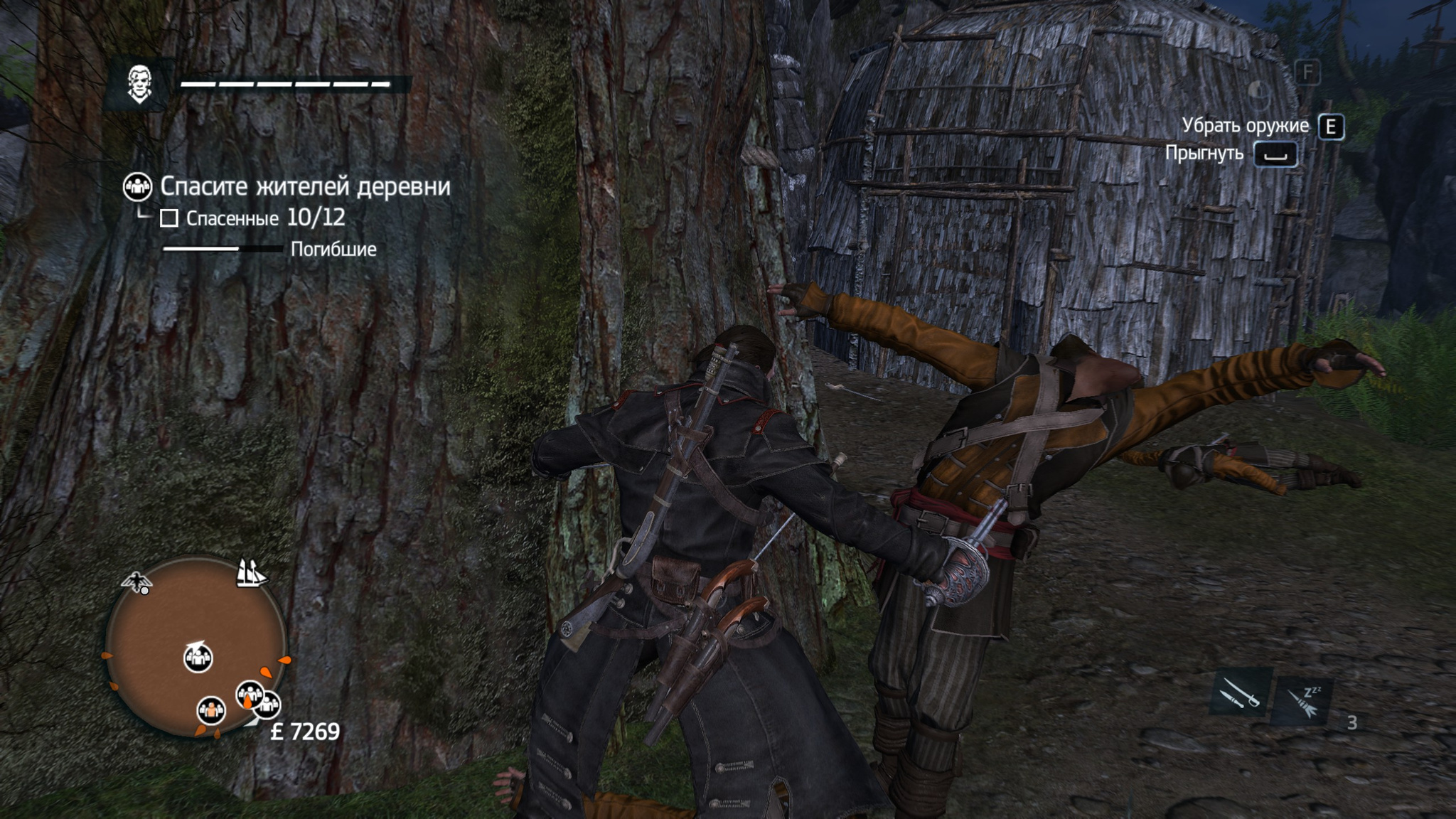
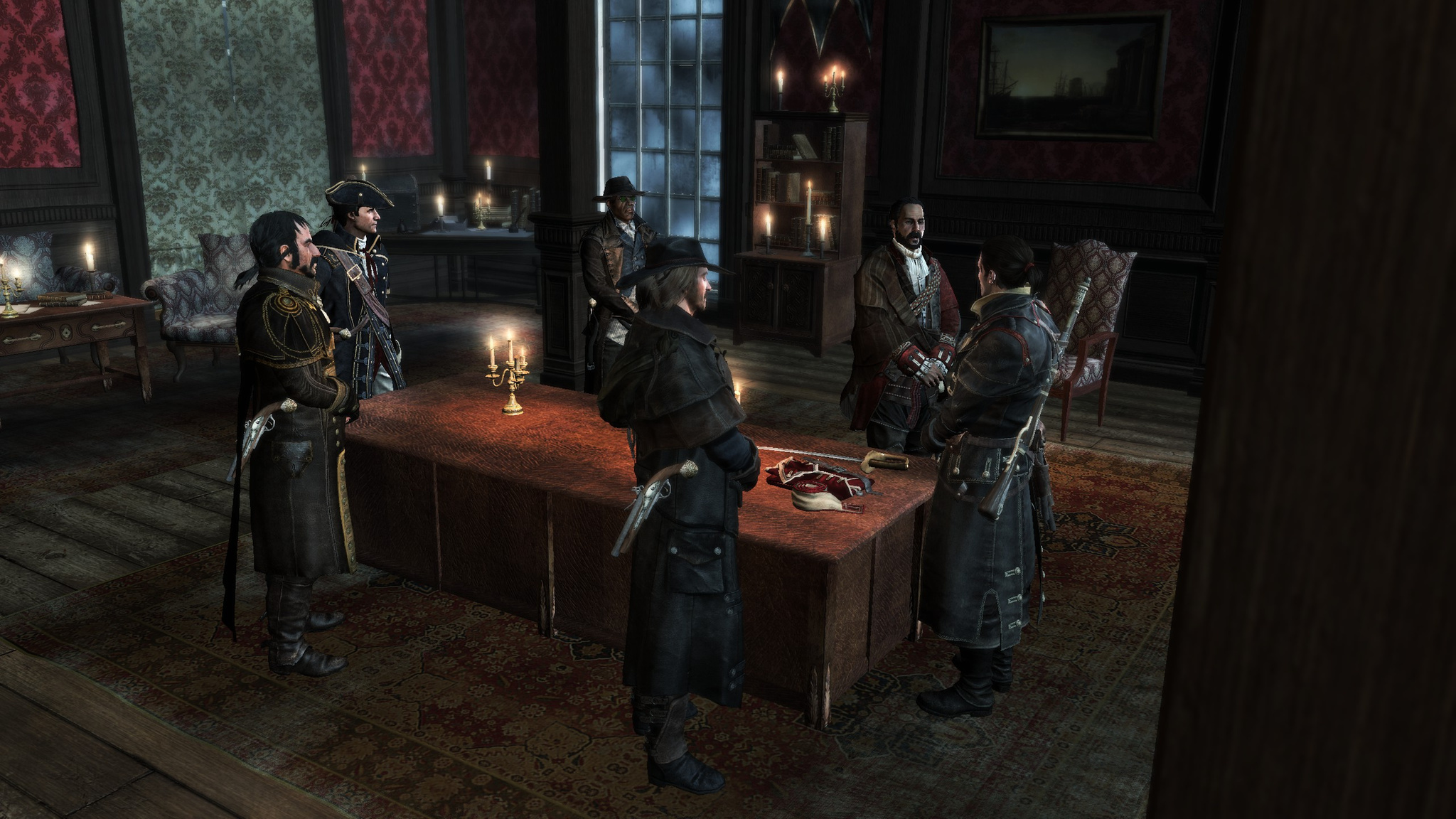
I finally finished the latest installment in the Assassin's Creed series so far.
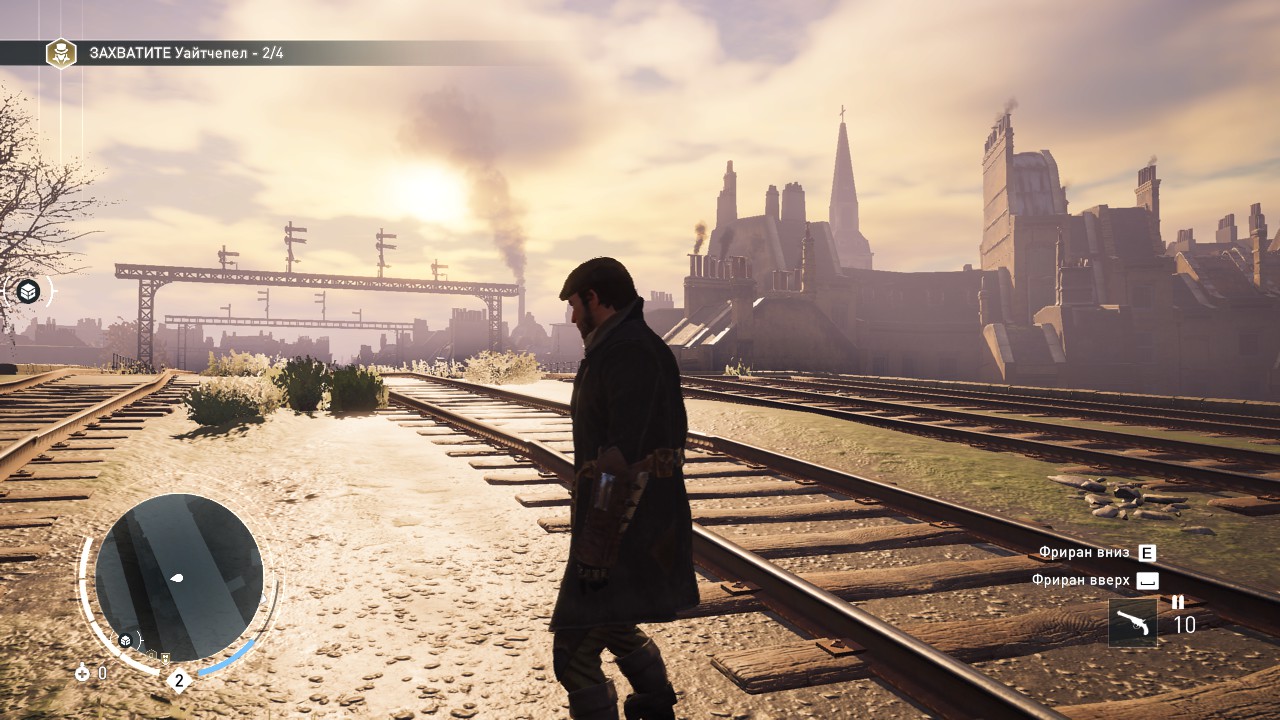
As far as I understand, the game is built on the same engine as Assassin's Creed Unity — the same parkour system that lets you run over obstacles both upward and downward, a similar assassination mission structure with several entry points and extra sub-objectives or different ways to approach the target, skill upgrades, and so on.
This installment is, in my opinion, colorful, successful and interesting. Definitely one of the best in the whole series. However, there was one thing that confused me right away.
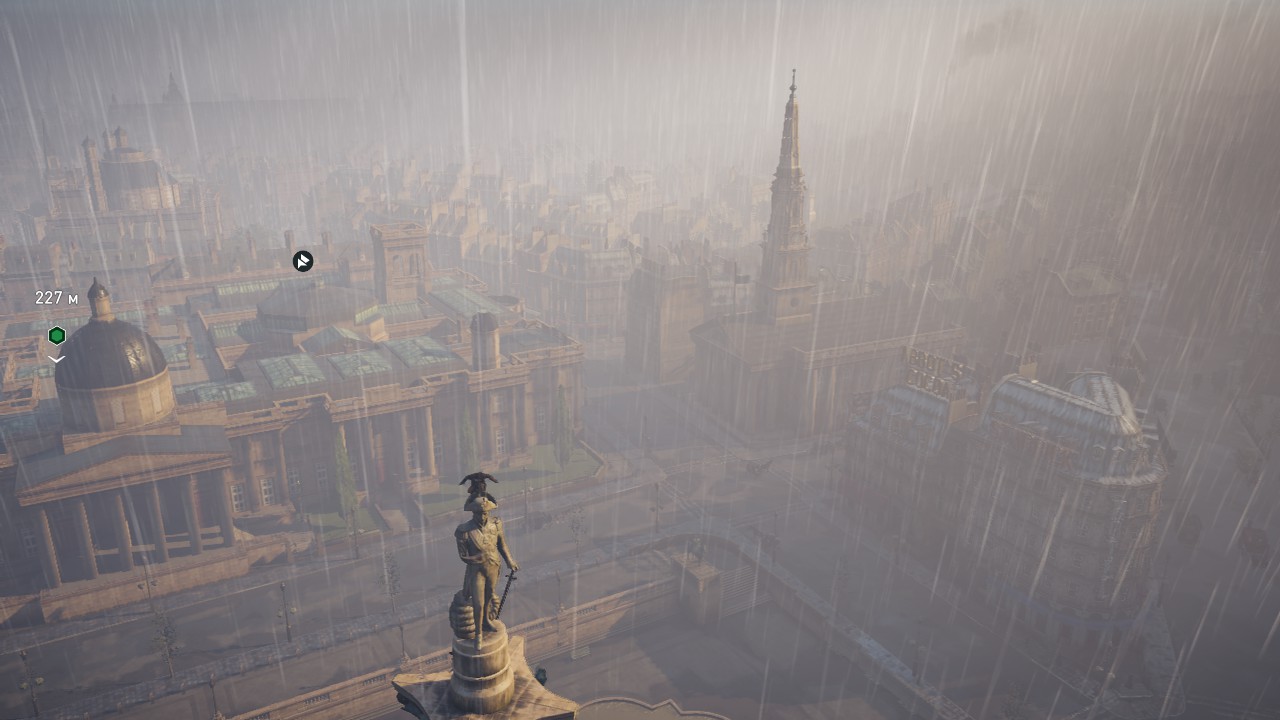
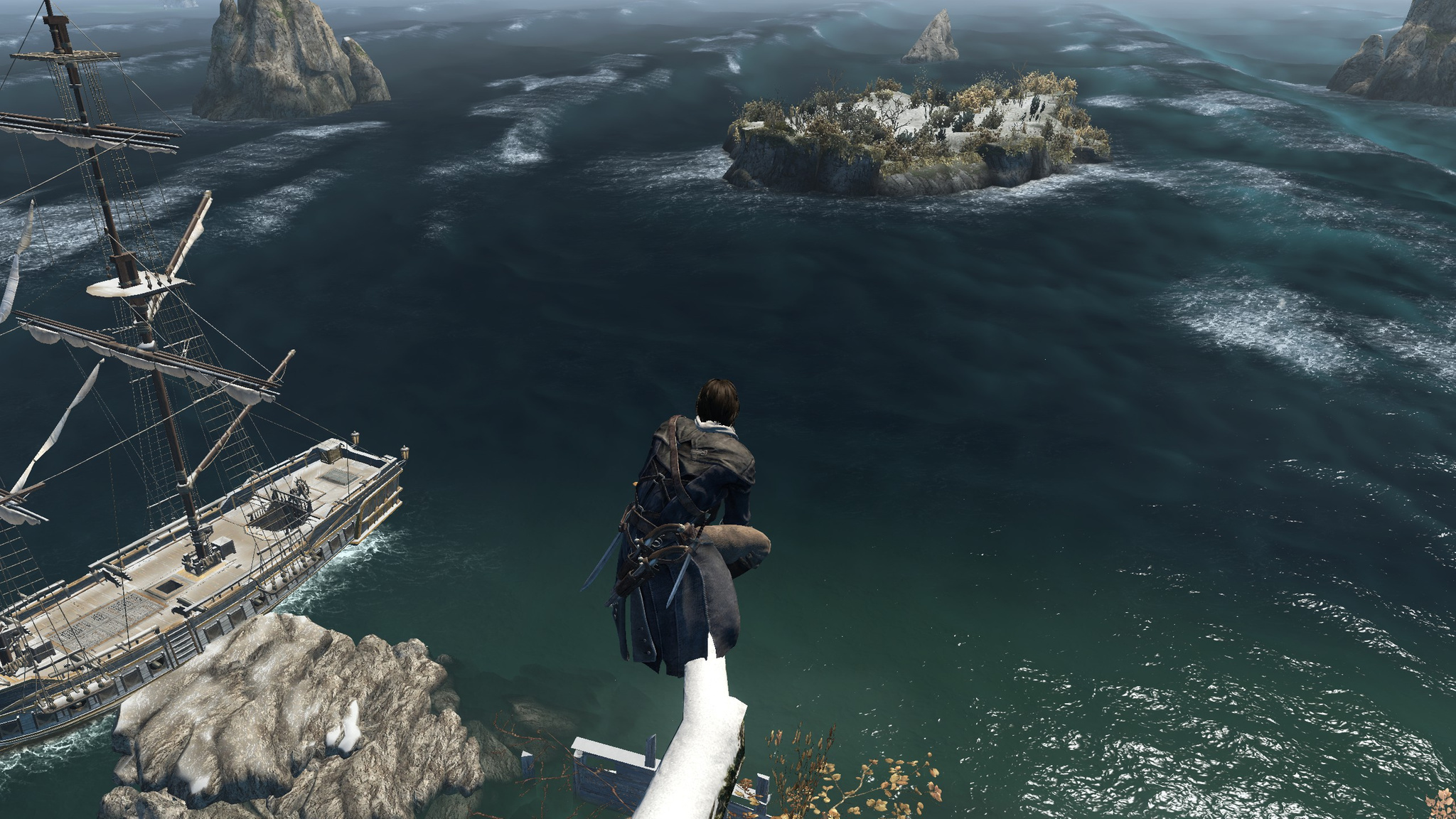
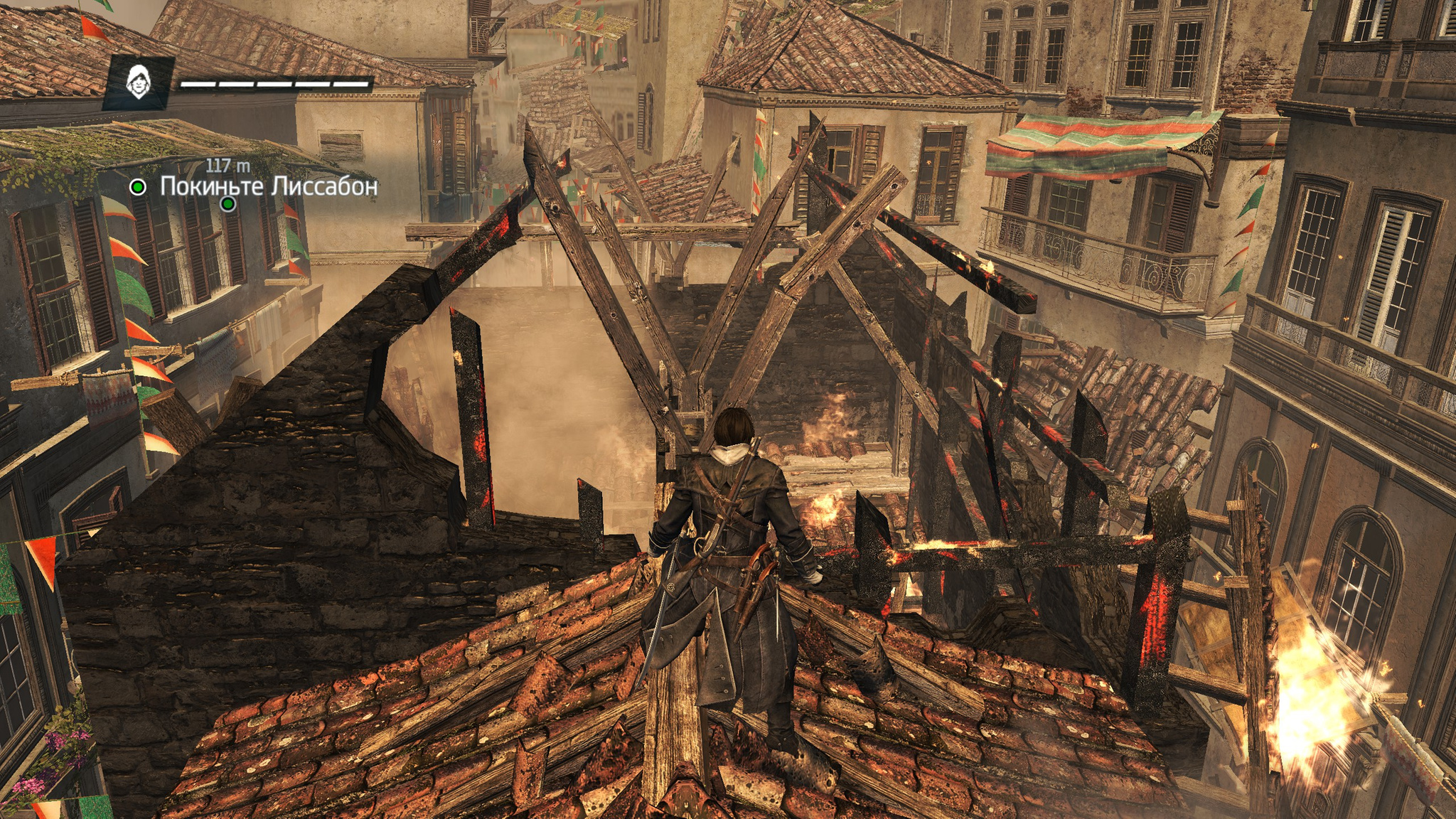
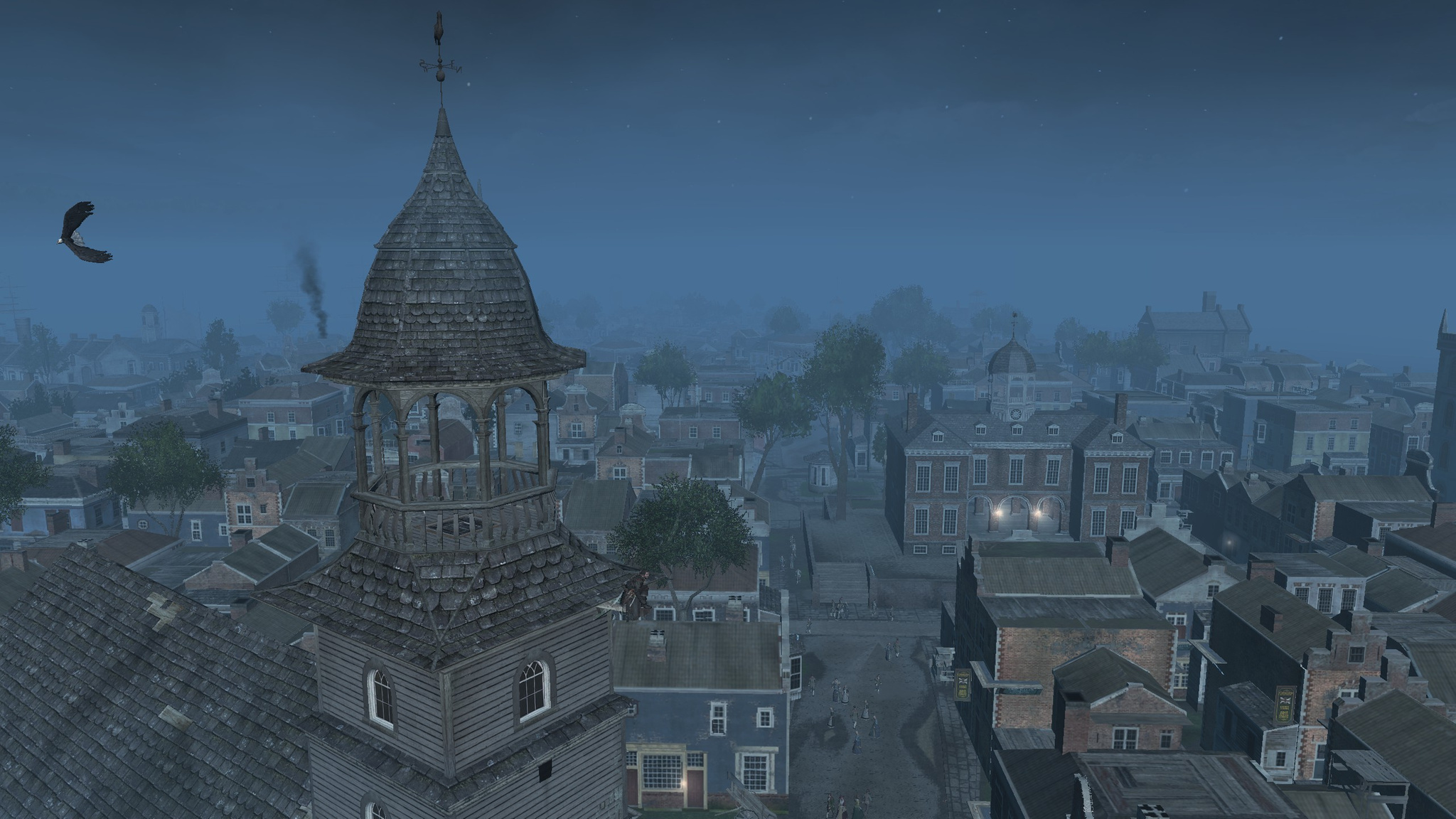
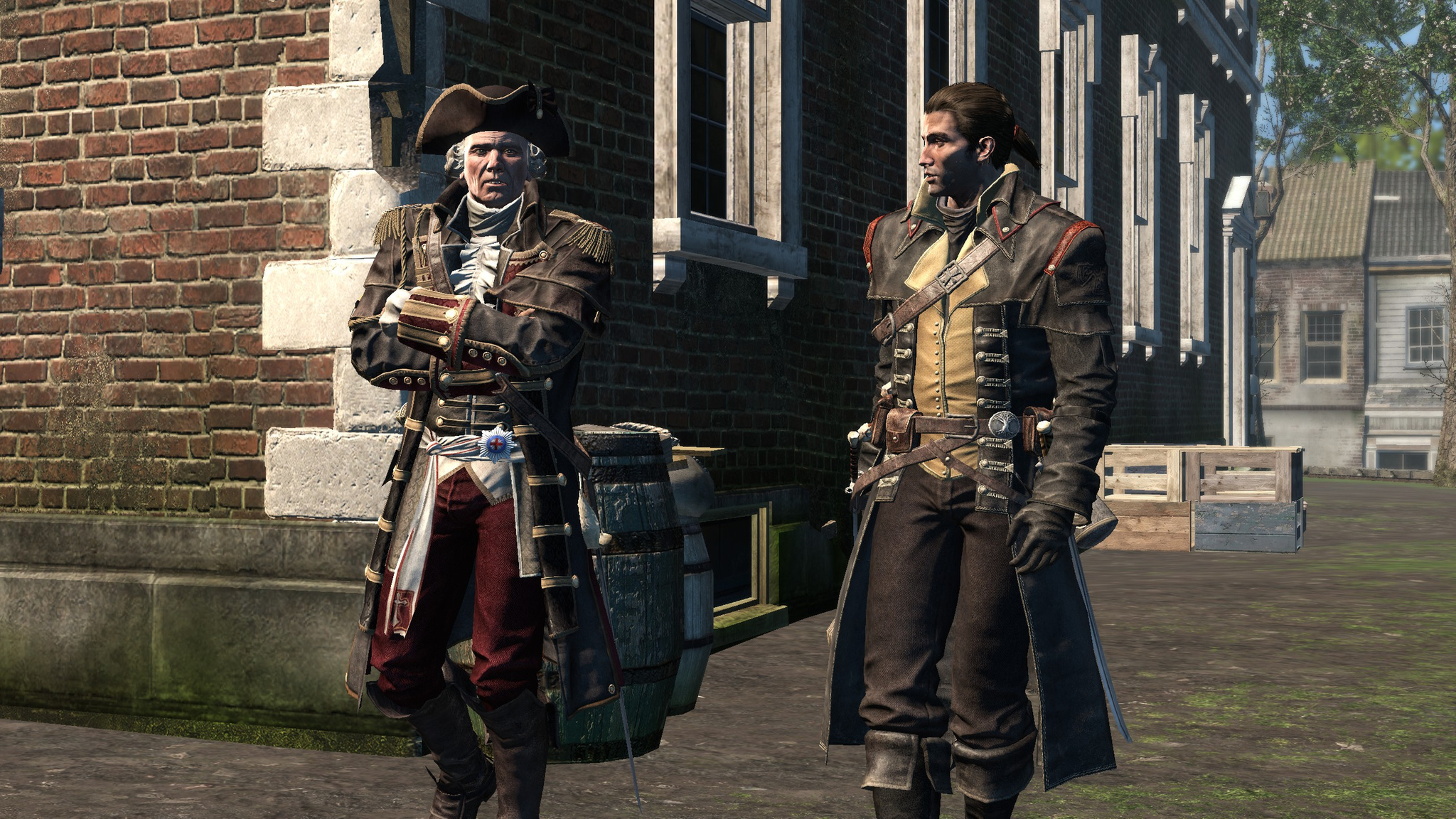
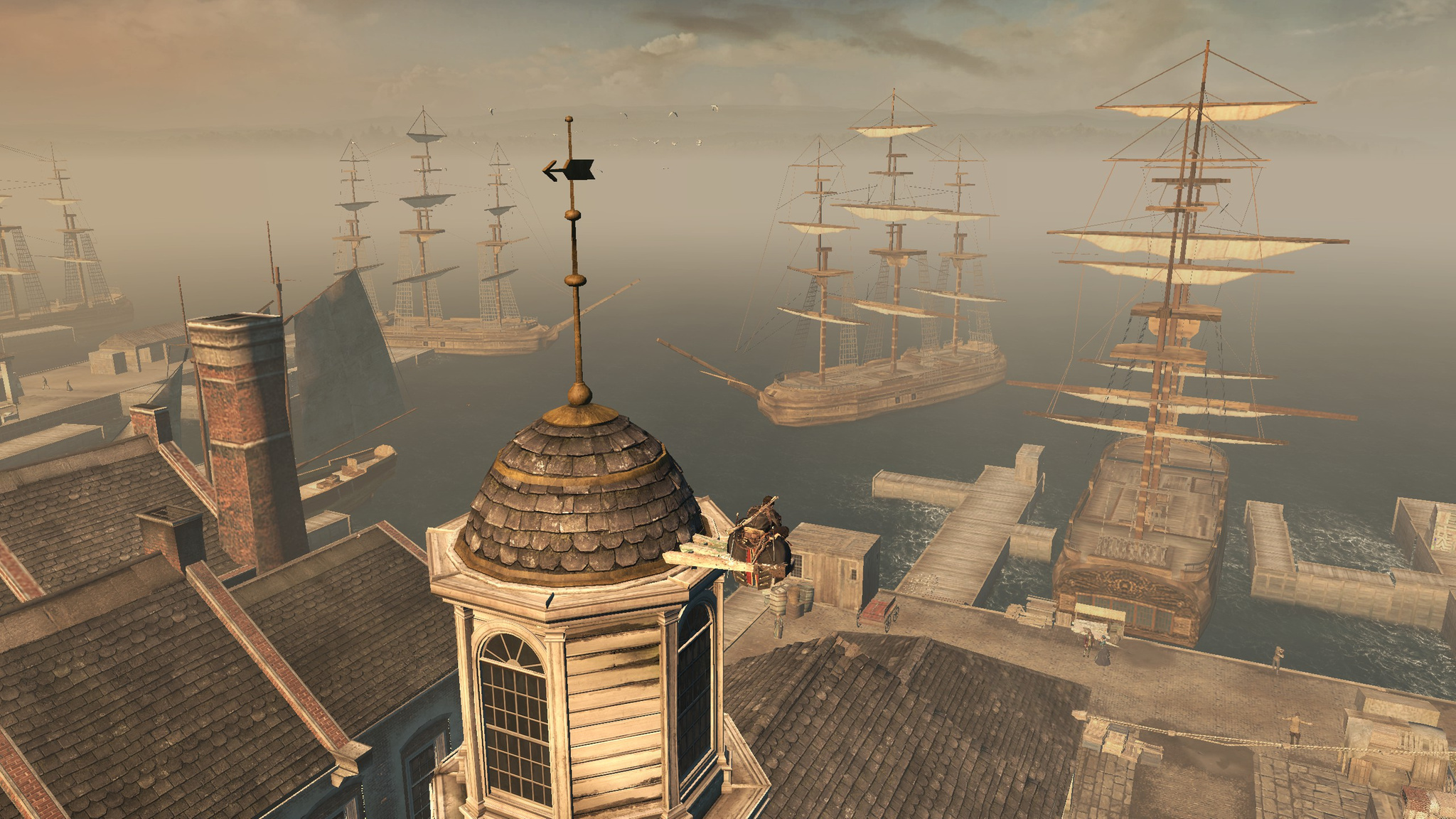
As soon as I launched the game, I immediately noticed that the graphics detail was awful and the screen resolution looked very low. I went into the graphics settings in the game and was stunned. For some reason the game says that my 2 GB of video memory is only enough for the lowest graphics settings and a resolution of 1280x720. That is terrible — none of the previous installments made demands like that. I understand that my video card is not top-end (AMD Radeon R9 M395X), but it is not so weak that it should deliver such miserable graphics in this game. All the previous installments played perfectly and looked great, while here it is a total failure, with completely insane GPU requirements.
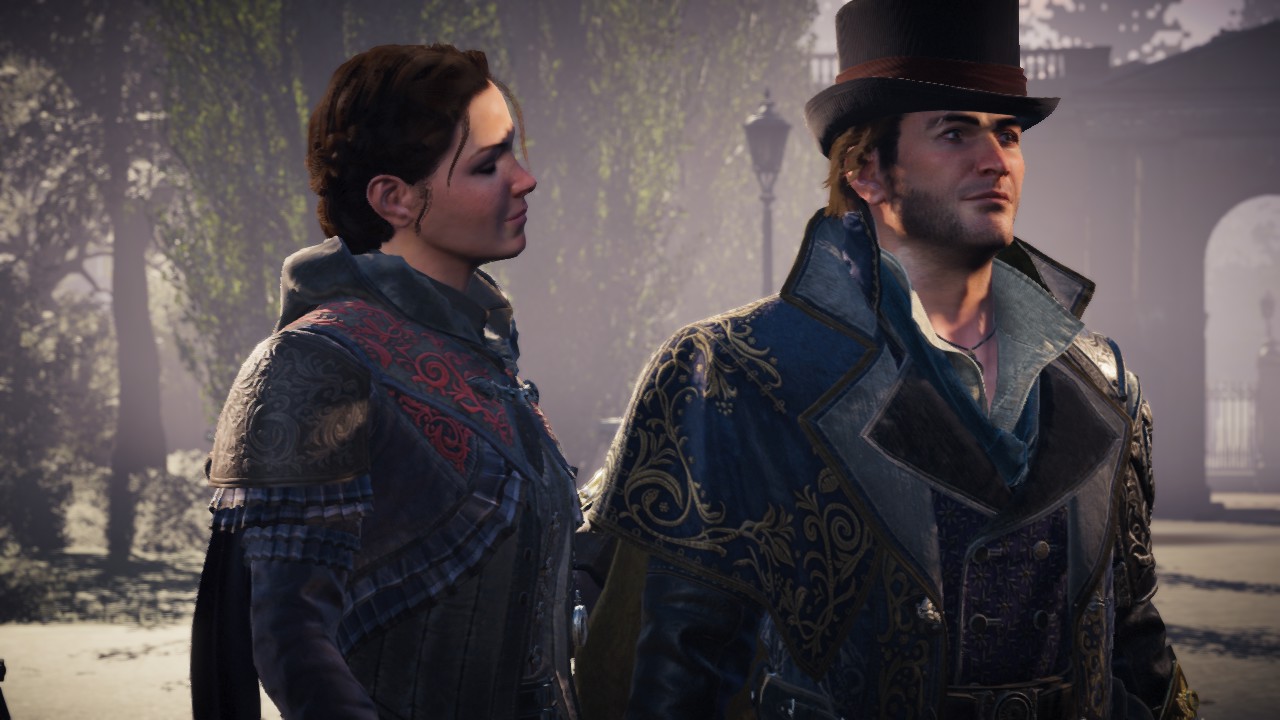
The story is great. The game takes place in nineteenth-century London, and the main characters are Jacob and Evie Frye. The twins decide to take matters into their own hands and head for London, which is entirely under Templar control, to find a Piece of Eden instead of sitting idle and merely following orders from the Assassin Brotherhood.
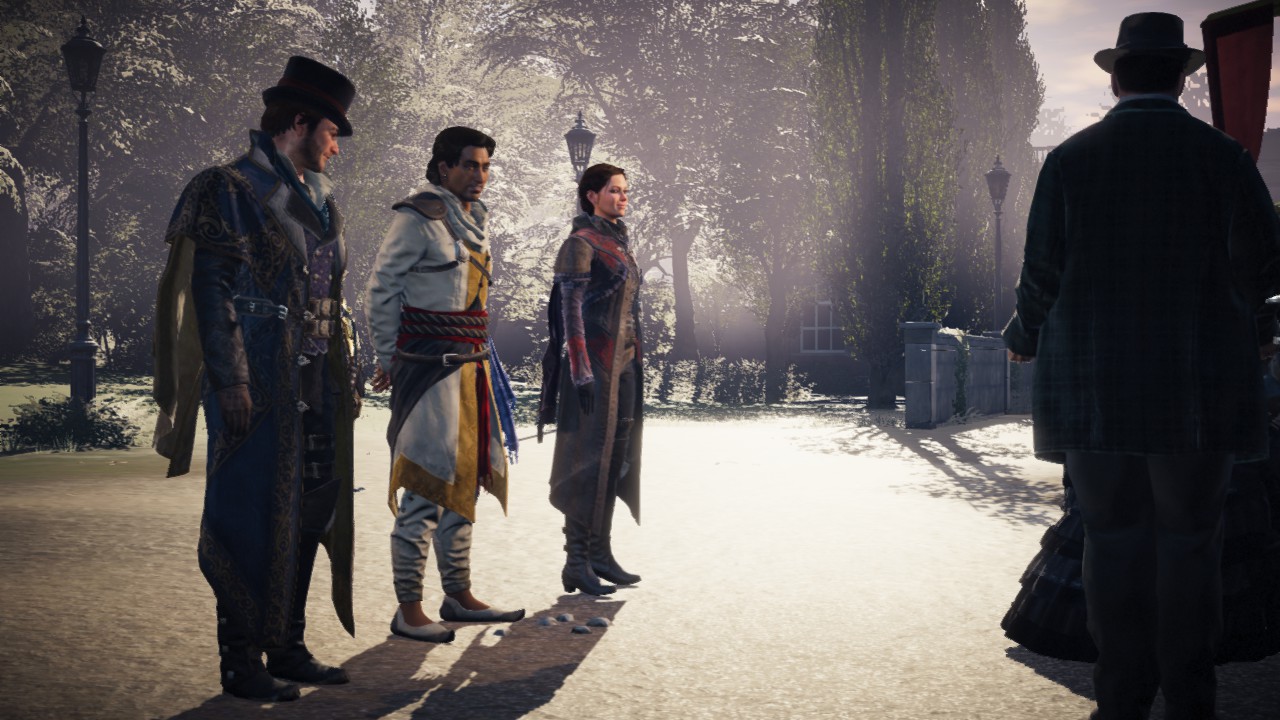
By the way, that Brotherhood appears only once in the entire game, demanding that Jacob and Evie follow its instructions strictly and stop getting involved on their own. After that it disappears from the game entirely, and there is only one "local" Assassin left — an Indian working in London.
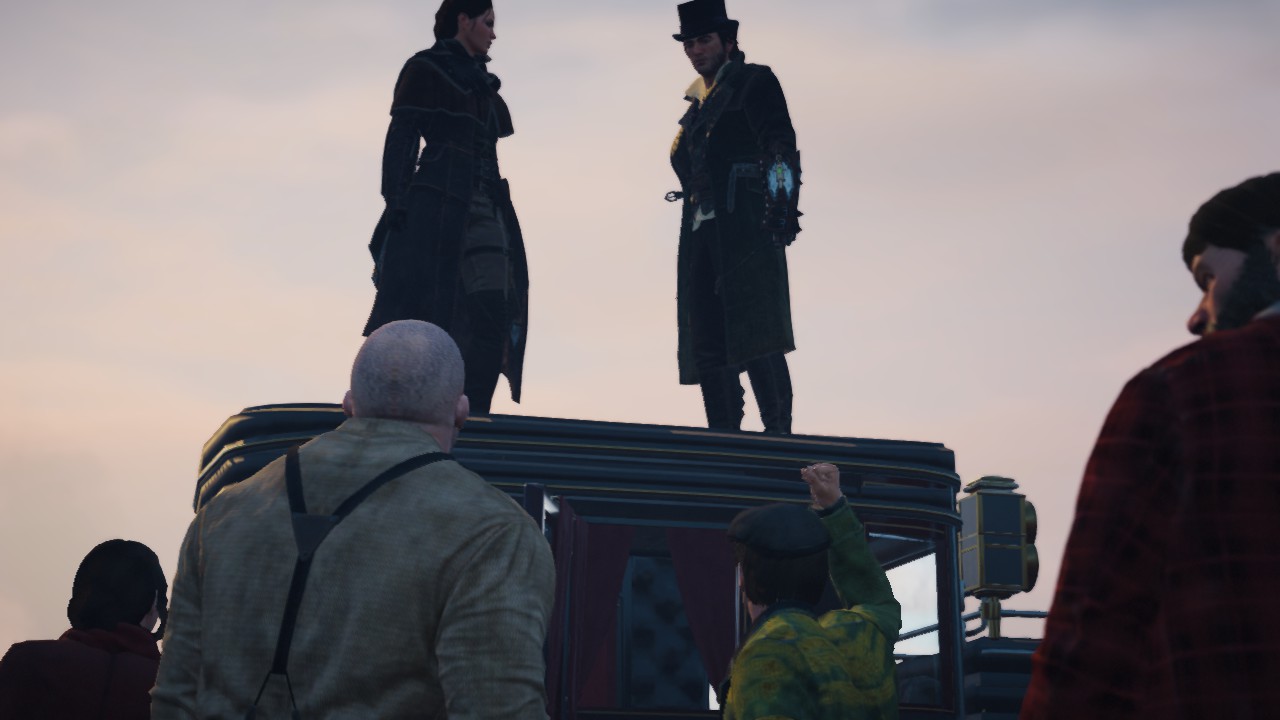
Jacob immediately decides to stir things up in the city. Since the Templars rule all of London through their gang, the Hanging Men, then the answer is to create your own gang and take the city back from them. Evie periodically reproaches him for indulging in the joys of a criminal life. The game is generally very good in terms of humor :)
Accordingly, the game has a fair amount of freedom of action. You can follow the main story by completing story missions, or you can do various parallel storylines. As usual, they feature historical figures such as Dickens, Darwin, and even Queen Victoria. On top of that, you can capture districts of London by doing, again, a set of missions. At first this is very impressive and looks very interesting. But after capturing 2–3 districts it becomes dull and routine. The missions themselves are interesting, but there are too many samey ones.
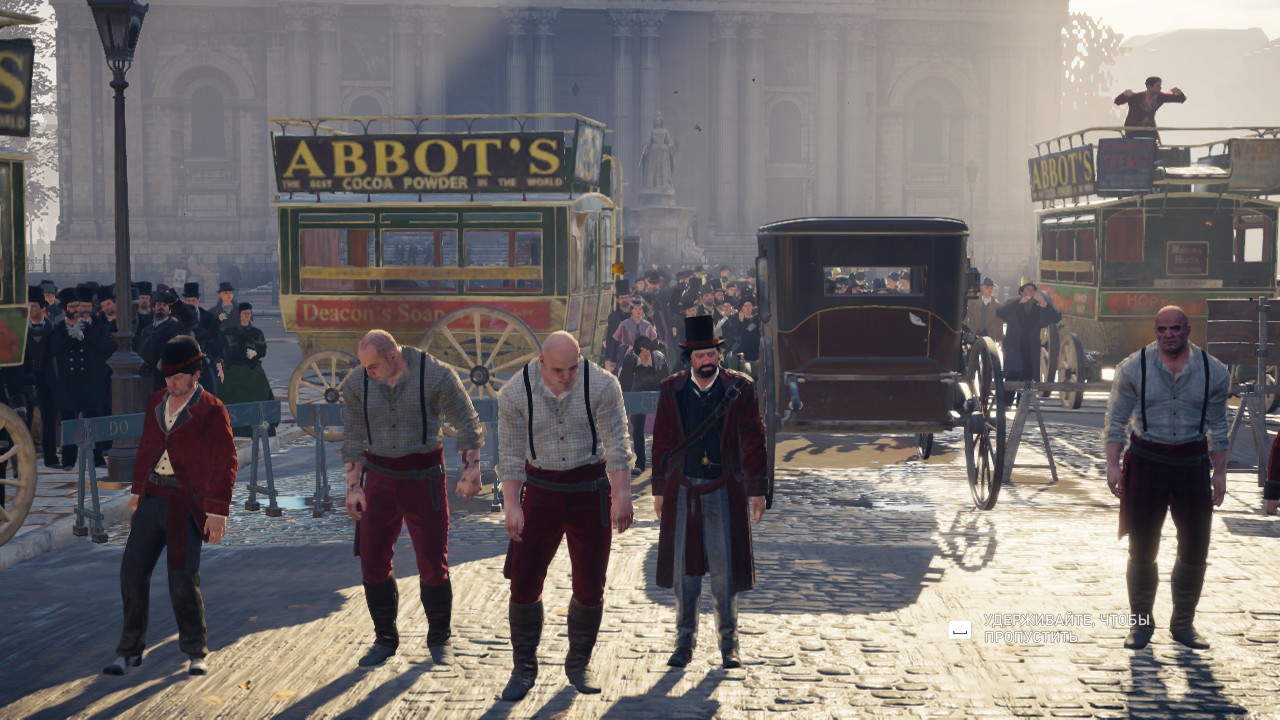
The game is not as colorful visually as Black Flag, but it is interesting, bloody, and has the gray atmosphere of London. On top of that, it introduces several really cool new features.
The hook. London streets are wide, in many places you cannot jump across the street, and rooftop movement is no longer as easy as it was in the early games. So we are given a grappling gun — the heroes simply fire it at the destination point and slide along the taut line. Convenient, though not especially realistic :)
Carriages. Finally, you can move around the city by transport. It immediately reminded me of GTA. You can get into any carriage — one standing empty or one driving down the street by throwing the coachman off it. Riding a carriage is much faster, and a route to the destination is drawn right on the road, showing where to drive and where to turn, taking traffic direction into account — practically GPS in augmented reality. On top of that, you can climb onto carriages and fight on them while moving. That is great: you no longer have to spend half an hour running to your destination, since the synchronization points used for fast travel are rather far apart in this game.
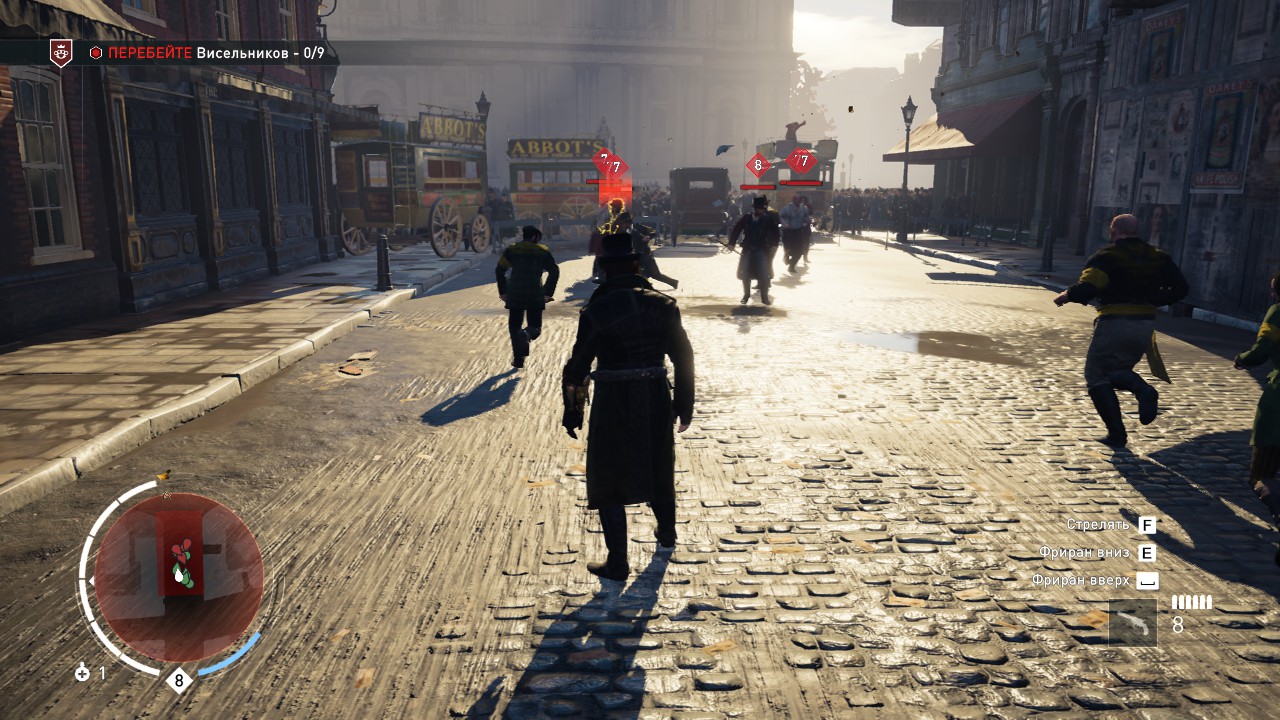
The gang. Members of the protagonists' gang, the Rooks, wear green, so you can always recognize them. You can take gang members along with you so they follow you. The squad size increases as you progress through the game and upgrade the gang skill tree. The gang has its own separate skill tree, and all bonuses apply specifically to the fighters — new fighter types, higher level (and strength), and so on. And the brawls during district captures, with big gangs fighting each other using brass knuckles and knives, are beautiful. In general it is very satisfying to gather a crowd and send it to beat up another crowd while you, for example, quietly slip somewhere under the noise.
Money plays an important role in the game. With money you can buy weapons, equipment and clothing. Everything can be upgraded, increasing your heroes' stats (strength, stealth, and so on).
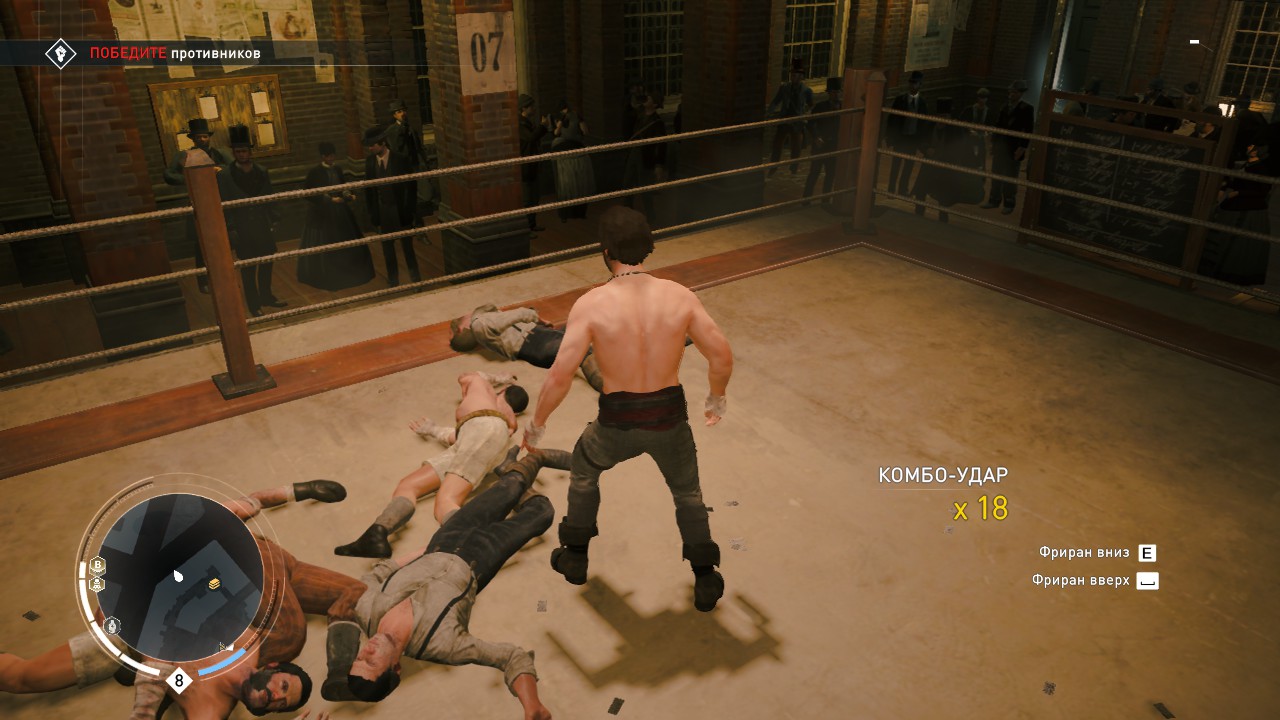
You can also earn money through side activities — for example, I took part in boxing matches where you have to defeat several waves of opponents in fistfights. It looks great :) Besides that, you can rob, steal, and even rob a train. Or earn some money in carriage races if you are short.
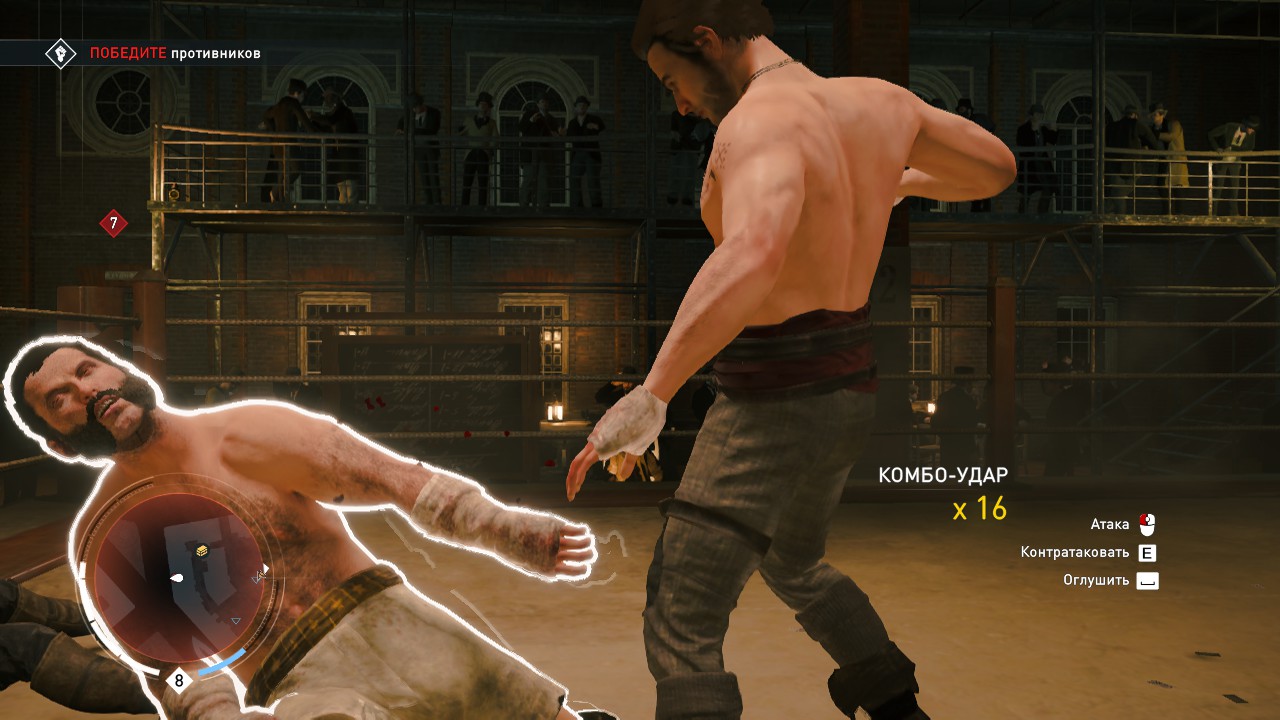
The fights in the game look good, but combat has been simplified too much. Block, hit, block, hit. Almost monotonous button pressing. The only variety is the ability to shoot an opponent, throw some kind of grenade, or perform double and triple takedowns. Yes, it looks cool when during a finisher the hero kicks an enemy into the water, but you want to create some action yourself too. The fights are rather boring.
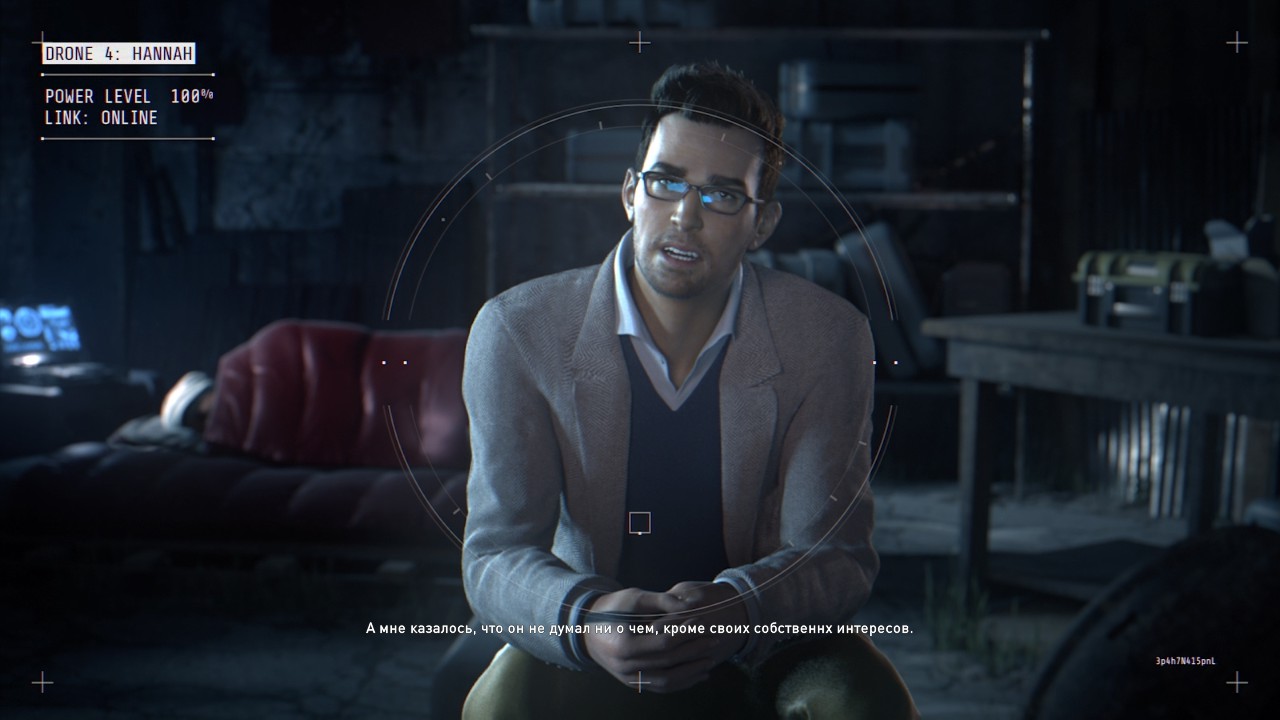
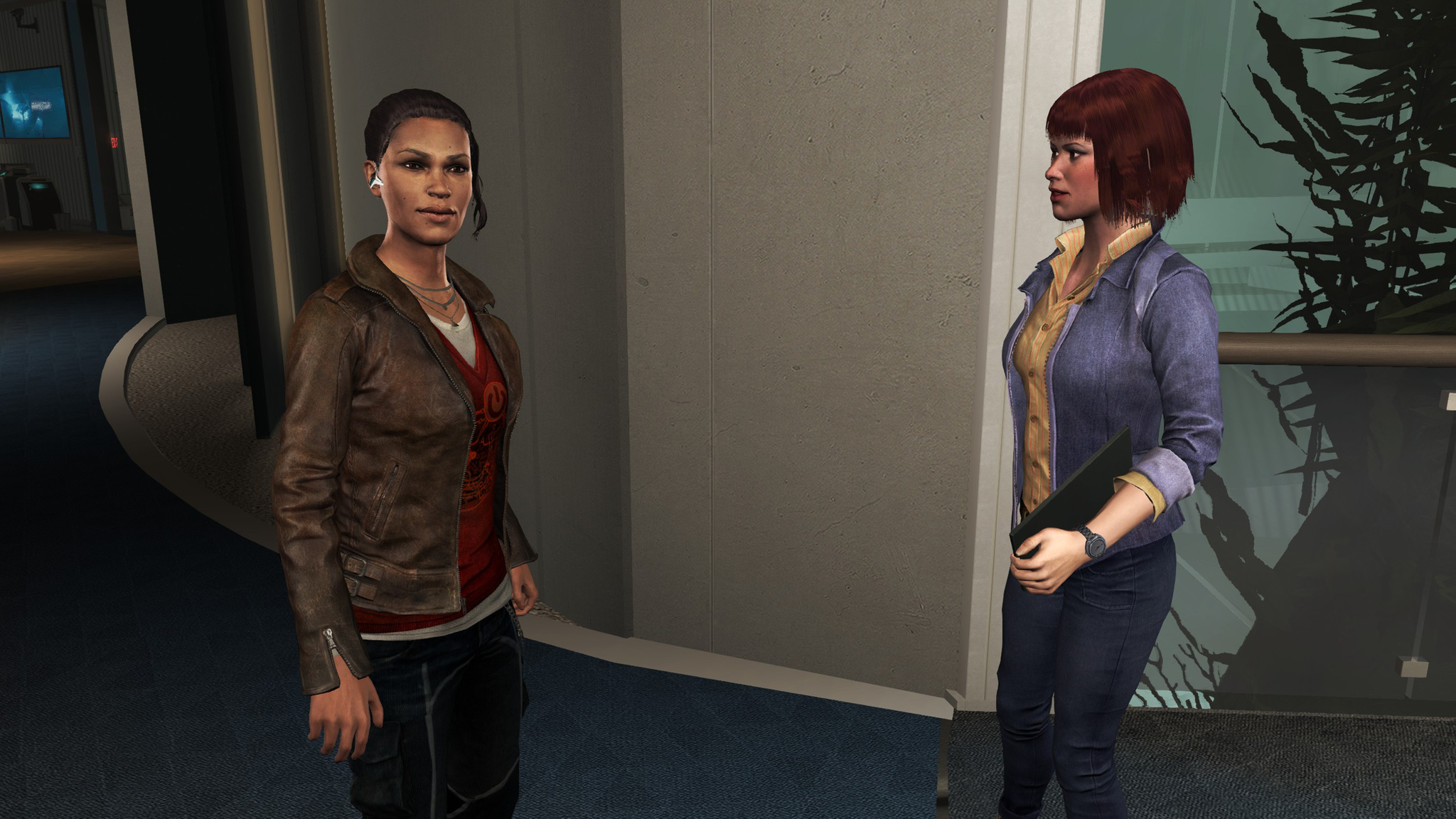
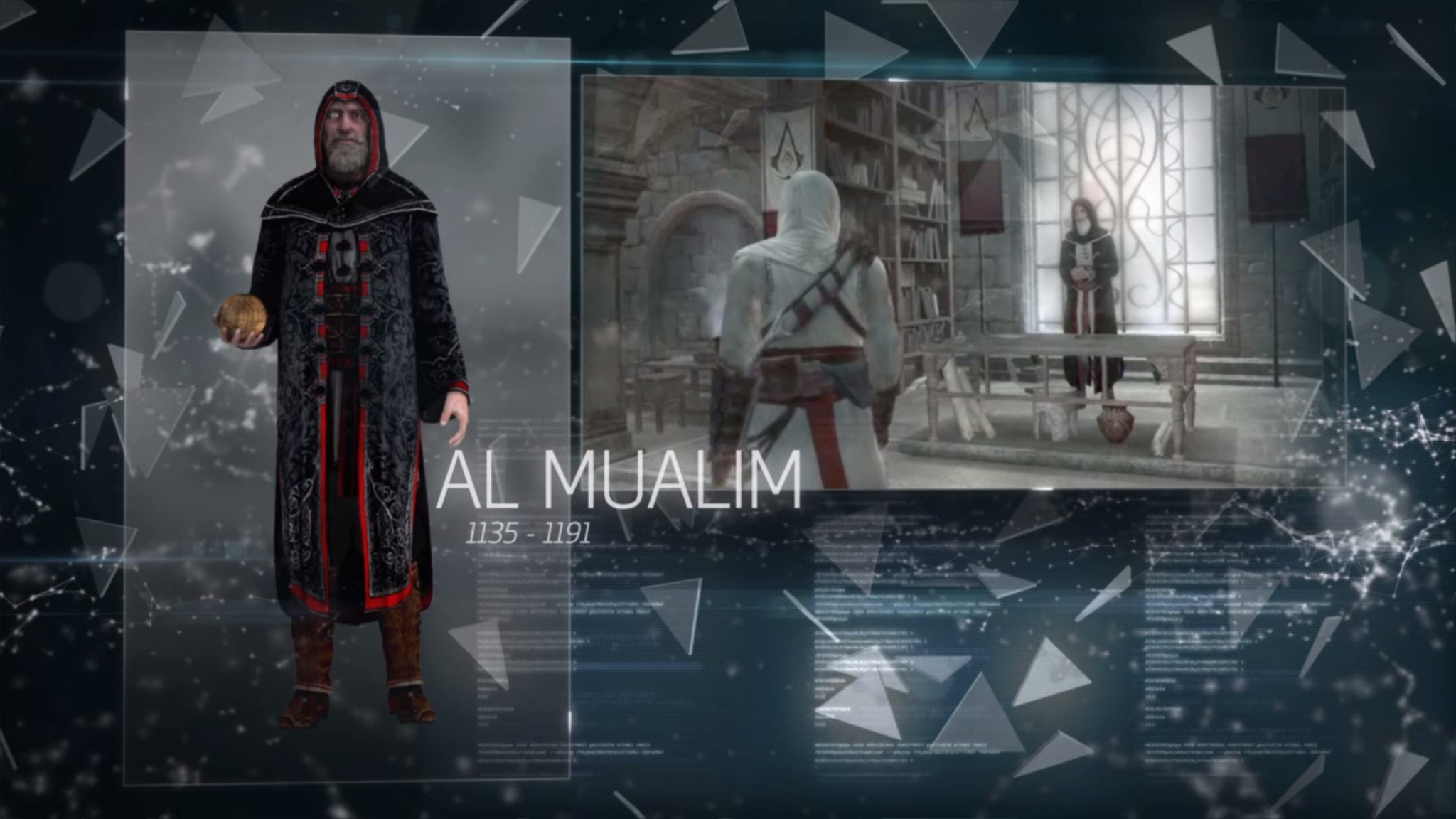
The modern-day storyline is present, but only in the form of various videos. There is little of it, it is unclear, and you do not participate in anything. I do not like that.
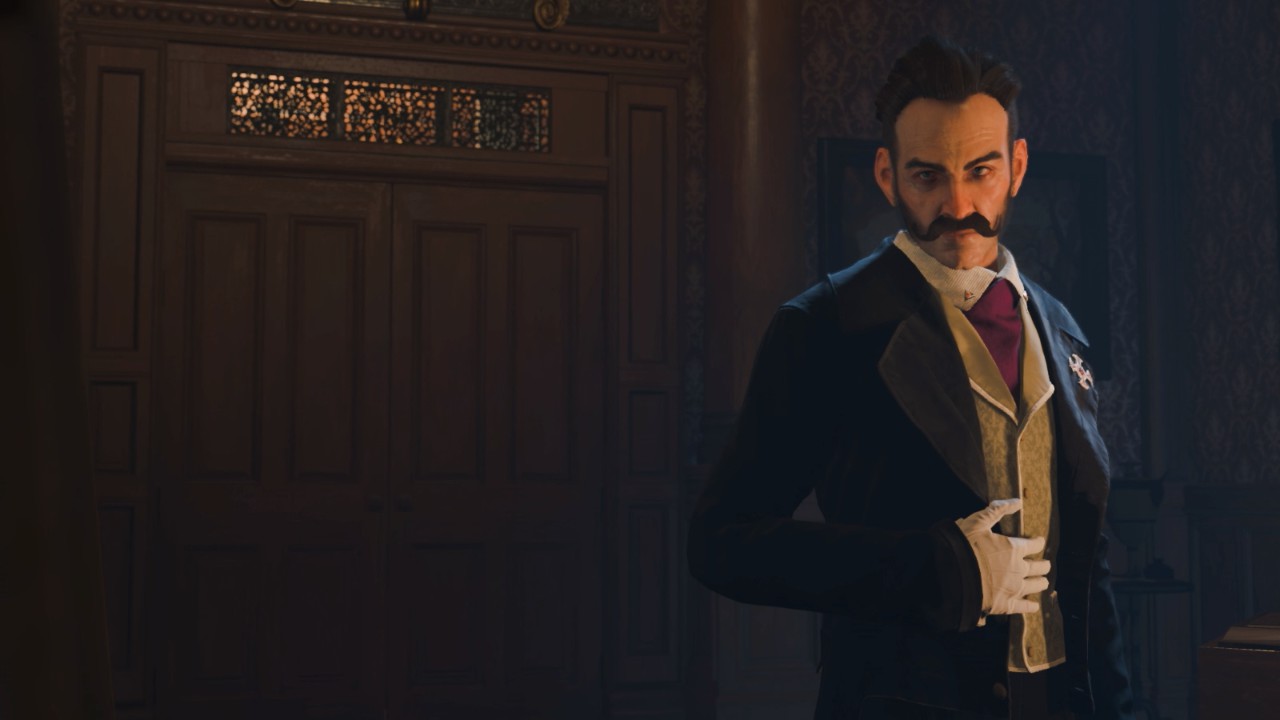
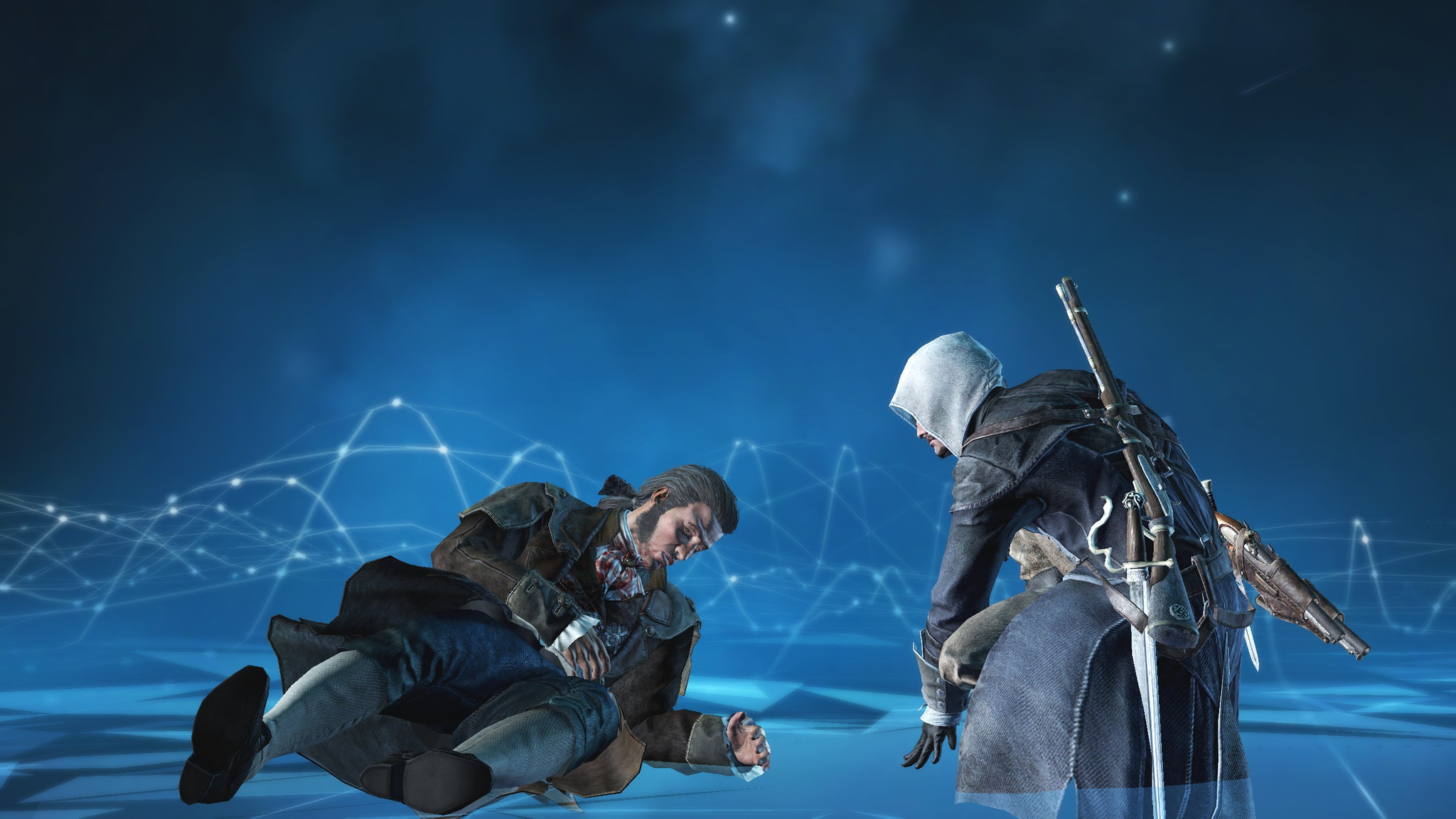
The main villain is kind of lame. He just sits there doing nothing, not even really giving orders to his helpers. Passive, he starts doing anything only at the very end of the game. That becomes the final battle, made to a familiar pattern — in many installments the ending follows the same scheme: find a First Civilization temple, find the artifact, then defeat the main villain who now has the artifact in his hands (that is, a superpower) while trying not to die from some incomprehensible First Civilization technology. In this installment, however, all of that is made more interesting by the fact that there are two heroes in the game at once.
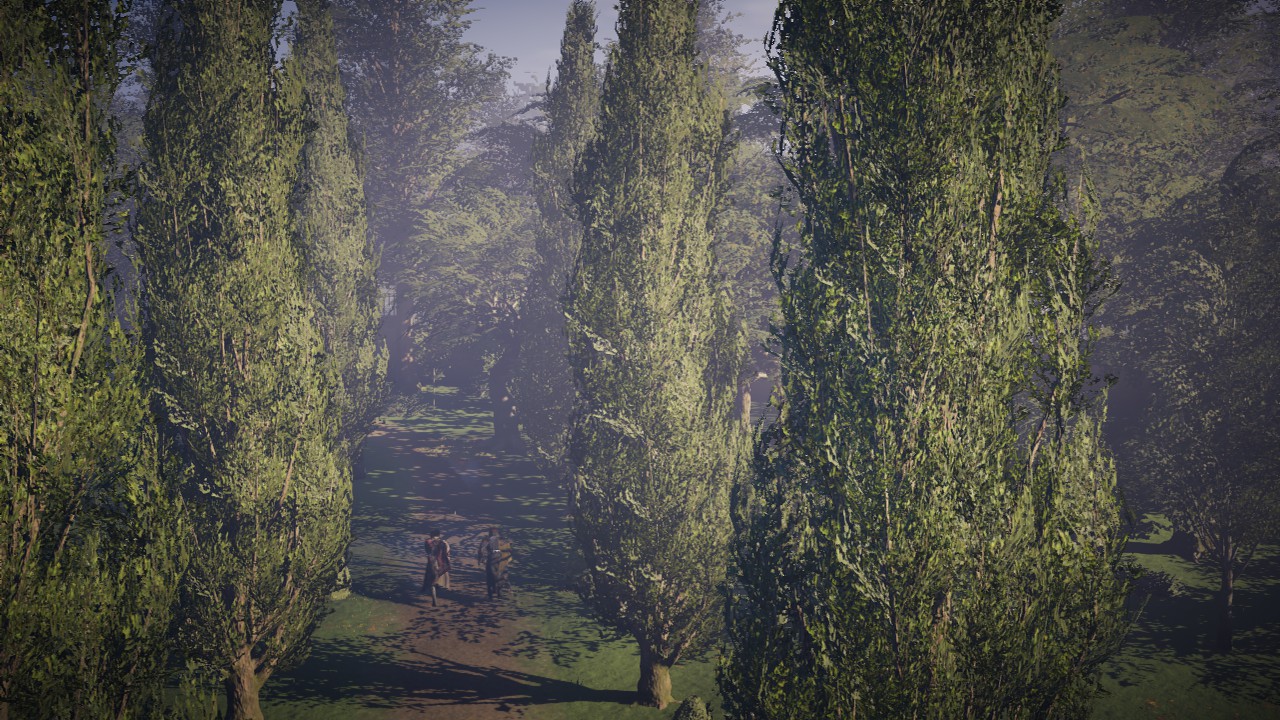
Overall the game is good and it was interesting to play. Just like in Unity, there is a separate storyline dedicated to World War I. Only while in Unity the action was in Paris, here it is in London. It is interesting, but short. I think I spent most of my time on side missions and parallel storylines, barely touching the main plot. And the main plot itself is rather short, so the extra variety does not hurt.
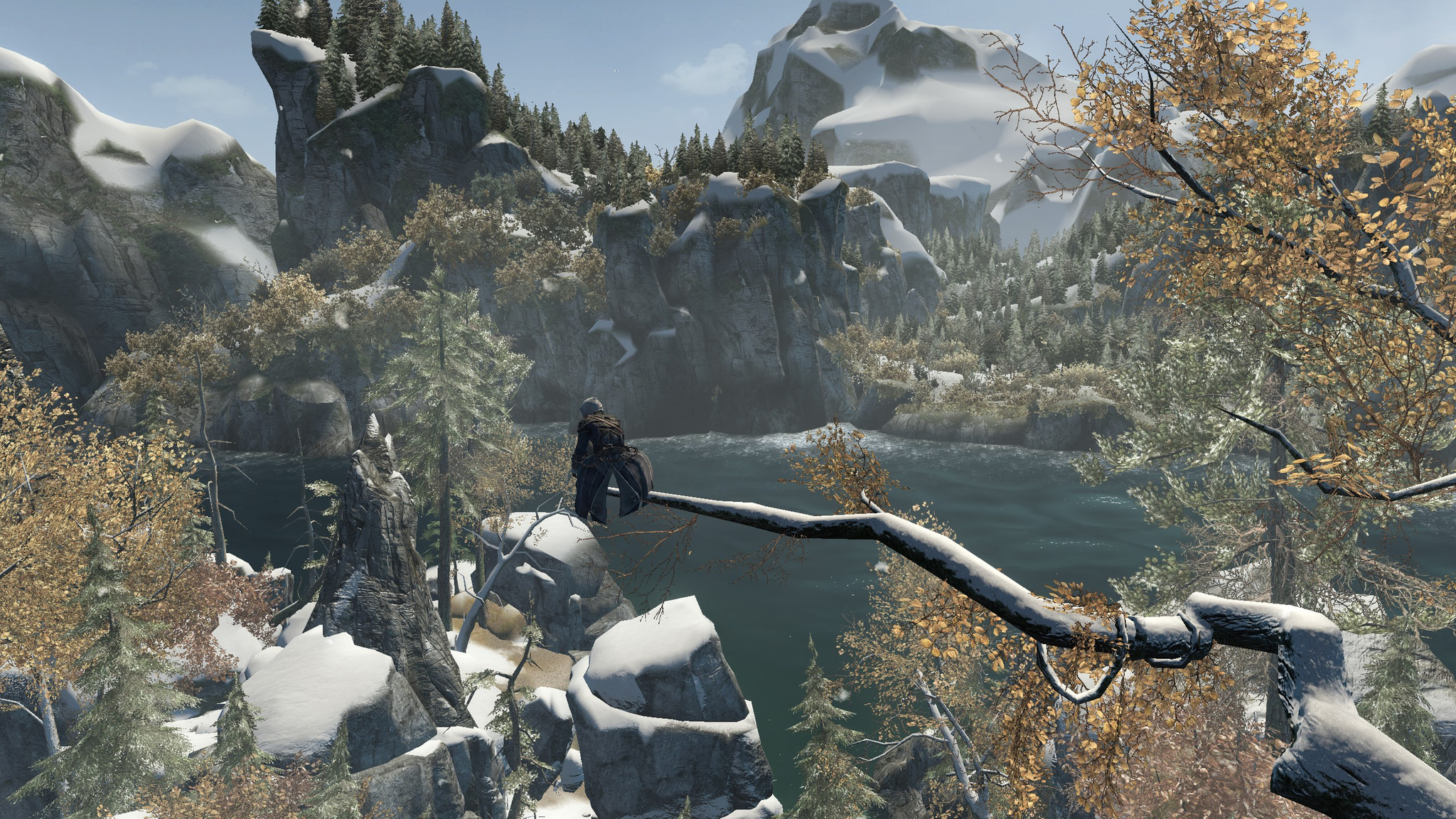
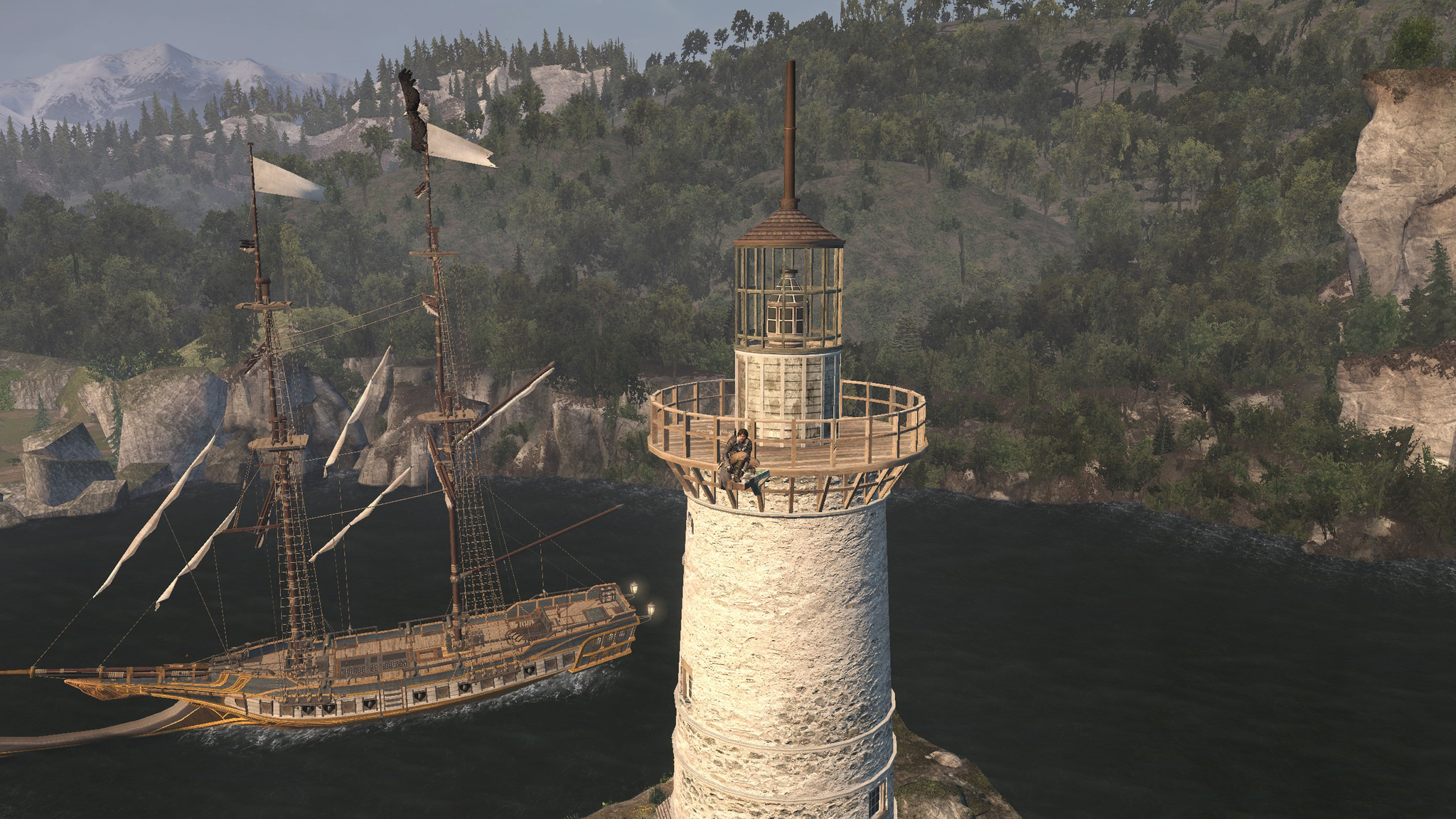
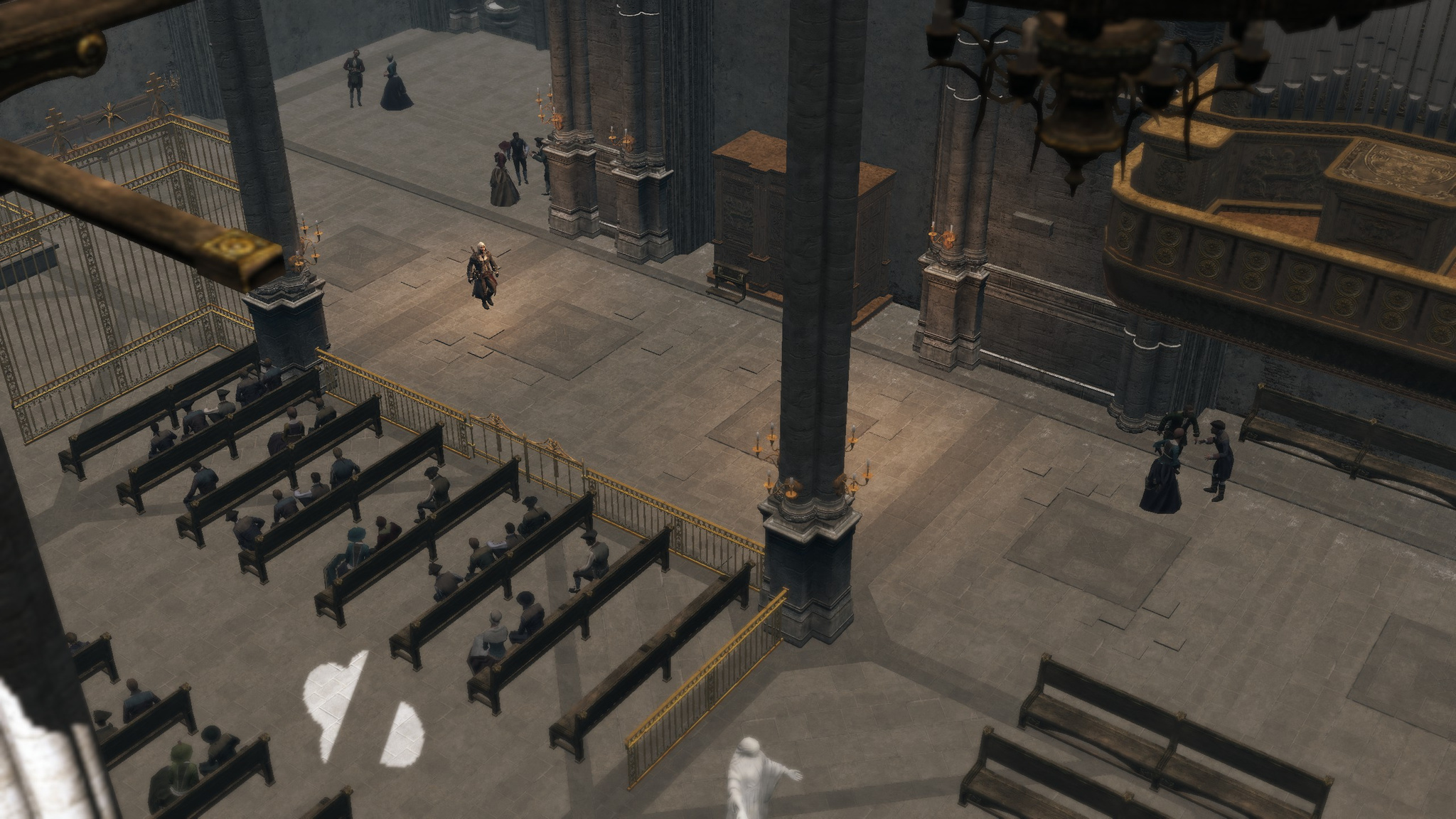
The game is cool. If only it did not have such insane graphics requirements. I look at my screenshots and everything looks really sad. Especially compared to AC IV Black Flag. At first I thought maybe they would optimize it in later updates, but nope: the game has been out for a long time already, and Ubisoft is most likely busy making the next installment, rumors of a June announcement of which have already appeared.
Up next is DLC for this installment. Thankfully Ubisoft had a sale this weekend, so I stocked up :)