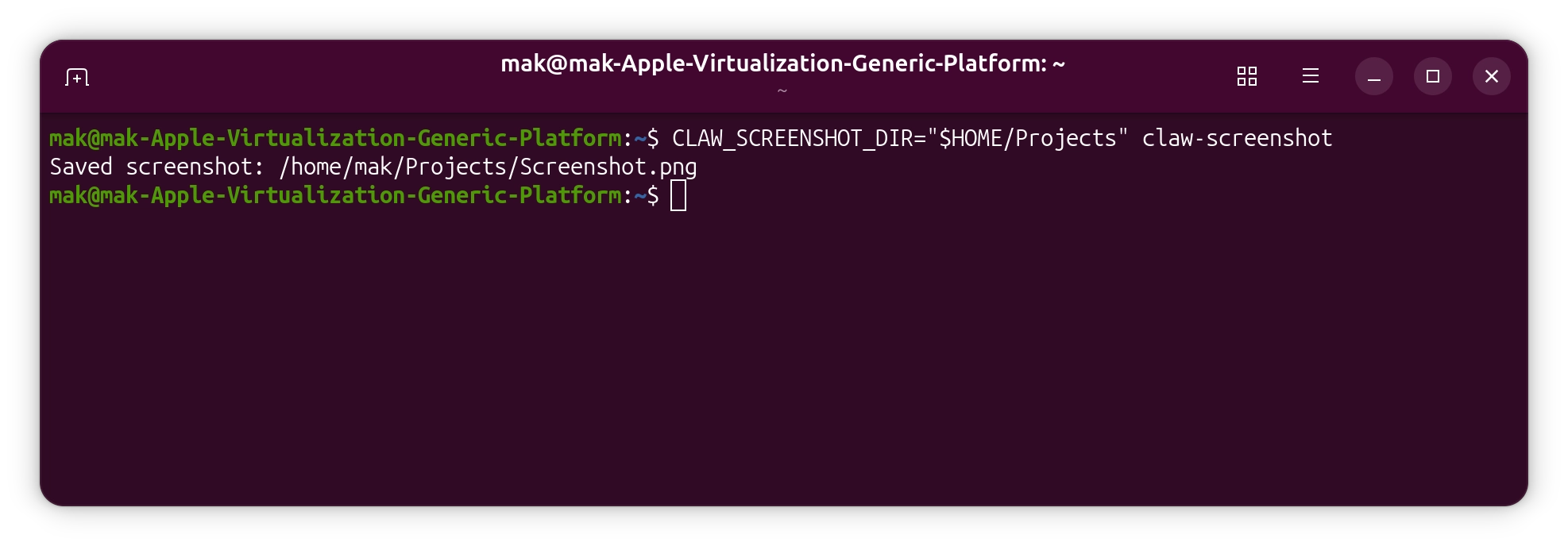
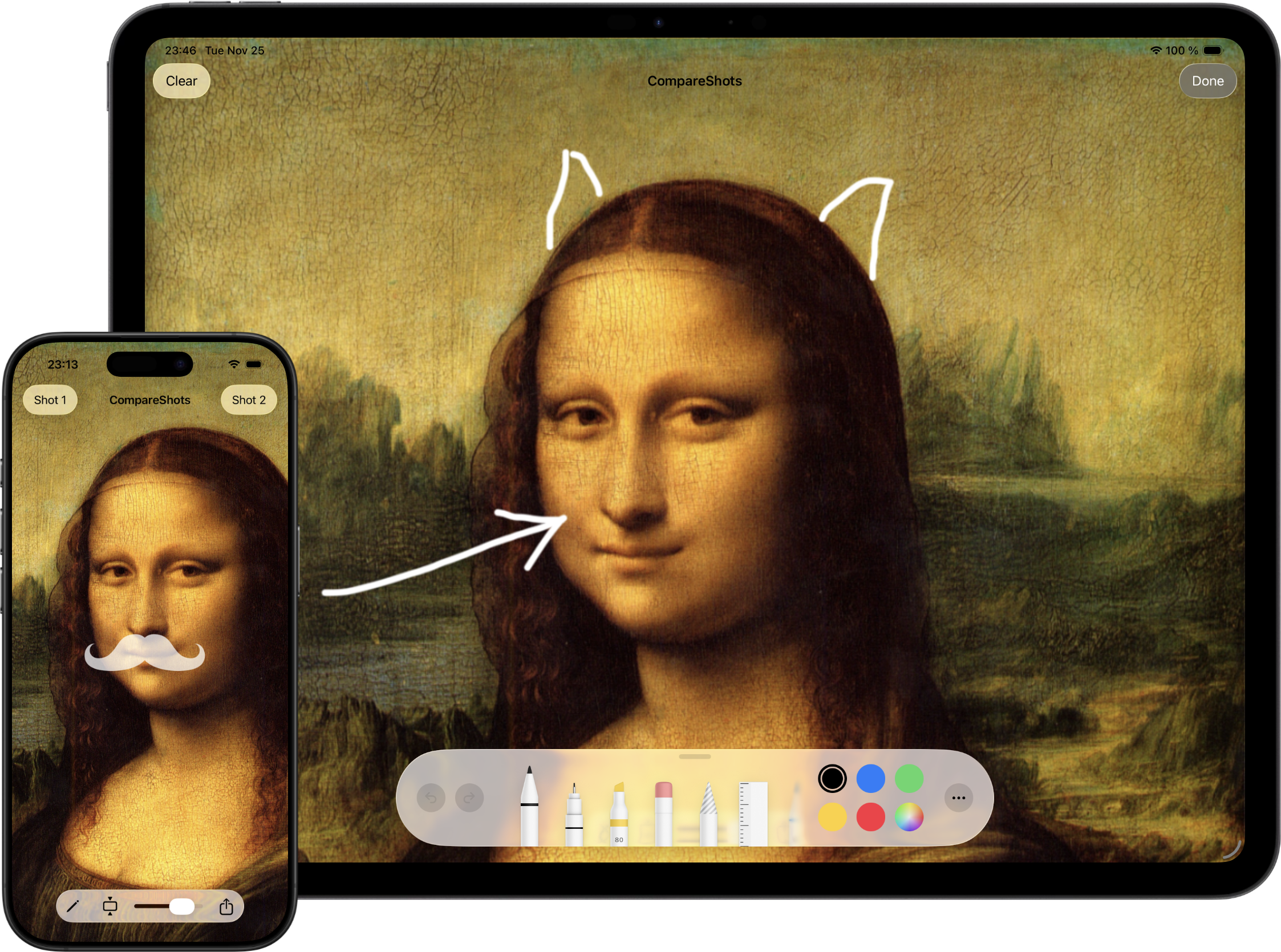
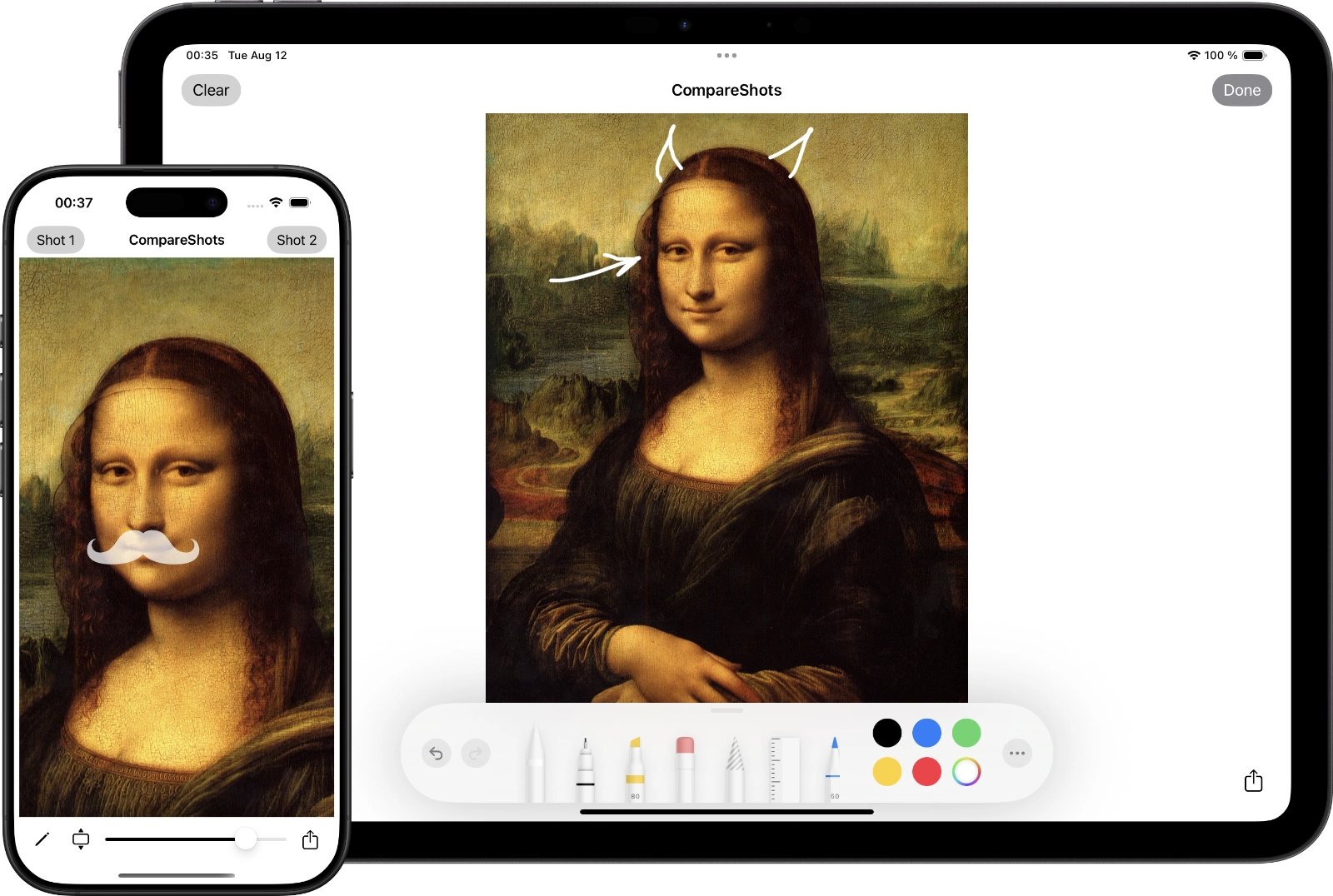
This week I've released a new version of CompareShots. Nothing special, just updated the user interface to support Liquid Glass. Also, sharing the result image will not capture UI elements anymore.
Hard to believe, but this year CompareShots turns 10 years old. Time runs fast.
Actioneer is a native GNOME desktop client for GitHub Actions. It combines a GTK4/libadwaita interface with a Tokio-powered API client so you can browse repositories, inspect workflow runs, watch job logs, and receive notifications without leaving your desktop.
Key features
Browse your GitHub repositories and view Actions workflows and recent runs quickly.
Inspect run status (success, failure, queued, in progress) with clear badges and counts.
View job logs: download and preview run logs for quick troubleshooting.
Dispatch workflows, cancel running workflows, and re-run failed runs directly from the app.
Favorites and quick search let you focus on the repositories and workflows that matter most.
Desktop notifications for run completions and failures so you never miss important results.
In-memory caching and efficient refresh make the app responsive while respecting GitHub rate limits.
Secure authentication using OAuth, tokens are stored securely in keyring.
Acntioneer for Linux is an open source project, source code is available on GitHub.
Actioneer — a lightweight macOS app for developers and DevOps engineers who want fast, reliable access to GitHub Actions from the desktop.
Key features
Browse your GitHub repositories and view Actions workflows and recent runs quickly.
Inspect run status (success, failure, queued, in progress) with clear badges and counts.
View job logs: download and preview run logs for quick troubleshooting.
Dispatch workflows, cancel running workflows, and re-run failed runs directly from the app.
Favorites and quick search let you focus on the repositories and workflows that matter most.
Desktop notifications for run completions and failures so you never miss important results.
In-memory caching and efficient refresh make the app responsive while respecting GitHub rate limits.
Secure authentication using OAuth (PKCE); tokens are stored securely in the macOS Keychain.
Privacy & security
We only request minimum GitHub scopes required for the features you use. Authentication uses OAuth PKCE and tokens are stored in the macOS Keychain. We do not send your logs or tokens to third-party servers without your explicit consent. See the app’s Privacy Policy for details.
Getting started
Sign in with your GitHub account (OAuth), grant the requested scopes, and the app will list your repositories and workflows. For CI/CD administrators and individual developers alike, Actioneer makes monitoring and simple management of GitHub Actions fast and convenient.
Recently, I've implemented a feature that I wanted to add to the CouchDB Swift client for a long time. It's Mango Queries support. Finally, it is done in 2.3.0. Feels like the last remaining big feature.
Changelog:
Introduced a robust and type-safe MangoQuery API for building complex selectors, projections, sorting, and pagination in CouchDB.
Added support for specifying indexes via useIndex in queries to optimize performance.
Added first-class support for uploading, downloading, and deleting document attachments (files/images).
Comprehensive Attachments API test suite ensures reliability for file operations.
Added models and API for creating, listing, and managing Mango indexes (MangoIndex, IndexDefinition).
Tutorial and code samples for creating indexes are now included in documentation.
Added support for CouchDB Mango _explain endpoint via MangoExplainResponse to inspect how queries are executed and which indexes are used.